 0xdsm/juumla
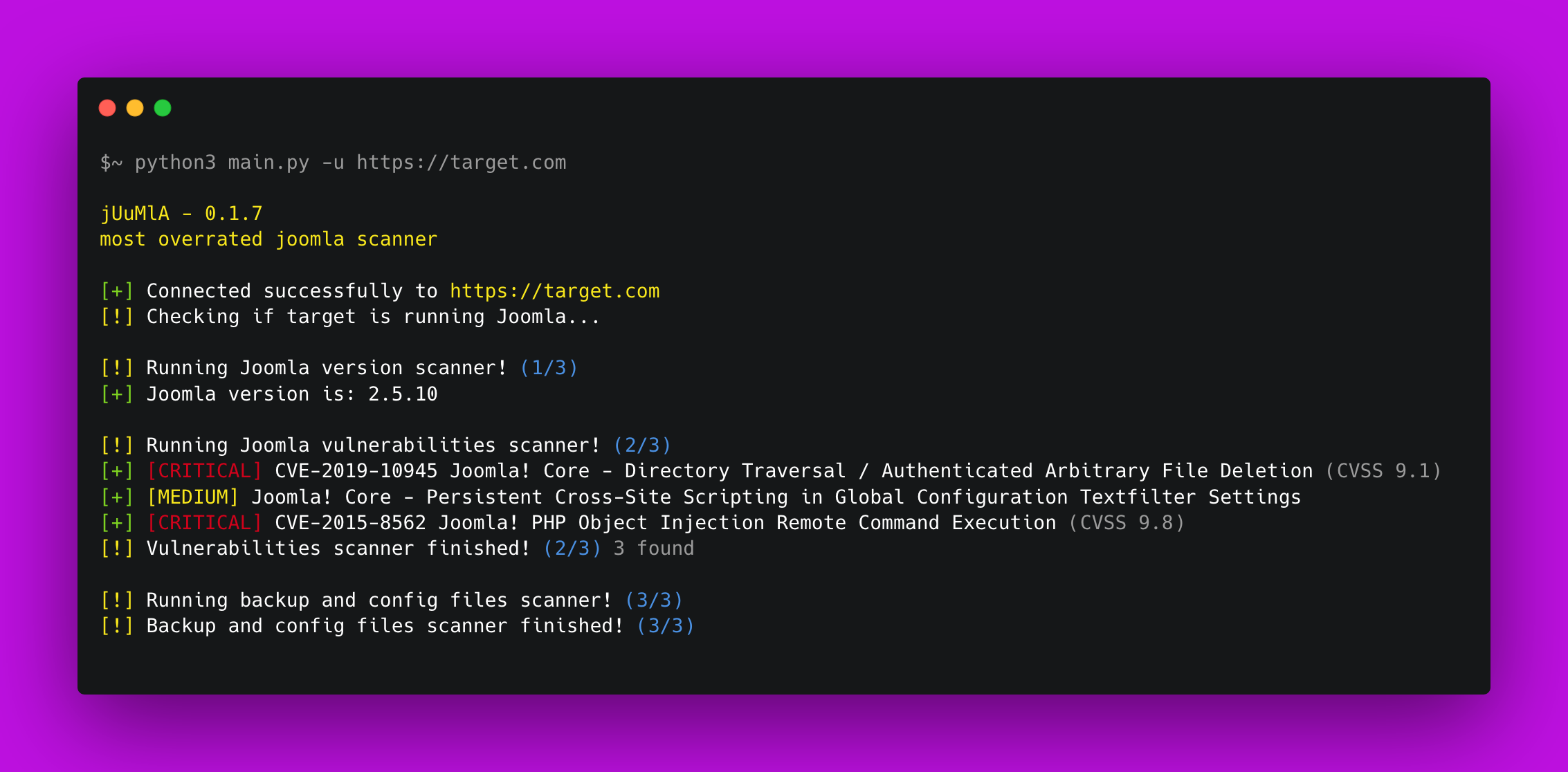
🦁 Joomla CMS 프로젝트와 관련된 취약점을 식별하고 스캔하는 Python 프로젝트입니다. 일반적인 잘못된 구성과 공개 취약점을 스캔합니다.

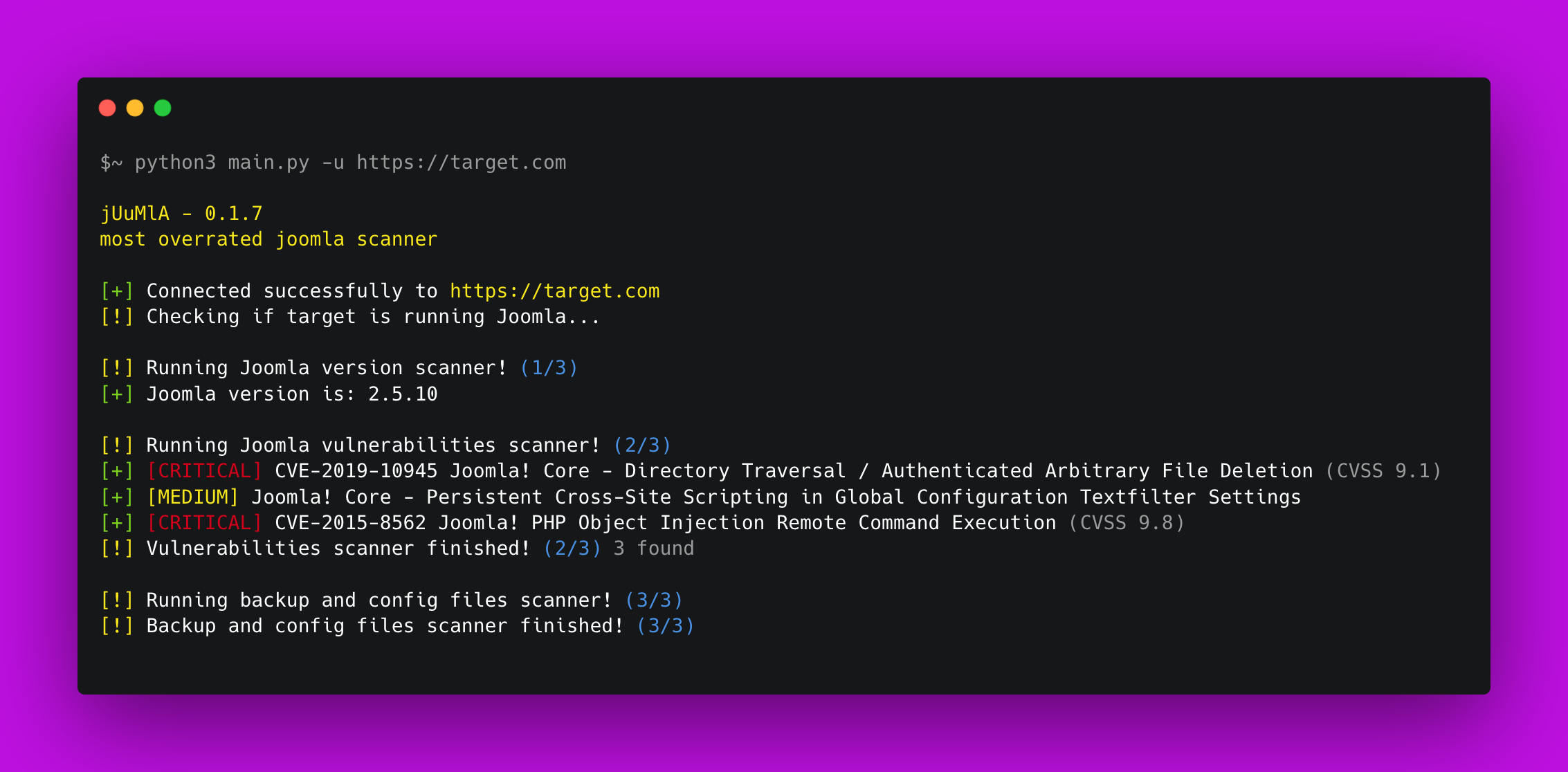


🦁 Juumla Juumla는 Joomla 버전을 식별하고, 취약점 및 민감 파일을 스캔하기 위해 만들어진 Python 도구입니다.
Juumla를 설치하고 사용하는 방법에 대한 빠른 가이드입니다.
1. Clone the repository - git clone https://github.com/oppsec/juumla.git
2. Install the libraries - pip3 install -r requirements.txt
3. Run Juumla - python3 main.py -u https://example.com
Docker 컨테이너에서 Juumla를 실행하려면 다음 명령을 따르십시오:
1. Clone the repository - git clone https://github.com/oppsec/juumla.git
2. Build the image - sudo docker build -t juumla:latest .
3. Run container - sudo docker run juumla:latest
Docker 컨테이너에서 Joomla 환경을 생성하려면 다음 명령을 따르십시오:
1. Clone the repository - git clone https://github.com/oppsec/juumla.git (or download the docker-compose.yml file)
2. Install docker-compose (e.g: sudo apt install docker-compose)
3. sudo docker-compose up
4. Access http://localhost:8080/

The default root password is: example
The default database name is: joomladb
The default DBMS is: MySQL 5.6
pip3 install -r requirements.txt프로젝트에 기여하는 방법에 대한 빠른 가이드입니다.
1. Create a fork from Juumla repository
2. Download the project with git clone https://github.com/your/juumla.git
3. Make your changes
4. Commit and makes a git push
5. Open a pull request

