 0xbigshaq/apatchy
Apache HTTPD 서버 모듈용 퍼징 프레임워크




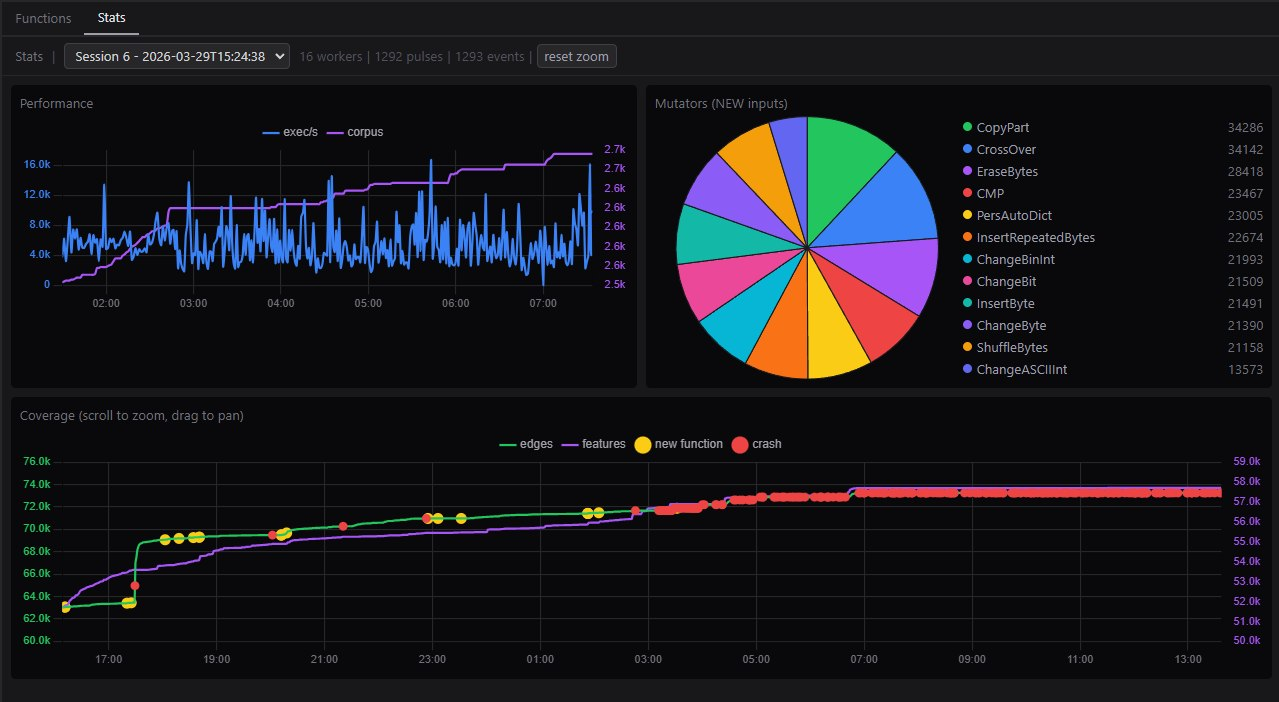
apatchy를 사용하면 네트워크 I/O 없이 Apache의 전체 HTTP 요청 처리 파이프라인(파싱, 훅, 필터, 핸들러)을 퍼징할 수 있습니다. Apache의 소켓 계층을 사용자 정의 I/O 필터로 교체하여 실제 HTTP 트래픽을 처리하는 것과 동일한 코드 경로에 원시 바이트를 직접 공급합니다.
WSL2 및/또는 도커 컨테이너에서 실행하는 것을 권장합니다.
docker build --build-arg UID=$(id -u) -t apatchy-dev .
docker run -it --rm -p 9000:9000 -v $(pwd):/repo apatchy-dev
그런 다음 이 명령들을 순서대로 실행하세요:
# 1. activate environment
cd framework/
uv venv .venv
uv pip install --python .venv -e ".[all]"
source .venv/bin/activate

# 2. init setup (one-time setup)
apatchy setup check                            # verify dependencies
apatchy setup --force llvm --llvm-version 18   # install LLVM tools locally

# 3. download
apatchy download --version 2.4.65

# 4. configure (vanilla root tree)
apatchy configure --asan --ubsan --ubsan-ignorelist ./configs/ubsan.ignorelist

# 5. build vanilla tree (`--bear` for IDE navigation)
apatchy make --tree vanilla --bear

# 6. build libfuzzer branch (inherits sanitizers from root)
apatchy make --tree lf

# 7. setup for protobuf
apatchy setup lpm

# 8. list avail. harnesses
apatchy link --list-harnesses

# 9. link target harness
apatchy link --harness mod_fuzzy_proto_session --bear

# 10. fuzz
apatchy fuzz \
    --config configs/session-coverage.conf \
    --seed-dir fuzz-seeds/session/ \


# 11. build coverage branch and generate HTML cov report
apatchy make --tree cov
apatchy coverage report \
    --with-introspect \
    --config configs/session-coverage.conf \
    --harness mod_fuzzy_proto_session \
    --suppress configs/ubsan.supp

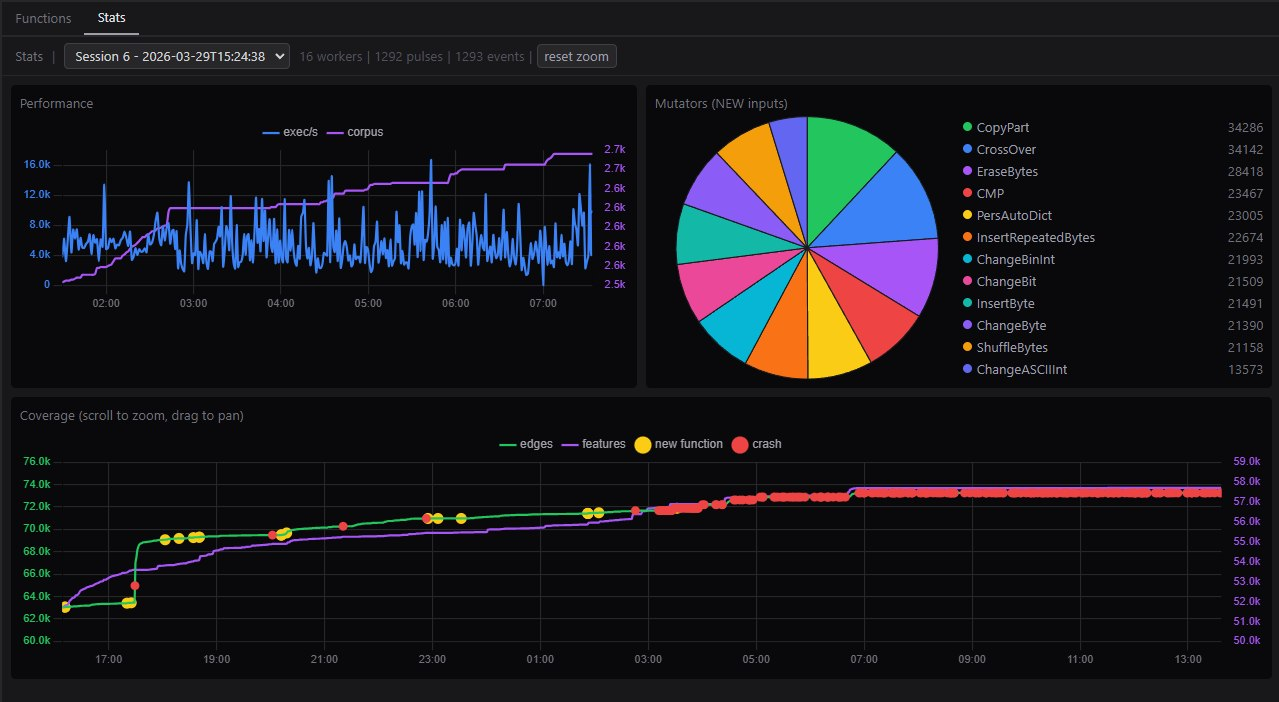
# 12. launch interactive gui w/ call-tree analysis
apatchy introspect \
    --entry session_crypto_decode,session_crypto_encode,session_crypto_init
참고: 아직 진행 중입니다/완성되지 않았습니다. CLI에 더 많은 개선이 필요하다는 것을 알고 있습니다.
apatchy docs --serve 명령으로 로컬에서 생성할 수 있습니다.라이선스는 LICENSE를 참조하세요.
