
New releaseSep 1, 2026
gping gping-v1.21.0
Ping, 그래프와 함께
gping 🚀


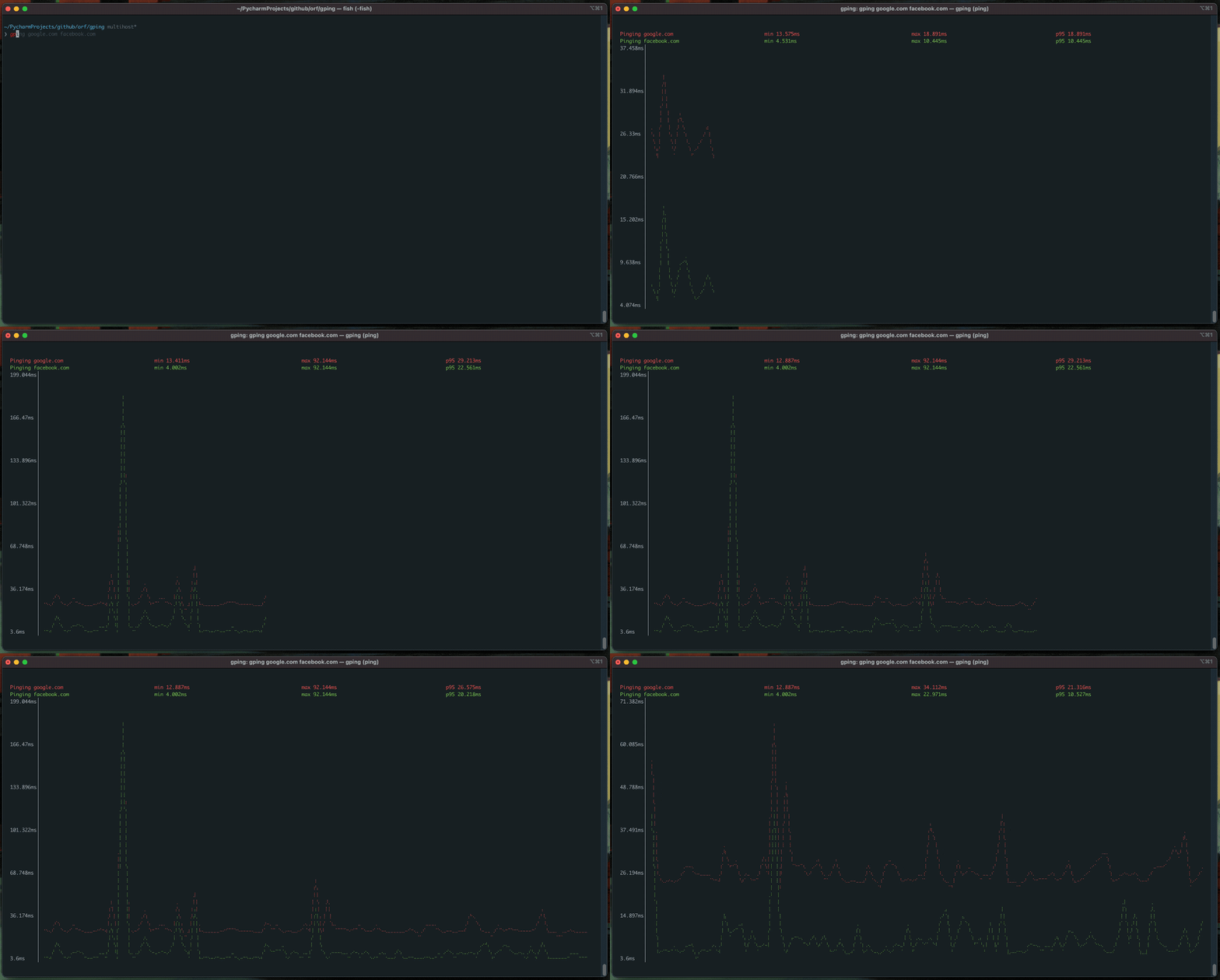
핑(Ping)이지만 그래프를 보여줍니다.
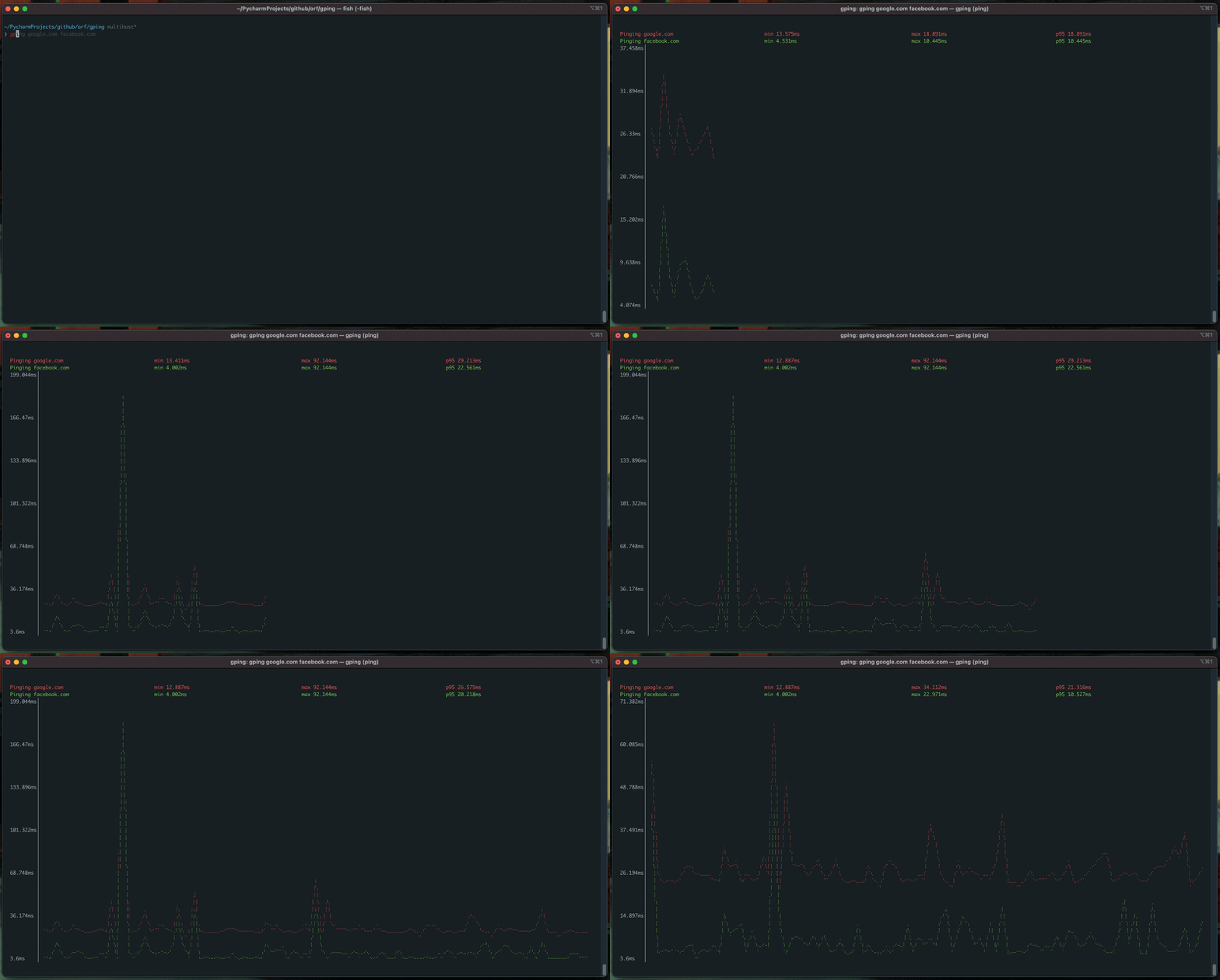
다음과 같은 강력한 기능을 제공합니다:
- 여러 호스트의 핑 시간을 그래프로 표시
--cmd플래그를 통해 명령어의 _실행 시간_을 그래프로 표시- 사용자 정의 색상
- Windows, Mac, Linux 지원
목차

설치 💿
- macOS
- Linux (Homebrew):
brew install gping - CentOS (또는 오래된 glibc를 사용하는 다른 배포판): 최신 릴리스에서 MUSL 빌드를 다운로드하세요.
- Windows/ARM:
- Scoop:
scoop install gping - Chocolatey:
choco install gping - 최신 릴리스를 GitHub 릴리스 페이지에서 다운로드하세요.
- Scoop:
- Fedora (COPR):
sudo dnf copr enable atim/gping -y && sudo dnf install gping - Cargo (
rustc버전 1.67.0 이상 필요):cargo install gping - Arch Linux:
pacman -S gping - Alpine linux:
apk add gping - Ubuntu >23.10/Debian >13:
apt install gping - Ubuntu/Debian (Azlux의 저장소):
echo 'deb [signed-by=/usr/share/keyrings/azlux.gpg] https://packages.azlux.fr/debian/ bookworm main' | sudo tee /etc/apt/sources.list.d/azlux.list sudo apt install gpg curl curl -s https://azlux.fr/repo.gpg.key | gpg --dearmor | sudo tee /usr/share/keyrings/azlux.gpg > /dev/null sudo apt update sudo apt install gping - Gentoo (dm9pZCAq 오버레이):
sudo eselect repository enable dm9pZCAq sudo emerge --sync dm9pZCAq sudo emerge net-misc/gping::dm9pZCAq - FreeBSD:
- Docker:
# Check all options docker run --rm -ti --network host ghcr.io/orf/gping:gping-v1.15.1 --help # Ping google.com docker run --rm -ti --network host ghcr.io/orf/gping:gping-v1.15.1 google.com - Flox:
# Inside of a Flox environment flox install gping - gah:
gah install gping
사용법 🎷
gping [host]를 실행하세요. --cmd 플래그를 사용하면 host는 curl google.com과 같은 명령어가 될 수 있습니다. 또한 aws:eu-west-1 또는 aws:ca-central-1과 같은 약어를 사용하여 특정 클라우드 리전에 핑을 보낼 수 있습니다. 현재는 aws만 지원됩니다.
$ gping --help
Ping, but with a graph.

Usage: gping [OPTIONS] [HOSTS_OR_COMMANDS]...

Arguments:
  [HOSTS_OR_COMMANDS]...  Hosts or IPs to ping, or commands to run if --cmd is provided. Can use cloud shorthands like aws:eu-west-1.

Options:
      --cmd
          Graph the execution time for a list of commands rather than pinging hosts
  -n, --watch-interval <WATCH_INTERVAL>
          Watch interval seconds (provide partial seconds like '0.5'). Default for ping is 0.2, default for cmd is 0.5.
  -b, --buffer <BUFFER>
          Determines the number of seconds to display in the graph. [default: 30]
  -4
          Resolve ping targets to IPv4 address
  -6
          Resolve ping targets to IPv6 address
  -i, --interface <INTERFACE>
          Interface to use when pinging
  -s, --simple-graphics
          Uses dot characters instead of braille
      --vertical-margin <VERTICAL_MARGIN>
          Vertical margin around the graph (top and bottom) [default: 1]
      --horizontal-margin <HORIZONTAL_MARGIN>
          Horizontal margin around the graph (left and right) [default: 0]
  -c, --color <color>
          Assign color to a graph entry. This option can be defined more than once as a comma separated string, and the order which the colors are provided will be matched against the hosts or commands passed to gping. Hexadecimal RGB color codes are accepted in the form of '#RRGGBB' or the following color names: 'black', 'red', 'green', 'yellow', 'blue', 'magenta','cyan', 'gray', 'dark-gray', 'light-red', 'light-green', 'light-yellow', 'light-blue', 'light-magenta', 'light-cyan', and 'white'
  -h, --help
          Print help information
  -V, --version
          Print version information
      --clear
          Clear the graph from the terminal after closing the program