
New releaseSep 3, 2026
pphack v0.1.5
고급 클라이언트 측 프로토타입 오염 스캐너
pphack
고급 클라이언트 측 프로토타입 오염 스캐너
💙를 담아 edoardottt가 제작

설치 • 시작하기 • 예제 • 변경 로그 • 기여 • 라이선스
설치 📡
Go 사용
go install github.com/edoardottt/pphack/cmd/pphack@latest
pphack은 chromedp에 의존하므로 Chrome 또는 Chromium 기반 브라우저가 필요합니다.
시작하기 🎉
Usage:
  pphack [flags]

Flags:
INPUT:
   -u, -url string   Input URL
   -l, -list string  File containing input URLs

CONFIGURATION:
   -c, -concurrency int       Concurrency level (default 50)
   -t, -timeout int           Connection timeout in seconds (default 20)
   -px, -proxy string         Set a proxy server (URL)
   -rl, -rate-limit int       Set a rate limit (per second)
   -ua, -user-agent string    Set a custom User Agent (random by default)
   -H, -headers string[]      Set custom headers
   -Hf, -headers-file string  File containing custom headers

SCAN:
   -p, -payload string            Custom payload
   -js, -javascript string        Run custom Javascript on target
   -jsf, -javascript-file string  File containing custom Javascript to run on target
   -e, -exploit                   Automatic Exploitation

OUTPUT:
   -o, -output string  File to write output results
   -v, -verbose        Verbose output
   -s, -silent         Silent output. Print only results
   -j, -json           JSON output
예제 💡
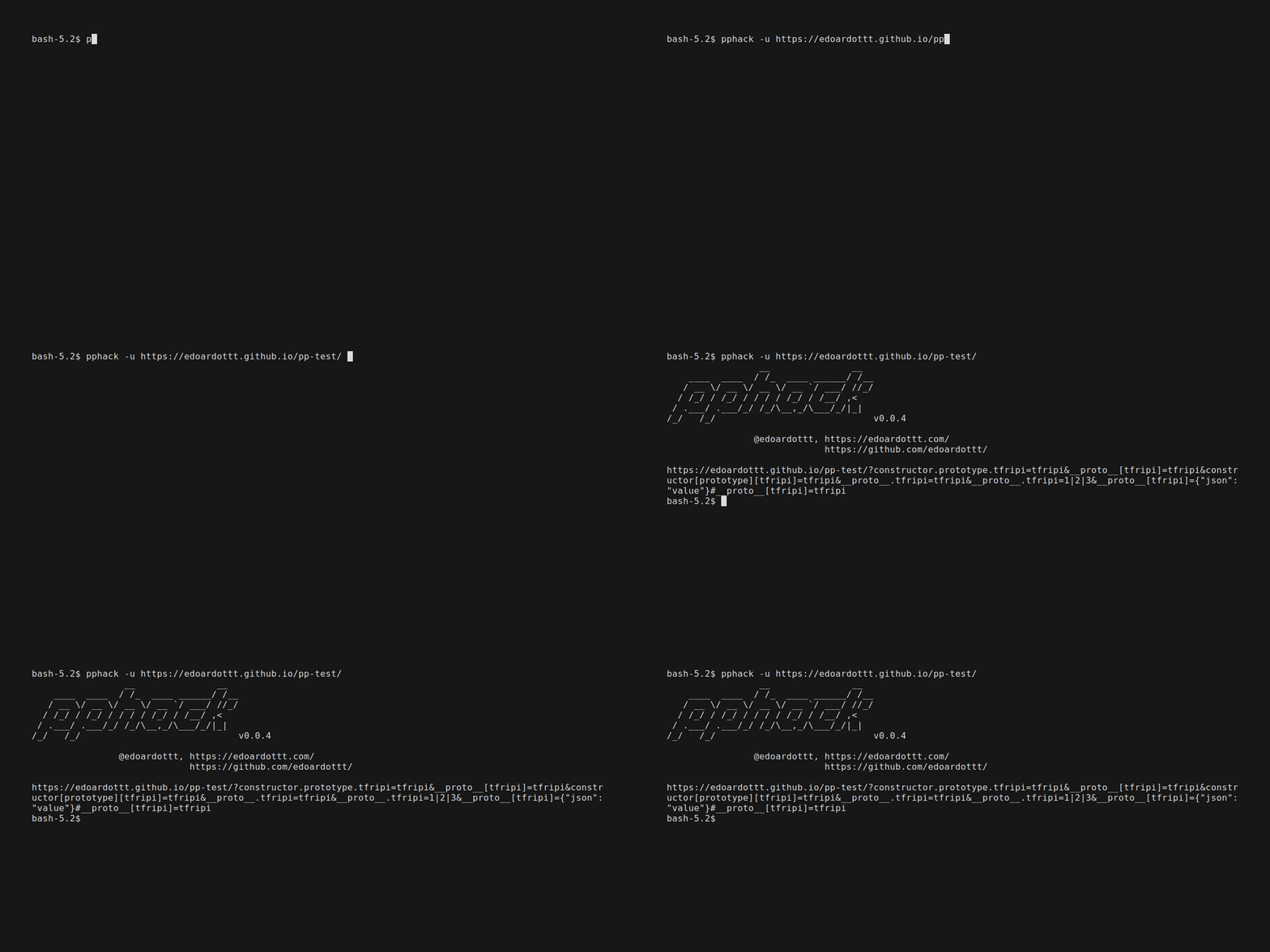
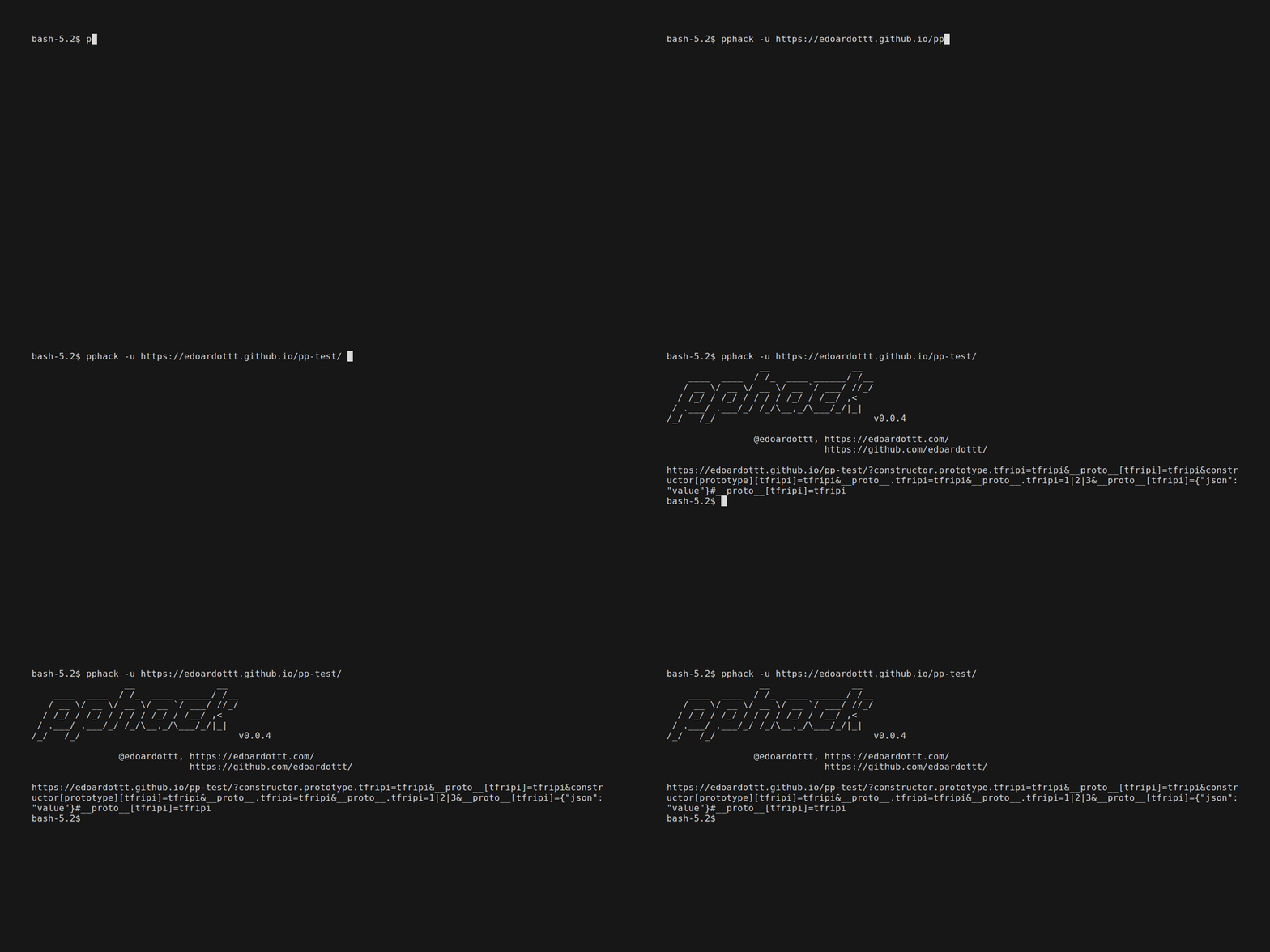
단일 URL 스캔
pphack -u https://edoardottt.github.io/pphack-test/
echo https://edoardottt.github.io/pphack-test/ | pphack
URL 목록 스캔
pphack -l targets.txt
cat targets.txt | pphack
자동 익스플로잇
pphack -e -u https://edoardottt.github.io/pphack-test/
pphack 사용 방법을 이해하려면 Wiki를 읽어보세요.
변경 로그 📌
각 릴리스의 자세한 변경 사항은 릴리스 노트에 문서화되어 있습니다.
기여 🛠
풀 리퀘스트를 열기 전에 golangci-lint를 다운로드하고 실행하세요
golangci-lint run
오류가 없다면 진행하세요 :)
뉴스 📰
라이선스 📝
이 저장소는 MIT 라이선스 하에 있습니다.
연락은 edoardottt.com으로 해주세요.