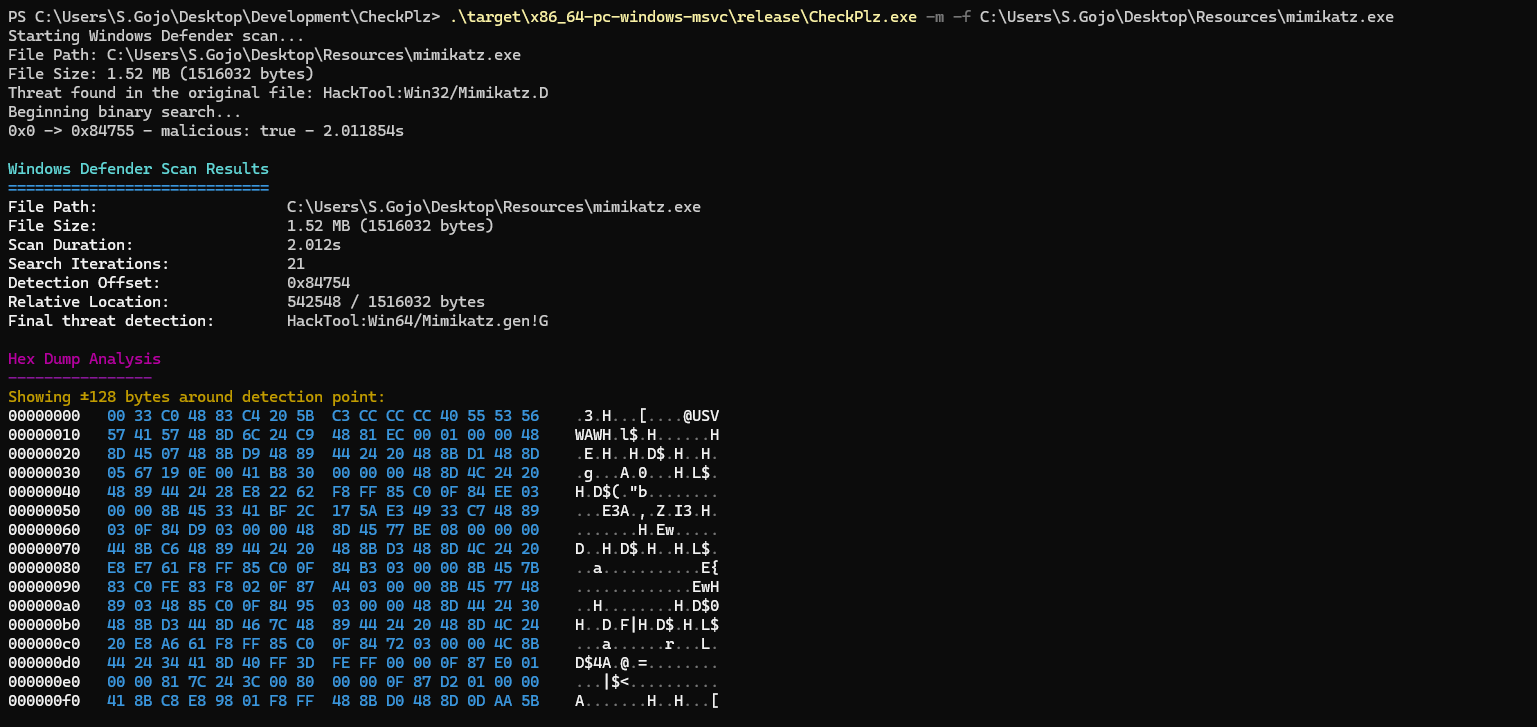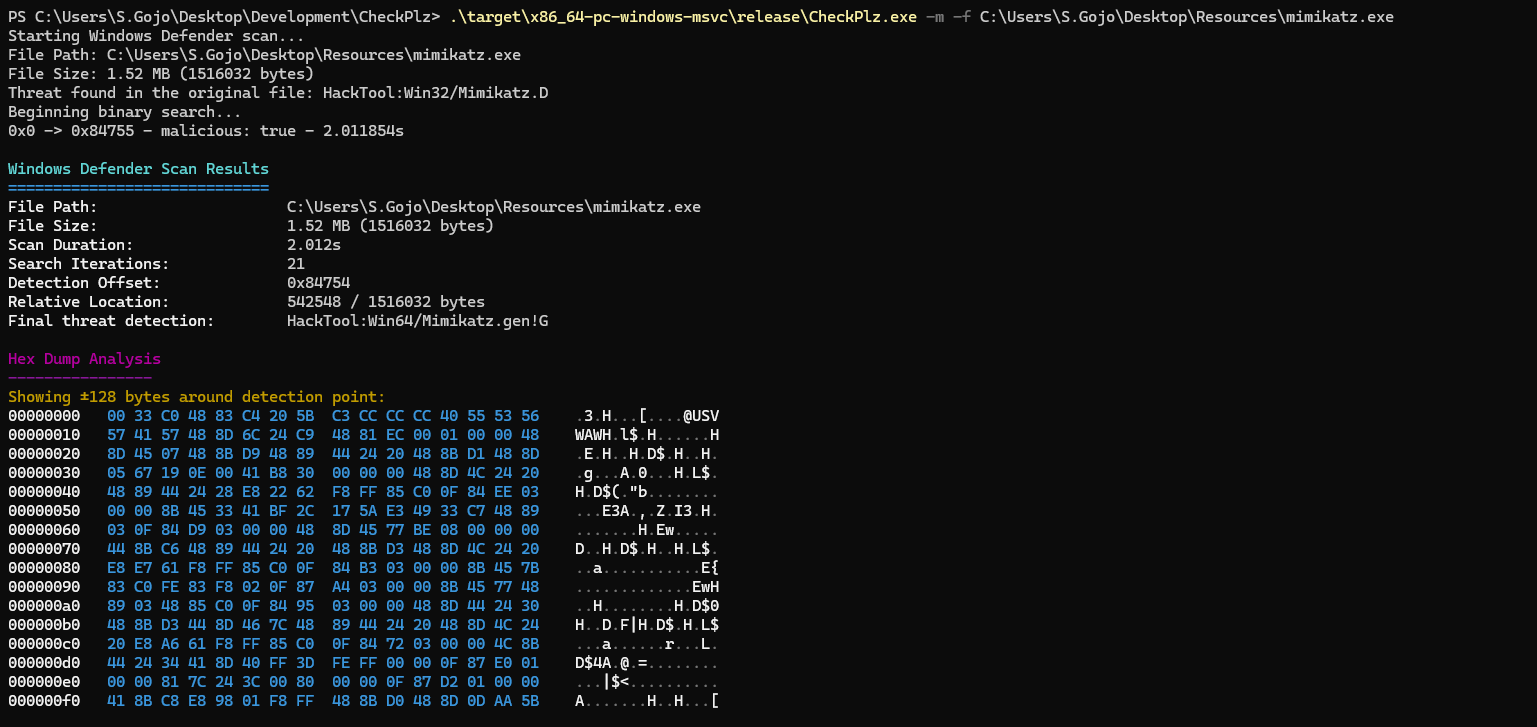

CheckPlz は、人気の ThreatCheck および GoCheck ツールを Rust で移植したものです。AMSI(Antimalware Scan Interface)と Windows Defender を活用しながら、ファイルの潜在的な脅威をスキャンするように設計されています。悪意のあるコンテンツを高精度に特定し、包括的な分析を提供することで、CheckPlz は強化された効率的なファイルスキャン体験を提供します。
AMSI スキャン:
Windows Defender スキャン:
MpCmdRun.exe を呼び出してファイルをスキャンします。バイナリサーチ:
git clone https://github.com/your-username/CheckPlz.git
cd CheckPlz
cargo build --release
target/release/checkplz.exe で利用可能になります。必要なオプションを指定して CheckPlz を実行します:
Usage: CheckPlz.exe [OPTIONS] --file <FILE>

Options:
  -f, --file <FILE>  Path to the file to scan
  -d, --debug        Enable debug mode
  -a, --amsi         Use AMSI scan
  -m, --msdefender   Use Windows Defender scan
  -r, --raw          Raw output without ANSI colors
  -h, --help         Print help
  -V, --version      Print version
AMSI を使用してファイルをスキャン:
checkplz --file malicious.exe --amsi
Windows Defender でファイルをスキャン:
checkplz --file suspicious.exe --msdefender
AMSI と Windows Defender の両方を使用し、デバッグ出力を有効にしてスキャンを実行:
checkplz --file unknown.exe --amsi --msdefender --debug
未加工の出力形式でスキャンを実行:
checkplz --file unknown.exe --amsi --raw