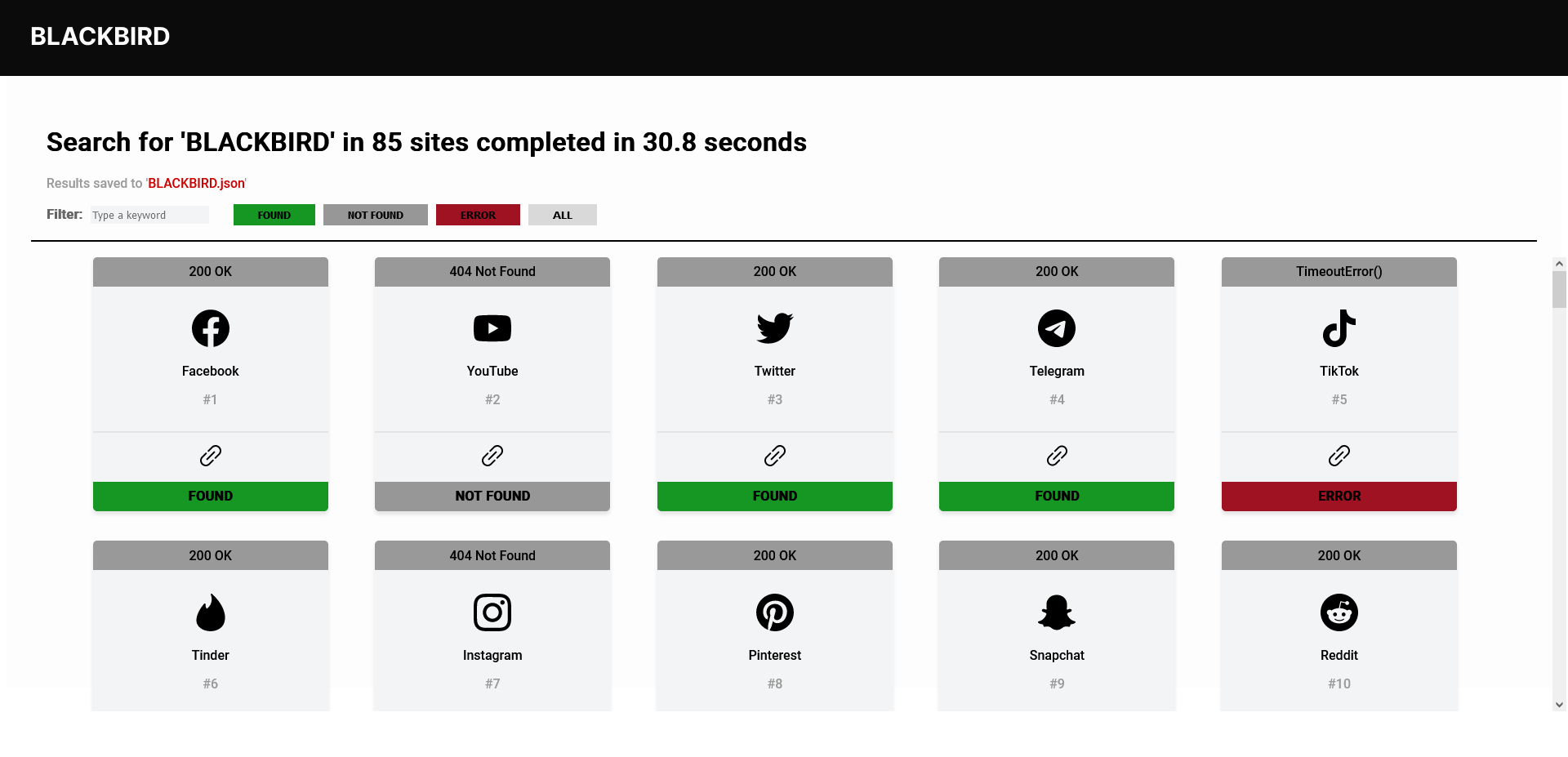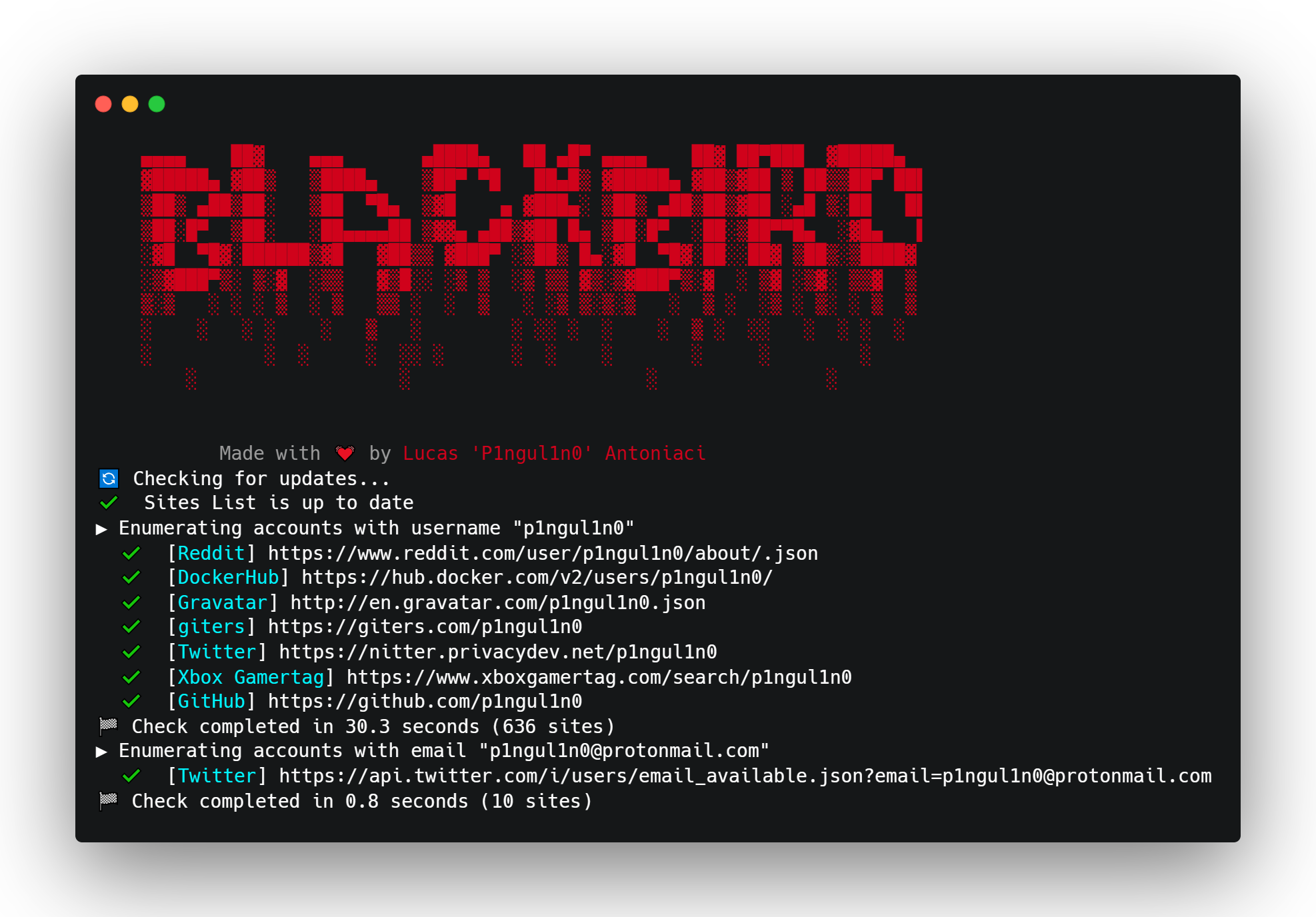

Uno strumento OSINT per cercare account tramite username nei social network.
Il Lockheed SR-71 "Blackbird" è un aereo da ricognizione strategico a lungo raggio, alta quota e velocità Mach 3+, sviluppato e prodotto dall'azienda aerospaziale americana Lockheed Corporation.
This or previous program is for Educational purpose ONLY. Do not use it without permission.
The usual disclaimer applies, especially the fact that me (P1ngul1n0) is not liable for any
damages caused by direct or indirect use of the information or functionality provided by these
programs. The author or any Internet provider bears NO responsibility for content or misuse
of these programs or any derivatives thereof. By using these programs you accept the fact
that any damage (dataloss, system crash, system compromise, etc.) caused by the use of these
programs is not P1ngul1n0's responsibility.
git clone https://github.com/p1ngul1n0/blackbird
cd blackbird
pip install -r requirements.txt
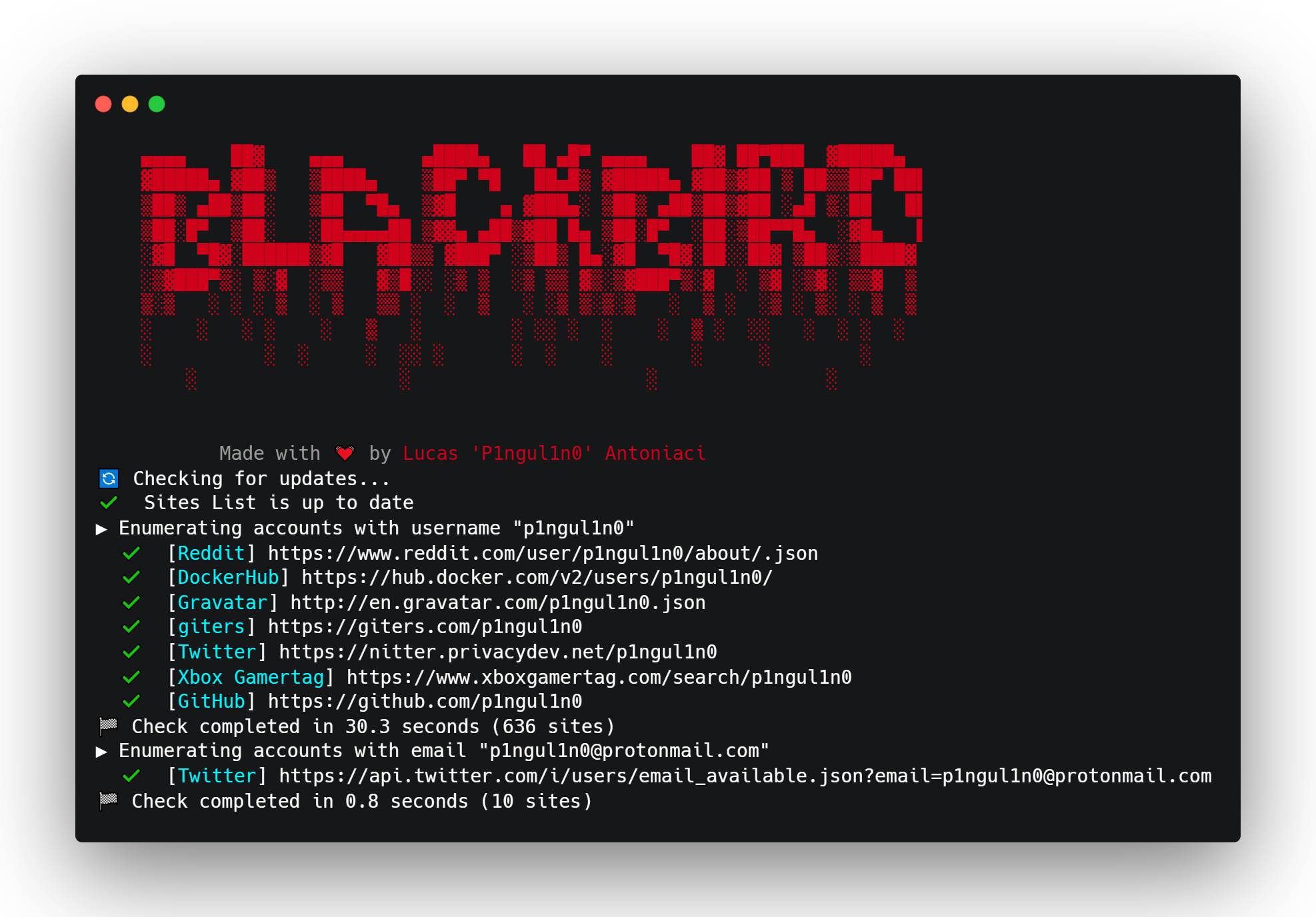
python blackbird.py -u username
python blackbird.py --web
Accedi a http://127.0.0.1:9797 nel browser
python blackbird.py -f username.json
python blackbird.py --list-sites
python blackbird.py -u crash --proxy http://127.0.0.1:8080
Per impostazione predefinita vengono mostrati solo gli account trovati, ma puoi usare il seguente argomento per visualizzarli tutti.
python blackbird.py -u crash --show-all
Blackbird può essere utilizzato anche con Docker.
docker pull p1ngul1n0/blackbird:v2
docker run -p 9797:9797 p1ngul1n0/blackbird:v2 "--web"
I risultati possono essere esportati come report PDF.
blackbird-pdf-cover
Quando possibile, Blackbird estrae i metadati dell'utente, recuperando dati come nome, bio, posizione e foto del profilo.
Blackbird utilizza un UserAgent casuale da una lista di 1000 UserAgent in ogni richiesta per prevenire blocchi.
Blackbird invia richieste HTTP asincrone, permettendo una velocità molto maggiore nello scoprire account utente.
Il file data.json contiene tutti i siti che Blackbird verifica.
GET
{
"app": "ExampleAPP1",
"url": "https://www.example.com/{username}",
"valid": "response.status == 200",
"id": 1,
"method": "GET"
}
POST JSON
{
"app": "ExampleAPP2",
"url": "https://www.example.com/user",
"valid": "jsonData['message']['found'] == True",
"json": "{{\"type\": \"username\",\"input\": \"{username}\"}}",
"id": 2,
"method": "POST"
}
GET con estrazione metadati
{
"app": "Twitter",
"id": 3,
"method": "GET",
"url": "https://nitter.net/{username}",
"valid": "response.status == 200",
"metadata": [
{
"type": "generic-data",
"key": "Name",
"value": "soup.find('a', class_='profile-card-fullname')['title']"
},
{
"type": "generic-data",
"key": "Bio",
"value": "soup.find('div',class_='profile-bio').string"
},
{
"type": "generic-data",
"key": "Site",
"value": "soup.find('div',class_='profile-website').text.strip('\\t\\r\\n')"
},
{
"type": "generic-data",
"key": "Member since",
"value": "soup.find('div',class_='profile-joindate').find('span')['title']"
},
{
"type": "image",
"key": "picture",
"value": "'https://nitter.net'+soup.find('a', class_='profile-card-avatar')['href']"
},
{
"type": "location",
"key": "location",
"value": "soup.select_one('.profile-location:nth-of-type(2)').text.strip('\\t\\r\\n')"
}
]
}
Sono grato a tutti i contributori che hanno migliorato e corretto bug del progetto.
enumerate e suddivisione del codice in funzioni.Sentiti libero di contattarmi su Twitter
Se hai suggerimenti per un sito da includere nella ricerca, apri una pull request seguendo il template.