 projectdiscovery/mapcidr
Programma utility per eseguire più operazioni per una data subnet/intervalli CIDR.






Funzionalità • Installazione • Utilizzo • Libreria • Unisciti a Discord
mapCIDR è sviluppato per agevolare la distribuzione del carico nelle operazioni di scansione di massa; può essere utilizzato sia come libreria che come strumento CLI indipendente.
sbh, sbc)a, aa)match-ip)filter-ip)s, sr)count)ip-format)si, sp)t4, t6)go install -v github.com/projectdiscovery/mapcidr/cmd/mapcidr@latest
mapcidr -h
Questo mostrerà la guida per lo strumento. Ecco tutti gli switch supportati.
INPUT:
   -cl, -cidr string[]  CIDR/IP/File containing list of CIDR/IP to process

PROCESS:
   -sbc int                  Slice CIDRs by given CIDR count
   -sbh int                  Slice CIDRs by given HOST count
   -a, -aggregate            Aggregate IPs/CIDRs into minimum subnet
   -aa, -aggregate-approx    Aggregate sparse IPs/CIDRs into minimum approximated subnet
   -c, -count                Count number of IPs in given CIDR
   -t4, -to-ipv4             Convert IPs to IPv4 format
   -t6, -to-ipv6             Convert IPs to IPv6 format
   -ip-format, -if string[]  IP formats (0,1,2,3,4,5,6,7,8,9,10,11)
   -zpn, -zero-pad-n int     number of padded zero to use (default 3)
   -zpp, -zero-pad-permute   enable permutations from 0 to zero-pad-n for each octets

FILTER:
   -f4, -filter-ipv4         Filter IPv4 IPs from input
   -f6, -filter-ipv6         Filter IPv6 IPs from input
   -skip-base                Skip base IPs (ending in .0) in output
   -skip-broadcast           Skip broadcast IPs (ending in .255) in output
   -mi, -match-ip string[]   IP/CIDR/FILE containing list of IP/CIDR to match (comma-separated, file input)
   -fi, -filter-ip string[]  IP/CIDR/FILE containing list of IP/CIDR to filter (comma-separated, file input)

MISCELLANEOUS:
   -s, -sort                  Sort input IPs/CIDRs in ascending order
   -sr, -sort-reverse         Sort input IPs/CIDRs in descending order
   -si, -shuffle-ip           Shuffle Input IPs in random order
   -sp, -shuffle-port string  Shuffle Input IP:Port in random order

UPDATE:
   -up, -update                 update mapcidr to latest version
   -duc, -disable-update-check  disable automatic mapcidr update check

OUTPUT:
   -verbose            Verbose mode
   -o, -output string  File to write output to
   -silent             Silent mode
   -version            Show version of the project
Per ottenere un elenco di IP per un determinato CIDR, utilizzare il seguente comando:
mapcidr -cidr 173.0.84.0/24
                   ____________  ___
  __ _  ___ ____  / ___/  _/ _ \/ _ \
 /  ' \/ _ '/ _ \/ /___/ // // / , _/
/_/_/_/\_,_/ .__/\___/___/____/_/|_| v0.5
          /_/

		projectdiscovery.io

[WRN] Use with caution. You are responsible for your actions
[WRN] Developers assume no liability and are not responsible for any misuse or damage.

173.0.84.0
173.0.84.1
173.0.84.2
173.0.84.3
173.0.84.4
173.0.84.5
173.0.84.13
173.0.84.14
173.0.84.15
173.0.84.16
È anche possibile ottenere un elenco di IP per un determinato intervallo di IP, utilizzando il seguente comando:
$ echo "192.168.0.0-192.168.0.5" | mapcidr
192.168.0.0
192.168.0.1
192.168.0.2
192.168.0.3
192.168.0.4
192.168.0.5
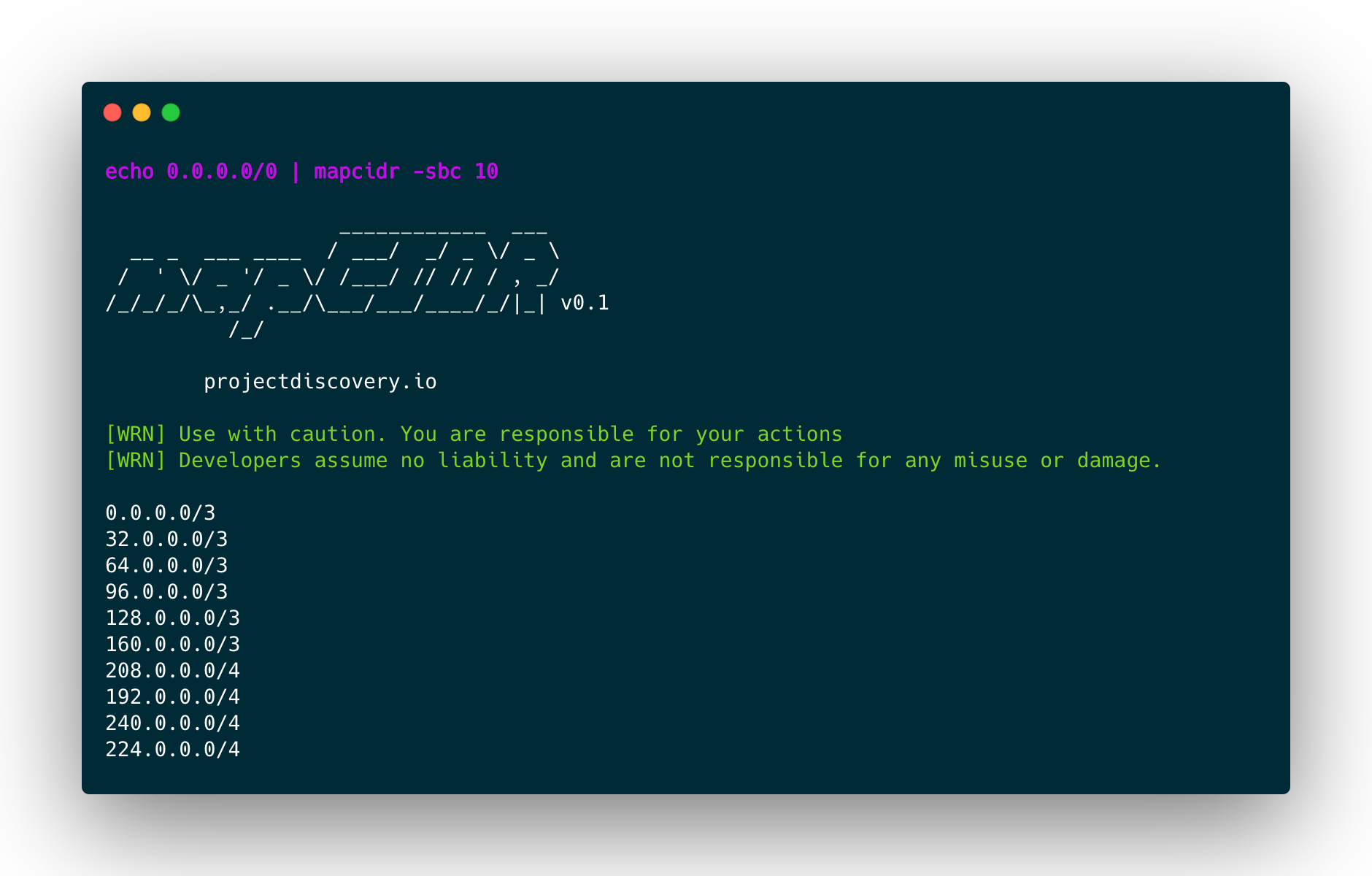
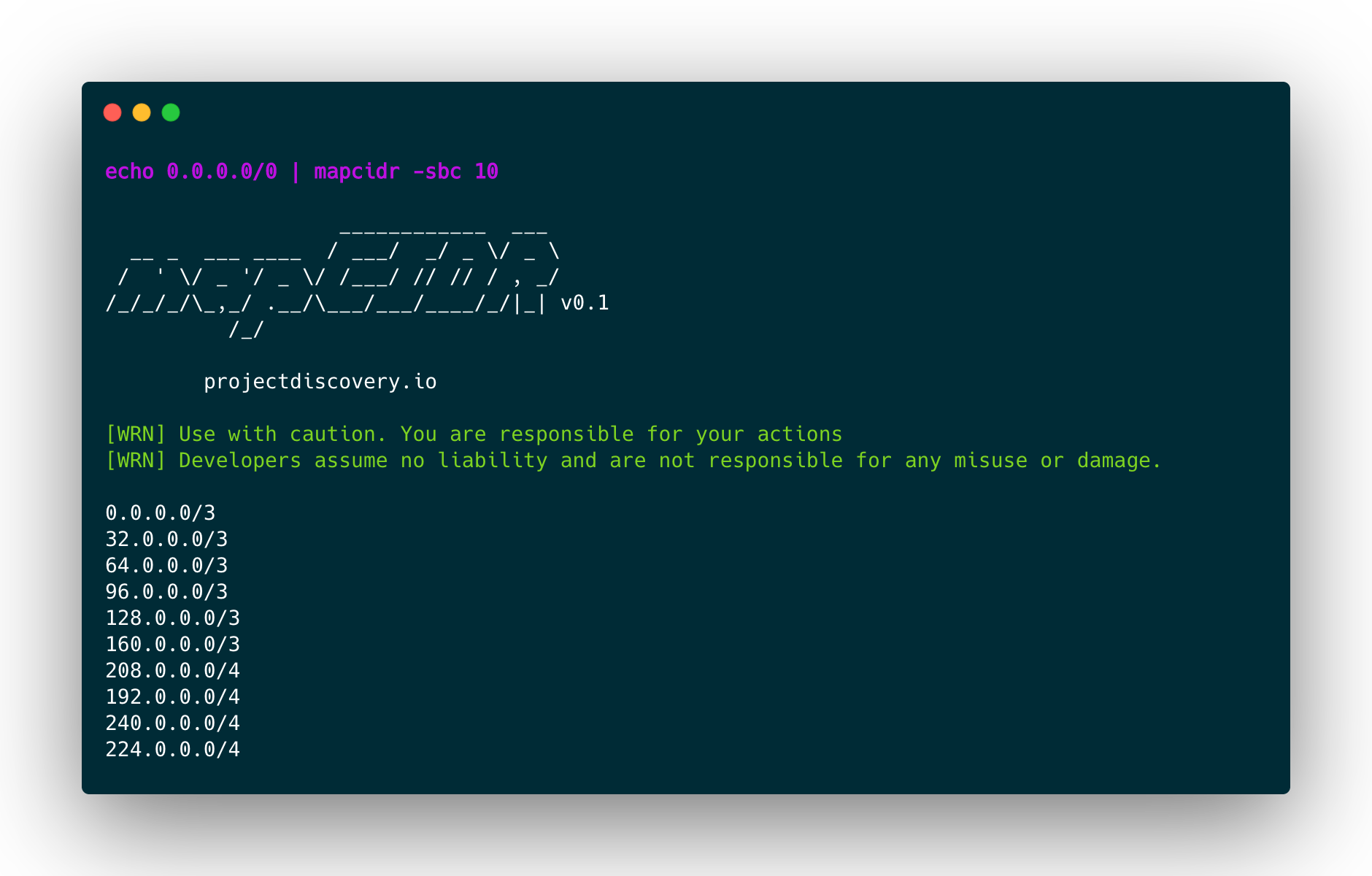
Per suddividere un CIDR dato o un elenco di CIDR in base al numero di CIDR o in più sottoreti più piccole e uguali, utilizzare il seguente comando:
mapcidr -cidr 173.0.84.0/24 -sbc 10 -silent
173.0.84.0/27
173.0.84.32/27
173.0.84.64/27
173.0.84.96/27
173.0.84.128/27
173.0.84.160/27
173.0.84.208/28
173.0.84.192/28
173.0.84.240/28
173.0.84.224/28
Per suddividere il CIDR specificato in modo da ottenere un numero uguale di host in ciascun CIDR, utilizzare il seguente comando:
mapcidr -cidr 173.0.84.0/16 -sbh 20000 -silent
173.0.0.0/18
173.0.64.0/18
173.0.128.0/18
173.0.192.0/18
Nota: è possibile ottenere una suddivisione perfetta solo quando il numero desiderato di slice o di host per subnet è una potenza di due. In caso contrario, lo strumento tenterà di trovare automaticamente la migliore strategia di suddivisione per ottenere il risultato desiderato.
Per unire più intervalli CIDR in un blocco di subnet più piccolo, utilizzare il seguente comando:
$ mapcidr -cl cidrs.txt -aggregate
Per elencare i blocchi CIDR per un dato elenco di IP, utilizzare il seguente comando:
$ mapcidr -il ips.txt -aggregate
È anche possibile eseguire aggregazioni approssimate per gruppi IP sparsi (solo versione 4). L'intervallo finale conterrà IP contigui non appartenenti all'input:
$ cat ips.txt

1.1.1.1
1.1.1.16
1.1.1.31
$ cat ips.txt | mapcidr -aggregate-approx

1.1.1.0/27
Per elencare i blocchi CIDR per un determinato intervallo IP (IPv4 | IPv6), utilizzare il seguente comando:
 $ mapcidr  -cl 192.168.0.1-192.168.0.255 -aggregate
 OR
 $ echo 192.168.0.1-192.168.0.255 | mapcidr -aggregate
192.168.0.1/32
192.168.0.2/31
192.168.0.4/30
192.168.0.8/29
192.168.0.16/28
192.168.0.32/27
192.168.0.64/26
192.168.0.128/25
Per trovare corrispondenze di IP dall'elenco fornito di intervalli CIDR, utilizzare il seguente comando:
$ mapcidr -cidr 192.168.1.0/24 -mi 192.168.1.253,192.168.1.252
$ mapcidr -cidr 192.168.1.0/24 -mi ip_list_to_match.txt
Per filtrare gli IP dall'elenco fornito di intervalli CIDR, utilizzare il seguente comando:
$ mapcidr -cidr 192.168.1.224/28 -fi 192.168.1.233,192.168.1.234
$ mapcidr -cidr 192.168.1.224/28 -fi ip_list_to_filter.txt
Scopri gli strumenti più utilizzati dalla nostra community.
Nessun dato di popolarità ancora.
