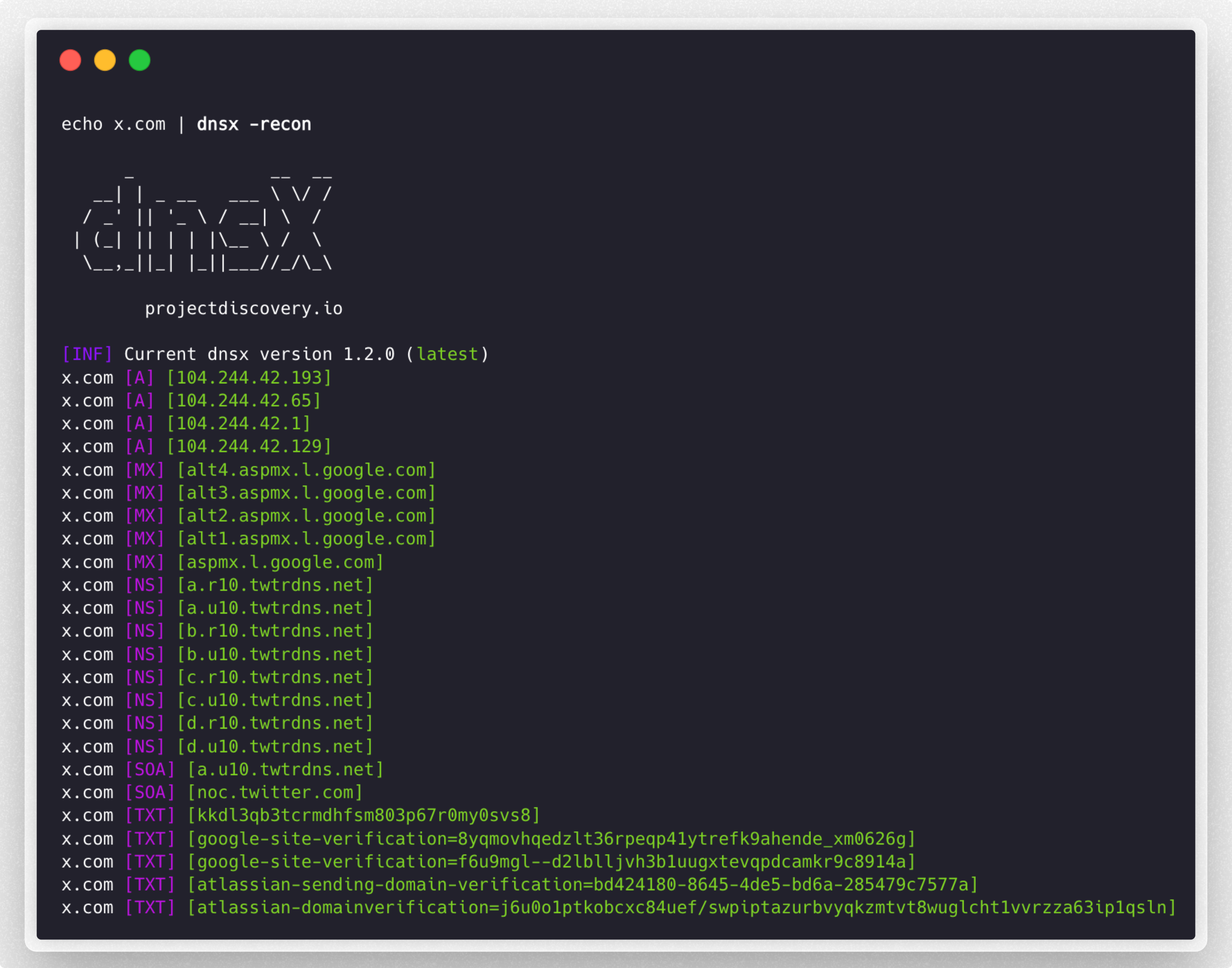
 projectdiscovery/dnsx
dnsx è un toolkit DNS veloce e multi-purpose che permette di eseguire molteplici query DNS a scelta con una lista di resolver forniti dall'utente.






Funzionalità • Installazione • Utilizzo • Esecuzione di `dnsx` • Wildcard • Note • Unisciti a Discord
dnsx è un toolkit DNS veloce e polivalente progettato per eseguire vari probing tramite la libreria retryabledns. Supporta multiple query DNS, resolver forniti dall'utente, filtro DNS wildcard come shuffledns ecc.
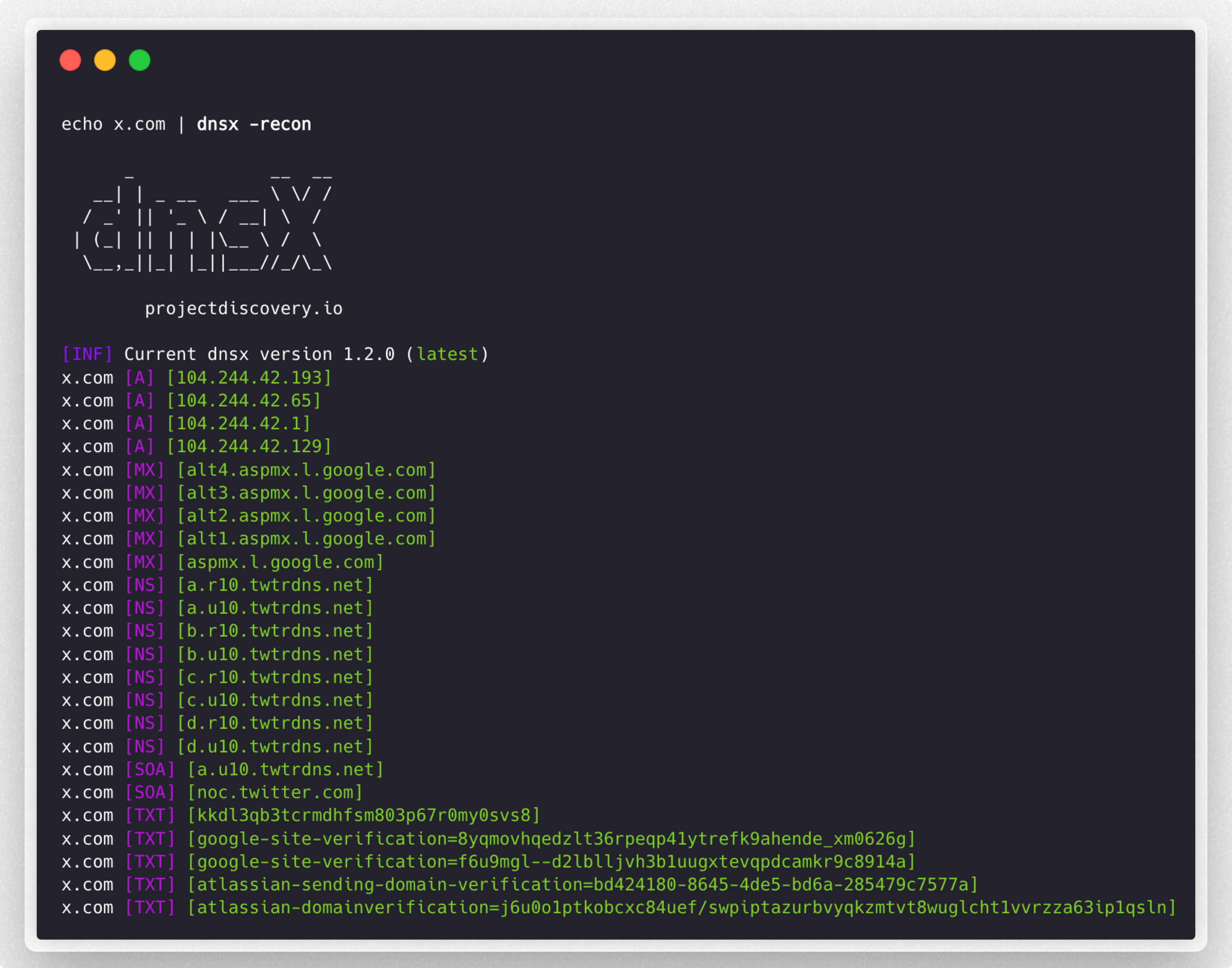
dnsx richiede go1.21 per essere installato correttamente. Esegui il comando seguente per installare l'ultima versione:
go install -v github.com/projectdiscovery/dnsx/cmd/dnsx@latest
dnsx -h
Questo mostrerà l'aiuto per lo strumento. Ecco tutti gli switch supportati.
INPUT:
   -l, -list string      list of sub(domains)/hosts to resolve (file or stdin)
   -d, -domain string    list of domain to bruteforce (file or comma separated or stdin)
   -w, -wordlist string  list of words to bruteforce (file or comma separated or stdin)

QUERY:
   -a                       query A record (default)
   -aaaa                    query AAAA record
   -cname                   query CNAME record
   -ns                      query NS record
   -txt                     query TXT record
   -srv                     query SRV record
   -ptr                     query PTR record
   -mx                      query MX record
   -soa                     query SOA record
   -any                     query ANY record
   -axfr                    query AXFR
   -caa                     query CAA record
   -recon                   query all the dns records (a,aaaa,cname,ns,txt,srv,ptr,mx,soa,axfr,caa)
   -e, -exclude-type value  dns query type to exclude (a,aaaa,cname,ns,txt,srv,ptr,mx,soa,axfr,caa) (default none)

FILTER:
   -re, -resp          display dns response
   -ro, -resp-only     display dns response only
   -rc, -rcode string  filter result by dns status code (eg. -rcode noerror,servfail,refused)

PROBE:
   -cdn  display cdn name
   -asn  display host asn information

RATE-LIMIT:
   -t, -threads int      number of concurrent threads to use (default 100)
   -rl, -rate-limit int  number of dns request/second to make (disabled as default) (default -1)

UPDATE:
   -up, -update                 update dnsx to latest version
   -duc, -disable-update-check  disable automatic dnsx update check

OUTPUT:
   -o, -output string           file to write output
   -j, -json                    write output in JSONL(ines) format
   -omit-raw, -or               omit raw dns response from jsonl output
   -ot, -output-template string custom output template (e.g. -ot '{{host}} {{a}}')

DEBUG:
   -hc, -health-check  run diagnostic check up
   -silent             display only results in the output
   -v, -verbose        display verbose output
   -raw, -debug        display raw dns response
   -stats              display stats of the running scan
   -version            display version of dnsx
   -nc, -no-color      disable color in output

OPTIMIZATION:
   -retry int                number of dns attempts to make (must be at least 1) (default 2)
   -hf, -hostsfile           use system host file
   -trace                    perform dns tracing
   -trace-max-recursion int  Max recursion for dns trace (default 32767)
   -resume                   resume existing scan
   -stream                   stream mode (wordlist, wildcard, stats and stop/resume will be disabled)
   -timeout value            maximum time to wait for a DNS query to complete (default 3s)

CONFIGURATIONS:
   -auth                         configure projectdiscovery cloud (pdcp) api key (default true)
   -r, -resolver string          list of resolvers to use (file or comma separated)
   -wt, -wildcard-threshold int  wildcard filter threshold (default 5)
   -auto-wildcard                automatically detect wildcard domains for filtering
   -wd, -wildcard-domain string  domain name for manual wildcard filtering (mutually exclusive with -auto-wildcard; other flags will be ignored - json output recommended)
Filtra i nomi host attivi dall'elenco di sottodomini passivi, ottenuti da varie fonti:
subfinder -silent -d hackerone.com | dnsx -silent

a.ns.hackerone.com
www.hackerone.com
api.hackerone.com
docs.hackerone.com
mta-sts.managed.hackerone.com
mta-sts.hackerone.com
resources.hackerone.com
b.ns.hackerone.com
mta-sts.forwarding.hackerone.com
events.hackerone.com
support.hackerone.com
Stampa i record A per l'elenco di sottodomini fornito:
subfinder -silent -d hackerone.com | dnsx -silent -a -resp

www.hackerone.com [104.16.100.52]
www.hackerone.com [104.16.99.52]
hackerone.com [104.16.99.52]
hackerone.com [104.16.100.52]
api.hackerone.com [104.16.99.52]
api.hackerone.com [104.16.100.52]
mta-sts.forwarding.hackerone.com [185.199.108.153]
mta-sts.forwarding.hackerone.com [185.199.109.153]
mta-sts.forwarding.hackerone.com [185.199.110.153]
mta-sts.forwarding.hackerone.com [185.199.111.153]
a.ns.hackerone.com [162.159.0.31]
resources.hackerone.com [52.60.160.16]
resources.hackerone.com [3.98.63.202]
resources.hackerone.com [52.60.165.183]
resources.hackerone.com [read.uberflip.com]
mta-sts.hackerone.com [185.199.110.153]
mta-sts.hackerone.com [185.199.111.153]
mta-sts.hackerone.com [185.199.109.153]
mta-sts.hackerone.com [185.199.108.153]
gslink.hackerone.com [13.35.210.17]
gslink.hackerone.com [13.35.210.38]
gslink.hackerone.com [13.35.210.83]
gslink.hackerone.com [13.35.210.19]
b.ns.hackerone.com [162.159.1.31]
docs.hackerone.com [185.199.109.153]
docs.hackerone.com [185.199.110.153]
docs.hackerone.com [185.199.111.153]
docs.hackerone.com [185.199.108.153]
support.hackerone.com [104.16.51.111]
support.hackerone.com [104.16.53.111]
mta-sts.managed.hackerone.com [185.199.108.153]
mta-sts.managed.hackerone.com [185.199.109.153]
mta-sts.managed.hackerone.com [185.199.110.153]
mta-sts.managed.hackerone.com [185.199.111.153]
Estrai i record A per l'elenco di sottodomini fornito:
subfinder -silent -d hackerone.com | dnsx -silent -a -resp-only

104.16.99.52
104.16.100.52
162.159.1.31
104.16.99.52
104.16.100.52
185.199.110.153
185.199.111.153
185.199.108.153
185.199.109.153
104.16.99.52
104.16.100.52
104.16.51.111
104.16.53.111
185.199.108.153
185.199.111.153
185.199.110.153
185.199.111.153
Estrai i record CNAME per l'elenco di sottodomini fornito:
subfinder -silent -d hackerone.com | dnsx -silent -cname -resp

support.hackerone.com [hackerone.zendesk.com]
resources.hackerone.com [read.uberflip.com]
mta-sts.hackerone.com [hacker0x01.github.io]
mta-sts.forwarding.hackerone.com [hacker0x01.github.io]
events.hackerone.com [whitelabel.bigmarker.com]
Estrai i record ASN per l'elenco di sottodomini fornito:
subfinder -silent -d hackerone.com | dnsx -silent  -asn

b.ns.hackerone.com [AS13335, CLOUDFLARENET, US]
a.ns.hackerone.com [AS13335, CLOUDFLARENET, US]
hackerone.com [AS13335, CLOUDFLARENET, US]
www.hackerone.com [AS13335, CLOUDFLARENET, US]
api.hackerone.com [AS13335, CLOUDFLARENET, US]
support.hackerone.com [AS13335, CLOUDFLARENET, US]
Probing utilizzando il codice di stato DNS sull'elenco di (sotto)domini fornito:
subfinder -silent -d hackerone.com | dnsx -silent -rcode noerror,servfail,refused

ns.hackerone.com [NOERROR]
a.ns.hackerone.com [NOERROR]
b.ns.hackerone.com [NOERROR]
support.hackerone.com [NOERROR]
resources.hackerone.com [NOERROR]
mta-sts.hackerone.com [NOERROR]
www.hackerone.com [NOERROR]
mta-sts.forwarding.hackerone.com [NOERROR]
docs.hackerone.com [NOERROR]
Estrai sottodomini da un dato intervallo di rete utilizzando la query PTR:
echo 173.0.84.0/24 | dnsx -silent -resp-only -ptr

cors.api.paypal.com
trinityadminauth.paypal.com
cld-edge-origin-api.paypal.com
appmanagement.paypal.com
svcs.paypal.com
trinitypie-serv.paypal.com
ppn.paypal.com
pointofsale-new.paypal.com
pointofsale.paypal.com
slc-a-origin-pointofsale.paypal.com
fpdbs.paypal.com
Estrai sottodomini da un dato ASN utilizzando la query PTR:
echo AS17012 | dnsx -silent -resp-only -ptr

apiagw-a.paypal.com
notify.paypal.com
adnormserv-slc-a.paypal.com
a.sandbox.paypal.com
apps2.paypal-labs.com
pilot-payflowpro.paypal.com
www.paypallabs.com
paypal-portal.com
micropayments.paypal-labs.com
minicart.paypal-labs.com
Il flag -output-template (-ot) consente di personalizzare il formato di output utilizzando un template, invece del layout predefinito tra parentesi (es. example.com [A] [104.20.23.154]). Si specifica il template direttamente sulla riga di comando per controllare come vengono presentati i dati risolti.
Le variabili del template corrispondono agli stessi nomi di campo utilizzati nell'output JSONL (-json), quindi qualsiasi dei seguenti può essere referenziato come {{field}}:
host, a, aaaa, cname, ns, txt, mx, srv, ptr, soa, caa, ttl, resolver, status_code, cdn-name, cdn-type, , . Un alias contiene i record e combinati.
I record con più valori (es. diversi record A) vengono uniti con virgole all'interno di un singolo campo.
echo example.com | dnsx -silent -a -ot '{{host}} {{a}}'

example.com 104.20.23.154,172.66.147.243
echo example.com | dnsx -silent -a -ot '{{ip}} - {{host}}'

104.20.23.154,172.66.147.243 - example.com
[!NOTE] Se un campo specificato non esiste o non contiene un valore, viene semplicemente omesso dall'output.
-output-templatenon può essere combinato con-jsono-raw.
Sottodomini in forza bruta per un dato dominio o elenco di domini utilizzando i flag d e w:
dnsx -silent -d facebook.com -w dns_worldlist.txt

blog.facebook.com
booking.facebook.com
api.facebook.com
analytics.facebook.com
beta.facebook.com
apollo.facebook.com
ads.facebook.com
box.facebook.com
alpha.facebook.com
apps.facebook.com
connect.facebook.com
c.facebook.com
careers.facebook.com
code.facebook.com
Sottodominio in forza bruta utilizzando input di una o più parole chiave, poiché i flag d o w supportano input da file o separati da virgola:
dnsx -silent -d domains.txt -w jira,grafana,jenkins

grafana.1688.com
grafana.8x8.vc
grafana.airmap.com
grafana.aerius.nl
jenkins.1688.com
jenkins.airbnb.app
jenkins.airmap.com
jenkins.ahn.nl
jenkins.achmea.nl
jira.amocrm.com
jira.amexgbt.com
jira.amitree.com
jira.arrival.com
jira.atlassian.net
jira.atlassian.com
I valori sono accettati da stdin per tutti i tipi di input (-list, -domain, -wordlist). Il flag -list predefinito è stdin, ma lo stesso può essere ottenuto per altri tipi di input aggiungendo un - (trattino) come parametro:
cat domains.txt | dnsx -silent -w jira,grafana,jenkins -d -

grafana.1688.com
grafana.8x8.vc
grafana.airmap.com
grafana.aerius.nl
jenkins.1688.com
jenkins.airbnb.app
jenkins.airmap.com
jenkins.ahn.nl
jenkins.achmea.nl
jira.amocrm.com
jira.amexgbt.com
jira.amitree.com
jira.arrival.com
jira.atlassian.net
jira.atlassian.com
$ cat tld.txt

com
by
de
be
al
bi
cg
dj
bs
dnsx -d google.FUZZ -w tld.txt -resp

      _             __  __
   __| | _ __   ___ \ \/ /
  / _' || '_ \ / __| \  /
 | (_| || | | |\__ \ /  \
  \__,_||_| |_||___//_/\_\ v1.1.2

      projectdiscovery.io

google.de [142.250.194.99]
google.com [142.250.76.206]
google.be [172.217.27.163]
google.bs [142.251.42.35]
google.bi [216.58.196.67]
google.al [216.58.196.68]
google.by [142.250.195.4]
google.cg [142.250.183.131]
google.dj [142.250.192.3]
Una caratteristica speciale di dnsx è la capacità di gestire wildcard DNS multilivello, e farlo con un numero molto ridotto di richieste DNS. A volte tutti i sottodomini vengono risolti, portando a molti risultati inutili nell'output. Il modo in cui dnsx gestisce questo è tenere traccia di quanti sottodomini puntano a un IP e se il conteggio dei sottodomini supera una certa soglia, verifica iterativamente la presenza di wildcard su tutti i livelli degli host per quell'IP.
dnsx -l subdomain_list.txt -wd airbnb.com -o output.txt
Per rilevare e filtrare automaticamente i DNS wildcard su più domini in un'unica esecuzione preservando la modalità di output selezionata:
dnsx -l subdomain_list.txt -auto-wildcard -o output.txt
-auto-wildcard e -wd / -wildcard-domain si escludono a vicenda. Utilizza -wd quando vuoi il flusso di filtro wildcard manuale esistente per singolo dominio; usa -auto-wildcard quando vuoi che dnsx rilevi automaticamente le radici wildcard su input di domini misti.
È possibile utilizzare la libreria direttamente nei propri programmi Go. I seguenti frammenti di codice sono un esempio di utilizzo in programmi Go. Fare riferimento a qui per la configurazione dettagliata del pacchetto e l'utilizzo.
package main

import (
	"fmt"

	"github.com/projectdiscovery/dnsx/libs/dnsx"
)

func main() {
	// Create DNS Resolver with default options
	dnsClient, err := dnsx.New(dnsx.DefaultOptions)
	if err != nil {
		fmt.Printf("err: %v\n", err)
		return
	}

	// DNS A question and returns corresponding IPs
	result, err := dnsClient.Lookup("hackerone.com")
	if err != nil {
		fmt.Printf("err: %v\n", err)
		return
	}
	for idx, msg := range result {
		fmt.Printf("%d: %s\n", idx+1, msg)
	}

	// Query
	rawResp, err := dnsClient.QueryOne("hackerone.com")
	if err != nil {
		fmt.Printf("err: %v\n", err)
		return
	}
	fmt.Printf("rawResp: %v\n", rawResp)

	jsonStr, err := rawResp.JSON()
	if err != nil {
		fmt.Printf("err: %v\n", err)
		return
	}
	fmt.Println(jsonStr)

	return
}
dnsx controlla il record A.dnsx utilizza i resolver Google, Cloudflare, Quad9 resolver.r.-auto-wildcard rileva automaticamente i domini wildcard su più radici registrabili in un'unica esecuzione.-wd) è richiesto solo per il filtro wildcard manuale e non può essere utilizzato insieme a -auto-wildcard.-wd, gli altri flag dei record DNS vengono ignorati e si consiglia l'output JSON.l) e il brute-forcing DNS (w) non possono essere utilizzati insieme.dnsx è realizzato con 🖤 dal team projectdiscovery.
asnquery-time{{ip}}AAAAA