 praetorian-inc/fingerprintx
Utilità autonoma per la scoperta dei servizi sulle porte aperte!





Funzionalità • Installazione • Utilizzo • Esecuzione di fingerprintx • Utilizzo come libreria • Perché non nmap? • Note • Riconoscimenti
fingerprintx è un'utility simile a httpx che supporta anche il fingerprinting di servizi come RDP, SSH, MySQL, PostgreSQL, Kafka, ecc. fingerprintx può essere utilizzato insieme a scanner di porte come Naabu per eseguire il fingerprinting di un insieme di porte identificate durante una scansione delle porte. Ad esempio, un ingegnere potrebbe voler scansionare un intervallo IP e poi rapidamente identificare il servizio in esecuzione su tutte le porte scoperte.
51 plugin di rilevamento servizi che supportano protocolli TCP e UDP:
| SERVIZIO | TRASPORTO |
|---|---|
| Cassandra | TCP |
| ChromaDB | TCP |
| CouchDB | TCP |
| DB2 | TCP |
| DHCP | UDP |
| Diameter | TCP |
| DNS | TCP/UDP |
| Echo | TCP |
| Elasticsearch | TCP |
| Firebird | TCP |
| FTP | TCP |
| HTTP/HTTPS | TCP |
| IMAP | TCP |
| InfluxDB | TCP |
| IPMI | TCP |
| IPSEC | UDP |
| Java RMI | TCP |
| JDWP | TCP |
| Kafka | TCP |
| LDAP | TCP |
| Linux RPC | TCP |
| Memcached | TCP |
| Milvus | TCP |
| Modbus | TCP |
| MongoDB | TCP |
| MQTT | TCP |
| MSSQL | TCP |
| MySQL | TCP |
| Neo4j | TCP |
| NetBIOS-NS | UDP |
| NTP | UDP |
| OpenVPN | UDP |
| OracleDB | TCP |
| Pinecone | TCP |
| POP3 | TCP |
| PostgreSQL | TCP |
| RDP | TCP |
| Redis | TCP |
| Rsync | TCP |
| RTSP | TCP |
| SMB | TCP |
| SMPP | TCP |
| SMTP | TCP |
| SNMP | UDP |
| SNPP | TCP |
| SSH | TCP |
| STUN | UDP |
| Sybase | TCP |
| Telnet | TCP |
| VNC | TCP |
Da Github
go install github.com/praetorian-inc/fingerprintx/cmd/fingerprintx@latest
Dal codice sorgente (versione go > 1.18)
$ git clone [email protected]:praetorian-inc/fingerprintx.git
$ cd fingerprintx

# con versione go > 1.18
$ go build ./cmd/fingerprintx
$ ./fingerprintx -h
Docker
$ git clone [email protected]:praetorian-inc/fingerprintx.git
$ cd fingerprintx

# build
docker build -t fingerprintx .

# ed eseguilo
docker run --rm fingerprintx -h
docker run --rm fingerprintx -t praetorian.com:80 --json
fingerprintx -h
L'opzione -h mostrerà tutti i flag supportati per fingerprintx.
Usage:
  fingerprintx [flags]
TARGET SPECIFICATION:
	Requires a host and port number or ip and port number. The port is assumed to be open.
	HOST:PORT or IP:PORT
EXAMPLES:
	fingerprintx -t praetorian.com:80
	fingerprintx -l input-file.txt
	fingerprintx --json -t praetorian.com:80,127.0.0.1:8000

Flags:
      --csv               output format in csv
  -f, --fast              fast mode
  -h, --help              help for fingerprintx
      --json              output format in json
  -l, --list string       input file containing targets
  -o, --output string     output file
  -t, --targets strings   target or comma separated target list
  -w, --timeout int       timeout (milliseconds) (default 500)
  -U, --udp               run UDP plugins
  -v, --verbose           verbose mode
La modalità fast tenterà di eseguire il fingerprinting solo del servizio predefinito associato a quella porta per ogni target. Ad esempio, se l'input è praetorian.com:8443, verrà eseguito solo il plugin https. Se https non è in esecuzione su praetorian.com:8443, NON ci sarà output. Perché farlo? È un modo rapido per identificare la maggior parte dei servizi in un grande elenco di host (pensate alla regola 80/20).
Con un target:
$ fingerprintx -t 127.0.0.1:8000
http://127.0.0.1:8000
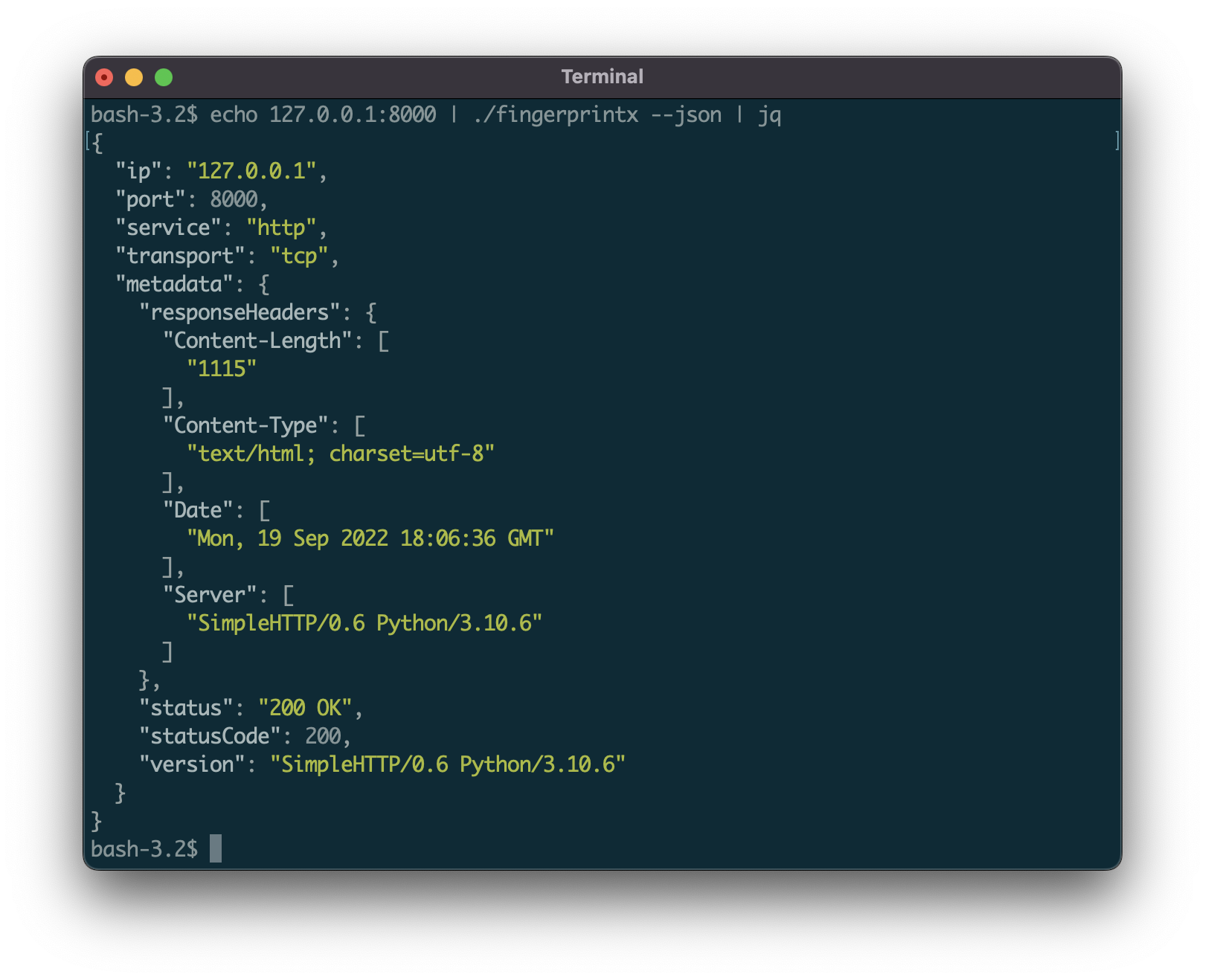
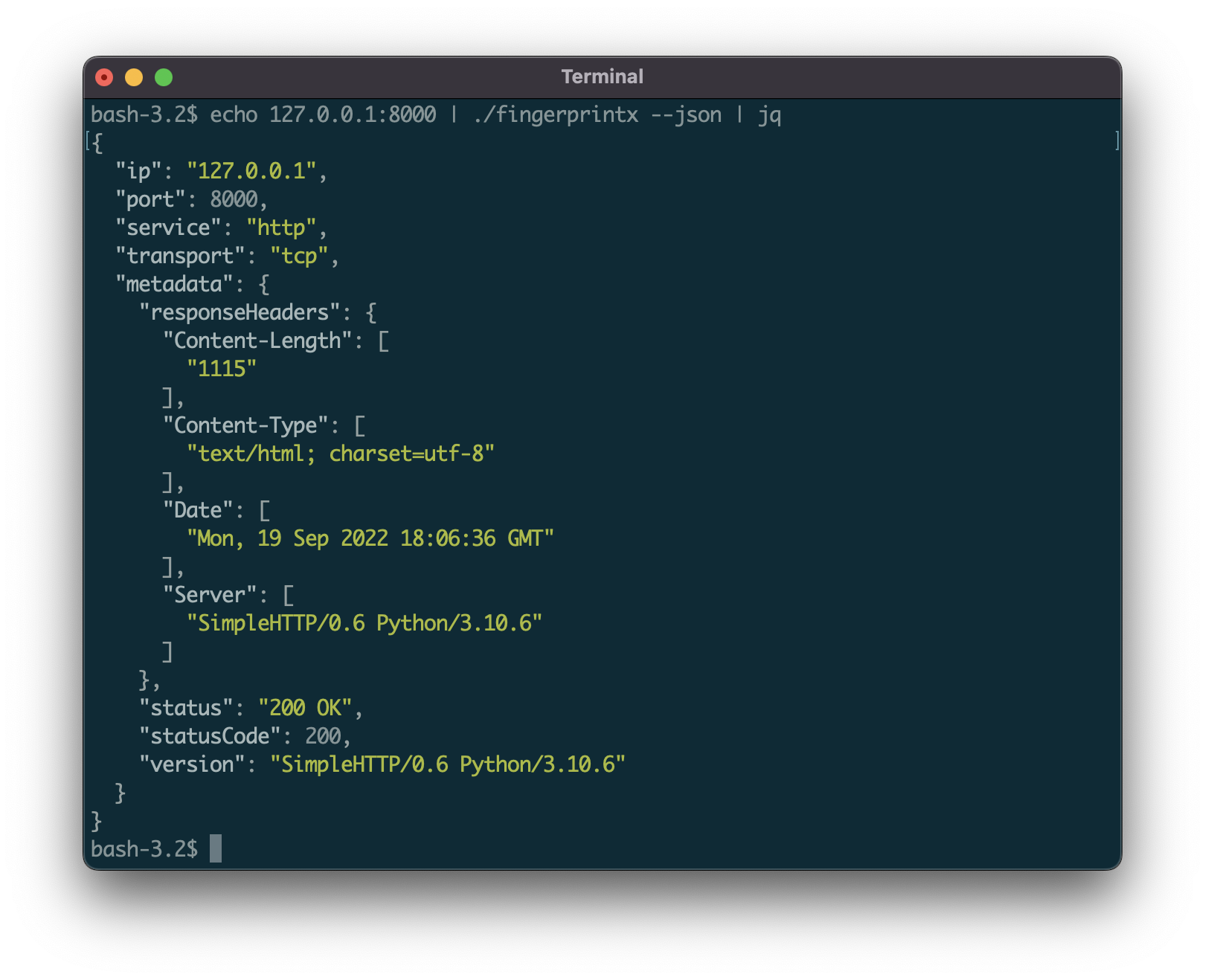
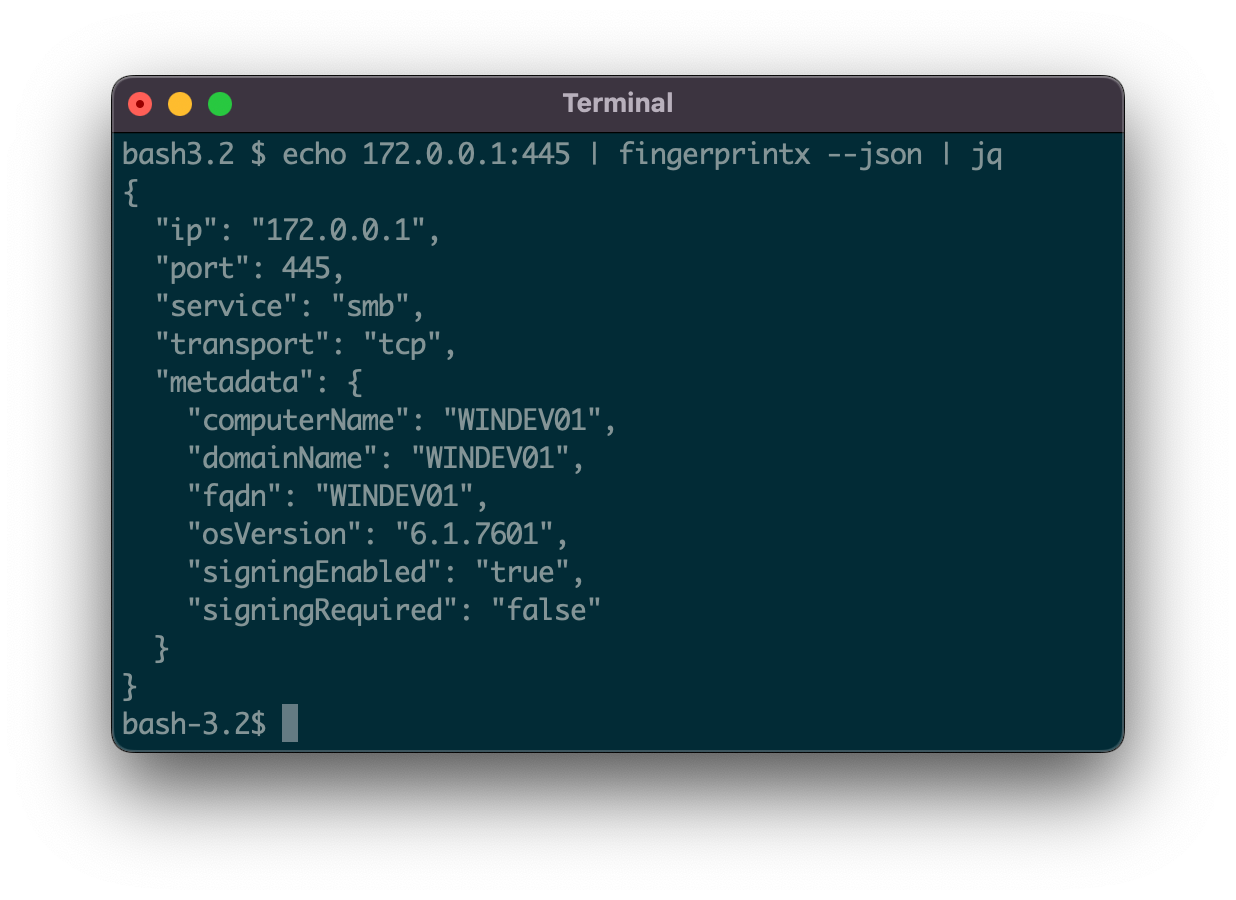
Per impostazione predefinita, l'output è nella forma: SERVICE://HOST:PORT. Per ottenere un output più dettagliato del servizio, specificare JSON con il flag --json:
$ fingerprintx -t 127.0.0.1:8000 --json
{"ip":"127.0.0.1","port":8000,"service":"http","transport":"tcp","metadata":{"responseHeaders":{"Content-Length":["1154"],"Content-Type":["text/html; charset=utf-8"],"Date":["Mon, 19 Sep 2022 18:23:18 GMT"],"Server":["SimpleHTTP/0.6 Python/3.10.6"]},"status":"200 OK","statusCode":200,"version":"SimpleHTTP/0.6 Python/3.10.6"}}
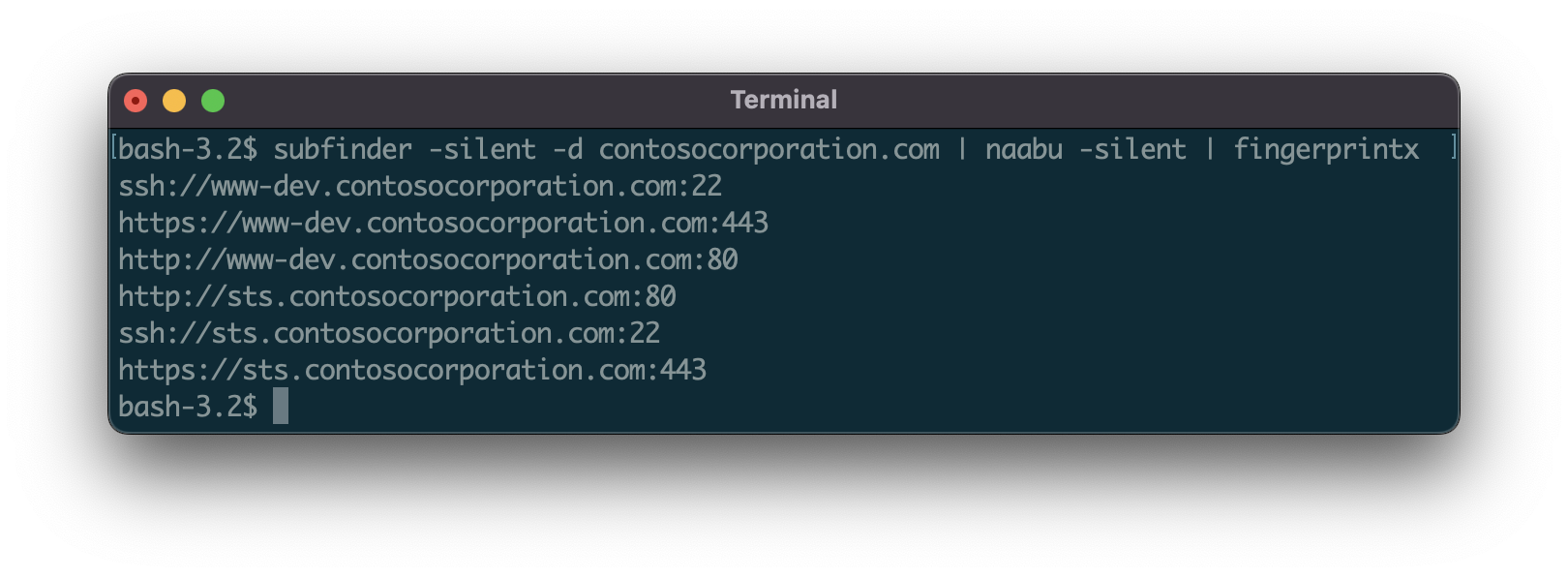
Incanala l'output da un altro programma (come naabu):
$ naabu 127.0.0.1 -silent 2>/dev/null | fingerprintx
http://127.0.0.1:8000
ftp://127.0.0.1:21
Esegui con un file di input:
$ cat input.txt | fingerprintx
http://praetorian.com:80
telnet://telehack.com:23
