 misp/misp-dashboard
Una dashboard live per una panoramica in tempo reale delle intelligence sulle minacce provenienti da istanze MISP

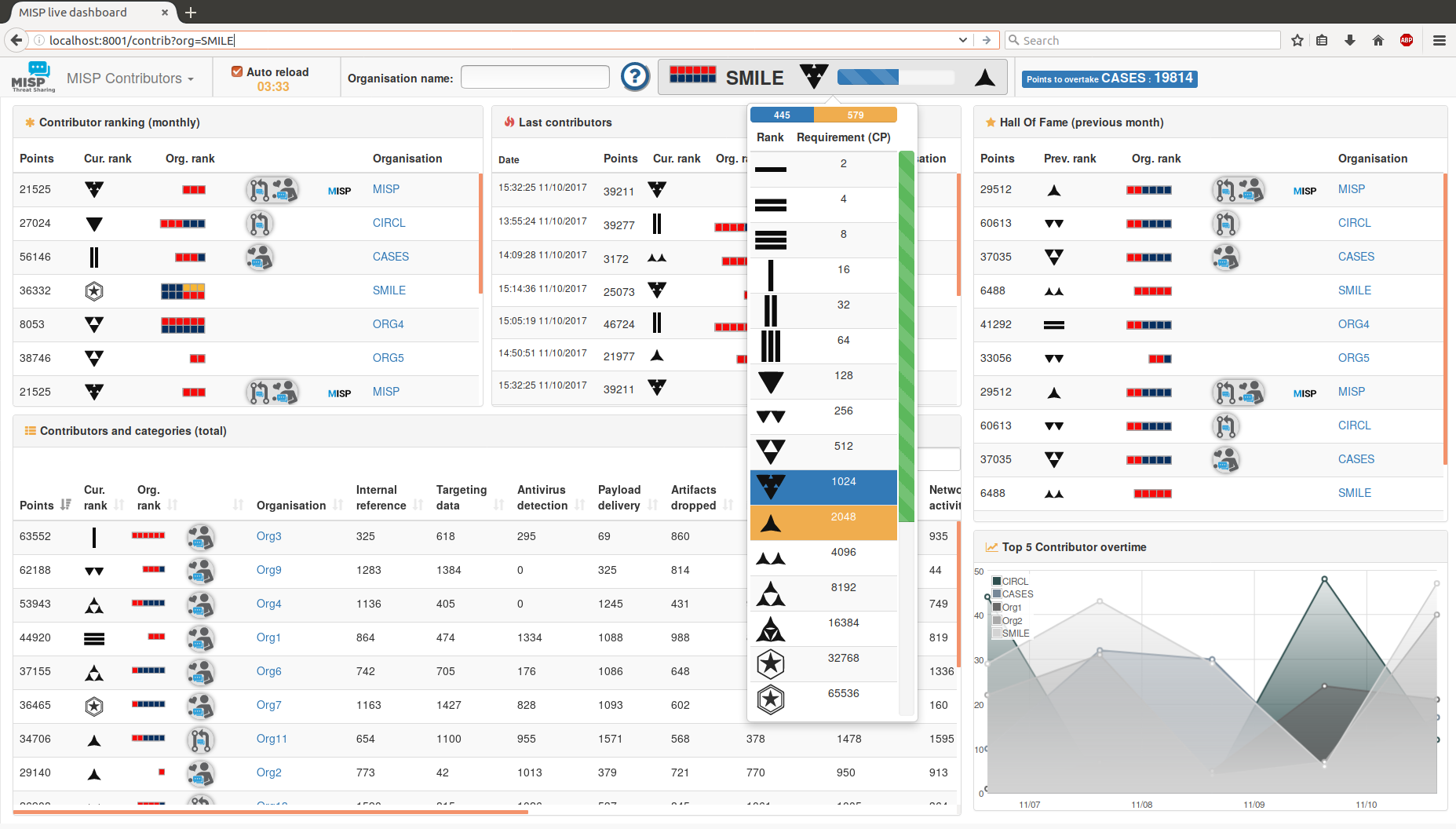
Una dashboard che mostra dati in tempo reale e statistiche dai feed ZMQ di una o più istanze MISP. La dashboard può essere utilizzata come strumento di situational awareness in tempo reale per raccogliere informazioni sulle minacce. misp-dashboard include uno strumento di gamificazione per mostrare i contributi di ogni organizzazione e come vengono classificate nel tempo. La dashboard può essere utilizzata per SOC (Security Operation Centers), team di sicurezza o durante esercitazioni informatiche per tenere traccia di ciò che viene elaborato sulle varie istanze MISP.
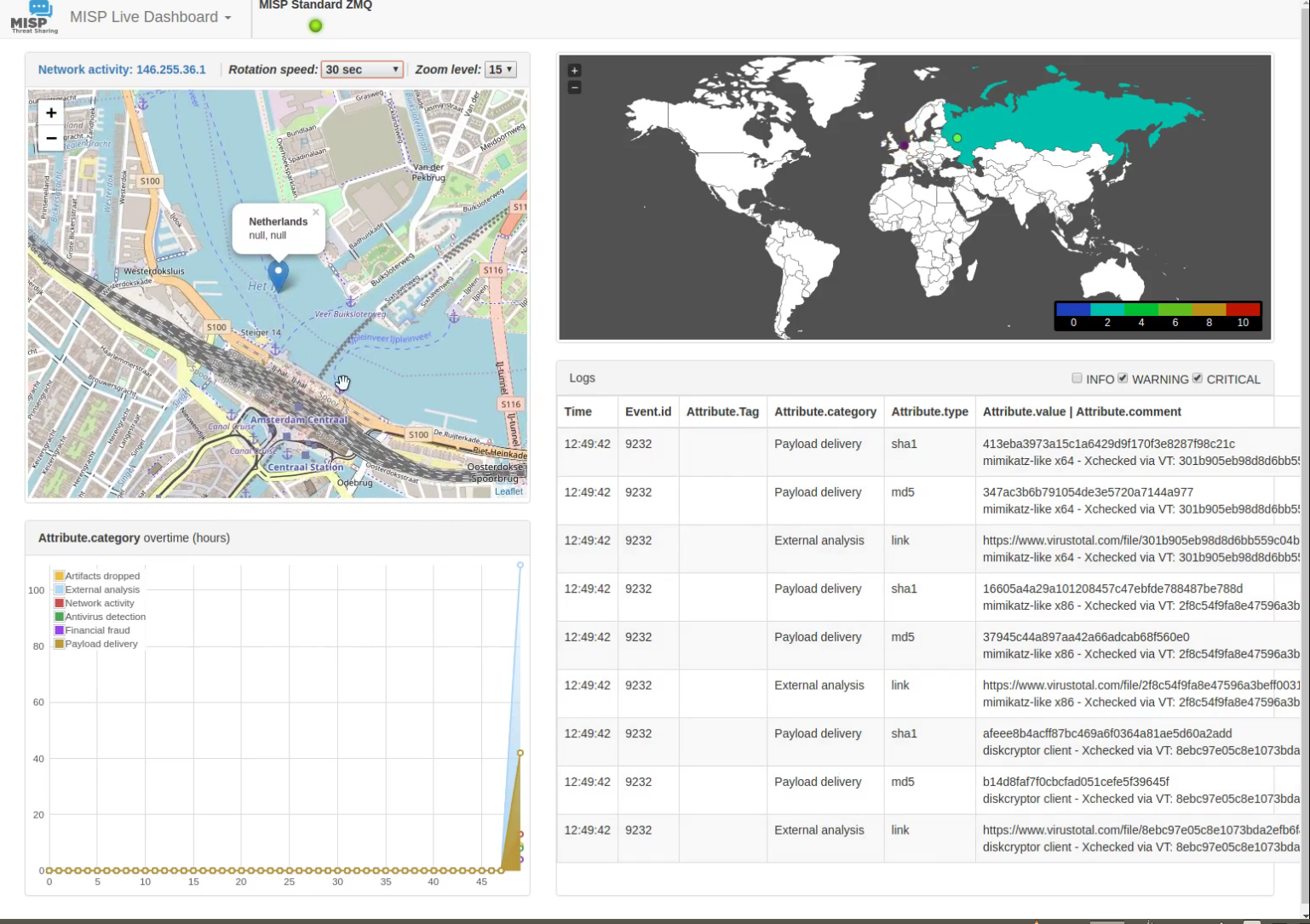
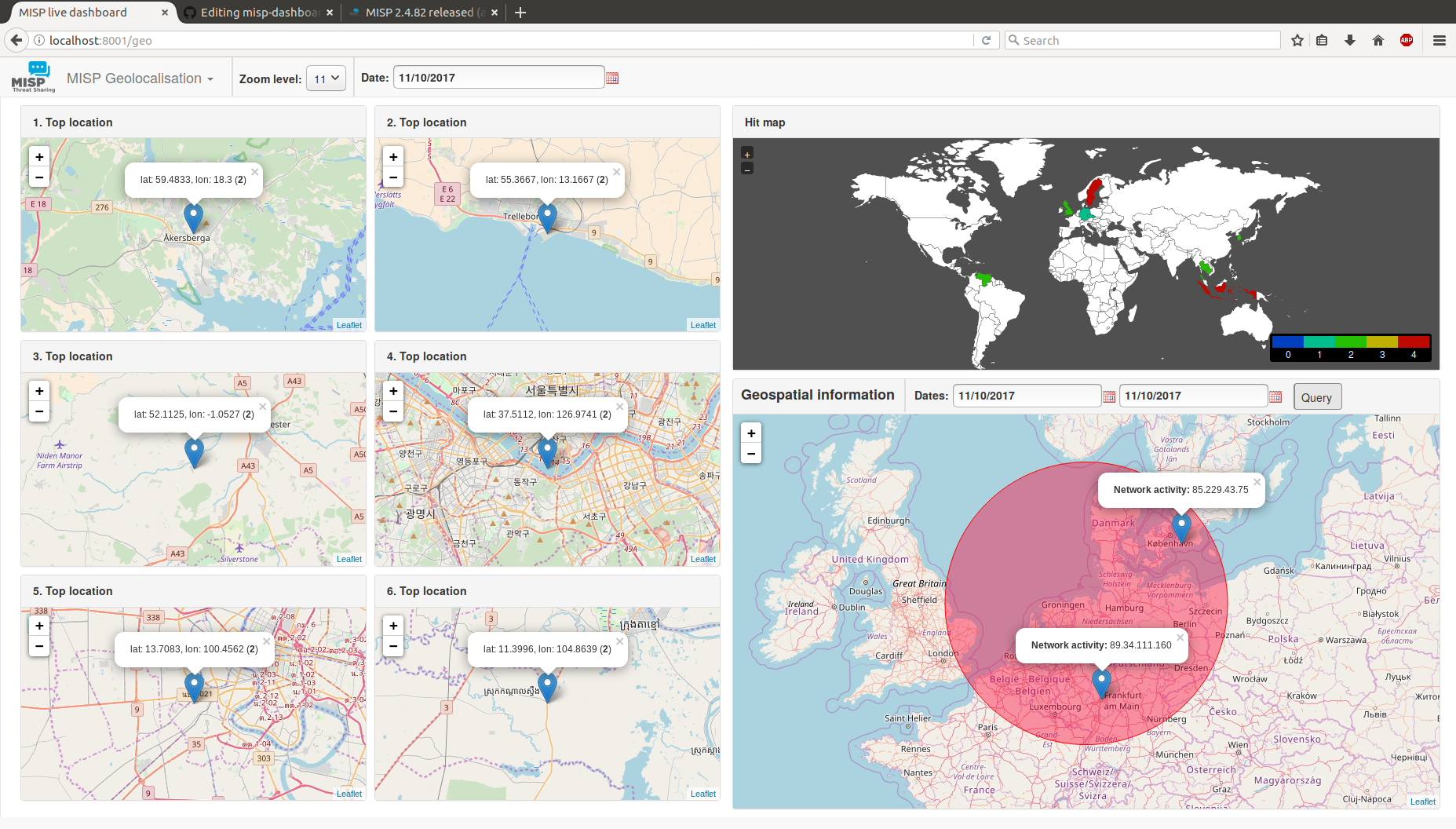
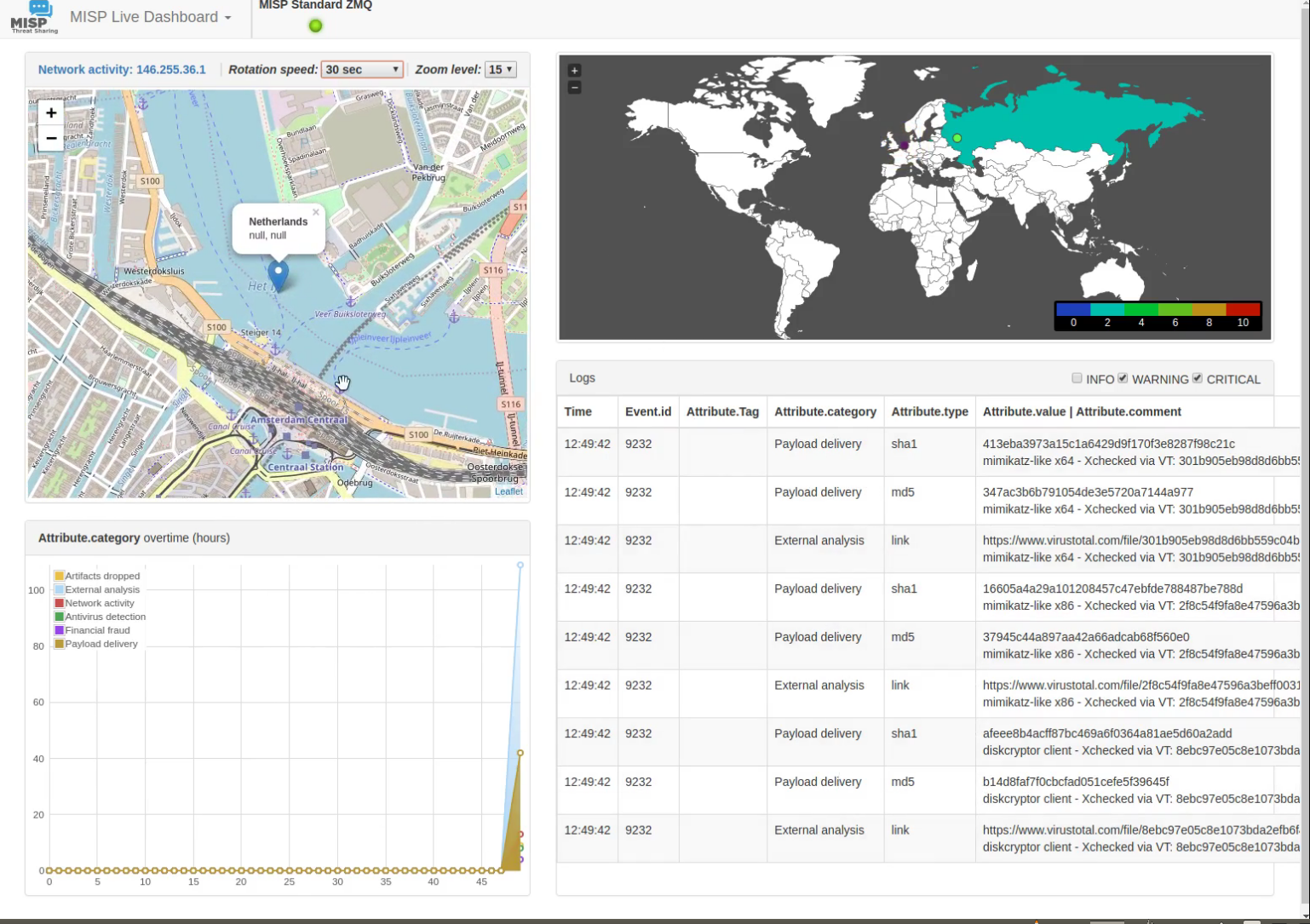
Mostra:
Include:
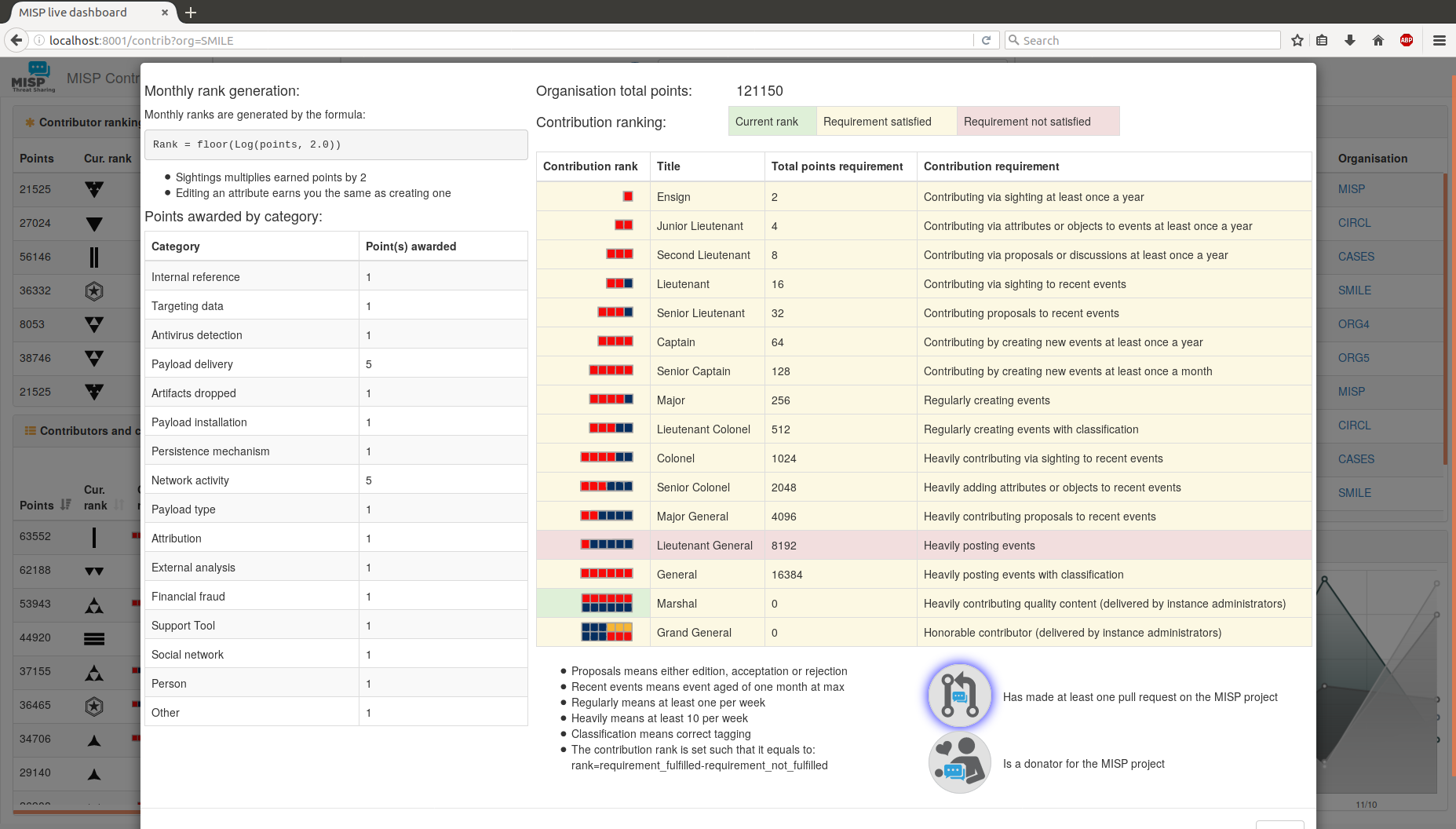
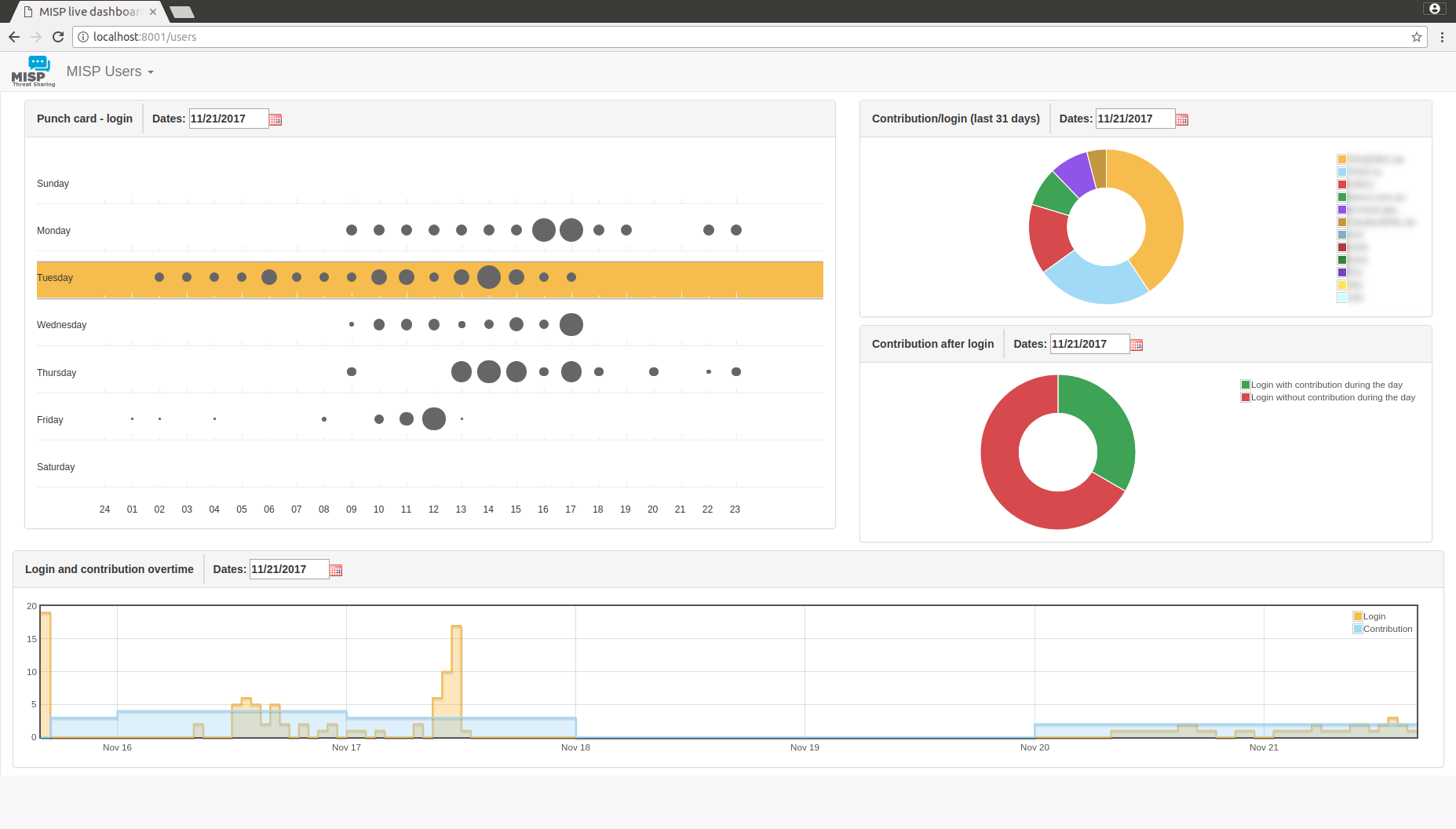
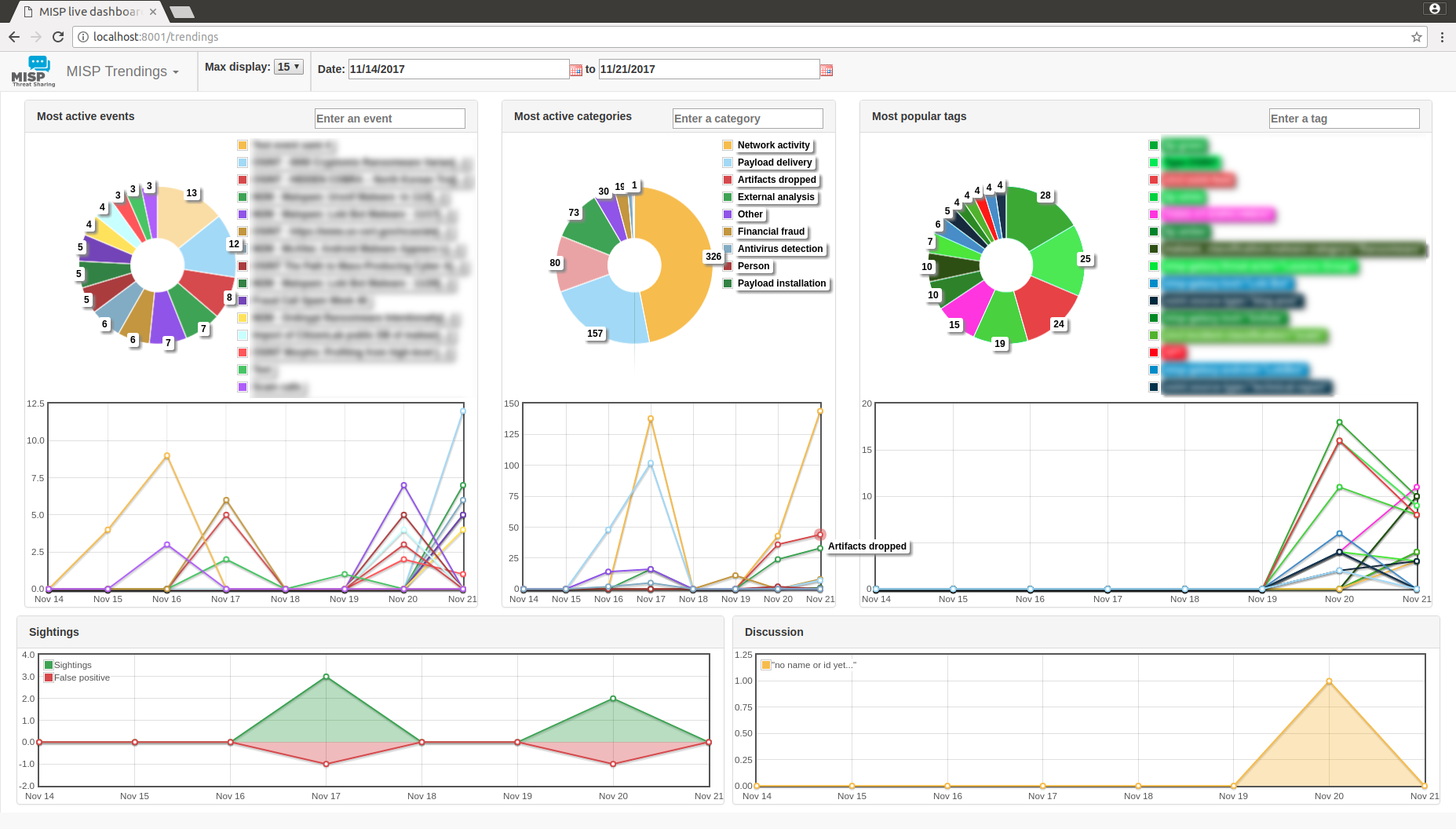
Prima di installare, considera che gli unici sistemi supportati sono sistemi operativi open source Unix-like come Linux e altri.
./install_dependencies.sh dalla directory di MISP-Dashboard (idempotente-ish)config.cfg in modo che corrisponda al tuo sistema
./install_dependencies.sh per scaricare nuove dipendenze necessarieconfig.cfg confrontando eventuali modifiche in config.cfg.default⚠️ Assicurati che nessuno script zmq python3 sia in esecuzione. Bloccano l'aggiornamento.
+ virtualenv -p python3 DASHENV
Already using interpreter /usr/bin/python3
Using base prefix '/usr'
New python executable in /home/steve/code/misp-dashboard/DASHENV/bin/python3
Traceback (most recent call last):
  File "/usr/bin/virtualenv", line 9, in <module>
    load_entry_point('virtualenv==15.0.1', 'console_scripts', 'virtualenv')()
  File "/usr/lib/python3/dist-packages/virtualenv.py", line 719, in main
    symlink=options.symlink)
  File "/usr/lib/python3/dist-packages/virtualenv.py", line 942, in create_environment
    site_packages=site_packages, clear=clear, symlink=symlink))
  File "/usr/lib/python3/dist-packages/virtualenv.py", line 1261, in install_python
    shutil.copyfile(executable, py_executable)
  File "/usr/lib/python3.5/shutil.py", line 115, in copyfile
    with open(dst, 'wb') as fdst:
OSError: [Errno 26] Text file busy: '/home/steve/code/misp-dashboard/DASHENV/bin/python3'
./start_all.sh OPPURE ./start_zmq.sh e ./server.py &⚠️ Non dovresti eseguirlo come root. I privilegi normali sono sufficienti.
redis-server --port 6250. ./DASHENV/bin/activate./zmq_subscriber.py &./zmq_dispatcher.py &./server.py &http://localhost:8001/In alternativa, puoi eseguire lo script start_all.sh per eseguire i comandi descritti sopra.
L'autenticazione può essere abilitata in config/config.cfg impostando auth_enabled = True.
Gli utenti dovranno effettuare il login su MISP e potranno procedere se l'impostazione User Setting dashboard_access è impostata su 1 per l'account utente MISP.
Il debug è divertente e fornisce maggiori dettagli su ciò che accade quando le cose falliscono. Tieni presente che eseguire Flask in debug NON è adatto alla produzione; se abilitato, ti porterà a una shell Python per approfondire ulteriormente.
Subito prima di eseguire ./server.py fai:
export FLASK_DEBUG=1
export FLASK_APP=server.py
flask run --host=0.0.0.0 --port=8001 # <- Fai attenzione qui, espone su TUTTI gli indirizzi IP. Idealmente se eseguito localmente --host=127.0.0.1
OPPURE, attiva semplicemente il flag di debug in start_all.sh o config.cfg.
Happy hacking ;)
Per riavviare da zero e svuotare tutti i dati dalla dashboard, puoi utilizzare lo script di pulizia dedicato clean.py
Clean data stored in the redis server specified in the configuration file

optional arguments:
  -h, --help    show this help message and exit
  -b, --brutal  Perfom a FLUSHALL on the redis database. If not set, will use
                a soft method to delete only keys used by MISP-Dashboard.
misp-dashboard, essendo stateless rispetto a MISP, può elaborare solo i dati che riceve. Ciò significa che se il tuo MISP non pubblica tutte le notifiche sul suo ZMQ, misp-dashboard non le avrà.
L'esempio più rilevante potrebbe essere il punchcard di login dell'utente. Se il tuo MISP non ha l'opzione Plugin.ZeroMQ_audit_notifications_enable impostata su true, il punchcard sarà vuoto.
Quando la dashboard non mostra risultati, controlla innanzitutto se il modulo zmq all'interno di MISP è installato correttamente.
