 gleeda/memtriage
Consente di interrogare rapidamente una macchina Windows alla ricerca di artefatti RAM

Consente di interrogare rapidamente una macchina Windows live per artefatti in RAM
Questo strumento utilizza i driver Winpmem per accedere alla memoria fisica e Volatility per l'analisi.
Avvertenze:
Attualmente sono supportati i seguenti:
usage: memtriage.exe [-h] [--unload] [--load] [--debug] [--service SERVICE]
                     [--output OUTPUT] [--dumpdir DUMPDIR] [--base BASE]
                     [--offset OFFSET] [--memory MEMORY] [--pid PID] [--leave]
                     [--plugins PLUGINS] [--physoffset PHYSOFFSET]
                     [--physical] [--ignore] [--regex REGEX] [--name NAME]
                     [--keepname] [--outfile OUTFILE] [--yararules YARARULES]
                     [--yarafile YARAFILE] [--kernel] [--all] [--case]
                     [--wide] [--size SIZE] [--reverse REVERSE]

Memtriage options:

optional arguments:
  -h, --help            show this help message and exit
  --unload              Unload the driver and exit
  --load                Load the driver and exit
  --debug               Output debug messages while running
  --service SERVICE     Change the service name (default: pmem)
  --output OUTPUT       Output type: json/text/csv
  --dumpdir DUMPDIR     Directory to dump files to
                        (dlldump,procdump,moddump,vaddump,dumpfiles)
  --base BASE           Base of PE file to dump (dlldump,procdump,moddump)
  --offset OFFSET       Physical offset of process to act on
                        (dlldump,procdump,moddump,vaddump,dumpfiles)
  --memory MEMORY       Carve as a memory sample rather than exe/disk
                        (dlldump,procdump,moddump)
  --pid PID             Operate on this process ID
  --leave               Leave pmem service running with driver
  --plugins PLUGINS     Comma delimited list of plugins to run: apihooks atoms
                        cmdline dlldump dlllist driverirp dumpfiles envars
                        getsids handles ldrmodules malfind moddump modules
                        netscan privs procdump pslist psxview shimcachemem
                        svcscan vaddump vadinfo verinfo volshell yarascan
  --physoffset PHYSOFFSET
                        Dump File Object at physical address PHYSOFFSET
                        (dumpfiles)
  --physical            Display the physical address of object
                        (pslist,handles,modules)
  --ignore              Ignore case in pattern match (dumpfiles,verinfo)
  --regex REGEX         Dump files matching REGEX (dumpfiles,driverirp,privs)
  --name NAME           Name of process/object to operate on
  --keepname            Keep original file name (dumpfiles)
  --outfile OUTFILE     Combined output file (default: stdout)
  --yararules YARARULES
                        Yara rule given on the commandline (yarascan)
  --yarafile YARAFILE   Yara rules given as a file (yarascan)
  --kernel              Scan kernel memory (yarascan)
  --all                 Scan both process and kernel memory (yarascan)
  --case                Make the search case insensitive (yarascan)
  --wide                Match wide (unicode) strings (yarascan)
  --size SIZE           Size of preview hexdump in bytes (default: 256)
                        (yarascan)
  --reverse REVERSE     Reverse [REVERSE] number of bytes (default: 0)
                        (yarascan)
Memtriage tenterà di determinare automaticamente il profilo e di eseguire con le impostazioni appropriate. Se non esiste una corrispondenza esatta, Memtriage tenterà di utilizzare il profilo denominato più vicino disponibile. Pertanto, è possibile che le definizioni degli oggetti non corrispondano esattamente (come i nomi dei processi ecc.), cosa che potresti osservare anche eseguendo Volatility con un profilo errato. I profili possono essere aggiunti al codice di Volatility e l'eseguibile può essere ricompilato con pyinstaller.
Per impostazione predefinita, memtriage.exe tenterà di caricare il driver alla prima esecuzione e di scaricarlo all'uscita. Puoi comunque caricare e scaricare il driver manualmente con le opzioni --load e --unload. Puoi anche richiedere che il driver rimanga caricato dopo che i plugin hanno terminato l'esecuzione con l'opzione --leave.
> memtriage.exe --leave --plugins=dumpfiles --dumpdir=outdir --physoffset=1066160184 --keepname
Il nome predefinito del servizio creato è pmem. È possibile specificare un nome di servizio diverso con l'opzione --service=. Sarà quindi necessario utilizzare questa opzione --service= per le invocazioni future se si lascia il driver caricato. Esempio:
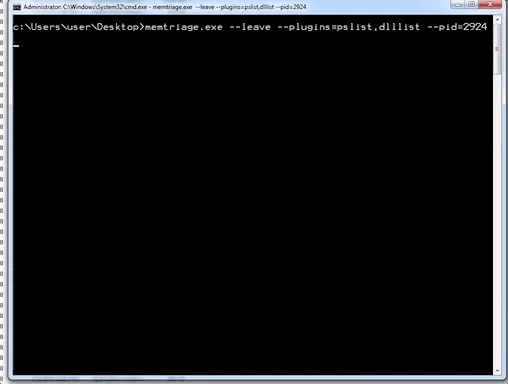
> memtriage.exe --leave --service=somename --plugins=dlllist --pid=2924
[snip]
> memtriage.exe --unload --service=somename
È possibile eseguire più plugin contemporaneamente specificandoli separati da virgola con l'opzione --plugins=. Esempio:
> memtriage.exe --plugins=pslist,handles,dlllist
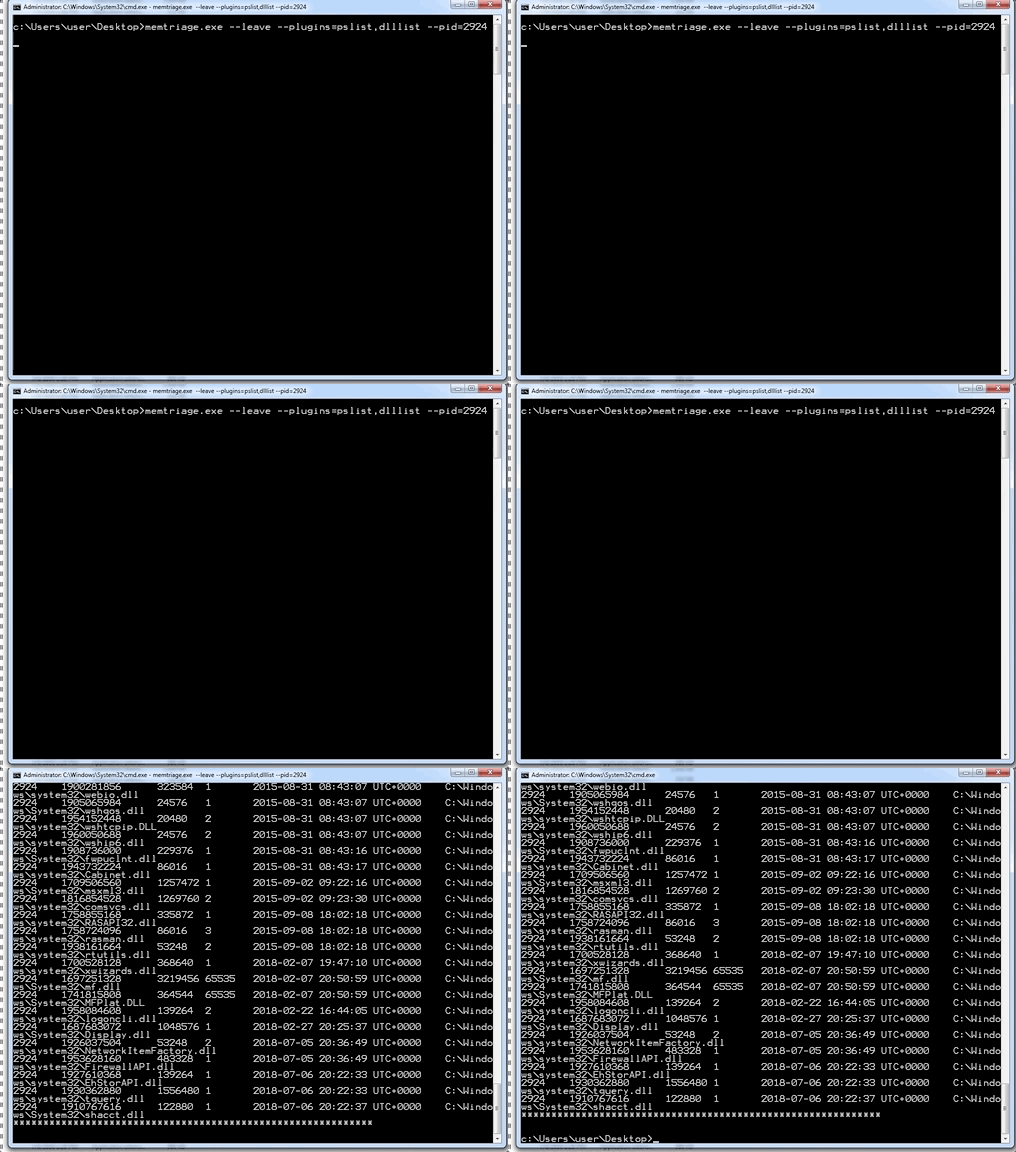
Altre opzioni verranno utilizzate per il plugin appropriato. Esempio:
> memtriage.exe --plugins=pslist,handles,dlllist,dlldump,dumpfiles,shimcachemem,volshell --outfile=outfile.txt --pid=2924 --dumpdir=outdir --leave --keepname --physoffset=1066160184
Puoi trovare le release, incluso un eseguibile standalone pyinstaller, qui: https://github.com/gleeda/memtriage/releases
Scopri gli strumenti più utilizzati dalla nostra community.
Nessun dato di popolarità ancora.
