 thedarknessdied/cve-2023-4169_cve-2023-3306_cve-2023-4415
Ruijie-RG-EW1200G CVE-2023-4169_CVE-2023-3306_CVE-2023-4415

मैंने स्थानीय परीक्षण और POC विकास के लिए एक उपकरण विकसित किया है, जो केवल तकनीकी सीखने के संदर्भ के लिए है। कृपया इसका उपयोग अवैध उद्देश्यों के लिए न करें। व्यक्तियों या संगठनों द्वारा इस लेख में दी गई जानकारी का उपयोग करने से होने वाले किसी भी प्रत्यक्ष या अप्रत्यक्ष परिणाम और हानि के लिए उपयोगकर्ता स्वयं जिम्मेदार है, लेखक का इससे कोई संबंध नहीं है!!! I have developed a tool for local testing and POC development, which is for technical learning reference only. Please do not use it for illegal purposes. Any direct or indirect consequences and losses caused by individuals or organizations using the information provided in this article are the responsibility of the user themselves and have nothing to do with the author!!!
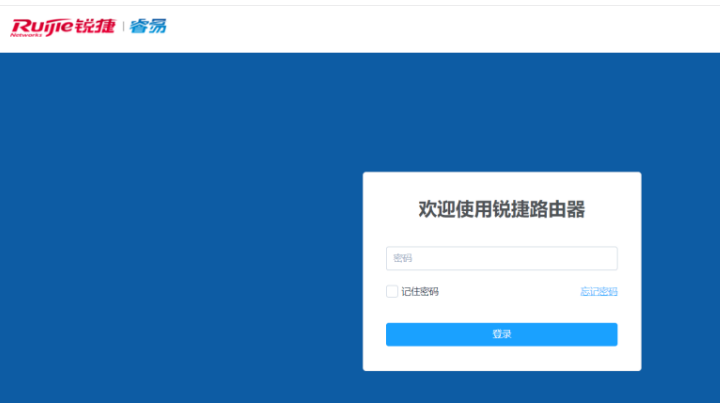
Ruijie Network डेटा संचार समाधानों का एक ब्रांड है। Ruijie Network स्वतंत्र अनुसंधान एवं विकास के पथ पर चलता है, और भीषण प्रतिस्पर्धी नेटवर्क उपकरण बाजार में "परिदृश्य नवाचार" के साथ एक अद्वितीय विकास पथ अपनाता है। अपनी स्थापना के बाद से, Ruijie Network ने "नेटवर्क प्रौद्योगिकी के विकास को बढ़ावा देना, नेटवर्क अनुप्रयोगों की लहर के साथ बने रहना, प्रौद्योगिकी और अनुप्रयोगों को एकीकृत करना, और सामाजिक प्रगति को बढ़ावा देना" को अपना मिशन बनाया है।
बस requests लाइब्रेरी इंस्टॉल करें
pip install -r requirements.txt
python 锐捷RG-EW1200G登录绕过(CVE-2023-4415).py -h
usage: 锐捷RG-EW1200G登录绕过(CVE-2023-4415).py [-h] (-u URL | -f FILE) [--random-agent RANDOM_AGENT | -a USERAGENT]
                                          [-d DELAY] [-t THREAD] [--proxy PROXY]

Ruijie RG-EW1200G: login bypass(CVE-2023-4415) & RCE(CVE-2023-3306) & anonymous reset password(CVE-2023-4169)

optional arguments:
  -h, --help            show this help message and exit
  -u URL, --url URL     Enter target object
  -f FILE, --file FILE  Input target object file
  --random-agent RANDOM_AGENT
                        Using random user agents
  -a USERAGENT, --useragent USERAGENT
                        Using the known User-agent
  -d DELAY, --delay DELAY
                        Set multi threaded access latency (setting range from 0 to 5)
  -t THREAD, --thread THREAD
                        Set the number of program threads (setting range from 1 to 50)
  --proxy PROXY         Set up the proxy

After obtaining login permissions, the following operations can be performed:
- Enter 0 to exit the connecion!
- Enter 1 to show all the cookies which has been recorded!
- Enter 2 to try to login bypass the machine!
- Enter 3 to try to remote code Execute to control the machine!
- Enter 4 to try to reset the user's password!


