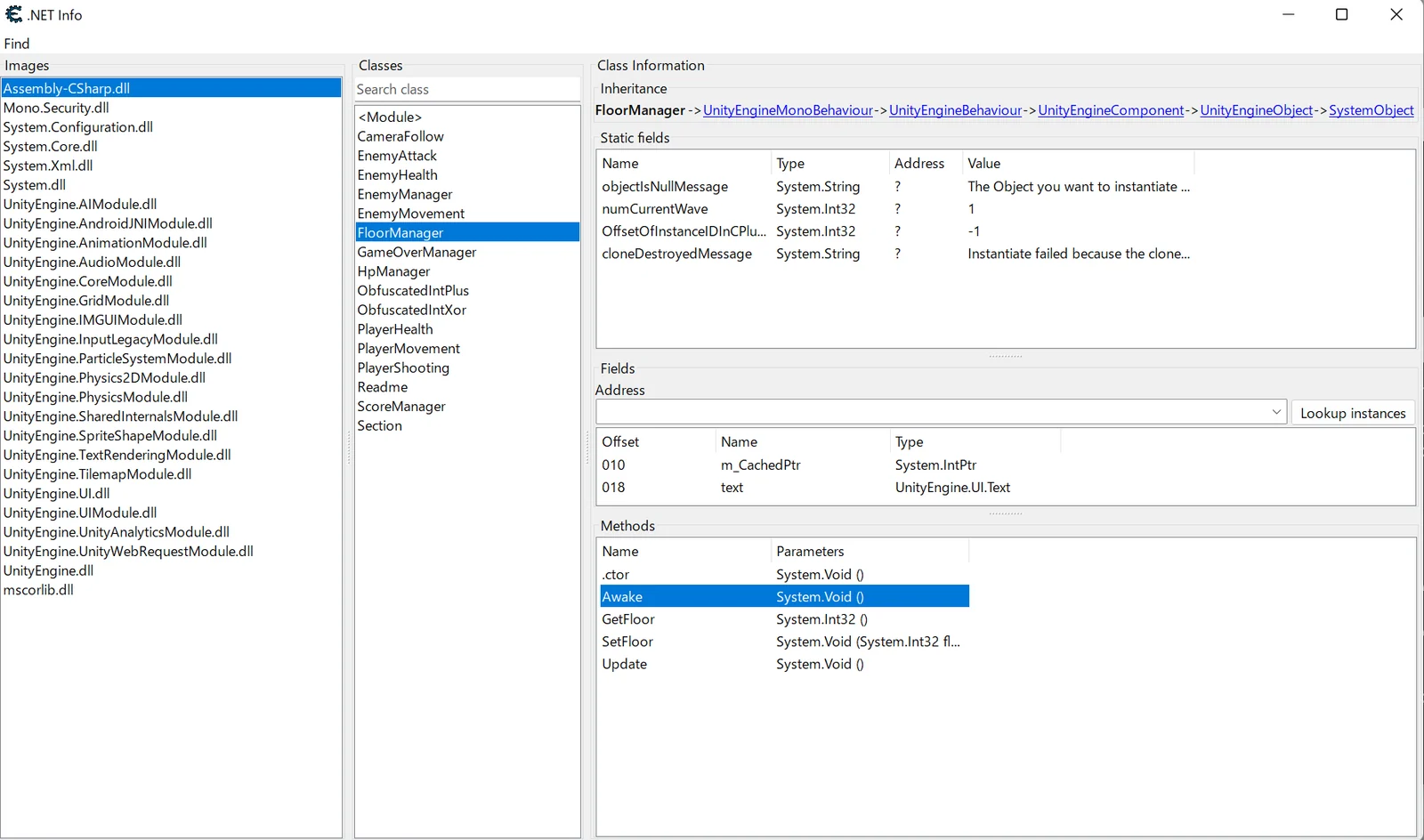

Frida-आधारित टूल जो Cheat Engine के MonoDataCollector को Android और iOS पर पोर्ट करता है, जिससे मोबाइल ऐप्स के रनटाइम Mono/IL2CPP डेटा संग्रह और मेमोरी निरीक्षण सक्षम होता है।

ce के monodatacollector को android/ios पर पोर्ट करना।
CEVersion 7.4.2 या उसके बाद के संस्करण के साथ संचालन की पुष्टि की गई है।
python लाइब्रेरी इंस्टॉल करें।
pip install pywin32
autorun/monoscript.lua को ठीक करना (CE को Mono को वैध के रूप में पहचानने के लिए सेटअप)
  --[[local injectResult, injectError=injectLibrary(getAutorunPath()..libfolder..pathsep..dllname, skipsymbols)
  if not injectResult then
    if injectError then
      print(translate("Failure injecting the MonoDatacollector library"..":"..injectError))
    else
      print(translate("Failure injecting the MonoDatacollector library. No error given"))
    end
    return 0
  end

  if (getOperatingSystem()==0) and (getAddressSafe("MDC_ServerPipe")==nil) then
    waitForExports()
    if getAddressSafe("MDC_ServerPipe")==nil then
      print("DLL Injection failed or invalid DLL version")
      return 0
    end
  end]]
function mono_OpenProcessMT()
 -- print("mono_OpenProcessMT")
  --enumModules is faster than getAddress at OpenProcess time (No waiting for all symbols to be loaded first)
  local usesmono=true--false
डिवाइस पर frida-server शुरू करें और एप्लिकेशन को स्पॉन करें।
python main.py com.DefaultCompany.Sample
ceserver शुरू करें और आपके द्वारा शुरू किए गए एप्लिकेशन का चयन करें।
adb forward tcp:52736 tcp:52736
su -c ./ceserver
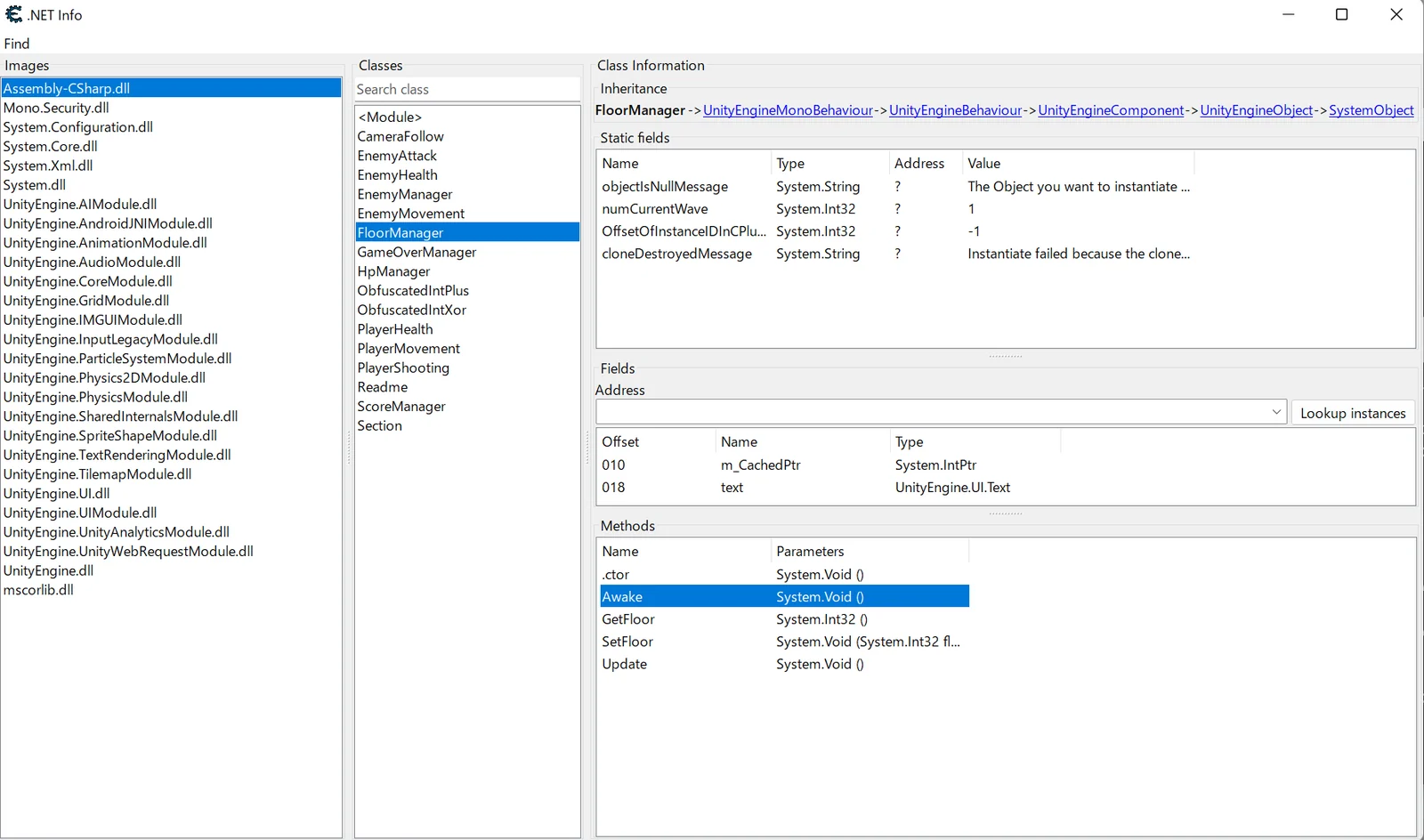
CE में Mono सेट करना
Mono => Activate mono features
यदि आप इसे निर्दिष्ट करते हैं, तो आपको आर्ग्युमेंट में लक्ष्य ऐप का नाम निर्दिष्ट करने की आवश्यकता नहीं है।
android:Android
ios:iOS
spawn:spawn मोड
attach:attach मोड
नेटवर्क के माध्यम से frida-server से कनेक्ट करने के लिए।
उदाहरण:
./frida-server -l 0.0.0.0:12345
frida_server_ip:"192.168.11.3:12345"
