 bassammaged/awsenum
प्रदान किए गए क्रेडेंशियल के आधार पर AWS क्लाउड संसाधनों की गणना करें

AWS सेवाओं की गणना करें! बिना किसी शोर के
awsEnum एक पायथन स्क्रिप्ट है जो प्रदान की गई क्रेडेंशियल के माध्यम से AWS सेवाओं की गणना करती है।
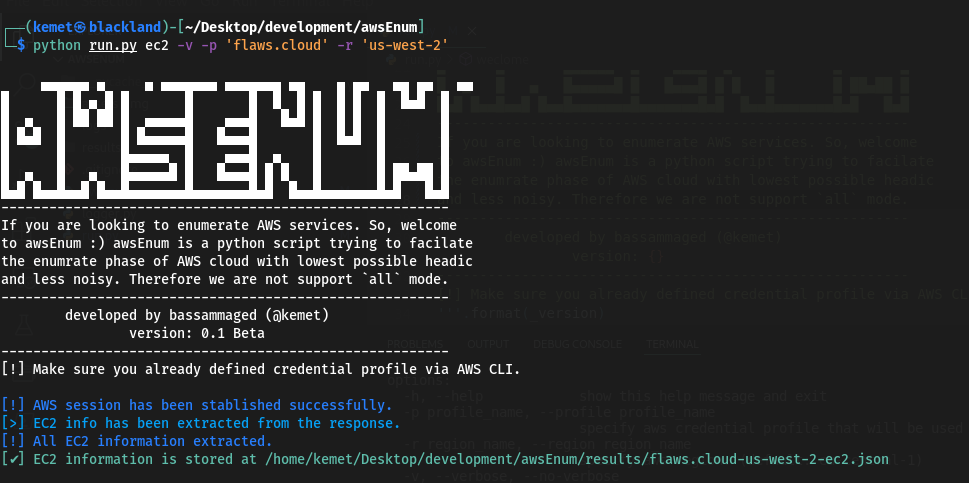
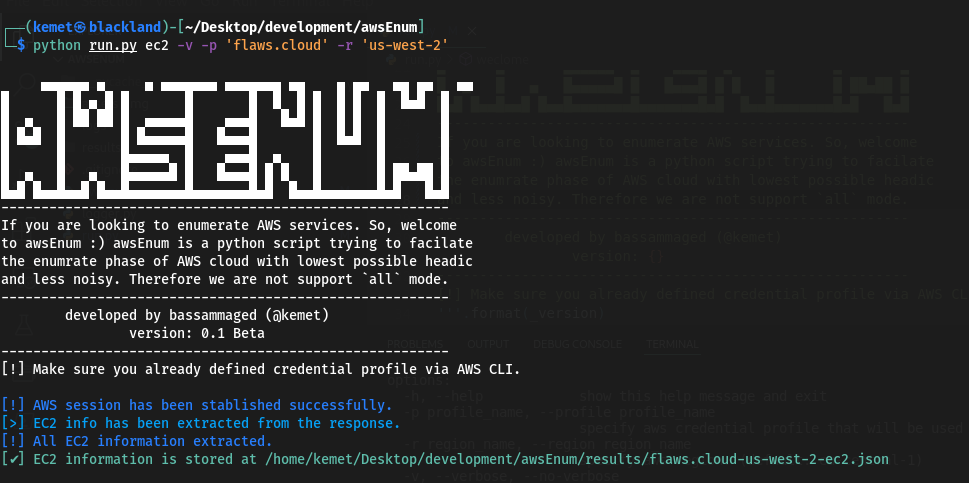
     ▄▄▄▄▄▄ ▄     ▄ ▄▄▄▄▄▄▄ ▄▄▄▄▄▄▄ ▄▄    ▄ ▄▄   ▄▄ ▄▄   ▄▄
█      █ █ ▄ █ █       █       █  █  █ █  █ █  █  █▄█  █
█  ▄   █ ██ ██ █  ▄▄▄▄▄█    ▄▄▄█   █▄█ █  █ █  █       █
█ █▄█  █       █ █▄▄▄▄▄█   █▄▄▄█       █  █▄█  █       █
█      █       █▄▄▄▄▄  █    ▄▄▄█  ▄    █       █       █
█  ▄   █   ▄   █▄▄▄▄▄█ █   █▄▄▄█ █ █   █       █ ██▄██ █
█▄█ █▄▄█▄▄█ █▄▄█▄▄▄▄▄▄▄█▄▄▄▄▄▄▄█▄█  █▄▄█▄▄▄▄▄▄▄█▄█   █▄█
--------------------------------------------------------
If you are looking to enumerate AWS services. So, welcome
to awsEnum, awsEnum is a python script trying to facilitate
the enumerate phase of AWS cloud with the lowest possible
headache and less noise. Therefore we are not supporting
the `all` mode. ----------------------------------------
--------------------------------------------------------
        developed by bassammaged (@kemet)
                version: 0.1 Beta
--------------------------------------------------------
[!] Make sure you already defined credential profile via AWS CLI.

usage: run.py [-h] [-p profile_name] [-r region_name] [-v | --verbose | --no-verbose] [-t TRIES] aws_service_name

positional arguments:
  aws_service_name      Specify the aws service for enumration. Supported services are: ['ec2', 'iam', 's3'] (default: all)

options:
  -h, --help            show this help message and exit
  -p profile_name, --profile profile_name
                        specify aws credential profile that will be used through the enumeration. (default: default)
  -r region_name, --region region_name
                        specify aws region. (default: eu-central-1)
  -v, --verbose, --no-verbose
                        Allows the script to print out the message level start with debug. (default: False)
  -t TRIES, --tries TRIES
                        set maximum tries. (default: 1000)
awsEnum बीटा संस्करण में है और माना जाता है कि यह त्रुटियों से मुक्त है, लेकिन यदि कोई समस्या आती है, तो कृपया टिकट सबमिट करें। awsEnum को निम्नलिखित परिस्थितियों में उपयोग करने के लिए कोडित और प्रकाशित किया गया है:
awsEnum को हुडी के तहत काम करने के लिए बनाया गया है, जिसका अर्थ है कि 'सभी' मोड का समर्थन करने का कोई इरादा नहीं है।
boto3 के माध्यम से AWS सेवा से कनेक्ट करें, दूसरे शब्दों में! हस्ताक्षर अनुरोध।awsEnum उपयोगकर्ता को अनुरोधों की संख्या निर्धारित करने की अनुमति देता है [डिफ़ॉल्ट रूप से: 1000]।awsEnum परिणाम को json फ़ाइल में संग्रहीत करता है।awscli कॉन्फ़िगरेशन में रखें और केवल profile_name को awsEnum में पास करें।ec2, iam, s3।pip पैकेज प्रबंधकpython3 -m pip install requirements.txtrun.py स्क्रिप्ट के माध्यम से awsEnum का उपयोग करने के लिए स्वतंत्र महसूस करें