
scopeblind-gateway v0.13.1
Reçus signés Ed25519 + politiques Cedar pour les agents IA. Finance mandate gate (Legate), packs de preuves, 3 Internet-Drafts IETF. npx protect-mcp
protect-mcp
Local policy enforcement and signed decision receipts for AI agent tool calls.





Developer page · Quickstart · Agent setup · Policy packs · Sample record · Integrations · Documentation · Contribute
Put the gateway between an MCP client and its tool server, or use its hooks in a coding agent. Review a Cedar policy, enable enforcement, and keep a signed record of the decisions. Local evaluation and verification need no ScopeBlind account and send no decision telemetry.
- Enforce at the tool boundary. Cedar denies on missing policies, engine
errors or evaluation errors in fail-closed mode. Shadow mode is the default
for the MCP wrapper: use
--enforcewhen ready to block. - Check what was signed. Ed25519 receipts include the decision and policy digest. @veritasacta/verify checks the bytes against the public key you trust.
- Start with existing tools. Use MCP stdio, the HTTP gateway or coding-agent hooks. Optional hosted collaboration has its own permissions and data flows.
A gateway covers calls routed through it. It is not an OS sandbox, and a signed receipt does not establish that an action executed or that no action was omitted. The security policy describes the boundary and reporting process.
See the result
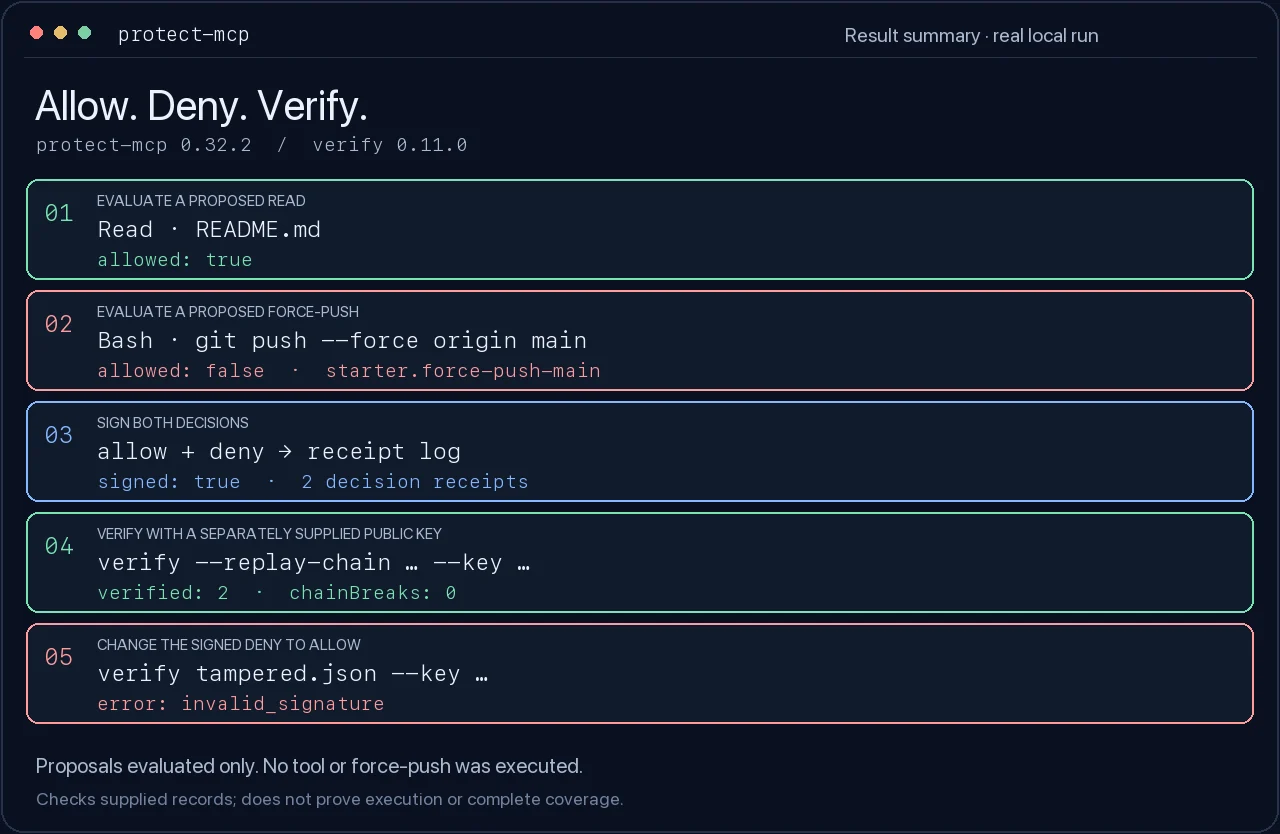
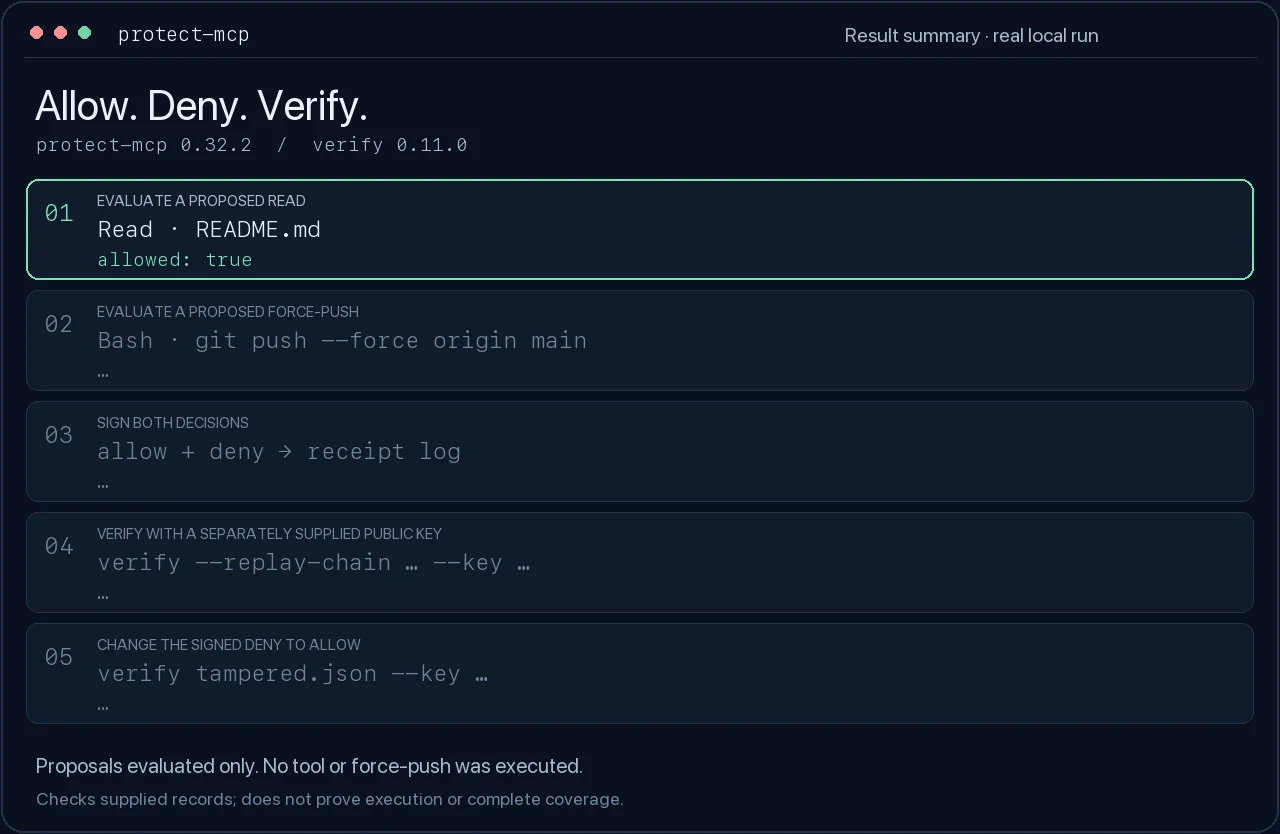
A real local run: evaluate two proposed calls, sign the decisions, verify the receipts, then change a signed decision and check it again.
Watch the 14-second walkthrough
Text walkthrough and reproduction · Captured results
Try it without an agent
Use Node.js 22 and npm in a new directory. Install the pinned gateway and verifier:
mkdir protect-mcp-demo
cd protect-mcp-demo
npm init -y
npm install --save-exact [email protected] @veritasacta/[email protected]
This example evaluates two proposed calls and signs their decisions. It does not
execute either tool or run git push. Everything after installation is local.
# Create a starter policy and a private signing key.
npx --no-install protect-mcp init --starter

# A normal read is allowed; a force-push to main is denied (exit 2).
npx --no-install protect-mcp evaluate --policy ./protect.cedar --tool Read --input '{"path":"README.md"}'
npx --no-install protect-mcp evaluate --policy ./protect.cedar --tool Bash --input '{"command":"git push --force origin main"}' || test "$?" -eq 2

# Evaluate again at signing time and record both decisions, in order.
npx --no-install protect-mcp sign --cedar builtin:starter --tool Read --input '{"path":"README.md"}' --key ./protect-mcp.key --receipts ./receipts
npx --no-install protect-mcp sign --cedar builtin:starter --tool Bash --input '{"command":"git push --force origin main"}' --key ./protect-mcp.key --receipts ./receipts

# Take only the public key from the key you generated, not from the receipt.
PROTECT_MCP_PUBLIC_KEY=$(node -p 'JSON.parse(require("fs").readFileSync("protect-mcp.key", "utf8")).publicKey')
npx --no-install verify --replay-chain ./receipts/receipts.jsonl --key "$PROTECT_MCP_PUBLIC_KEY" --json

# Change the signed deny to allow. The original receipt log stays intact.
node -e 'const fs=require("fs");const r=JSON.parse(fs.readFileSync("receipts/receipts.jsonl","utf8").trim().split("\n")[1]);r.payload.decision="allow";fs.writeFileSync("tampered.json",JSON.stringify(r))'
npx --no-install verify tampered.json --key "$PROTECT_MCP_PUBLIC_KEY" --json || test "$?" -eq 1
Expected: allow, then deny; both original receipt signatures and their link
verify; the modified receipt reports invalid_signature. Keep protect-mcp.key
private. To verify someone else's record, obtain their expected public key
through an independent trusted channel.
Verifier exit codes are 0: valid, 1: invalid, 2: not checked/error. An invalid result is not necessarily tampering: the wrong expected key can also fail verification. Chain replay checks the supplied links; it does not establish that you received the entire history.
CI runs this exact example against the packed candidate and the pinned published verifier. See validation and releases.
Connect your agent
Choose the integration that matches your host and the coverage you need.
Installing guidance skills does not enable enforcement. doctor checks local
configuration; confirm the selected route with a real allowed and blocked call.
For the Claude Code plugin, first prepare and start the local gate, then install it in your project (Claude Code 2.1.295 or later):
claude plugin install protect-mcp --marketplace ScopeBlind/scopeblind-gateway --scope project
The plugin blocks routed tool calls while its gate is unavailable. Choose the plugin or standalone project hooks, so the same call is not recorded twice.