 thewhiteh4t/pwnedornot
Herramienta OSINT para encontrar contraseñas de direcciones de correo electrónico comprometidas

Creado por Lohitya Pushkar (thewhiteh4t).
Twitter
-
Blog
| Disponible | en | |
|---|---|---|
| BlackArch Linux | SecBSD | Tsurugi Linux |
 |  |  |
pwnedOrNot funciona en dos fases. En la primera fase, prueba la dirección de correo electrónico dada usando la API v3 de HaveIBeenPwned para determinar si la cuenta ha sido comprometida en el pasado, y en la segunda fase busca la contraseña en filtraciones públicas disponibles.
[!IMPORTANTE]
Se requiere una clave API para usar la herramienta. Puedes adquirir una clave desde el sitio web de HIBP enlazado abajo
https://haveibeenpwned.com/API/v3
Herramientas de recopilación OSINT para Pastebin - Jake Creps
https://github.com/thewhiteh4t/pwnedOrNot/wiki/Changelog
haveibeenpwned ofrece mucha información sobre el correo comprometido; pwnedOrNot muestra la información más útil, como:
Las posibilidades de encontrar contraseñas dependen de los siguientes factores:
Se sugiere a los usuarios de Windows usar Kali Linux WSL2 o una máquina virtual
Ubuntu / Kali Linux / Nethunter / Termux
git clone https://github.com/thewhiteh4t/pwnedOrNot.git
cd pwnedOrNot
chmod +x install.sh
./install.sh
BlackArch Linux
pacman -S pwnedornot
Docker
git clone https://github.com/thewhiteh4t/pwnedOrNot.git
docker build -t pon .
docker run -it pon
cd pwnedOrNot
git pull
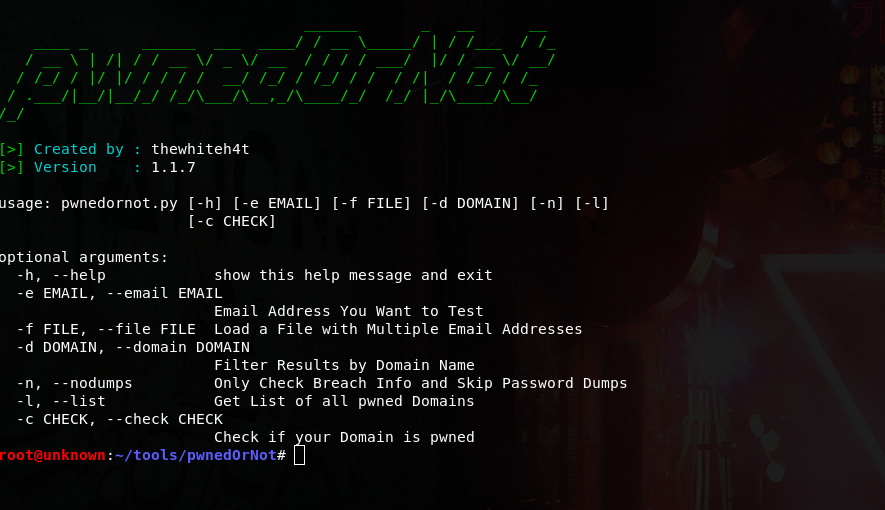
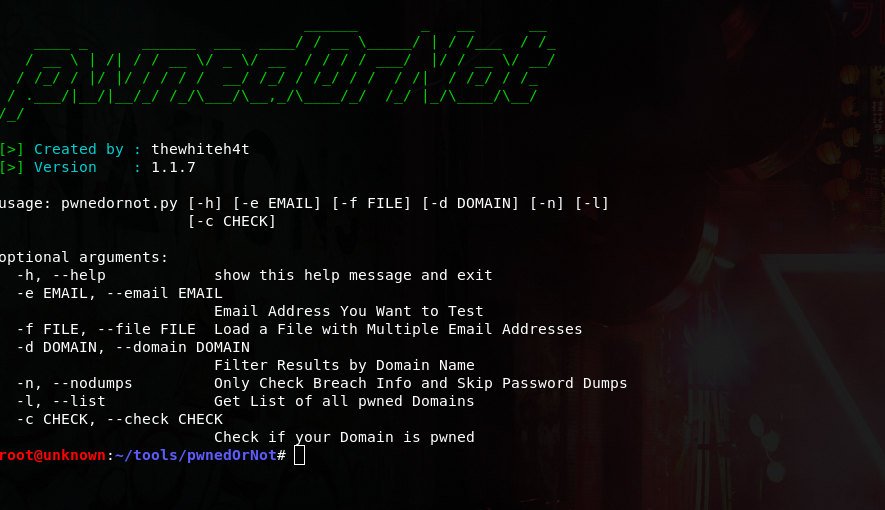
python3 pwnedornot.py -h
usage: pwnedornot.py [-h] [-e EMAIL] [-f FILE] [-s SAVE] [-d DOMAIN] [-b BREACH]
                     [-n] [-l] [-c CHECK] [-k KEY]

options:
  -h, --help           show this help message and exit
  -e, --email EMAIL    Email address
  -f, --file FILE      input file with multiple email addresses
  -s, --save SAVE      Output file for pwned email addresses
  -d, --domain DOMAIN  Filter results by domain name
  -b, --breach BREACH  Get info about a breach by breach name
  -n, --nodumps        Only Check Breach Info and Skip Password Dumps
  -l, --list           Get List of all pwned Domains
  -c, --check CHECK    Check if your Domain is pwned
  -k, --key KEY        API Key
# Using ENV variable :

export PWNED_API_KEY="<hibp-api-key>"

# Using CLI argument :

python3 pwnedornot.py -e [email protected] -k <hibp-api-key>


# Using config file :

nano ~/.config/pwnedornot/config.json
{
  "api_key": "<hibp-api-key>"
}
# Check Single Email

python3 pwnedornot.py -e <email>
#OR
python3 pwnedornot.py --email <email>

# Check Multiple Emails from File

python3 pwnedornot.py -f <file name>
#OR
python3 pwnedornot.py --file <file name>

# Filter Result for a Domain Name [Ex : adobe.com]

python3 pwnedornot.py -e <email> -d <domain name>
#OR
python3 pwnedornot.py -f <file name> --domain <domain name>

# Get only Breach Info, Skip Password Dumps

python3 pwnedornot.py -e <email> -n
#OR
python3 pwnedornot.py -f <file name> --nodumps

# Get List of all Breached Domains

python3 pwnedornot.py -l
#OR
python3 pwnedornot.py --list

# Check if a Domain is Pwned

python3 pwnedornot.py -c <domain name>
#OR
python3 pwnedornot.py --check <domain name>