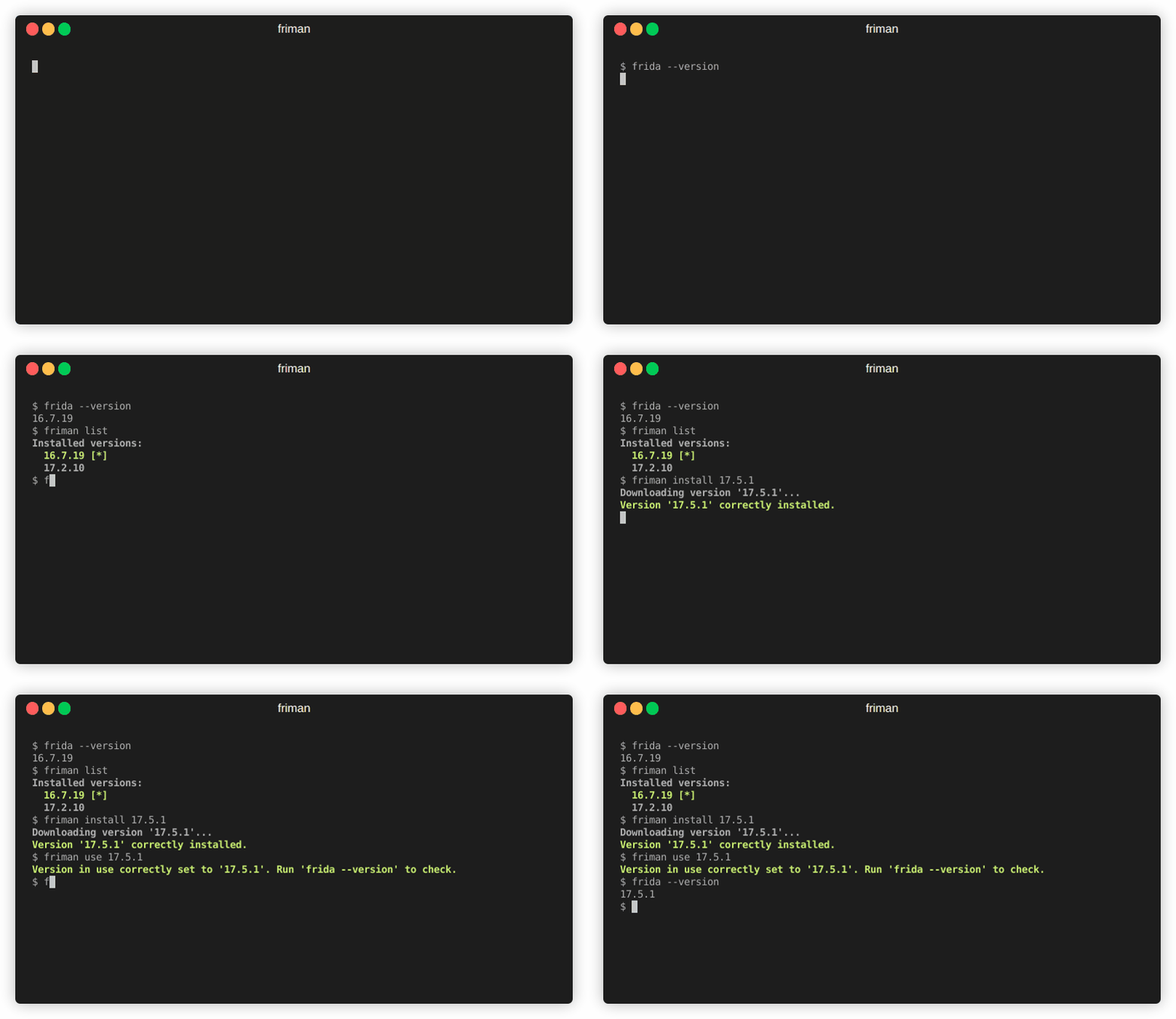
 thelicato/friman
Herramienta de gestión de versiones de Frida




¿Alguna vez has sentido que encontrar la versión correcta de Frida para el trabajo es como enhebrar una aguja? Con diferentes proyectos, dispositivos y escenarios de depuración que requieren compilaciones específicas, hacer un seguimiento de las versiones de Frida puede convertirse rápidamente en un tedioso acto de equilibrio. friman (pronunciado "free man") está diseñado para resolver exactamente este problema.
Es común cambiar entre versiones de Frida porque los diferentes entornos no siempre se comportan igual con la última versión. Dependiendo de lo que estés atacando, una versión específica puede ser la única que funcione de manera fiable. Las razones comunes incluyen:
v16 y v17).Frida evoluciona rápidamente, y diferentes proyectos o dispositivos a menudo requieren versiones distintas. Cambiar manualmente puede ser propenso a errores, especialmente cuando se manejan múltiples entornos, binarios de servidor y gadgets.
friman ofrece:
$HOME/.friman)frida-gadget y frida-server)Su objetivo es hacer que la gestión de versiones de Frida sea lo más fluida posible.
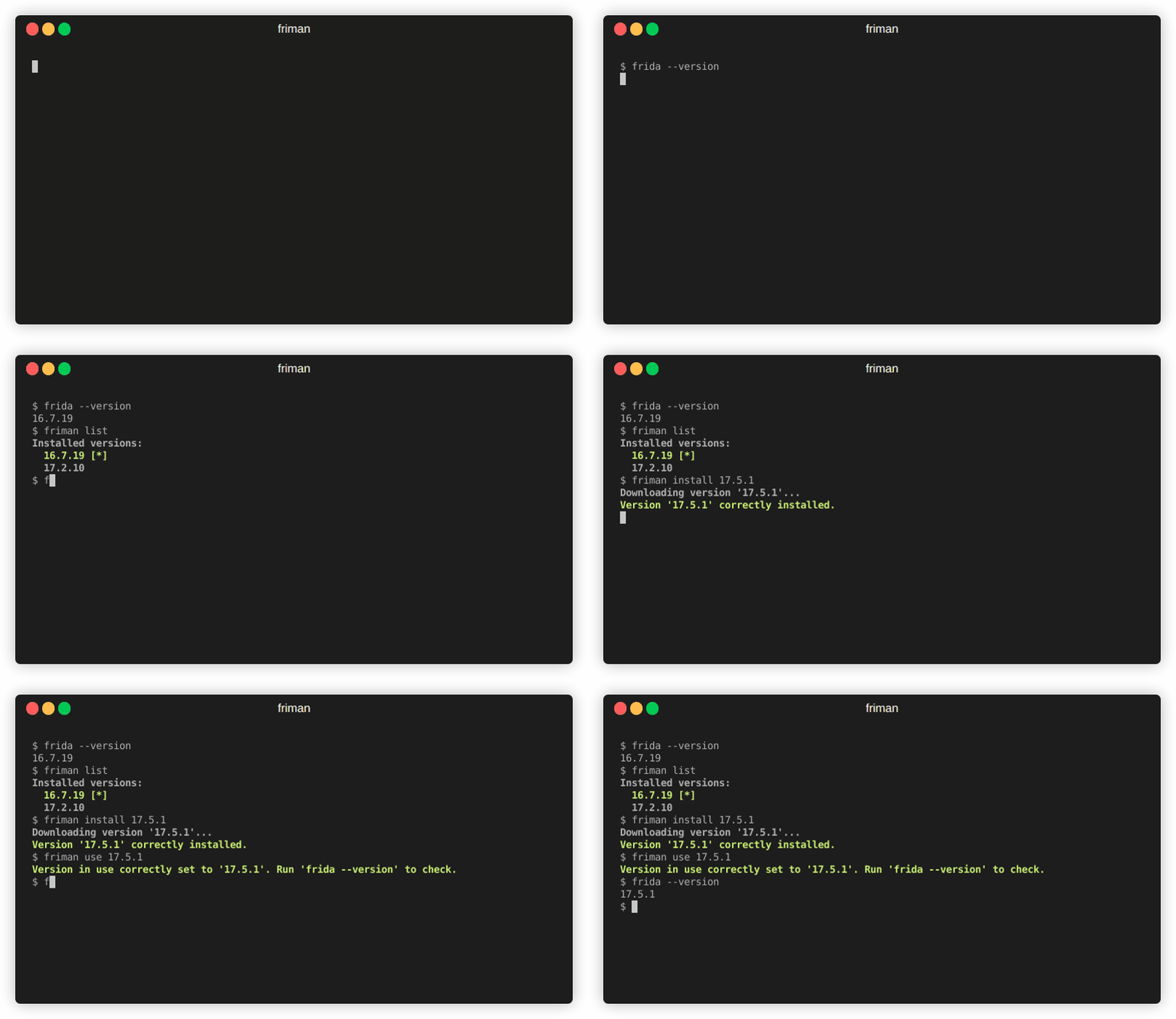
El método de instalación recomendado es directamente desde GitHub:
# With pipx (recommended)
pipx install git+https://github.com/thelicato/friman

# Or with pip
pip install git+https://github.com/thelicato/friman
Después de instalar, ejecuta lo siguiente:
friman ensurepath # Setup PATH for the currently selected Frida environment
friman update # Update the local list of available Frida versions and compatibility matrix
friman proporciona una interfaz de línea de comandos para instalar, cambiar y gestionar múltiples versiones de Frida. A continuación se muestra la salida de ayuda principal:
Usage: friman [OPTIONS] COMMAND [ARGS]...

Options:
  -v, --version  Show the application's version and exit.
  -d, --debug    Show debug output.
  -h, --help     Show this message and exit.

Commands:
  update       Update the local list of available Frida versions.
  install      Install a <version> of Frida.
  uninstall    Uninstall a <version> of Frida.
  use          Use <version>.
  disable      Disable friman.
  current      Display the currently activated version of Frida.
  list         List all the installed versions.
  ensurepath   Ensure friman directories are correctly set.
  download     Download a specific release file (only server and gadget)...
  push-server  Pushes a the Frida server into the selected ANDROID device.
Los comandos de ayuda específicos están disponibles en las siguientes secciones.
update comando
updateUsage: friman update [OPTIONS]
Update the local list of available Frida versions.
Options:
-h, --help Show this message and exit.
install comando
installUsage: friman install [OPTIONS] version
Install a <version> of Frida.
Arguments:
version The version of Frida to install \[required]
Options:
-f, --force Force install.
--list Show all the installable versions and exit.
-h, --help Show this message and exit.
uninstall comando
uninstallUsage: friman uninstall [OPTIONS] version
Uninstall a <version> of Frida.
Arguments:
version The version of Frida to uninstall \[required]
Options:
-h, --help Show this message and exit.
use comando
useUsage: friman use [OPTIONS] version
Use <version>.
Arguments:
version The version of Frida to use \[required]
Options:
-h, --help Show this message and exit.
disable comando
disableUsage: friman disable [OPTIONS]
Disable friman.
Options:
-h, --help Show this message and exit.
current comando
currentUsage: friman current [OPTIONS]
Display the currently activated version of Frida.
Options:
-h, --help Show this message and exit.
list comando
listUsage: friman list [OPTIONS]
List all the installed versions.
Options:
-h, --help Show this message and exit.
ensurepath comando
ensurepathUsage: friman ensurepath [OPTIONS]
Ensure friman directories are correctly set.
Options:
-h, --help Show this message and exit.
download comando
downloadUsage: friman download [OPTIONS] type platform
Download a specific release file (only server and gadget) for the current
version.
Arguments:
type The selected asset type \[required]
platform The platform to use \[required]
Options:
-o, --output TEXT Select the folder where to download the file.
-h, --help Show this message and exit.
push-server comando
push-serverUsage: friman push-server [OPTIONS] device_id platform
Pushes a the Frida server into the selected ANDROID device.
Arguments:
device_id The selected ANDROID device \[required]
platform The platform of the device \[required]
Options:
--list Show all the USB devices and exit.
-h, --help Show this message and exit.
¡Las pull requests son bienvenidas! Por favor, abre un issue primero para discutir cambios importantes.
friman se publica bajo la Licencia MIT
