 thebeanogamer/hstsparser
Una herramienta para analizar las bases de datos HSTS de Firefox y Chrome y convertirlas en artefactos forenses!






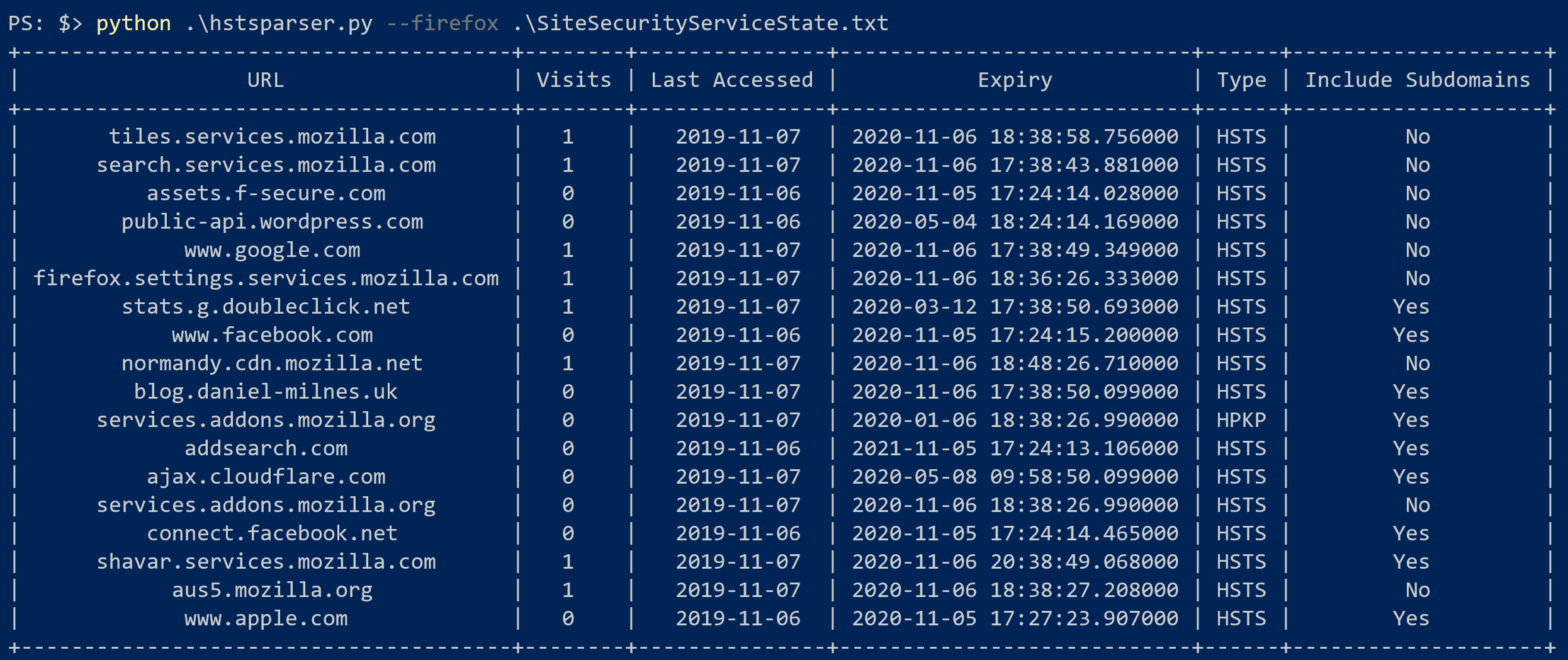
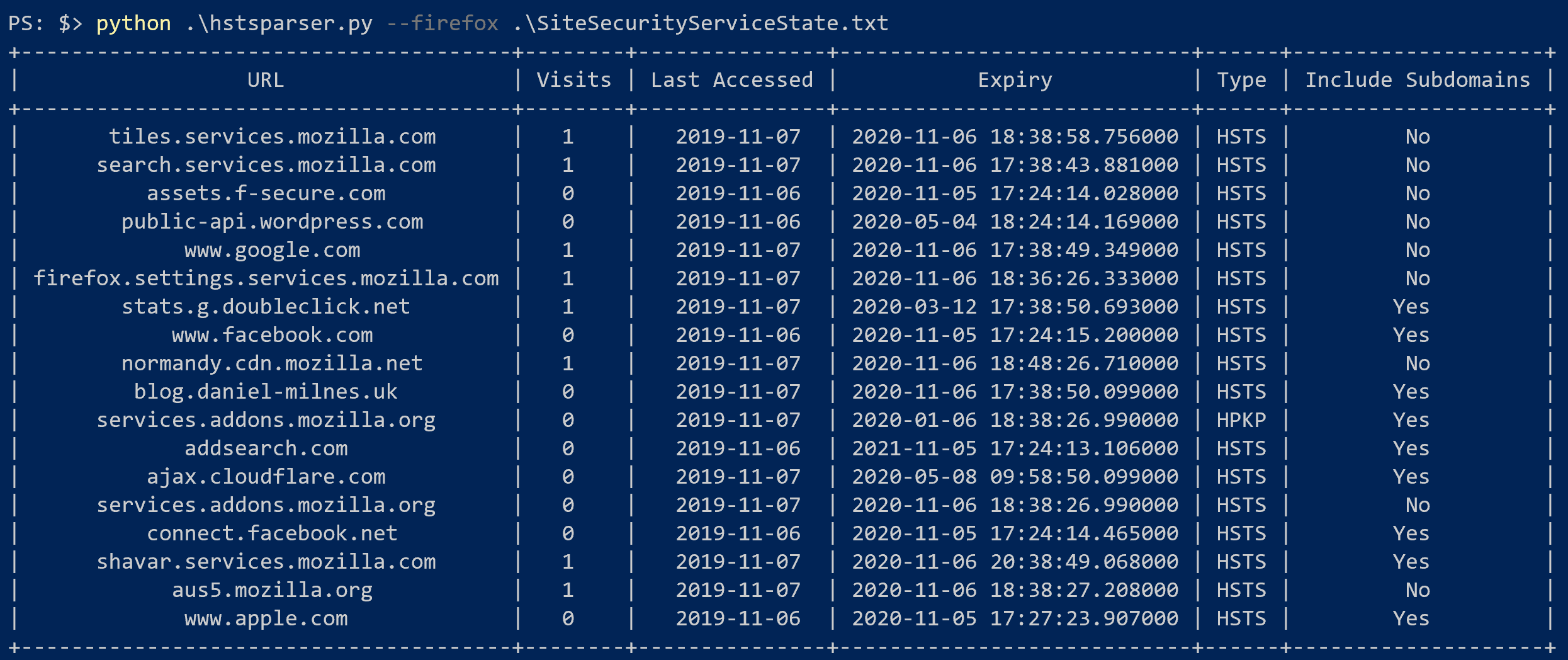
HSTS Parser es una herramienta sencilla para analizar las bases de datos HSTS de Firefox y Chrome y convertirlas en artefactos forenses realmente útiles. Puedes leer más sobre la investigación detrás de esta herramienta y sus posibles usos en mi blog.
HSTS Parser se puede instalar mediante pip o como ejecutable nativo.
Si ya tienes Python instalado, puedes instalar HSTS Parser usando pip.
pip install hstsparser

HSTS Parser está disponible para Fedora 38+.
dnf install hstsparser
Los binarios para Windows son publicados por GitHub Actions CI para cada versión de HSTS Parser. Puedes descargarlos en la página de versiones.
Toda la documentación a continuación está escrita para la versión de Python en lugar del ejecutable independiente, pero los comandos serán los mismos.
$ hstsparser -h
usage: hstsparser [-h] [-w WORDLIST] [--csv CSV] (--firefox | --chrome) FILE

Process HSTS databases

positional arguments:
  FILE         The path to the database to be processed

optional arguments:
  -h, --help   show this help message and exit
  -w WORDLIST  The path to a file containing a wordlist for bruteforcing hashes
  --csv CSV    Output to a CSV file
  --firefox    Process a Firefox database
  --chrome     Process a Chrome database
hstsparser --firefox SiteSecurityServiceState.txt
hstsparser --chrome TransportSecurity
hstsparser -w wordlist.txt --chrome TransportSecurity