 sevagas/swap_digger
Automatiza el análisis del swap de Linux para extraer credenciales de usuario, datos de formularios web, claves WiFi y autenticación HTTP durante investigaciones posteriores a la explotación o forenses.


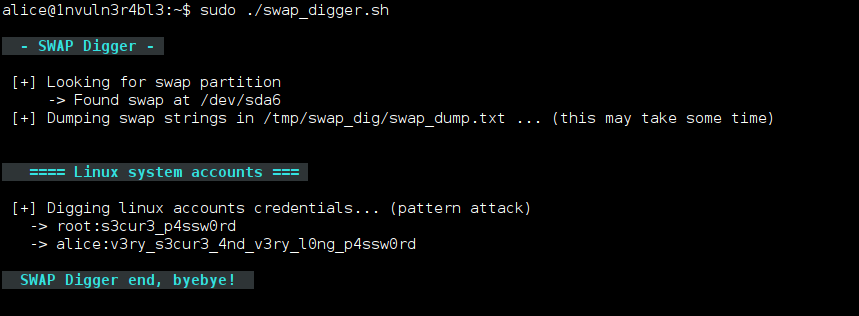
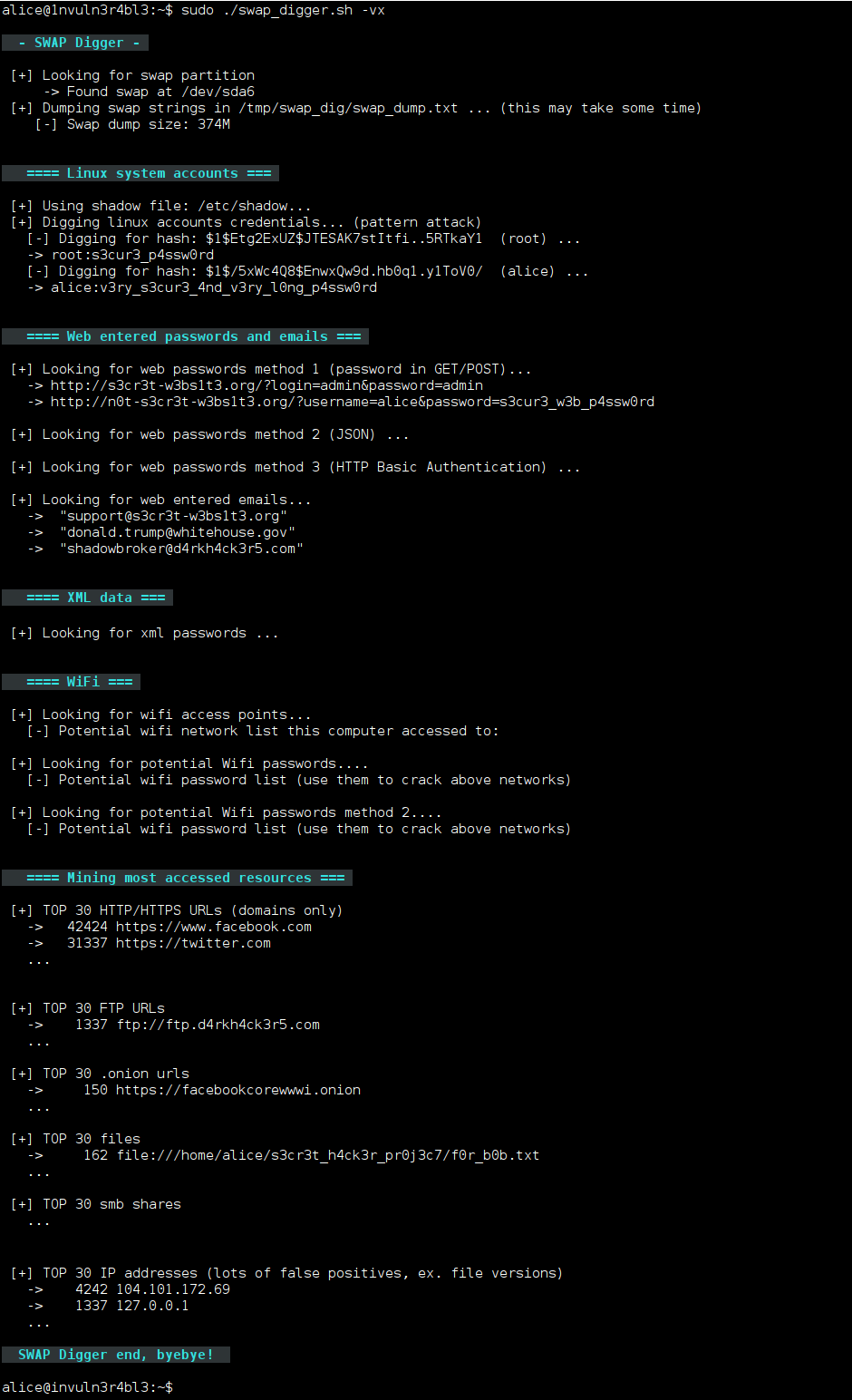
swap_digger es un script de bash utilizado para automatizar el análisis de swap de Linux con fines de post-explotación o forenses. Automatiza la extracción de swap y busca credenciales de usuario de Linux, credenciales de formularios web, correos electrónicos de formularios web, autenticación básica HTTP, SSID y claves WiFi, etc.
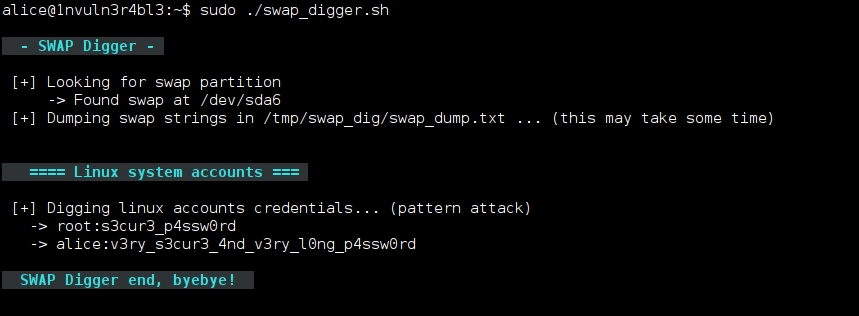
Usa los siguientes comandos para descargar y ejecutar el script en tu máquina:
git clone https://github.com/sevagas/swap_digger.git
cd swap_digger
chmod +x swap_digger.sh
sudo ./swap_digger.sh -vx
Para usar swap_digger en un disco duro montado, haz lo siguiente:
Primero, descarga el script usando los siguientes comandos:
git clone https://github.com/sevagas/swap_digger.git
cd swap_digger
chmod +x swap_digger.sh
Luego, encuentra el archivo/partición de swap objetivo con:
sudo ./swap_digger.sh -S
Finalmente, analiza el objetivo ejecutando:
sudo ./swap_digger.sh -vx -r path/to/mounted/target/root/fs -s path/to/target/swap/device
Usa los siguientes comandos para descargar y ejecutar el script en una máquina de terceros (útil para pentests y CTFs):
wget https://raw.githubusercontent.com/sevagas/swap_digger/master/swap_digger.sh
chmod +x swap_digger.sh
sudo ./swap_digger.sh -vx -c
Nota: Usa la opción -c para eliminar automáticamente el directorio creado por swap_digger (/tmp/swap_dig).
Si solo necesitas recuperar contraseñas de usuario de Linux en texto claro, simplemente ejecuta:
sudo ./swap_digger.sh
Todas las opciones:
 ./swap_digger.sh [ OPTIONS ]
 Options :
  -x, --extended    Run Extended tests on the target swap to retrieve other interesting data
        (web passwords, emails, wifi creds, most accessed urls, etc)
  -g, --guessing  Try to guess potential passwords based on observations and stats
        Warning: This option is not reliable, it may dig more passwords as well as hundreds false positives.
  -h, --help    Display this help.
  -v, --verbose Verbose mode.
  -l, --log Log all outputs in a log file (protected inside the generated working directory).
  -c, --clean Automatically erase the generated working directory at end of script (will also remove log file)
  -r PATH, --root-path=PATH   Location of the target file-system root (default value is /)
        Change this value for forensic analysis when target is a mounted file system.
        This option has to  be used along the -s option to indicate path to swap device.
  -s PATH, --swap-path=PATH   Location of swap device or swap dump to analyse
        Use this option for forensic/remote analysis of a swap dump or a mounted external swap partition.
        This option should be used with the -r option where at least /<root-path>/etc/shadow exists.
  -S, --swap-search   Search for all available swap devices (use for forensics).
Publicaciones de blog sobre swap digging:
No dudes en enviarme un mensaje en mi cuenta de Twitter @EmericNasi
The GNU General Public License version 3
Copyright 2017-2021 Emeric “Sio” Nasi (blog)
