
Skip to content
KitploitKITPLOIT
HerramientasBlog
Enviar
HerramientasBlog
Enviar

¡Herramientas de Hacking, PenTest y Ciberseguridad para tu Arsenal de Seguridad!

Kitploit es un directorio de herramientas de hacking, ciberseguridad y pentesting. Descubre las últimas actualizaciones de proyectos para encontrar vulnerabilidades, analizar sistemas, automatizar pruebas y fortalecer tu seguridad.

··Feeds·Contacto·Privacidad·© 2026 Kitploit

Directorio de Herramientas

Categorías

Ver todas las categorías
Loading categories
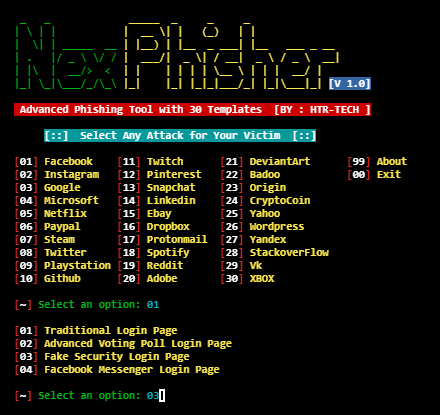
nexphisher — Herramienta de phishing avanzada | Kitploit
Herramientas/GitHubGitHub/htr-tech/nexphisher
Herramientas de PhishingOSINT para Ingeniería SocialHerramientas de SuplantaciónRecopilación de InformaciónPhishingIngeniería SocialArchived
GitHubhtr-tech/nexphisher

nexphisher

Herramienta de phishing avanzada

Ver Repositorio
3.9k623hace 3 añosRevisado por Kitploit

Más Populares

Ver todos →

Descubre las herramientas más usadas por nuestra comunidad.

Explora todas las herramientas

Explora nuestra colección de herramientas

Ver todas las herramientas →
Compartir
Sitio web

Proyecto ya no mantenido. Usa ZPhisher

Instalación :

  • apt update
  • apt install git -y
  • git clone git://github.com/htr-tech/nexphisher.git
  • cd nexphisher

> CONFIGURACIÓN : bash setup

> CONFIGURACIÓN [TERMUX] : bash tmux_setup

> Ejecutar : bash nexphisher

Comando Único :

root@kitploit:~
apt update ; apt install git -y ; git clone git://github.com/htr-tech/nexphisher.git ; cd nexphisher ; bash setup ; bash nexphisher
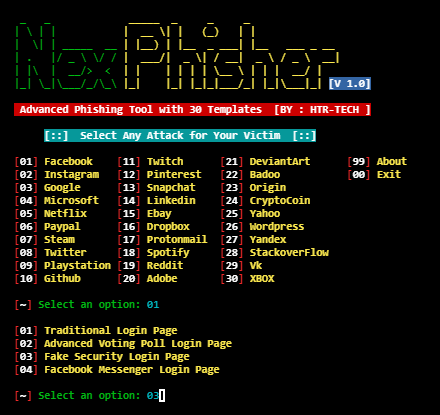
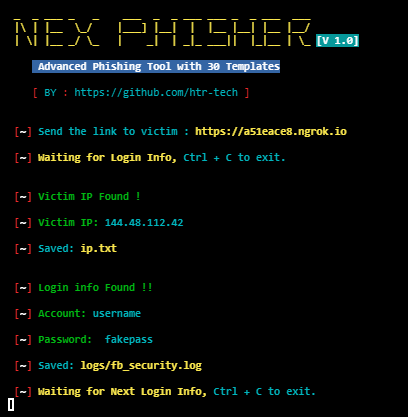
<<< Si copias, entonces dame los créditos >>>

Características :

[+] ¡Últimas páginas de inicio de sesión !

[+] ¡5 opciones de reenvío de puertos !

[+] ¡Fácil para principiantes !

Créditos :

> Zphisher (https://github.com/htr-tech/zphisher)

> The Linux Choice (https://github.com/thelinuxchoice)

> DarkSecDevelopers (https://github.com/DarkSecDevelopers)

> Undeadsec (https://github.com/Undeadsec)

Opciones de Tunelización :

> Localhost (127.0.0.1)

> NGROK (https://ngrok.com)

> SERVEO (https://serveo.net)

> LOCALHOSTRUN (https://localhost.run)

> LOCALXPOSE (https://localxpose.io/)

Encuéntrame en :

Github Instagram Messenger

Descargar herramienta