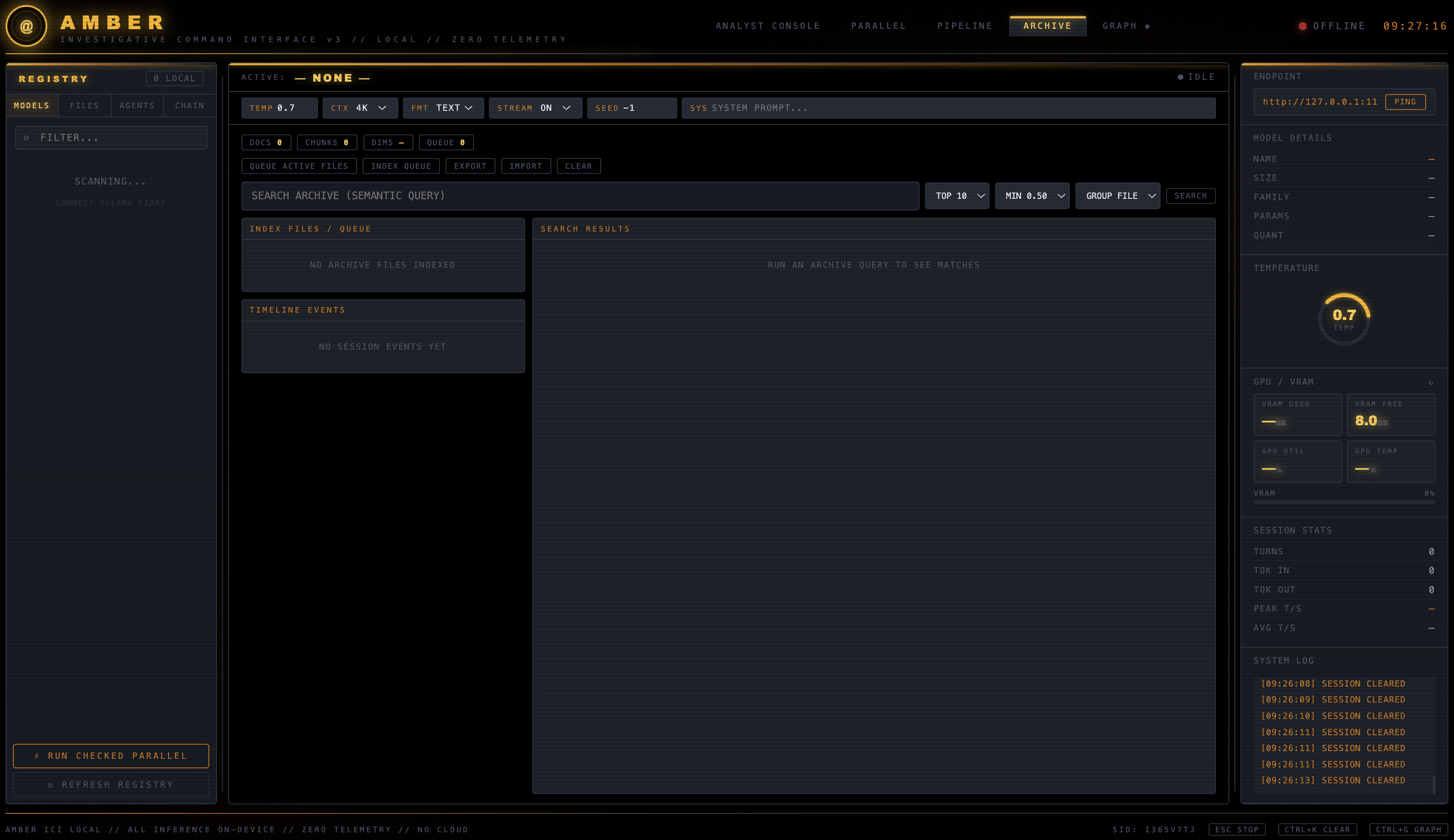

 gs-ai/amber-ici
AMBER ICI v5: local-first Ollama investigative command center with case-scoped evidence, agent chains, hybrid retrieval, streaming analysis, graph and timeline views, OCR, controlled web research, and GPU telemetry.
AMBER ICI (AMBER Investigative Command Interface) is a local-first browser interface for investigative and analytical workflows powered by a local Ollama server.
It includes:
SEND buttonOllama inference is restricted by the UI to loopback endpoints (127.0.0.1, localhost, or ::1). AMBER does not include cloud inference or application telemetry, and no feature requires a login, API key, or account. The WEB pill is the master switch for all internet access: with it OFF, AMBER makes no outbound request of any kind.
STOP or EscThe console pill bar carries the execution controls:
| Pill | Values | Purpose |
|---|---|---|
TEMP / CTX / MEM / FMT / STREAM / SEED / SYS | — | Analyst-mode inference settings |
WEB | OFF (default) / ON | Master switch for all internet access |
EXEC | ANALYST (default) / AGENTS | What SEND runs: the single active model, or the agent chain |
AGN | 0 = all | How many agents the chain runs, taken in card order |
LOOPS | 1+ | How many times the chain repeats; mirrored with the Agents panel LOOPS field |
Agents are user-defined and are the primary execution path. There is no built-in or fixed agent list; the Agents panel starts empty and you populate it two ways:
+ CREATE AGENT — define one by handGENERATE FROM PROMPT — describe an objective and a selected local planner model writes the agent set for youEach agent stores its own runtime configuration:
| Field | Default | Notes |
|---|---|---|
| Agent name | — | Required |
| Agent purpose | — | Injected as [AGENT PURPOSE] |
| Agent system prompt | — | The agent's role instruction |
| Preferred local model | — | Required; must be installed in Ollama |
| Temperature | 0.35 | Per agent, independent of the console TEMP pill |
| Max output tokens | 0 (auto) | 0 uses AMBER's length heuristic |
| Loops | 1 | Passes this agent makes per chain loop, each refining its own previous output |
| Output format | plain text | JSON sets Ollama's JSON mode and skips length expansion |
| Handoff instructions | — | Passed to the next sequential agent as [HANDOFF FROM PREVIOUS AGENT] |
| Execution mode | sequential | sequential, parallel, or gated |
| Output target, memory scope, role, tool access, enabled, notes | — | Under ADVANCED |
Running the chain. Set EXEC to AGENTS, type a prompt in the main terminal, and press SEND. AMBER reads the selected mode, the enabled agents, each agent's local model, the AGN count, and the LOOPS count, then executes: parallel agents concurrently, followed by sequential agents in card order, once per loop. Each sequential agent receives the previous agent's output as [UPSTREAM OUTPUT] plus that agent's handoff note. Progress and every agent's streamed output print into the main terminal, and the final answer is retained in conversation history. The Agents panel RUN button does the same thing using the panel's own LOOPS field.
In AGENTS mode SEND does not require an active model in the Models panel, because each agent carries its own. gated agents are excluded from the chain — run them individually with their card's RUN button.
Missing models are never substituted. Saving an agent or starting a chain with a model that Ollama does not have prints an actionable block in the terminal naming the requested model, the models actually installed, and the ollama pull <model> command needed, and the run does not start.
Saved agent sets can be stored and restored by name from the Agents panel.
The earlier
PIPELINE/CHAINstep-sequence mode was retired from the interface. Its engine andstate/pipeline_state.jsonremain in place for backward compatibility, but it is no longer a selectable mode; agents are the execution chain.
embeddinggemma:latestFAST, HYBRID, and DEEP retrieval profilesThe Archive now includes an optional case boundary without replacing its existing all-archive workflow:
NEW CASE creates local case metadata.ADD ACTIVE TO CASE records selected files as evidence, retains the existing raw upload, computes a streaming SHA-256 identity, and records ingestion provenance.REMEMBER LAST explicitly saves the latest assistant output as labeled case memory. Model output is never silently promoted to evidence or memory.ADD INVESTIGATION ROLES adds optional Director, Researcher, Investigator, Analyst, Documenter, and Critic templates to the existing user-defined agent registry. They use the operator-selected local model and do not run automatically.Case intelligence is stored atomically in one versioned standard-library JSON store and uses AMBER's existing Ollama client.
The header opens these tools in separate tabs:
http://127.0.0.1:8765/amber_graph.htmlhttp://127.0.0.1:8765/amber_timeline.htmlhttp://127.0.0.1:8765/amber_vectorstore.htmlCore runtime:
