 godaddy/tartufo
Busca a través de repositorios git cadenas de alta entropía y secretos, profundizando en el historial de commits.


[!WARNING] Este proyecto ya no se mantiene activamente.




tartufo busca secretos en repositorios git, profundizando en el historial de
commits y las ramas. Esto es efectivo para encontrar secretos confirmados
accidentalmente. tartufo también puede ser usado por scripts de pre-commit de
git para examinar cambios en busca de secretos antes de que sean confirmados en
el repositorio.
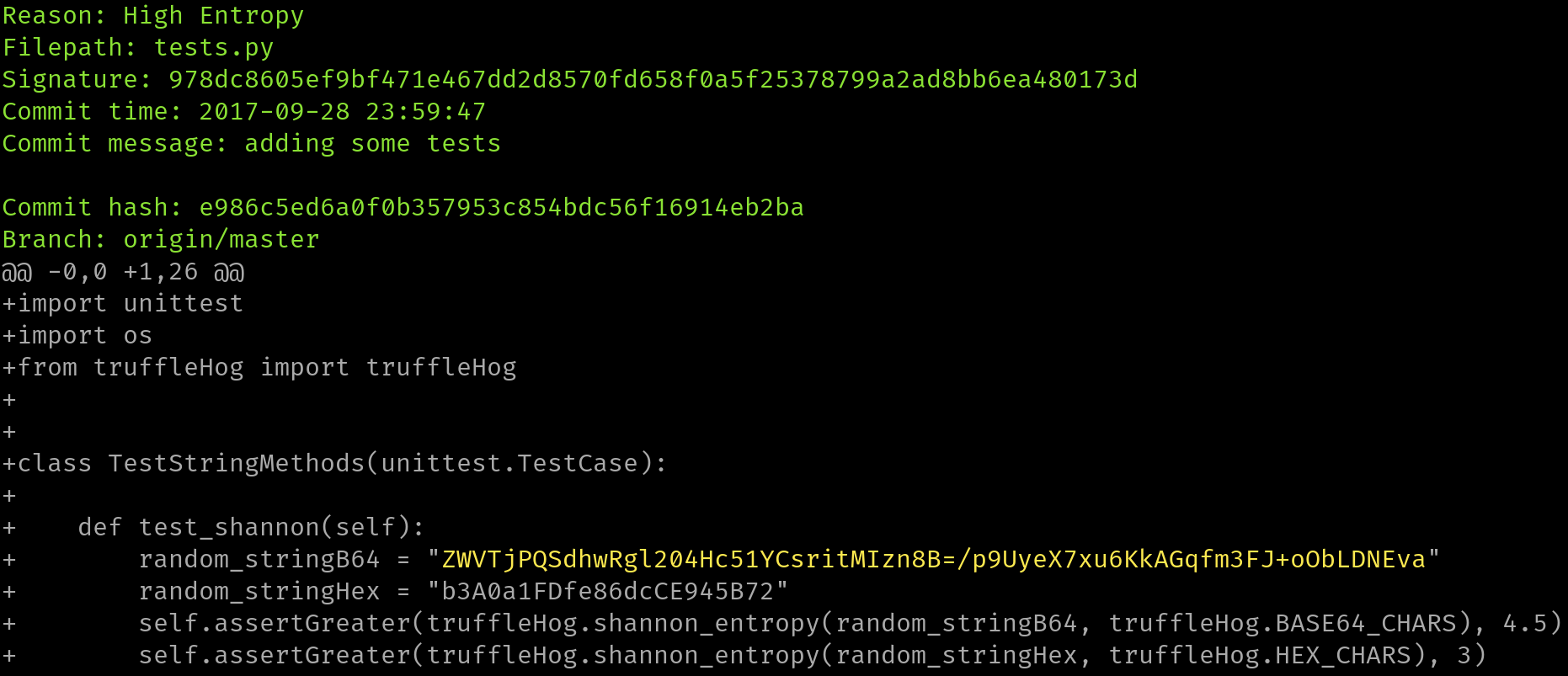
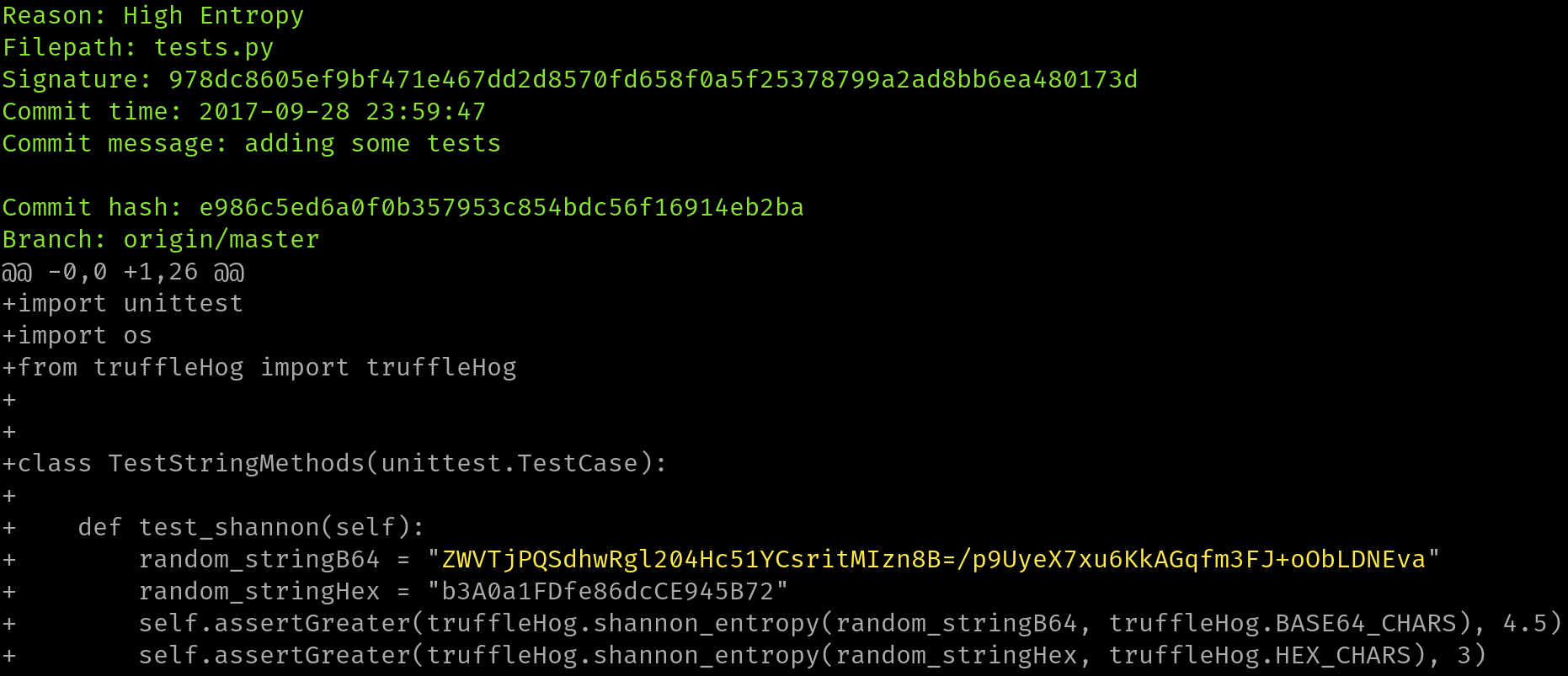
Esta herramienta recorrerá todo el historial de commits de cada rama, y verificará cada diff de cada commit, y buscará secretos. Esto es tanto por regex como por entropía. Para las comprobaciones de entropía, tartufo evaluará la entropía de Shannon tanto para el conjunto de caracteres base64 como para el conjunto de caracteres hexadecimales para cada bloque de texto mayor a 20 caracteres compuesto por esos conjuntos de caracteres en cada diff. Si en algún momento se detecta una cadena de alta entropía > 20 caracteres, se imprimirá en pantalla.
Nuestro sitio principal de documentación está alojado por Read The Docs, en https://tartufo.readthedocs.io.
Usage: tartufo [OPTIONS] COMMAND [ARGS]...

  Find secrets hidden in the depths of git.

  Tartufo will, by default, scan the entire history of a git repository for
  any text which looks like a secret, password, credential, etc. It can also
  be made to work in pre-commit mode, for scanning blobs of text as a pre-
  commit hook.

Options:
  --default-regexes / --no-default-regexes
                                  Whether to include the default regex list
                                  when configuring search patterns. Only
                                  applicable if --rules is also specified.
                                  [default: default-regexes]
  --entropy / --no-entropy        Enable entropy checks.  [default: entropy]
  --regex / --no-regex            Enable high signal regexes checks.
                                  [default: regex]
  --scan-filenames / --no-scan-filenames
                                  Check the names of files being scanned as
                                  well as their contents.  [default: scan-
                                  filenames]
  -of, --output-format [json|compact|text|report]
                                  Specify the format in which the output needs
                                  to be generated `--output-format
                                  json/compact/text/report`. Either `json`,
                                  `compact`, `text` or `report` can be
                                  specified. If not provided (default) the
                                  output will be generated in `text` format.
  -od, --output-dir DIRECTORY     If specified, all issues will be written out
                                  as individual JSON files to a uniquely named
                                  directory under this one. This will help
                                  with keeping the results of individual runs
                                  of tartufo separated.
  -td, --temp-dir DIRECTORY       If specified, temporary files will be
                                  written to the specified path
  --buffer-size INTEGER           Maximum number of issue to buffer in memory
                                  before shifting to temporary file buffering
                                  [default: 10000]
  --git-rules-repo TEXT           A file path, or git URL, pointing to a git
                                  repository containing regex rules to be used
                                  for scanning. By default, all .json files
                                  will be loaded from the root of that
                                  repository. --git-rules-files can be used to
                                  override this behavior and load specific
                                  files.
  --git-rules-files TEXT          Used in conjunction with --git-rules-repo,
                                  specify glob-style patterns for files from
                                  which to load the regex rules. Can be
                                  specified multiple times.
  --config FILE                   Read configuration from specified file.
                                  [default: tartufo.toml]
  --target-config/--no-target-config
                                  Enable or Disable processing of the config file in the
                                  repository or folder being scanned
                                  i.e. config files like tartufo.toml or pyproject.toml
                                  [default: target-config]
  -q, --quiet / --no-quiet        Quiet mode. No outputs are reported if the
                                  scan is successful and doesn't find any
                                  issues
  -v, --verbose                   Display more verbose output. Specifying this
                                  option multiple times will incrementally
                                  increase the amount of output.
  --log-timestamps / --no-log-timestamps
                                  Enable or disable timestamps in logging
                                  messages.  [default: log-timestamps]
  --entropy-sensitivity INTEGER RANGE
                                  Modify entropy detection sensitivity. This
                                  is expressed as on a scale of 0 to 100,
                                  where 0 means "totally nonrandom" and 100
                                  means "totally random". Decreasing the
                                  scanner's sensitivity increases the
                                  likelihood that a given string will be
                                  identified as suspicious.  [default: 75;
                                  0<=x<=100]
  --color / --no-color            Enable or disable terminal color. If not
                                  provided (default), enabled if output is a
                                  terminal (TTY).
  -V, --version                   Show the version and exit.
  -h, --help                      Show this message and exit.

Commands:
  pre-commit        Scan staged changes in a pre-commit hook.
  scan-remote-repo  Automatically clone and scan a remote git repository.
  scan-folder       Scan a folder.
  scan-local-repo   Scan a repository already cloned to your local system.
¡Todos los contribuyentes y contribuciones son bienvenidos! Por favor, consulta [nuestros documentos de contribución] para más información.
Este proyecto fue inspirado y construido a partir del trabajo realizado por Dylan Ayrey en el proyecto [truffleHog].

