 caio-ishikawa/netscout
Herramienta OSINT que encuentra dominios, subdominios, directorios, endpoints y archivos para una URL semilla determinada.

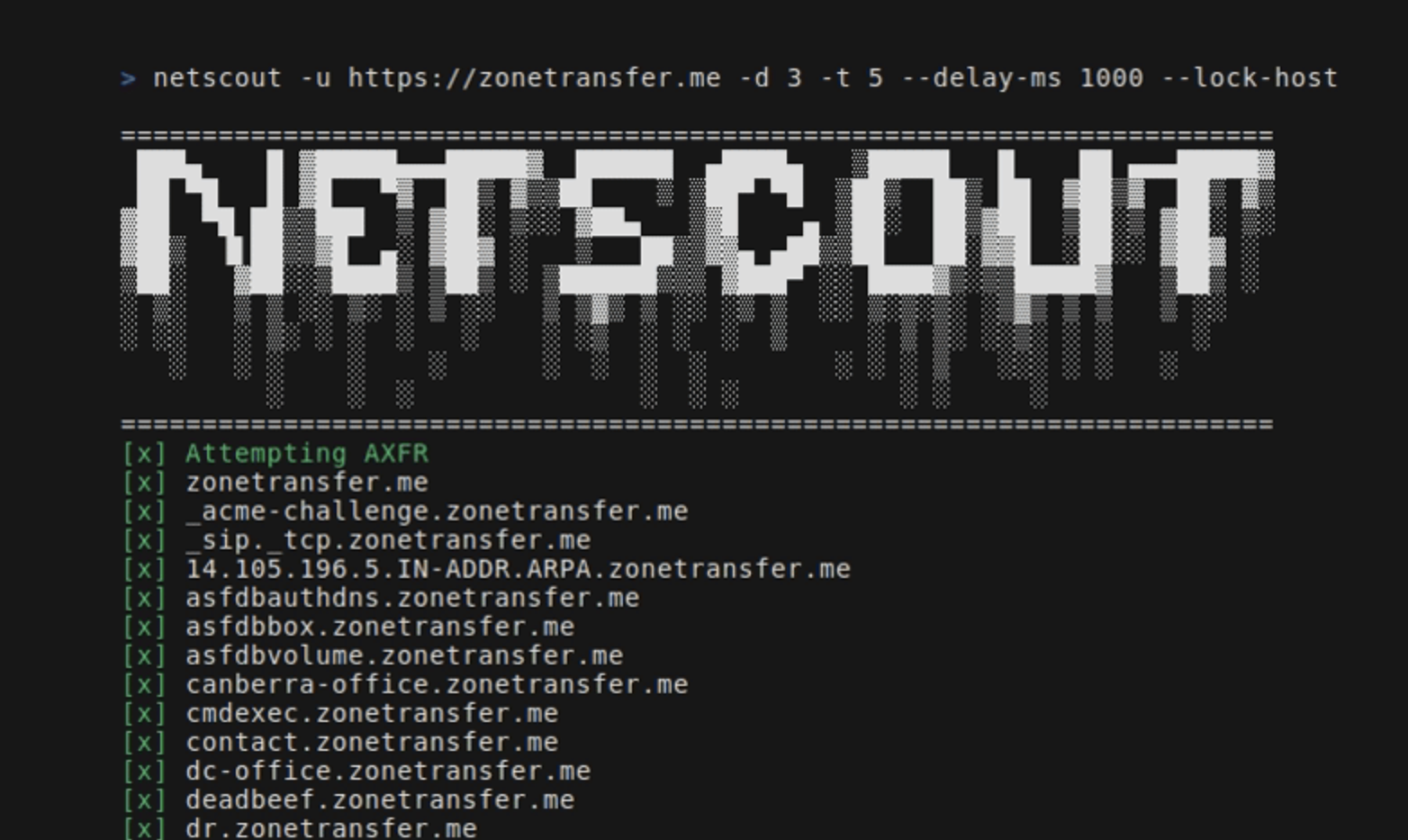
NetScout es una herramienta OSINT que encuentra dominios, subdominios, directorios, endpoints y archivos para una URL semilla determinada. Consta de los siguientes componentes:
go install github.com/caio-ishikawa/netscout@latestmake installNetScout utiliza dos APIs externas: BinaryEdge y SerpAPI. BinaryEdge se usa para consultar datos históricos de subdominios registrados en la URL semilla, y SERP API se usa para recopilar resultados de Google Search para tipos de archivo específicos de la URL semilla.
NetScout espera que las claves API se establezcan como variables de entorno:
export BINARYEDGE_API_KEY="<key>"export SERP_API_KEY="<key>"Uso:
=======================================================================
 ███▄    █ ▓█████▄▄▄█████▓  ██████  ▄████▄   ▒█████   █    ██ ▄▄▄█████▓
 ██ ▀█   █ ▓█   ▀▓  ██▒ ▓▒▒██    ▒ ▒██▀ ▀█  ▒██▒  ██▒ ██  ▓██▒▓  ██▒ ▓▒
▓██  ▀█ ██▒▒███  ▒ ▓██░ ▒░░ ▓██▄   ▒▓█    ▄ ▒██░  ██▒▓██  ▒██░▒ ▓██░ ▒░
▓██▒  ▐▌██▒▒▓█  ▄░ ▓██▓ ░   ▒   ██▒▒▓▓▄ ▄██▒▒██   ██░▓▓█  ░██░░ ▓██▓ ░
▒██░   ▓██░░▒████▒ ▒██▒ ░ ▒██████▒▒▒ ▓███▀ ░░ ████▓▒░▒▒█████▓   ▒██▒ ░
░ ▒░   ▒ ▒ ░░ ▒░ ░ ▒ ░░   ▒ ▒▓▒ ▒ ░░ ░▒ ▒  ░░ ▒░▒░▒░ ░▒▓▒ ▒ ▒   ▒ ░░
░ ░░   ░ ▒░ ░ ░  ░   ░    ░ ░▒  ░ ░  ░  ▒     ░ ▒ ▒░ ░░▒░ ░ ░     ░
   ░   ░ ░    ░    ░      ░  ░  ░  ░        ░ ░ ░ ▒   ░░░ ░ ░   ░
         ░    ░  ░              ░  ░ ░          ░ ░     ░
=======================================================================
Usage:
  -u string
        A string representing the URL
  -d int
        An integer representing the depth of the crawl
  -t int
        An integer representing the amount of threads to use for the scans (default 5)
  -delay-ms int
        An integer representing the delay between requests in miliseconds
  -lock-host
        A boolean - if set, it will only save URLs with the same host as the seed
  -o string
        A string representing the name of the output file
  -h string
        A comma-separated key-value string representing request headers
  -c string
        A comma-separated key-value string representing the cookies
  -v
        A boolean - if set, it will display all found URLs


  -skip-axfr
        A bool - if set, it will skip the DNS zone transfer attempt
  -skip-binaryedge
        A bool - if set, it will skip BinaryEdge subdomain scan
  -skip-google-dork
        A bool - if set, it will skip the Google filetype scan
  -headless
        A bool - if set, all requests in the crawler will be made through a headless Chrome browser (requires Google Chrome)
  -deep
        A bool - if set, the shortened URL scan will be performed (can take several minutes)
Establece la URL semilla, la profundidad y el archivo de salida:
netscout -u https://crawler-test -d 2 -o netscout.txt
Omite BinaryEdge y Google dork:
netscout -u https://crawler-test.com -d 2 --skip-binaryedge --skip-google-dork -o netscout.txt
Establece el número de hilos en 5, el retraso de peticiones en 1000 ms y obliga a que las peticiones se realicen a través de un navegador Chrome sin interfaz gráfica.
netscout -u https://crawler-test.com -d 2 -t 5 --delay-ms 1000 --headless -o netscout.txt
Establece la profundidad en 2 y añade valores de cookies y cabeceras.
netscout -u https://crawler-test.com --deep -d 2 -t 5 -h "key=test,key_two=test_2" -c "key=test,key_two=test_2"
Habilita el escaneo de URLs acortadas, establece la profundidad del crawler en 2 y los hilos en 5.
netscout -u https://crawler-test.com --deep -d 2 -t 5
Antes de enviar un PR, asegúrate de que el proyecto compila correctamente y de que todas las pruebas existentes pasan. Más información en Testing
¡Gracias por tu interés en contribuir a este proyecto!
Las pruebas se colocan en el mismo directorio que el archivo bajo prueba, y las pruebas del crawler requieren que DVWA (Damn Vulnerable Web App) se esté ejecutando localmente con el puerto 80 expuesto. Antes de ejecutar las pruebas, los archivos de prueba deben estar preparados.
Toda la configuración necesaria para las pruebas se gestiona en el Makefile:
make test-container-pullmake testfiles-setupmake test-container-runmake testmake testfiles-teardown