
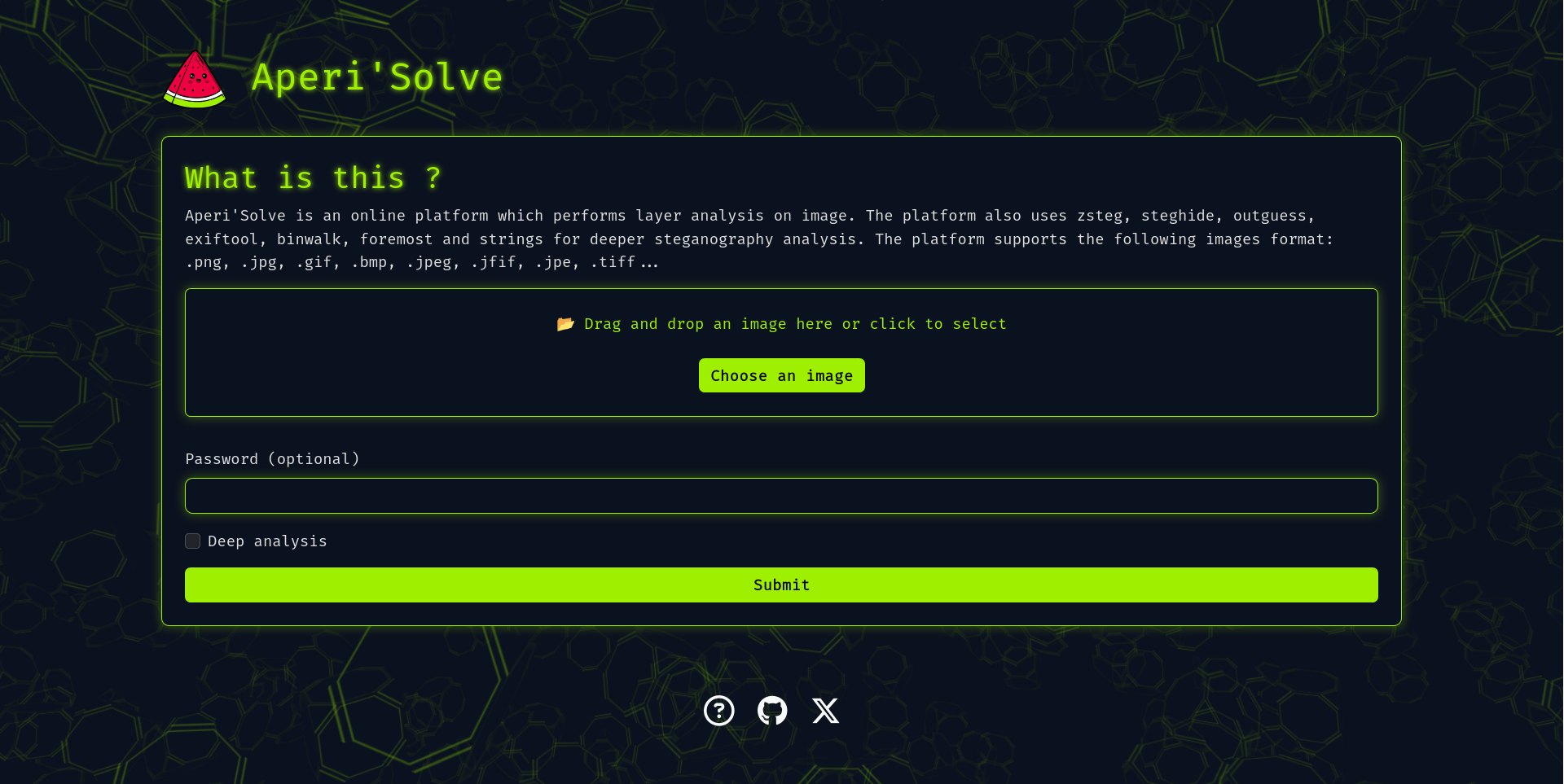
AperiSolve v3.7.4
Plataforma automatizada de esteganálisis que detecta datos ocultos en imágenes mediante 16 analizadores paralelos, visualización de capas de bits y un wiki integrado para investigaciones en CTF y forenses.

Aperi'Solve
Open-source steganalysis platform. Upload a file, get every bit plane
and the output of 21 steganography and forensics analyzers on one page.
Website · Wiki · MCP server · Report an issue






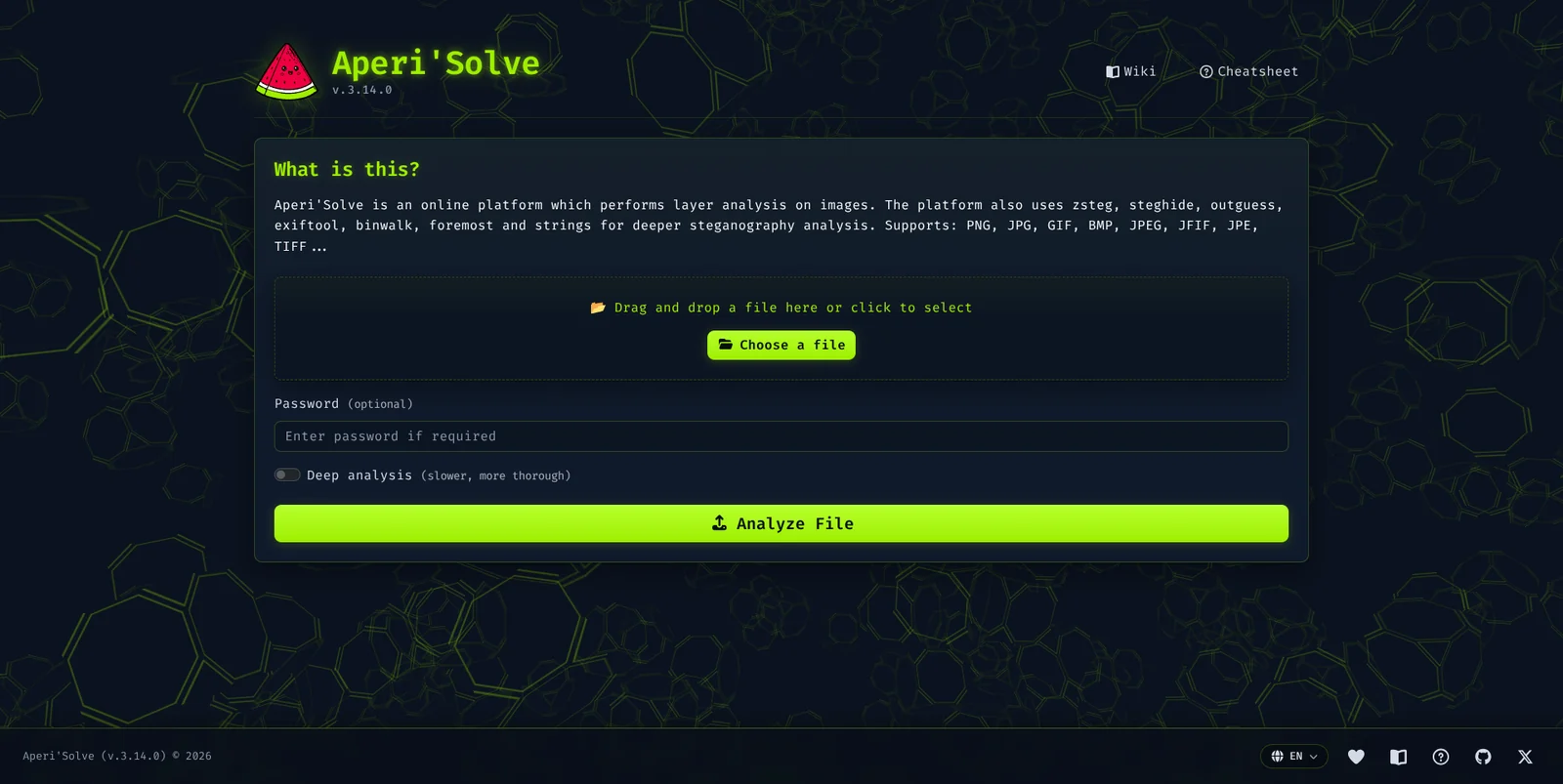

Aperi'Solve is an open-source steganalysis web platform. It runs automated analysis on an uploaded file to detect and extract hidden data with common steganography tools and techniques. Images go through every image analyzer, audio and PDF files through the analyzers written for them, and any file through the generic ones (file, exiftool, binwalk, foremost, strings). Audio and video files also get an inline preview.
Try it now: https://www.aperisolve.com
Features
- Bit planes: every bit layer (LSB and the others) of every image channel (R/G/B/Alpha).
- Color remapping: 8 random palette remaps of the image.
- 21 analyzers run in parallel, picked by the detected file type (see the table below). Each result has a success / no-result badge, and extracted files download in one click.
- Optional password passed to the tools that take one, and an optional deep analysis that adds the slow analyzers.
- In-app wiki (
/wiki): a HackTricks-style steganography handbook with a triage methodology, a decision-tree cheatsheet, technique pages per medium (image, audio, text, files) and a guide per analyzer, all written in Markdown. - Seven languages: English, French, Spanish, German, Russian, Chinese and
Portuguese, under language-prefixed URLs (
/fr/,/es/, ...). - Ask AI panel on the result page: sends the analysis results and images from your browser to your own LLM provider (bring your own key) and asks what is hidden and what to try next.
- MCP server at
https://www.aperisolve.com/mcp(docs/mcp.md): lets Claude, Cursor or any MCP client upload a file and read its analysis. - Worker queue (Redis + background workers) for the heavy and slow analyzers.
- Content-addressed result cache, HTTP caching and per-endpoint rate limiting.
- Retention: results stay available for browsing and download for a while, then a scheduled job removes them.
What the Ask AI panel sends
Two checkboxes pick what the model gets: the images (on by default) and a text matrix of every image's pixel values (off by default; native resolution, so text-only models can read LSB data too). The matrix comes from the browser's image decoder: it is exact for opaque pixels of a PNG/BMP/GIF, but a semi-transparent pixel can be off by one in a colour channel (the canvas stores premultiplied alpha), the RGB under a fully transparent pixel reads 0, and JPEG depends on the decoder.
Analyzers
Every analyzer is one class in aperisolve/analyzers/.
An analyzer runs when the detected file type matches its Runs on column.
Password analyzers receive the optional password, Deep analyzers run
only when deep analysis is on, and Files analyzers produce a downloadable
archive of what they extracted.