
scilla v1.3.4
Herramienta de recopilación de información - enumeración de DNS / Subdominios / Puertos / Directorios

🏴☠️ Herramienta de recopilación de información 🏴☠️ - Enumeración de DNS / Subdominios / Puertos / Directorios

Creado con 💙 por edoardottt
¡Compartir en Twitter!
Instalar • Comenzar • Ejemplos • Registro de cambios • Contribuir • Licencia
Instalación 📡
Homebrew
brew install scilla
Snap
sudo snap install scilla
Golang
go install -v github.com/edoardottt/scilla/cmd/scilla@latest
Compilar desde el código fuente
Necesitas Go (>=1.23)
Compilar desde el código fuente para Linux y Windows
Linux
git clone https://github.com/edoardottt/scilla.git
cd scilla
go get ./...
make linux # (to install)
make unlinux # (to uninstall)
Edita el archivo ~/.config/scilla/keys.yaml si quieres usar claves de API.
One-liner: git clone https://github.com/edoardottt/scilla.git && cd scilla && go get ./... && make linux
Windows
Ten en cuenta que el ejecutable solo funciona en la carpeta cariddi (¿Alias?).
git clone https://github.com/edoardottt/scilla.git
cd scilla
.\make.bat windows # (to install)
.\make.bat unwindows # (to uninstall)
Crea un archivo keys.yaml si quieres usar claves API.
Uso de Docker
docker build -t scilla .
docker run scilla help
Ejemplos 💡
-
Enumeración de DNS:
scilla dns -target example.comscilla dns -oj output -target example.comscilla dns -oh output -target example.comscilla dns -ot output -target example.comscilla dns -plain -target example.com
-
Enumeración de subdominios:
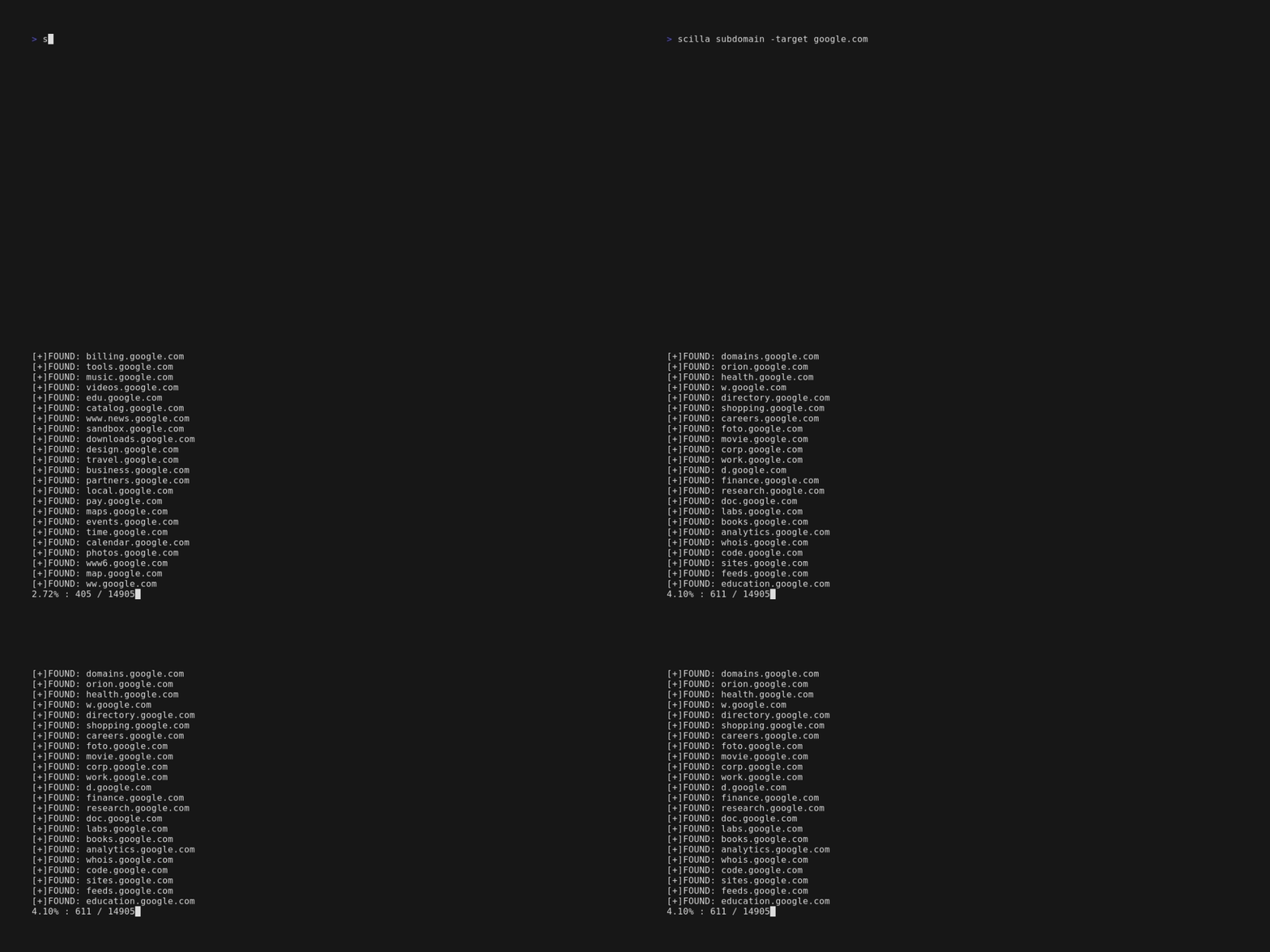
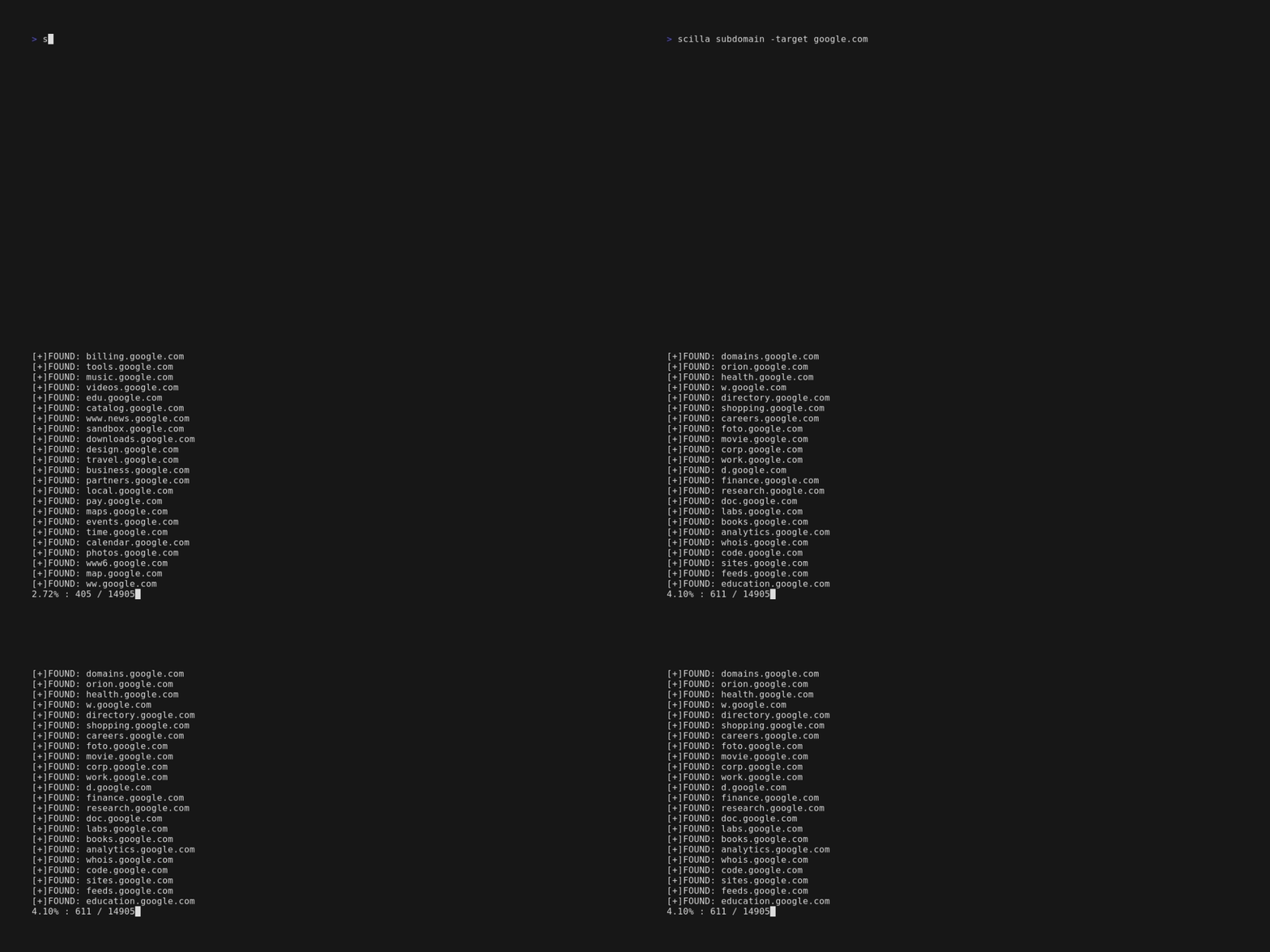
scilla subdomain -target example.comscilla subdomain -w wordlist.txt -target example.comscilla subdomain -oj output -target example.comscilla subdomain -oh output -target example.comscilla subdomain -ot output -target example.comscilla subdomain -i 400 -target example.comscilla subdomain -i 4** -target example.comscilla subdomain -c -target example.comscilla subdomain -db -target example.comscilla subdomain -plain -target example.comscilla subdomain -db -no-check -target example.comscilla subdomain -db -vt -target example.comscilla subdomain -db -bw -target example.comscilla subdomain -ua "CustomUA" -target example.comscilla subdomain -rua -target example.comscilla subdomain -dns 8.8.8.8 -target example.comscilla subdomain -alive -target example.com
-
Enumeración de directorios:
scilla dir -target example.comscilla dir -w wordlist.txt -target example.comscilla dir -oj output -target example.comscilla dir -oh output -target example.comscilla dir -ot output -target example.comscilla dir -i 500,401 -target example.comscilla dir -i 5**,401 -target example.comscilla dir -c -target example.comscilla dir -plain -target example.comscilla dir -nr -target example.comscilla dir -ua "CustomUA" -target example.comscilla dir -rua -target example.com
-
Enumeración de puertos:
- Predeterminado (todos los puertos, es decir, 1-65635)
scilla port -target example.com - Especificar un rango de puertos
scilla port -p 20-90 -target example.com - Especificar el puerto inicial (hasta el último)
scilla port -p 20- -target example.com - Especificar el puerto final (desde el primero)
scilla port -p -90 -target example.com - Especificar múltiples puertos
scilla port -p 21,25,80 -target example.com - Especificar puertos comunes
scilla port -common -target example.com - Especificar un único puerto
scilla port -p 80 -target example.com - Especificar el formato de salida (json)
scilla port -oj output -target example.com - Especificar el formato de salida (html)
scilla port -oh output -target example.com - Especificar el formato de salida (txt)
scilla port -ot output -target example.com - Mostrar solo los resultados
scilla port -plain -target example.com
- Predeterminado (todos los puertos, es decir, 1-65635)
-
Informe completo:
- Predeterminado (todos los puertos, es decir, 1-65635)
scilla report -target example.com - Especificar el rango de puertos
scilla report -p 20-90 -target example.com - Especificar el puerto inicial (hasta el último)
scilla report -p 20- -target example.com - Especificar el puerto final (desde el primero)
scilla report -p -90 -target example.com - Especificar un único puerto
scilla report -p 80 -target example.com - Especificar varios puertos
scilla report -p 21,25,80 -target example.com - Especificar el formato de salida (json)
scilla report -oj output -target example.com - Especificar el formato de salida (html)
scilla report -oh output -target example.com - Especificar el formato de salida (txt)
scilla report -ot output -target example.com - Especificar la wordlist de directorios
scilla report -wd dirs.txt -target example.com - Especificar la wordlist de subdominios
scilla report -ws subdomains.txt -target example.com - Especificar los códigos de estado que se ignorarán en el escaneo de directorios
scilla report -id 500,501,502 -target example.com - Especificar los códigos de estado que se ignorarán en el escaneo de subdominios
scilla report -is 500,501,502 -target example.com - Especificar las clases de códigos de estado que se ignorarán en el escaneo de directorios
scilla report -id 5**,4** -target example.com - Especificar las clases de códigos de estado que se ignorarán en el escaneo de subdominios
scilla report -is 5**,4** -target example.com - Usar también un rastreador web para la enumeración de directorios
scilla report -cd -target example.com - Usar también un rastreador web para la enumeración de subdominios
scilla report -cs -target example.com - Usar también una base de datos pública para la enumeración de subdominios
scilla report -db -target example.com - Especificar puertos comunes
scilla report -common -target example.com - No seguir redirecciones
scilla report -nr -target example.com - Usar VirusTotal como fuente de subdominios
scilla report -db -vt -target example.com - Establecer el User Agent
scilla report -ua "CustomUA" -target example.com - Generar un user agent aleatorio para cada petición
scilla report -rua -target example.com - Establecer la IP DNS para resolver los subdominios
scilla report -dns 8.8.8.8 -target example.com - Comprobar también si los subdominios están activos
scilla report -alive -target example.com
- Predeterminado (todos los puertos, es decir, 1-65635)
Comenzar 🎉
scilla help muestra la ayuda en la línea de comandos.
usage: scilla subcommand { options }