 wortell/cve-2020-0618
CVE-2020-0618 Honeypot

Make sure you have a Go environment ready to go.
git clone https://github.com/wortell/cve-2020-0618
Generate self signed certificate:
openssl genrsa -out server.key 2048
openssl ecparam -genkey -name secp384r1 -out server.key
openssl req -new -x509 -sha256 -key server.key -out server.crt -days 3650
It's easy as:
go get github.com/gorilla/mux
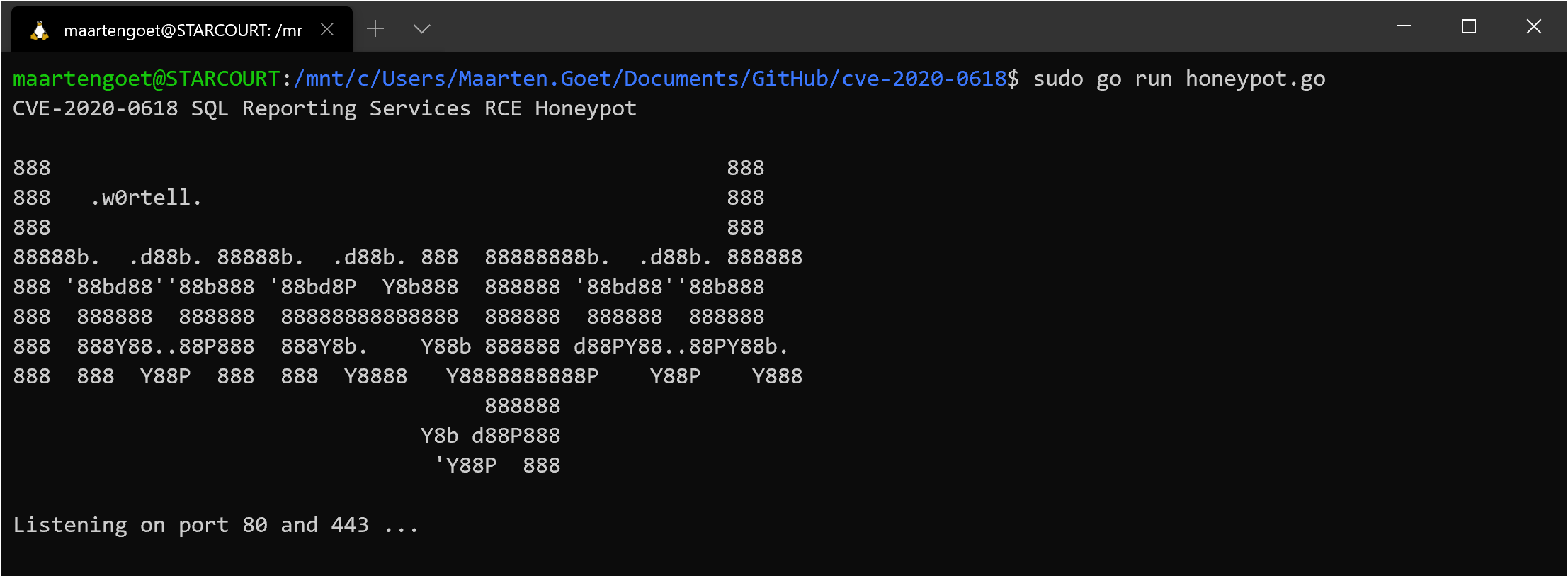
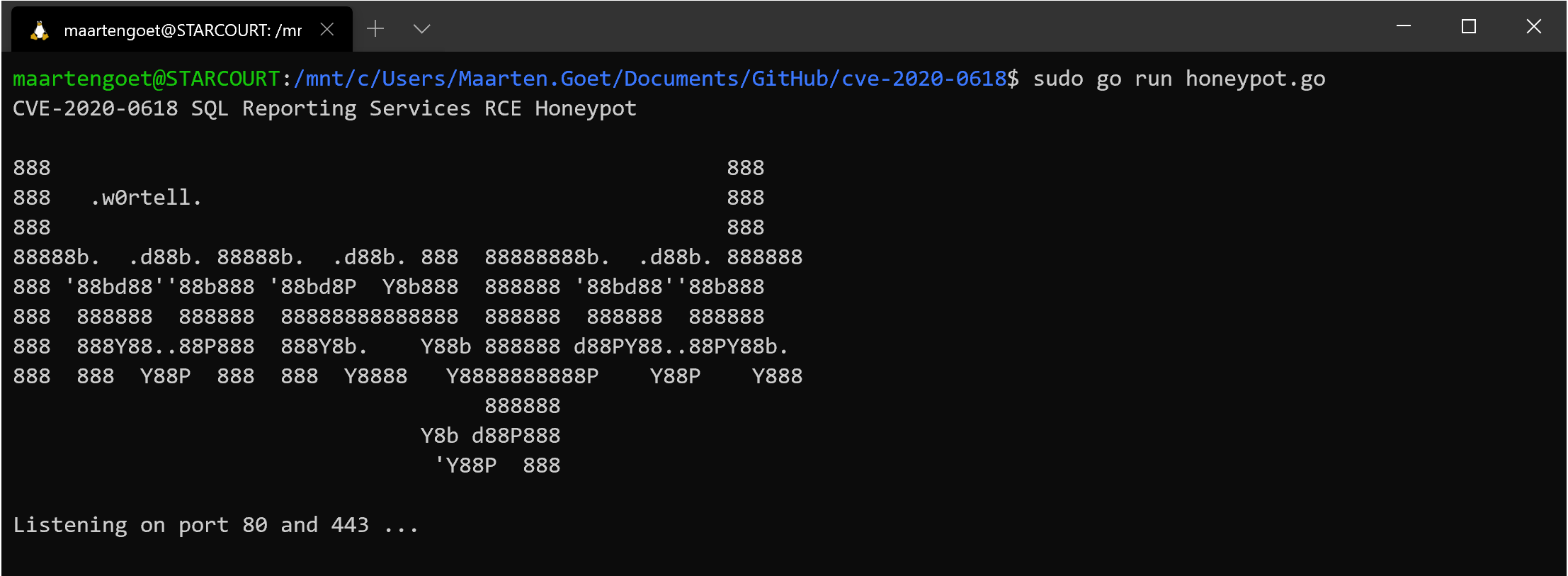
go run honeypot.go
The honeypot will listen on both port 80 and 443 (so it must be run as root user)
Or to detach and run as a background process:
nohup go run honeypot.go &
Or run it in a Docker container instead:
git clone https://github.com/wortell/cve-2020-0618
cd cve-2020-0618
docker image build -t cve-2020-0618:1.0 .
docker container run --publish 80:80 --publish 443:443 --detach --name honeypot cve-2020-0618:1.0
PRO TIP: Mount the Logs directory locally, so you don't loose the files
Results / data is written to the ./log directory. They are:
cve.log - Exploitation attempts and exploitation attempts with all data (e.g. headers, post body)
allrequests.log - All HTTP requests that are observed hitting the server
tls.log - Often internet scanners will send invalid data to port 443. HTTPS errors are logged here.
