 synacktiv/pike-agent
Experimental Linux strace LLM agent

pike-agent records and analyzes how programs behave on Linux. It traces a program's activity, indexes it into a database, and lets you chat with an LLM agent about it in a TUI.
Example of prompts:
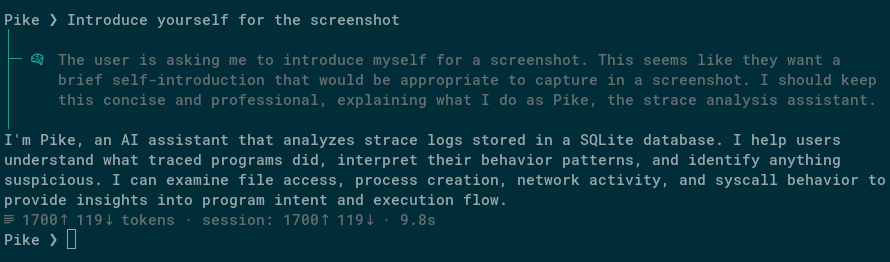
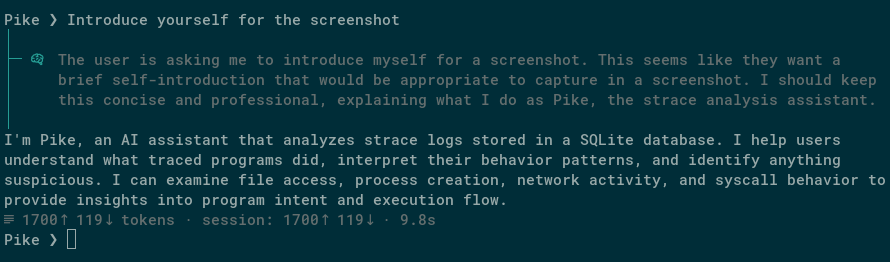
This program crashed with a bus error. What happened?Are there any race conditions in how this program creates temporary files?I found this process running on a production server. Should I be worried?See Say hi to Pike! for an introduction.
pike-agent uses strace to record every system call a program makes, then indexes them into a SQLite database with full-text search. An LLM agent queries this database through tool calls to answer your questions about the program's behavior.
uv pip install -e .
Requires Python 3.13+ and strace installed on the system.
On first run, a default configuration file is created at ~/.config/pike-agent/config.toml. Edit it to configure your inference provider and model. By default it points to a local llama.cpp server.
Pike-agent works best with models that are good at tool calling, for example: Gemini 3 Pro, Qwen 3.5, Claude 4.6 Sonnet...
Trace a command:
pike-agent run -- ./my-program --flag
Attach to a running process:
pike-agent attach 1234
Both produce a .db file with the indexed trace.
Start a chat session on a recorded trace:
pike-agent chat trace.db
