 seriocomic/fencepost
Multi-host UFW firewall dashboard — explains rules in plain English, detects security gaps, and provides connection diagnostics

Multi-host UFW firewall dashboard. Connects to Linux hosts over SSH, parses firewall rules and listening ports, explains everything in plain English, and flags security gaps.


| Route | Description |
|---|---|
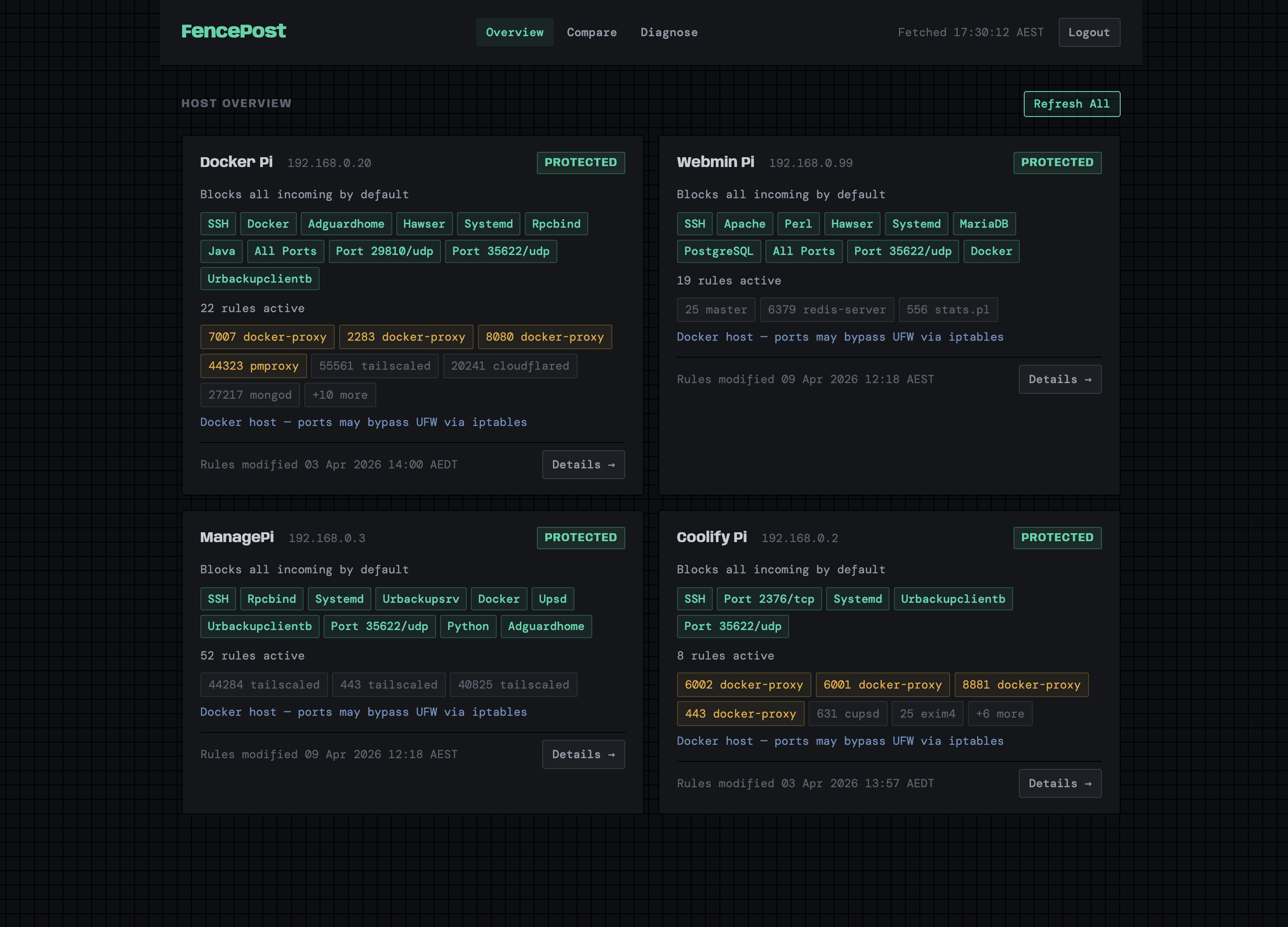
/ | Overview dashboard with host cards, service pills, gap counts |
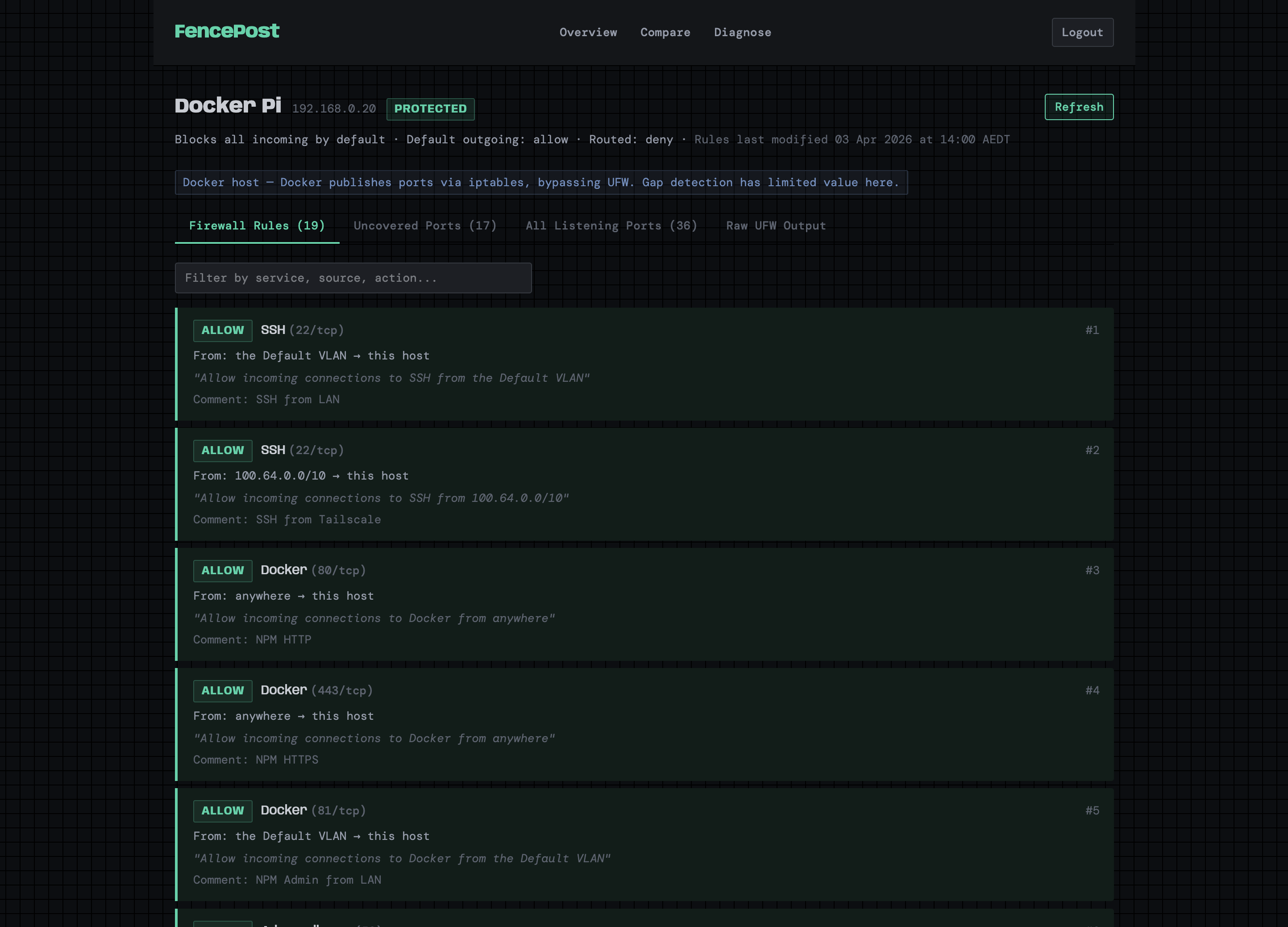
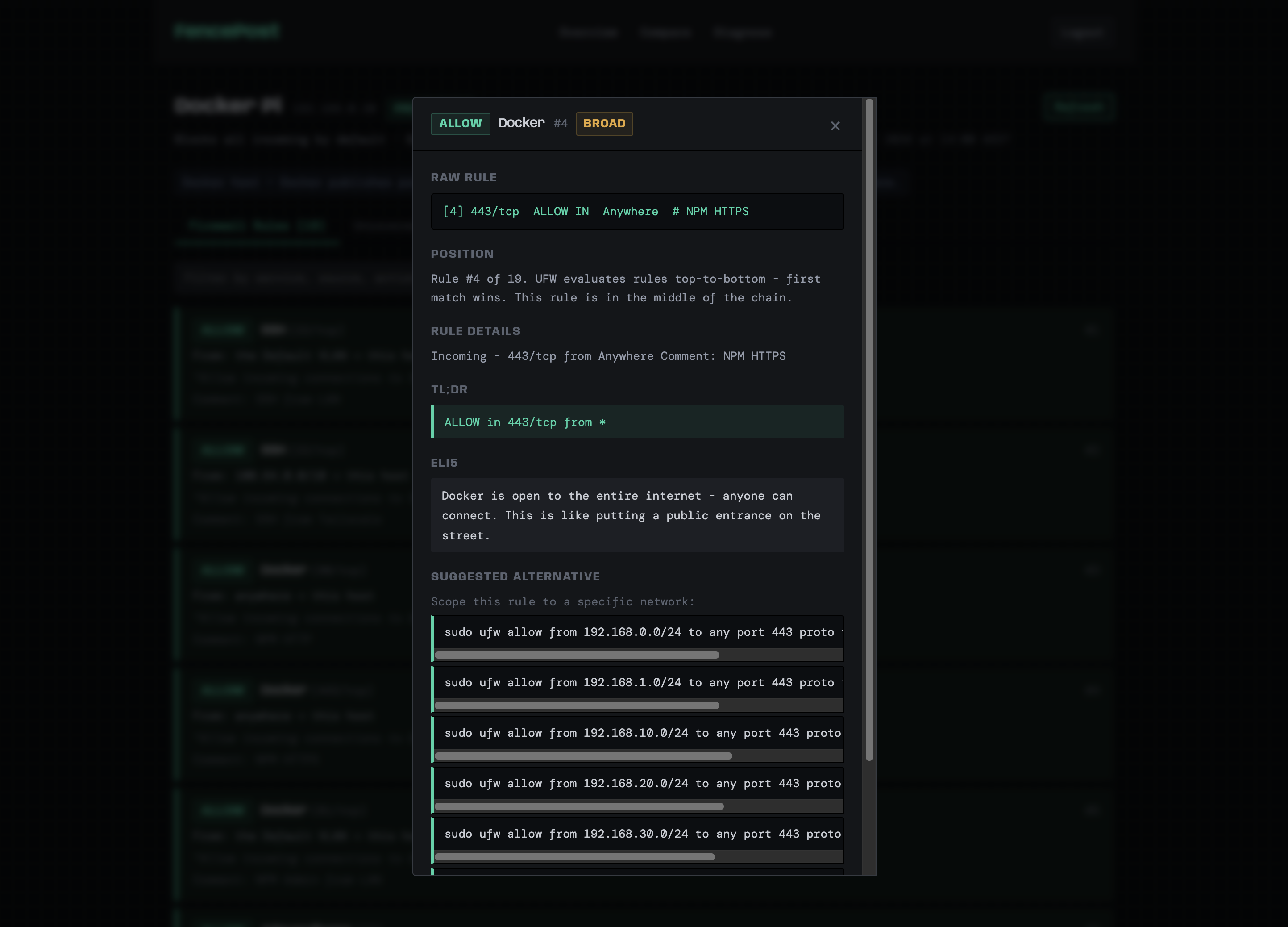
/host/{name} | Host detail with tabbed view: explained rules, uncovered ports, listening ports, raw output |
/diagnose | Connection diagnostic tool with rule-by-rule trace visualisation |
/login | Session-based authentication |
Browser --> Cloudflare Tunnel --> Reverse Proxy --> FencePost (:8890)
  FastAPI container
    |-- SSH --> Host 1 (ufw status, ss -tlnp)
    |-- SSH --> Host 2
    |-- SSH --> Host N
    '-- POST --> Notification webhook
FencePost is read-only -- it never modifies firewall rules, only reports on them.
<user> ALL=(ALL) NOPASSWD: /usr/sbin/ufw status verbose, /usr/sbin/ufw status numbered, /usr/bin/ss -tlnp
git clone <repo-url> && cd fencepost

# Add your SSH key
cp ~/.ssh/your_key ssh/id_ed25519
chmod 600 ssh/id_ed25519

# Create your environment file from the template
cp .env.example .env
# Edit .env with real credentials
timezone: Australia/Melbourne

hosts:
  - name: My Server
    hostname: 192.168.1.10
    ssh_user: deploy
    ssh_port: 22
    is_docker_host: false

networks:
  "192.168.1.0/24": "LAN"
python -m venv .venv
source .venv/bin/activate
pip install -r requirements.txt

# Load env vars (bash/zsh)
export $(grep -v '^#' .env | xargs)

uvicorn app.main:app --reload --port 8890
Open http://localhost:8890.
Note: local mode uses the SSH key at the path specified in config.yaml (ssh.key_path). For local dev you may want to override this to point at your local ssh/id_ed25519:
ssh:
  key_path: ssh/id_ed25519
  timeout: 10
docker compose up -d --build
Open http://localhost:8890. The container reads credentials from .env automatically via compose.yaml.
| Section | Purpose |
|---|---|
timezone | IANA timezone for displayed timestamps (e.g. Australia/Melbourne, UTC) |
hosts | Array of SSH targets: name, hostname, ssh_user, ssh_port, is_docker_host |
ssh | key_path (path to private key) and timeout in seconds |
networks | CIDR-to-name mapping for VLANs -- used in rule explanations and diagnostics |
devices | Named IPs for the diagnose page quick-select buttons |
notifications | Optional webhook: url, channel (API key set via env var) |
| Variable | Default | Description |
|---|---|---|
FENCEPOST_USERNAME | admin | Login username |
FENCEPOST_PASSWORD | fencepost | Login password |
FENCEPOST_SECRET_KEY | change-me | Session cookie signing key |
FENCEPOST_CONFIG | config.yaml | Path to config file |
NOTIFICATIONS_API_KEY | Bearer token for notification webhook |
Credentials are stored in .env (gitignored) and referenced by compose.yaml. Never commit secrets to the repository.
app/
  main.py           # FastAPI routes and auth
  models.py         # HostFirewallState, UFWRule, ListeningPort dataclasses
  parser.py         # Parses ufw status and ss output
  explainer.py      # Translates rules to plain English
  diagnose.py       # Connection diagnostic engine
  gap_detector.py   # Finds uncovered listening ports
  ssh_client.py     # Paramiko wrapper, parallel host fetching
  eventfeed.py      # Change detection and webhook posting
  templates/
    base.html       # Layout, CSS, navigation
    overview.html   # Host dashboard grid
    host_detail.html # Per-host tabbed detail view
    diagnose.html   # Connection diagnostic form and results
    login.html      # Authentication page
config.yaml         # Host definitions, VLANs, devices, timezone
compose.yaml        # Docker Compose service definition
Dockerfile          # Python 3.12 slim image
.env.example        # Template for environment variables
ssh/                # SSH key directory (key not committed)
data/               # Runtime state (last_state.json, not committed)
config.yaml under hosts:ssh-copy-id -i ssh/id_ed25519.pub user@host/etc/sudoers.d/fencepost on the host with the required NOPASSWD rulesdocker compose up -d --buildWhen configured in config.yaml with a NOTIFICATIONS_API_KEY env var, FencePost posts change events on each dashboard refresh:
Events include idempotency keys to prevent duplicates.
MIT

