 romaissaadjailia/get-applockereventlog
This is a repo for fetching Applocker event log by parsing the win-event log

This script will parse all the channels of events from the win-event log to extract all the log relatives to AppLocker. The script will gather all the important pieces of information relative to the events for forensic or threat-hunting purposes, or even in order to troubleshoot. Here are the logs we fetch from win-event:
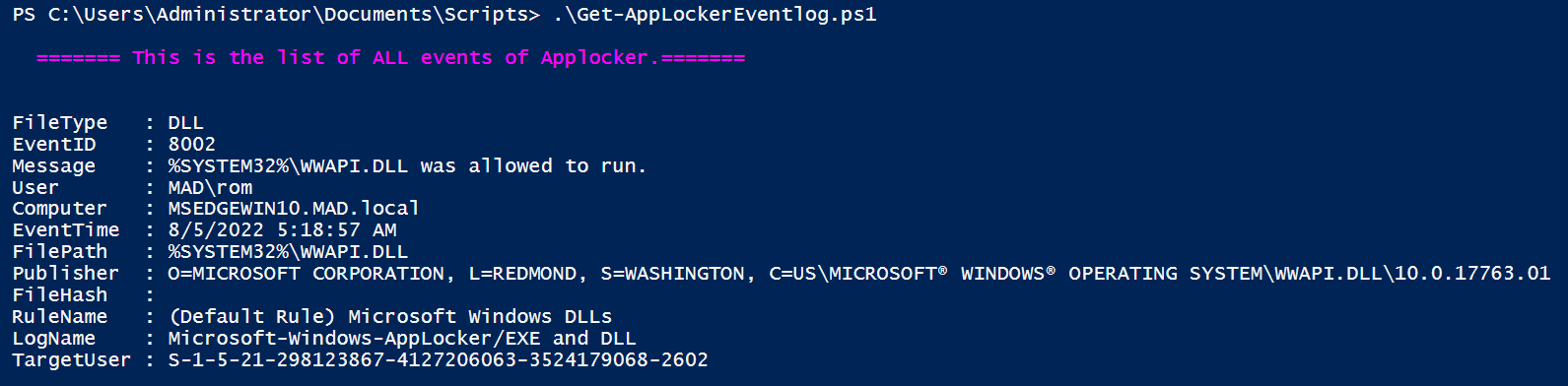
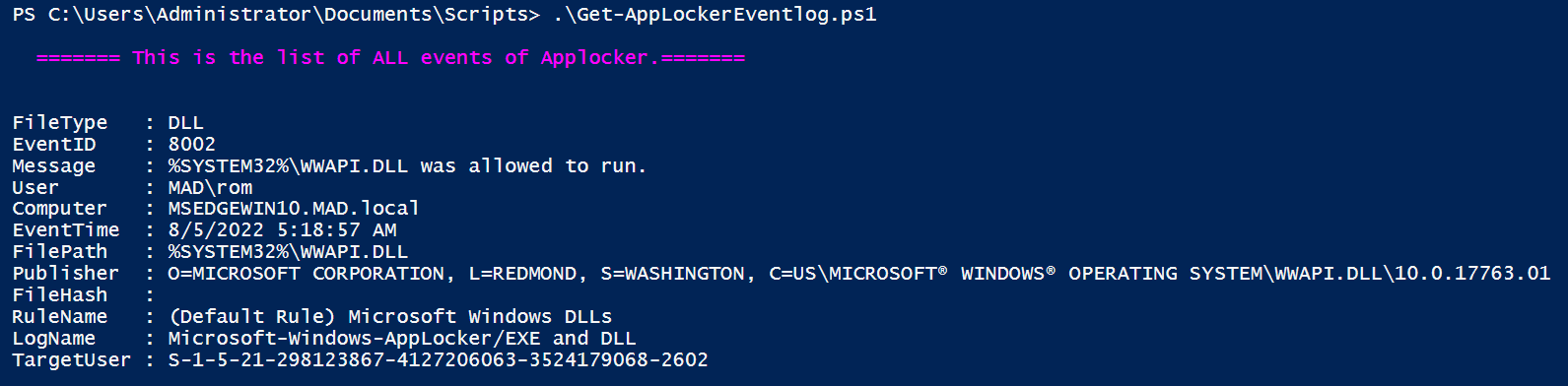
The result will be displayed on the screen
And, The result will be saved to a csv file: AppLocker-log.csv
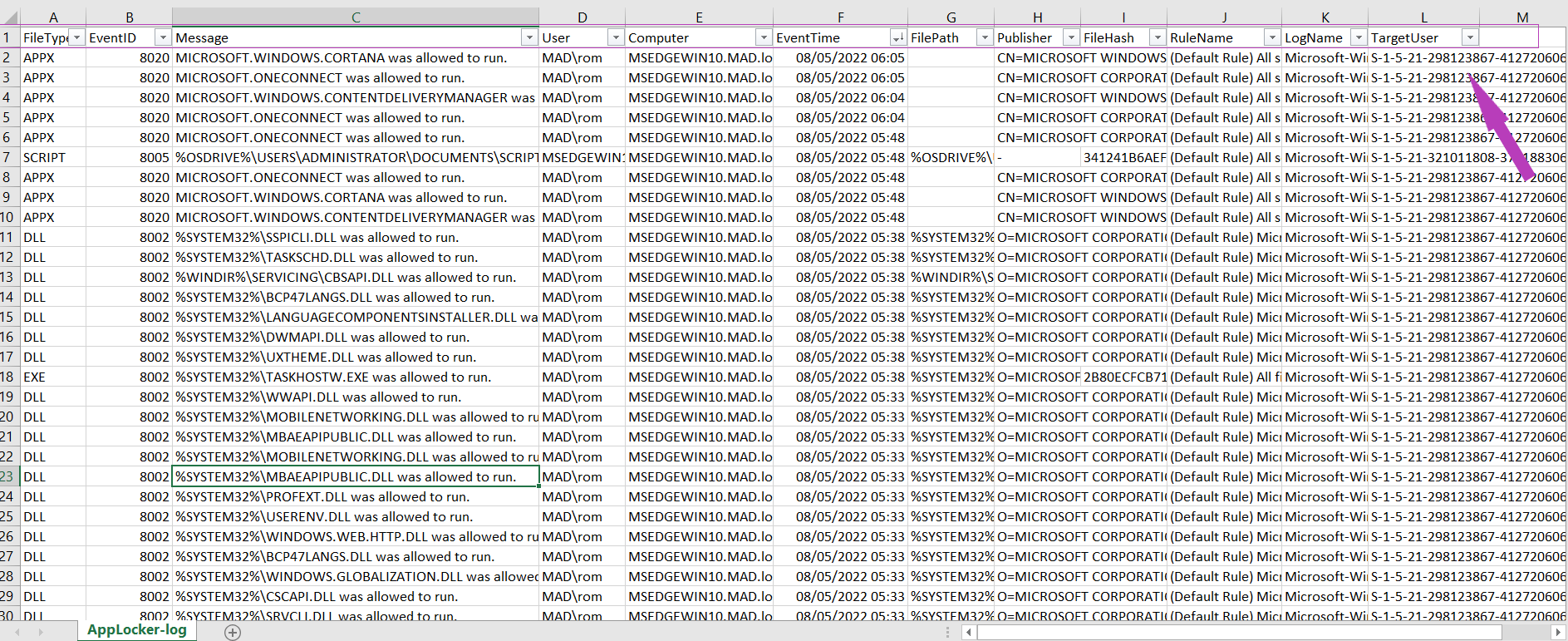
The juicy and useful information you will get with this script are:
This parameter specifies the type of events you are interested in, there are 04 values for this parameter:
1. All
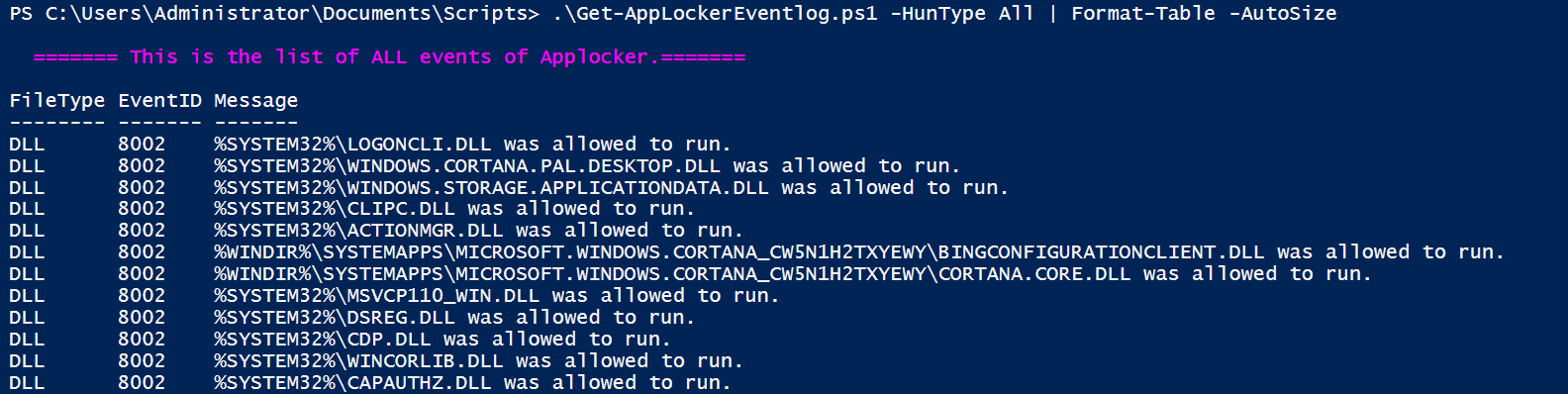
This gets all the events of AppLocker that are interesting for threat-hunting, forensic or even troubleshooting. This is the default value.
.\Get-AppLockerEventlog.ps1 -HunType All
2. Block
This gets all the events that are triggered by the action of blocking an application by AppLocker, this type is critical for threat-hunting or forensics, and comes with high priority, since it indicates malicious attempts, or could be a good indicator of prior malicious activity in order to evade defensive mechanisms.
.\Get-AppLockerEventlog.ps1 -HunType Block |Format-Table -AutoSize

3. Allow
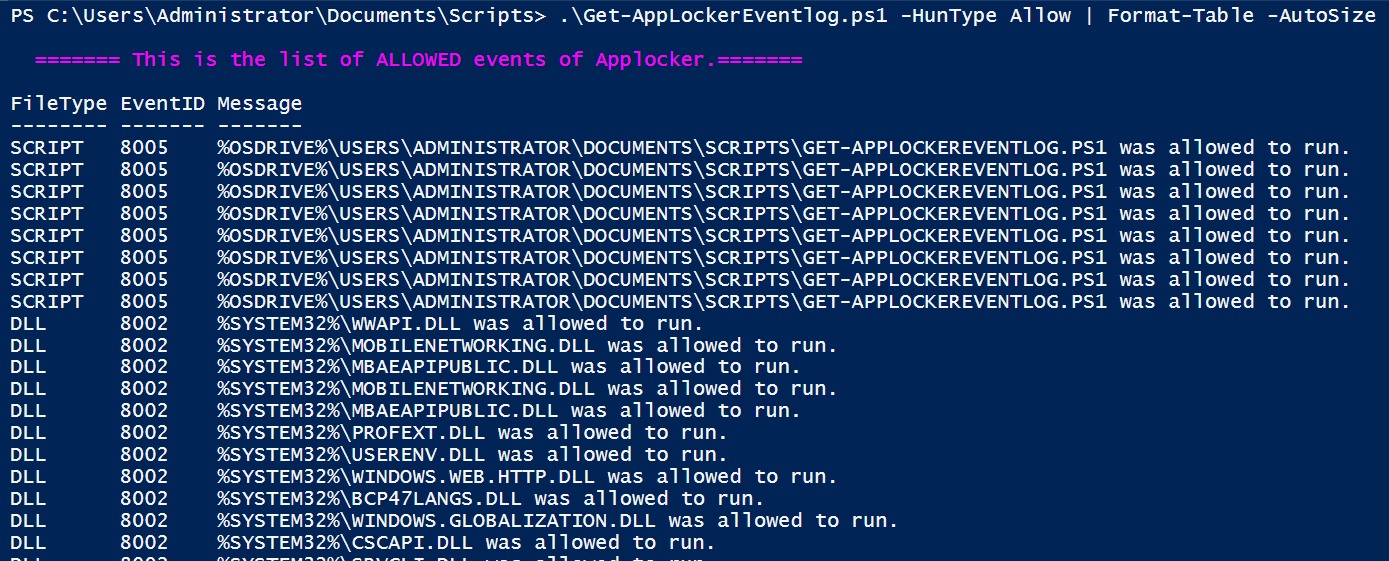
This gets all the events that are triggered by the action of Allowing an application by AppLocker. For threat-hunting or forensics, even the allowed applications should be monitored, in order to detect any possible bypass or configuration mistakes.
.\Get-AppLockerEventlog.ps1 -HunType Allow | Format-Table -AutoSize
4. Audit
This gets all the events generated when AppLocker would block the application if the enforcement mode were enabled (Audit mode). For threat-hunting or forensics, this could indicate any configuration mistake, neglect from the admin to switch the mode, or even a malicious action that happened in the audit phase (tuning phase).
.\Get-AppLockerEventlog.ps1 -HunType Audit
To better understand AppLocker :
This project welcomes contributions and suggestions.
