TCP Viewer
A simple, native packet viewer for Mac.
Website ·
Download ·
Docs ·
Releases
TCP Viewer captures and reads network packets on macOS. It uses system libpcap for capture and Wireshark libraries for deep packet details.
Features
- Native macOS app, built with AppKit
- Built on top of Wireshark Lib, alternative to Wireshark
- Capture live traffic.
- Group packets by app, domain, or IP address.
- Filter TCP, UDP, DNS, HTTP, TLS, WebSocket, and more.
- Read protocol fields and raw bytes.
- Open PCAP and PCAPNG files.
- Follow TCP and UDP streams.
- Export packets as PCAP or PCAPNG.
- Ask an AI agent about your capture with TCP Viewer MCP.
- Automate capture, tabs, split panes, filters, statistics, TCP/UDP follow, and packet diff with
tcpviewer-cli or MCP.
- Review the full source code.
Easy packet capture
- Pick a network interface.
- Start or stop with one click.
- Keep busy captures easy to read.
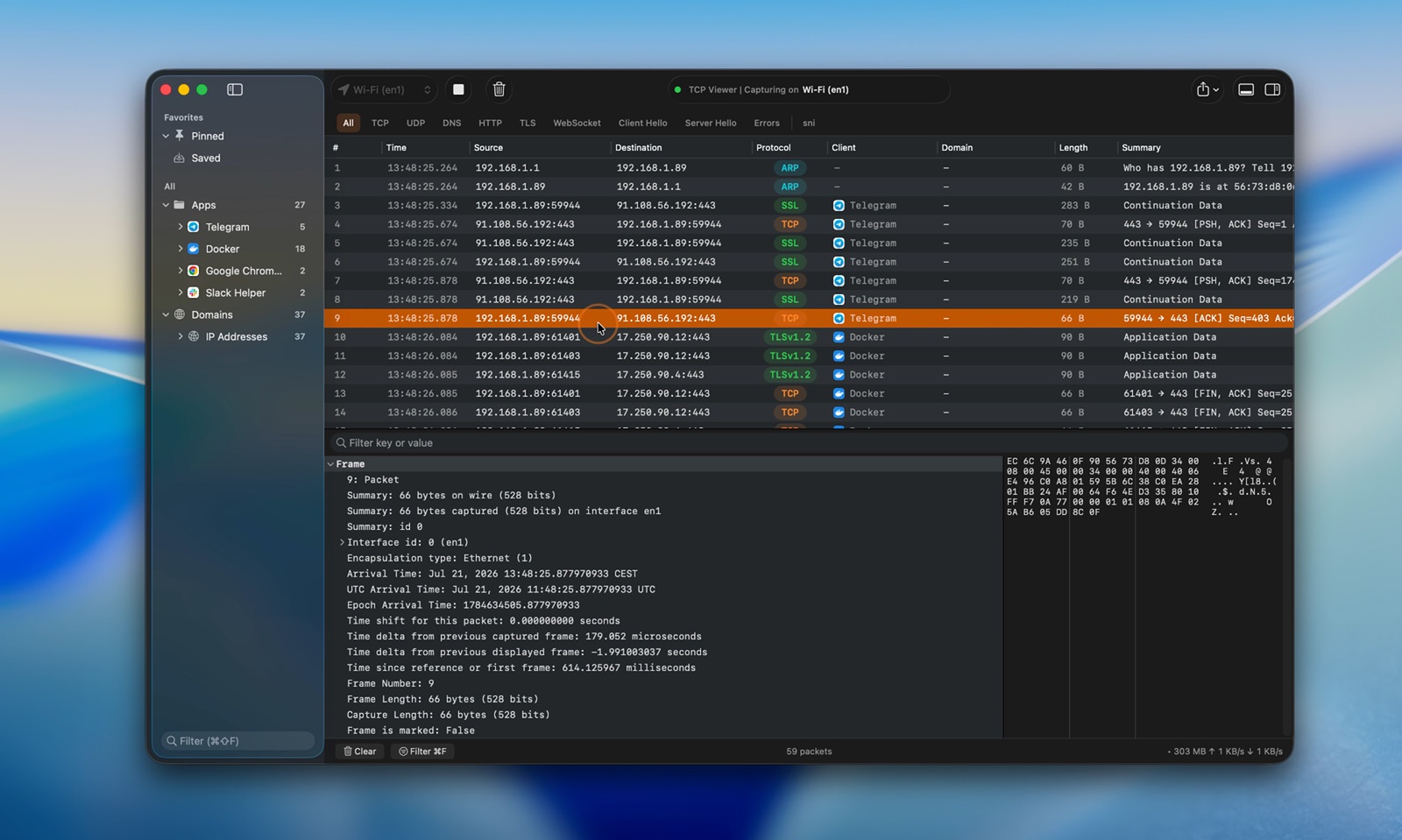
Watch the live capture video
TCP Viewer MCP
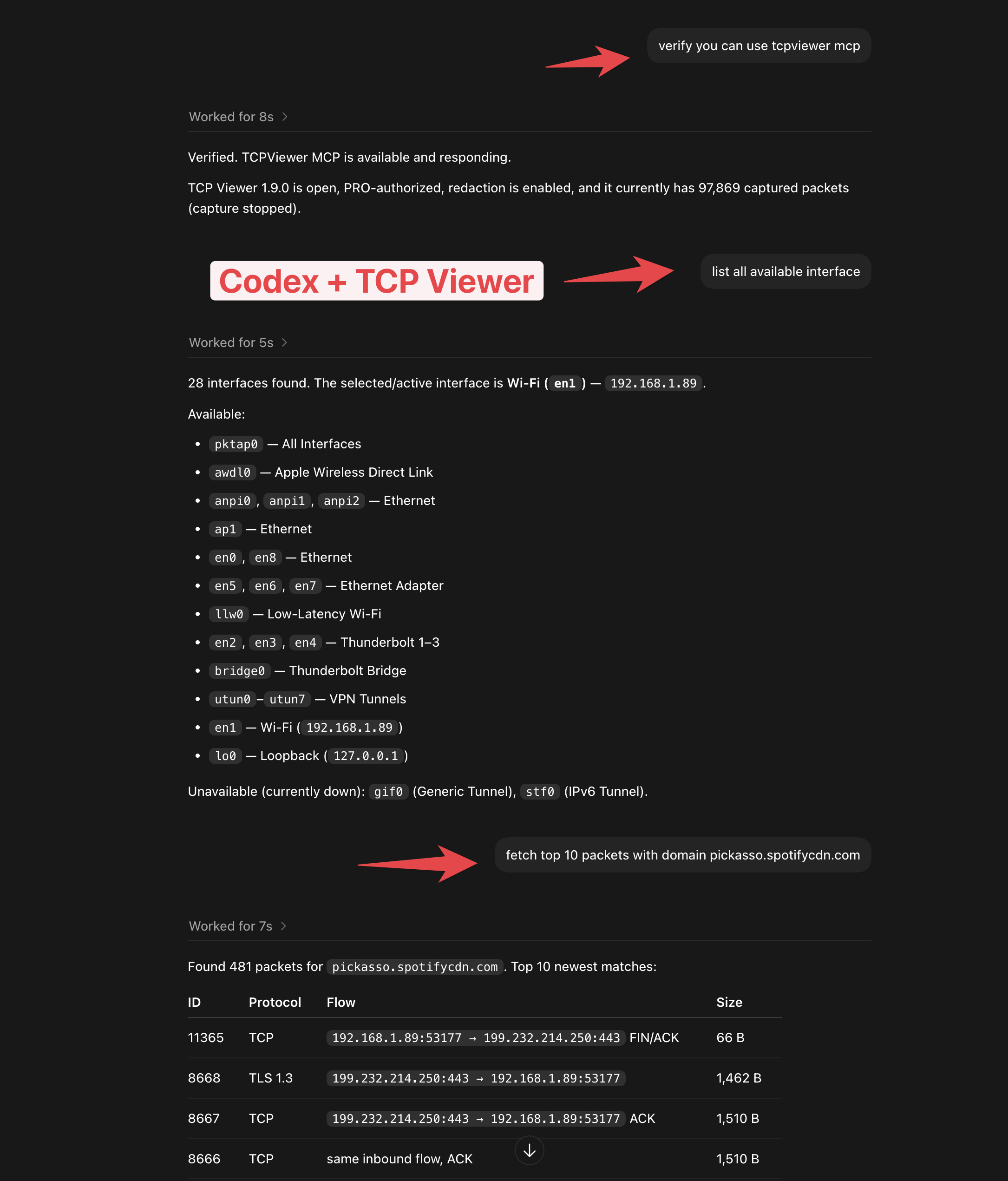
- Connect TCP Viewer to Codex or another MCP client.
- Check the capture status.
- List network interfaces.
- Find packets with a simple prompt.
- Available with TCP Viewer PRO.
Open capture files
- Drag in a PCAP or PCAPNG file.
- Preview packets right away.
- Use the same view as a live capture.
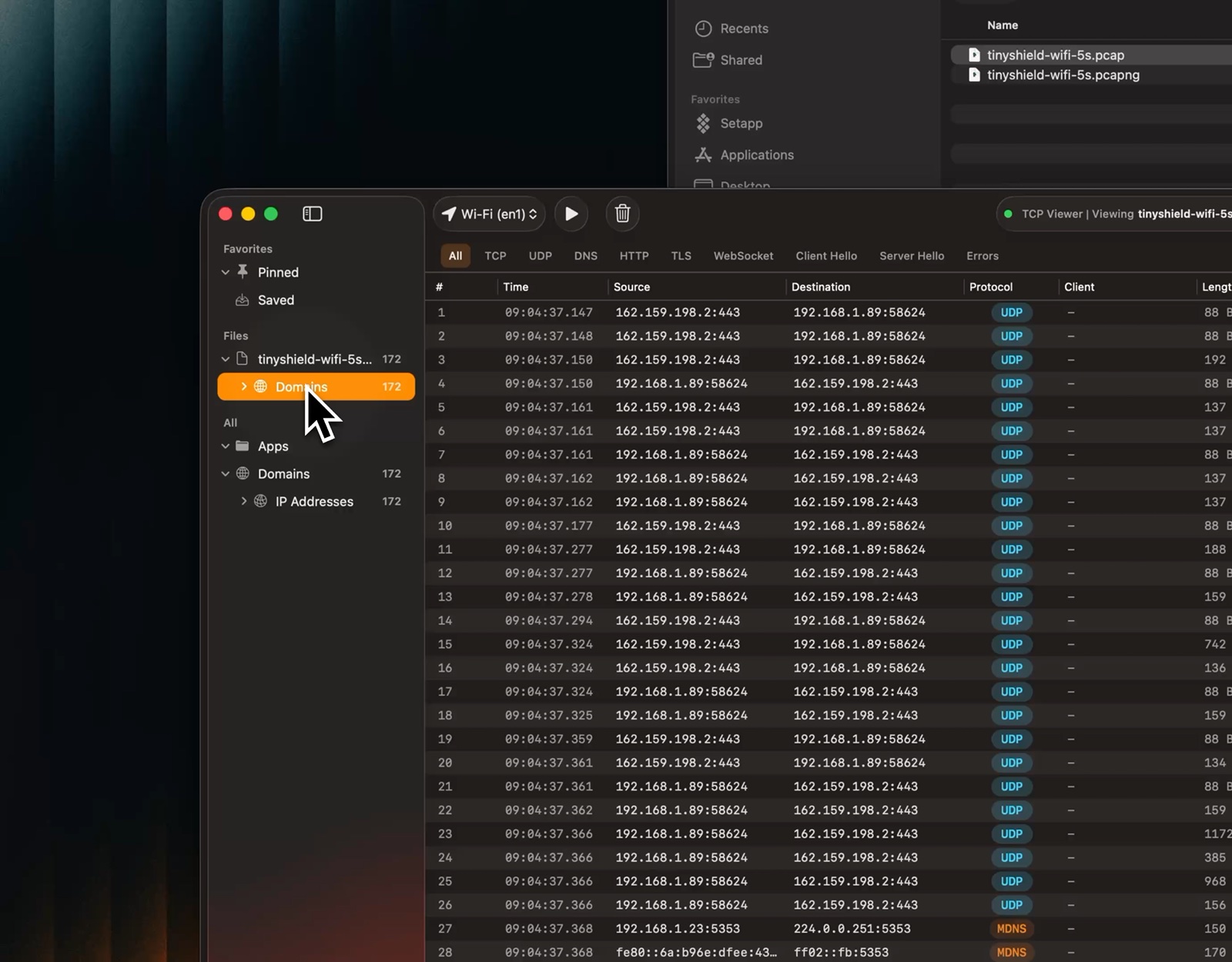
Watch the file preview video
Follow TCP and UDP Streams
- Rebuild a TCP conversation or view UDP datagrams in capture order.
- Open a stream from the packet menu or the Tools menu.
- Show both directions together.
- Show only client or server data.
- Switch between text and hex.
- Search the stream.
- Jump back to the source packet.
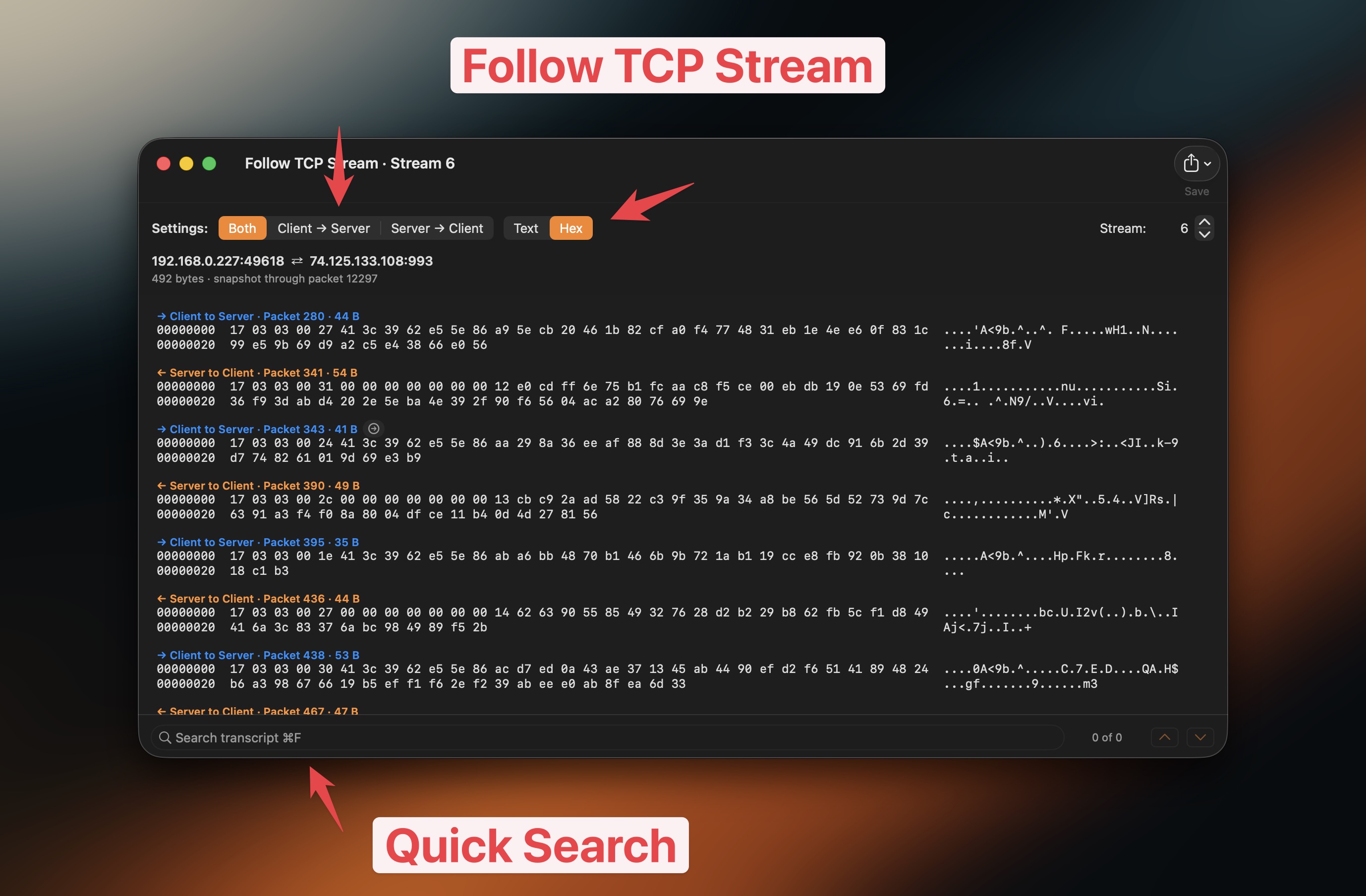
Watch the Follow TCP Stream video
Group traffic
- Group packets by app.
- Group packets by domain.
- Group packets by IP address.
- Jump to the traffic you need.
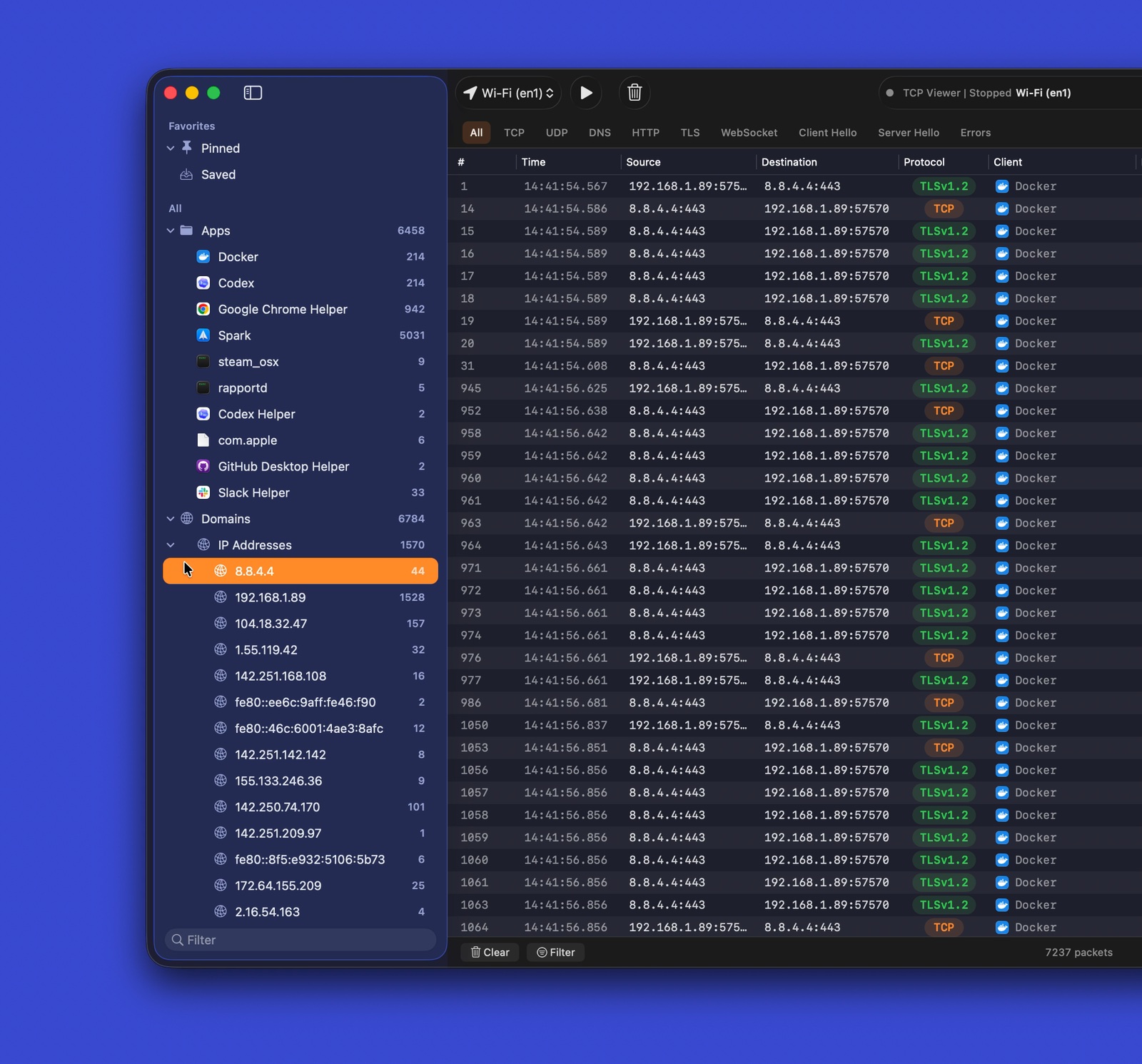
Watch the grouped traffic video
Protocol filters
- Use quick filters for common protocols.
- Combine filters with text search.
- Focus on useful packets fast.
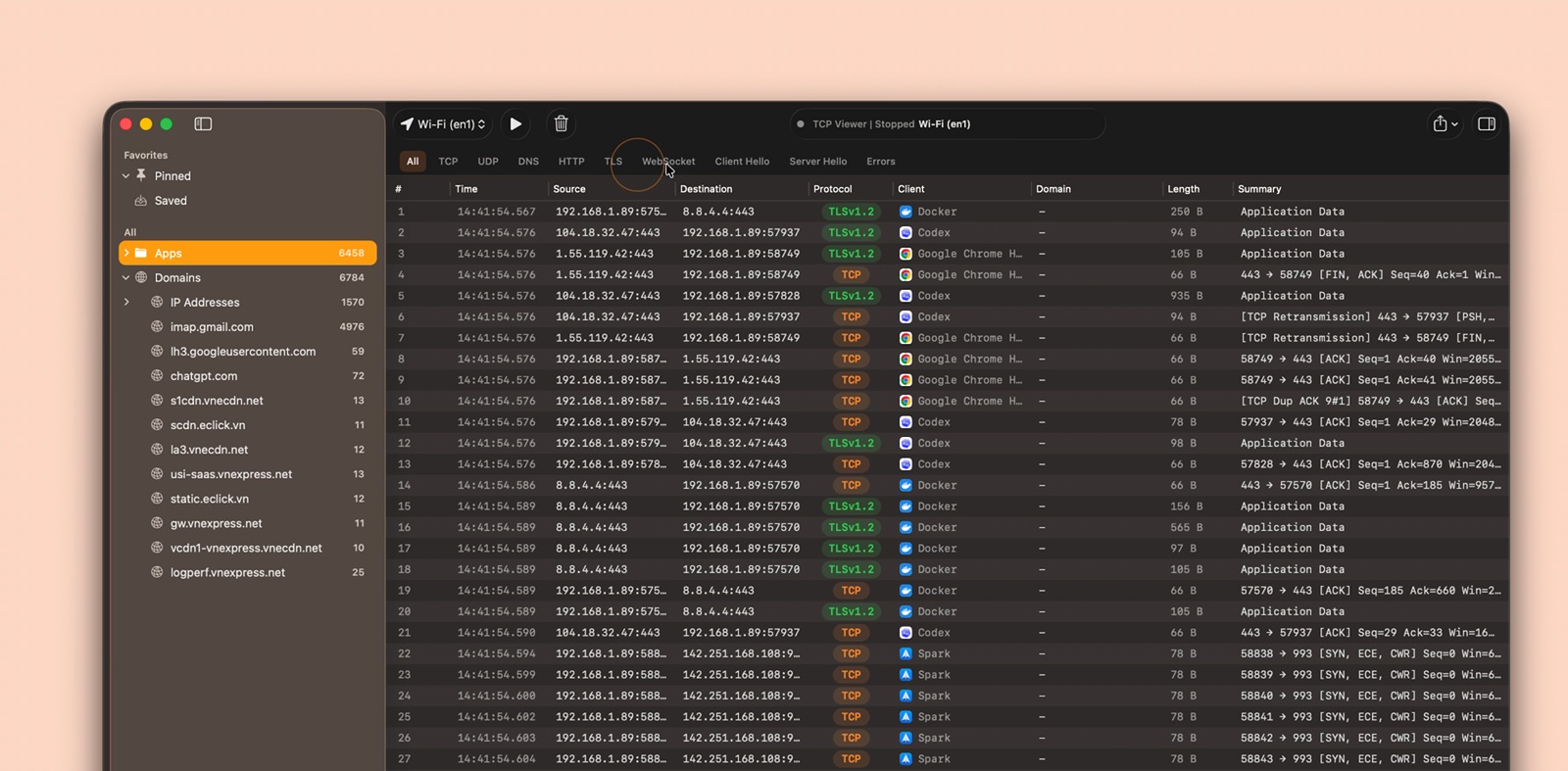
Watch the protocol filter video
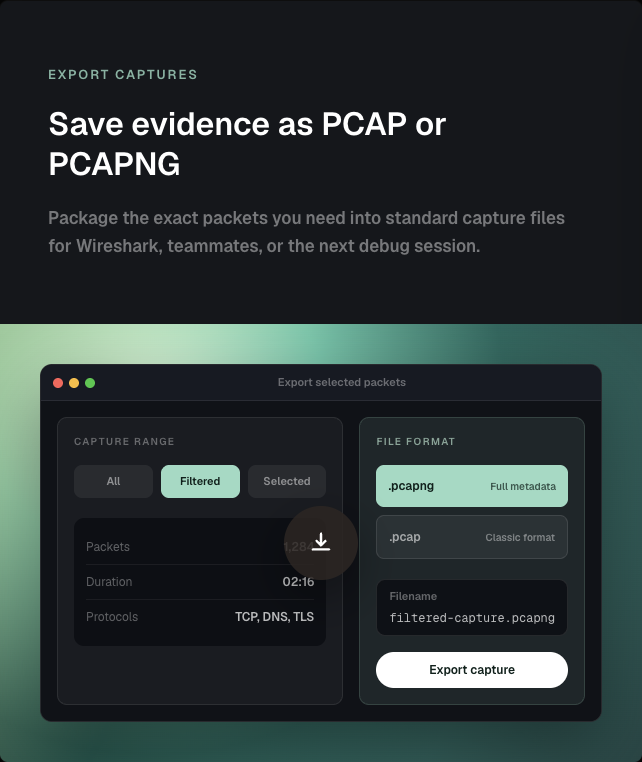
Export captures
- Export all, filtered, or selected packets.
- Save as PCAP or PCAPNG.
- Open the result in other packet tools.
Packet details
- Read Wireshark-grade protocol trees.
- Inspect field names and values.
- Match fields to raw bytes.
- Search packet details.
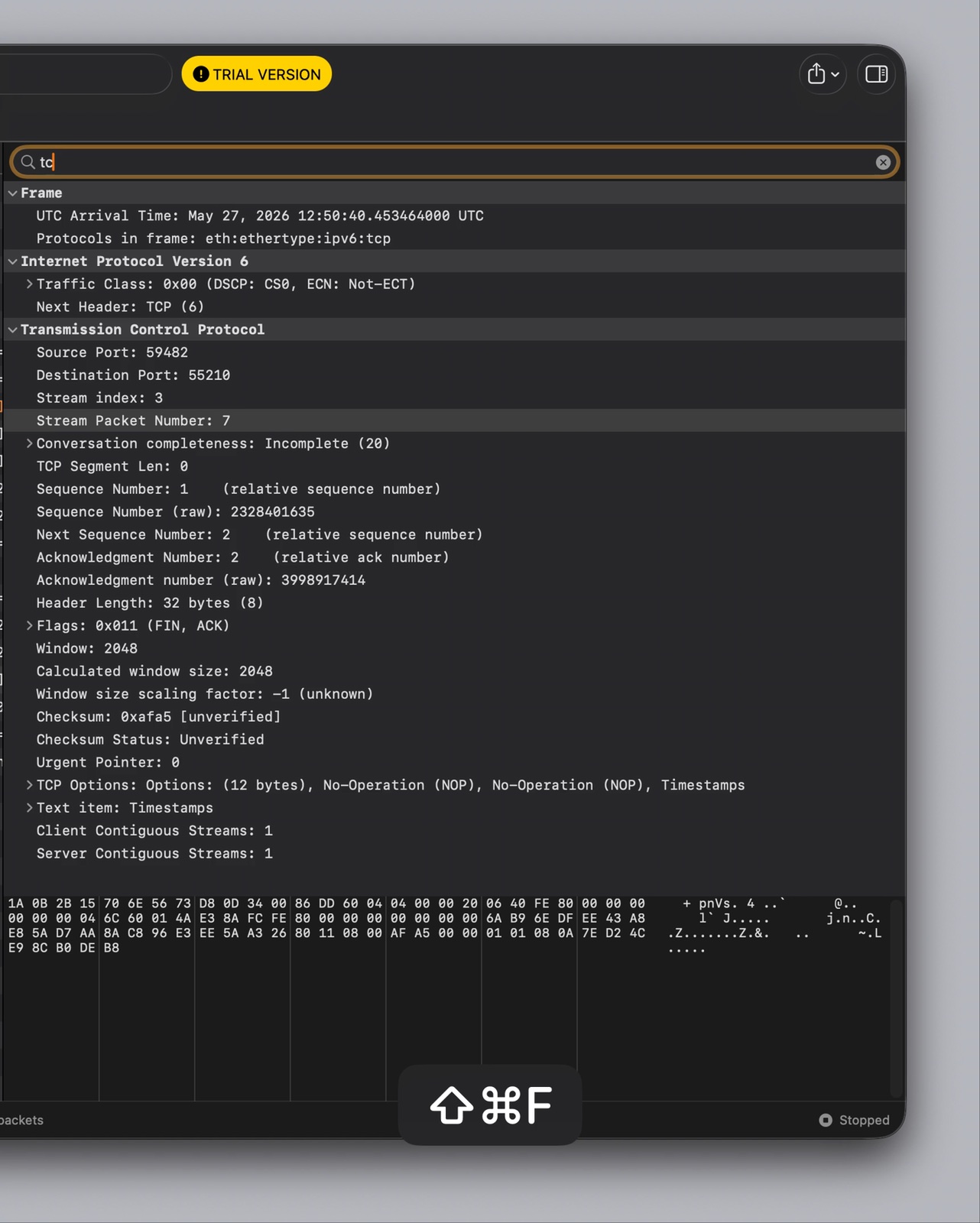
Watch the packet details video
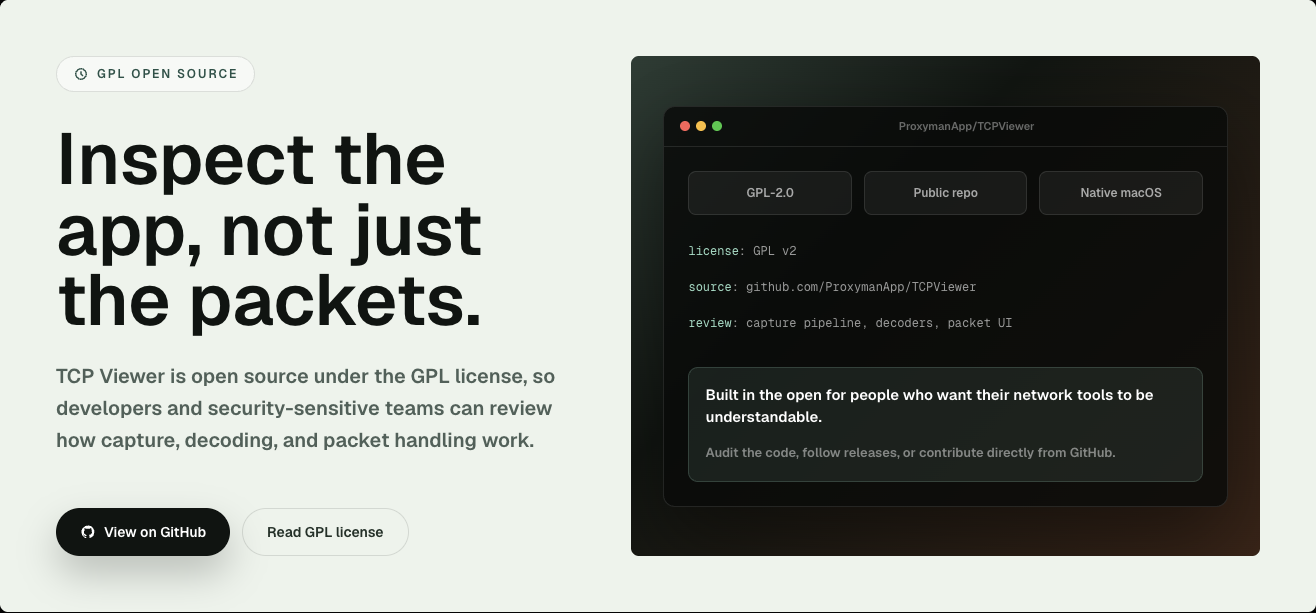
Open source
- Licensed under GPL-2.0-or-later.
- Review the capture pipeline.
- Review packet decoding.
- Review the native macOS interface.
- Report issues or send a pull request.
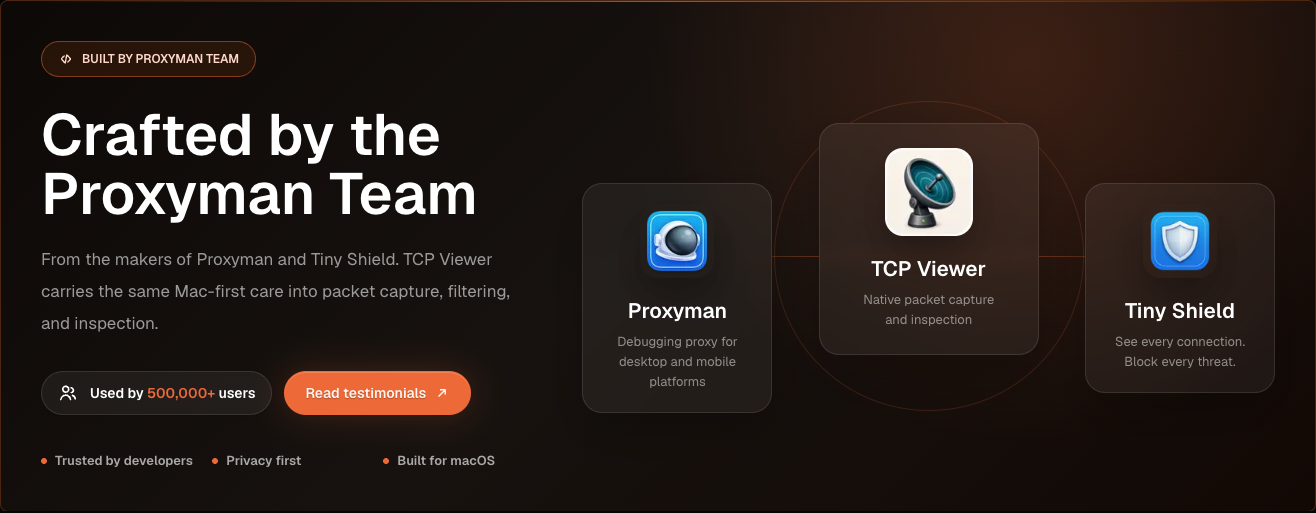
Built by the Proxyman Team
- Made by the team behind Proxyman and Tiny Shield.
- Built for macOS.
- Focused on privacy and clear network debugging.
Requirements
To run TCP Viewer:
- Apple Silicon Mac.
- macOS 15 or later.
To build TCP Viewer:
- Xcode 16 or later.
- Git.
- CMake, Ninja, Meson, pkg-config, and autotools.
brew install cmake ninja meson pkg-config autoconf automake libtool
Setup
Clone with submodules. Then bootstrap the pinned Wireshark dependency.
git clone --recurse-submodules <repo-url>
cd TCPViewer
cp Config/TCPViewer.local.xcconfig.example Config/TCPViewer.local.xcconfig
./scripts/bootstrap-wireshark.sh
Already cloned without submodules?
git submodule update --init --recursive
./scripts/bootstrap-wireshark.sh
The bootstrap scripts:
- Run
scripts/bootstrap-wireshark-deps.sh first.
- Build Wireshark's runtime libraries from source.
- Write them to
Vendor/.install/wireshark-deps.
- Use macOS 15 as the deployment target.
- Use Homebrew only for build tools.
- Never copy Homebrew bottle dylibs into a release.
Keep local signing, appcast, Sparkle, Sentry, and release values out of Git. Use Config/TCPViewer.local.xcconfig, .env, environment variables, or Keychain-backed tools.
Run
In Xcode:
- Open
TCPViewer.xcodeproj.
- Select the
TCPViewer scheme.
- Choose
My Mac.
- Press Run.
Command-line build:
xcodebuild -project TCPViewer.xcodeproj -scheme TCPViewer build
If Xcode asks for signing, select a development team for TCPViewer and PcapPlusPlusCore.
Packet Details Diff uses a small, locally bundled build of Microsoft's open-source
Monaco editor. No private MonacoEditor Swift package, Node.js, or CDN is needed
to build or run the app. See Vendor/MonacoDiff to
rebuild the checked-in web assets when changing the diff integration.
Test
xcodebuild test \
  -project TCPViewer.xcodeproj \
  -scheme TCPViewer \
  -destination 'platform=macOS'
Release
The release script can:
- Build and notarize the app.
- Sign the Sparkle update.
- Upload files to Cloudflare R2.
- Publish the release to the backend.
First-time setup:
npm install
bundle install
gh auth login
Create a local .env from .env.example. Add the required release values. Never commit real secrets.
Use # for comments in .env. sentry-cli does not accept // comments.
For a production release, add a matching entry to ReleaseNote.json. Then run:
npm run release
 proxymanapp/tcpviewer
