 morluto/rea
Reverse engineer anything with agents, from app behavior down to native binaries.

English · 简体中文 · 日本語 · 한국어 · العربية
See a feature you like. Understand how it works, down to the binary level.




Quick start · Current status · Investigation model · Tool catalog · Roadmap · How it works
npm install --global rea-agents && rea setup
See a feature in an app that you want in your own product? Give the app to your agent—even without its source code. With REA, the agent can investigate the feature, explain how it works, show its evidence, and build a version adapted to your stack and requirements.
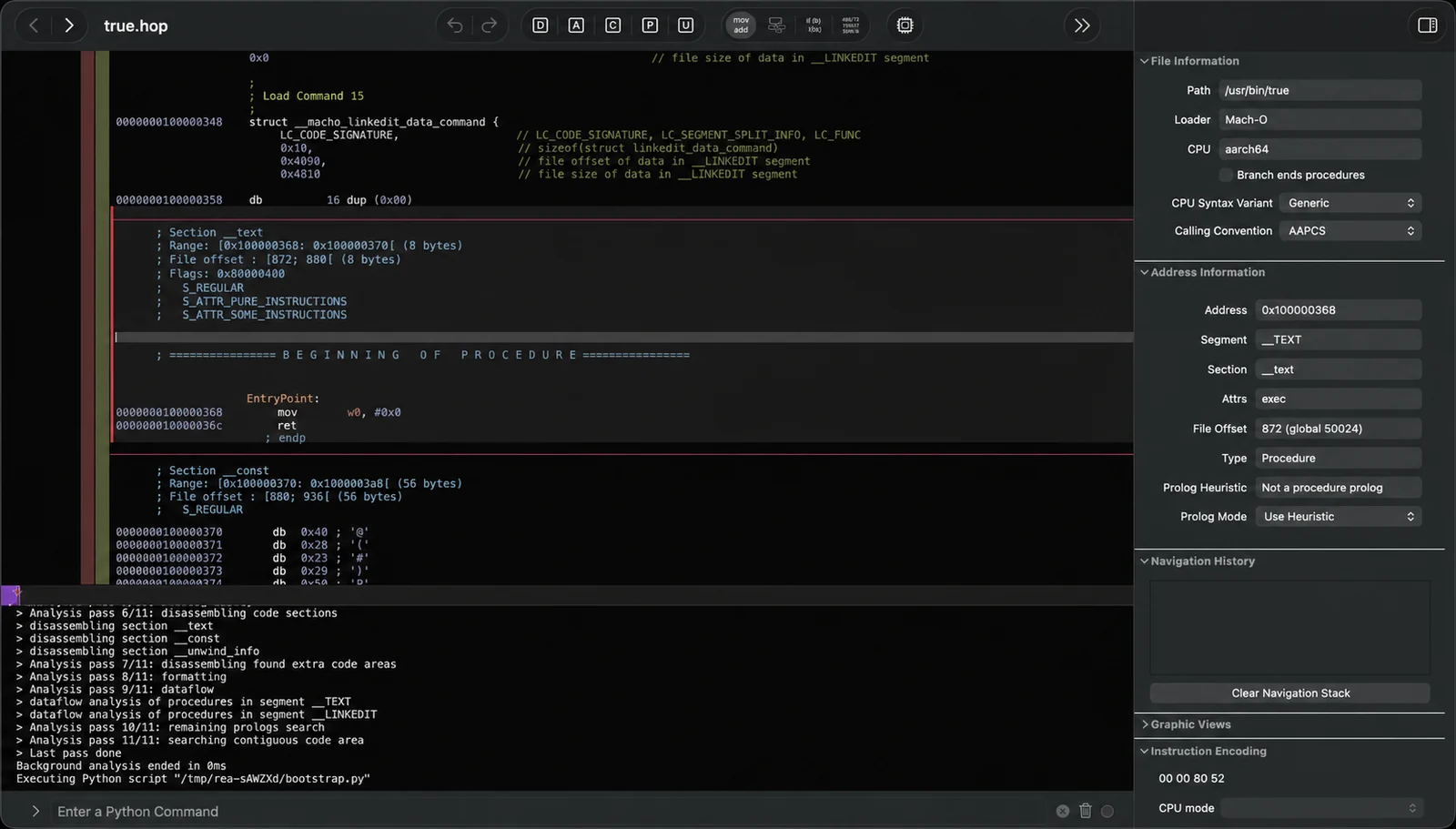
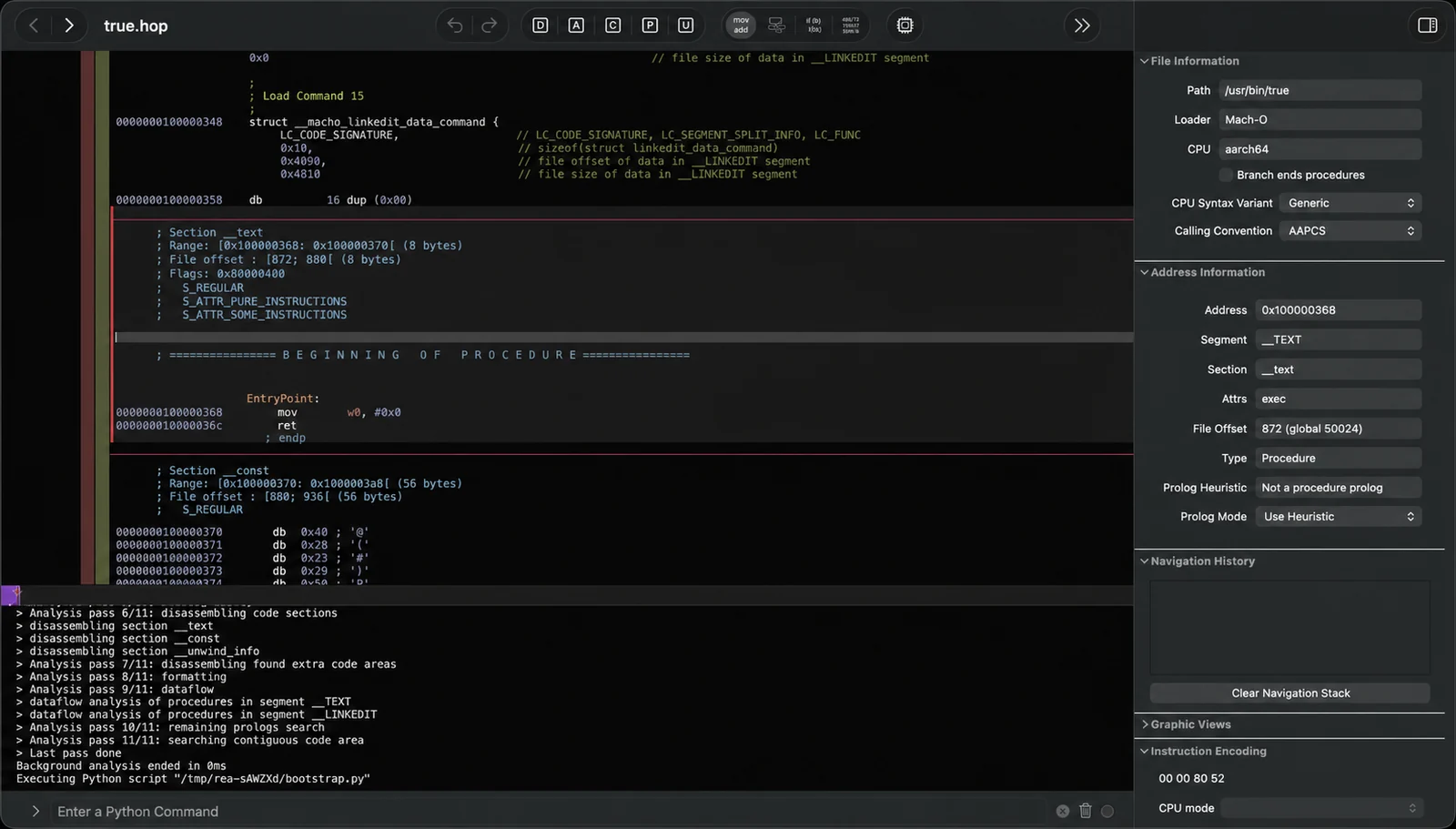
REA gives agents one consistent way to investigate software. Today that includes deep native analysis and function dossiers through Hopper or bring-your-own Ghidra on Linux and macOS, plus an experimental Windows x64 Ghidra P0 for approved native PE applications; execution-free managed PE/CLI triage; reproducible Evidence records; controlled process capture; passive website, Electron page, and Node/Electron V8 Inspector observation; JavaScript/source-map reconstruction; and provider-neutral graphs for connecting application layers without confusing static inference with runtime observation. The longer-term toolkit extends the same agent workflow to APIs, protocols, mobile artifacts, firmware, richer runtime behavior, and differences between versions.
Reverse engineering normally makes the operator choose a tool, learn its API, move evidence between programs, and decide what to inspect next. REA gives that work to the agent through commands, skills, structured results, and repeatable investigation workflows.
Run setup once. Agent integration installs an aligned MCP registration and the bundled routing skill together:
npx rea-agents setup
Then ask:
Understand how search works in the Notes app, show me the evidence, and build a
similar feature for my project.
Notes is only an example. Name any app you want to understand, or ask the agent to start with an overview.
|
Decompile Open an app and recover readable code, strings, names, and other clues about how it works. |
Understand Follow the code from one part of the app to another until the agent can explain how a feature actually works. |
Recreate Turn what the agent learned into a feature for your own product, adapted to your stack, interface, and requirements. |
REA shows how it reached its conclusions. It does not claim to recover original source code or automatically clone an application.
| Built for agents | Ask what an app does and let your agent inspect it instead of guessing. |
| CLI and MCP | Run the same reverse-engineering capabilities from your terminal or agent. |
| Complexity handled | REA installs and manages the reverse-engineering tools behind the scenes. |
| From insight to code | Understand a feature, then build your own version in the same coding session. |
| Local by design | Analysis runs on your supported local host. REA does not upload the app to a hosted analysis service. |
| Keeps context | Investigate several apps without starting over for every question. |
npx --yes rea-agents@latest setup
The npm package-runner prompt, when shown, approves downloading REA for this invocation; it does not approve any setup changes. The REA wizard separately shows its complete plan and asks before applying it. Setup does not update Homebrew, Node.js, or npm. The setup command opens with the work it enables: investigate local apps from an agent, recover evidence through a deep-analysis provider, and reuse REA's guided workflow. It summarizes the detected agents, then asks which capabilities to set up: agent integration (MCP plus the matching guided workflow) and—when needed—the Hopper provider. Nothing is preselected. Choosing agent integration opens a second empty checklist for the specific detected agents that should receive a registration.
@latest makes the requested release explicit and asks npm for the release
currently published under that tag. REA does not silently replace the package
version npm selected. Intentional rollbacks therefore remain available through
an exact package request.
REA keeps the journey inline so its history remains in the terminal. Selecting a capability does not select every detected target or authorize a change. Before anything changes, REA validates existing configuration, prints exact paths and external effects, and asks for final approval with No as the default. The screen keeps the available keys visible while you choose; Ctrl-C and declining leave the system unchanged.
REA detects Claude Code, Claude Desktop, Codex, Cursor, Gemini CLI, Windsurf, and Devin. It configures the first six when detected; Devin is reported but left unchanged because it has no documented local MCP configuration boundary. Registrations are additive, backup-first, and read back after writing. You can safely rerun setup.
Use rea setup --dry-run to inspect the plan, repeat --client to select exact
agents, and --accessible for sequential vertical prompts. Machine output
remains available through --json; prompt UI and progress go to stderr.
After a successful setup, REA reports the capabilities now ready to use and a concrete next step, such as restarting a configured agent before asking it to investigate an application. It does not claim an integration or provider is ready unless setup and its final diagnostic check verified it.
An optional curl wrapper installs the same CLI package and starts setup only when a terminal is available:
curl -fsSL https://raw.githubusercontent.com/morluto/rea/main/install.sh | bash

