 misp/misp-wireshark
Lua plugin to extract data from Wireshark and convert it into MISP format

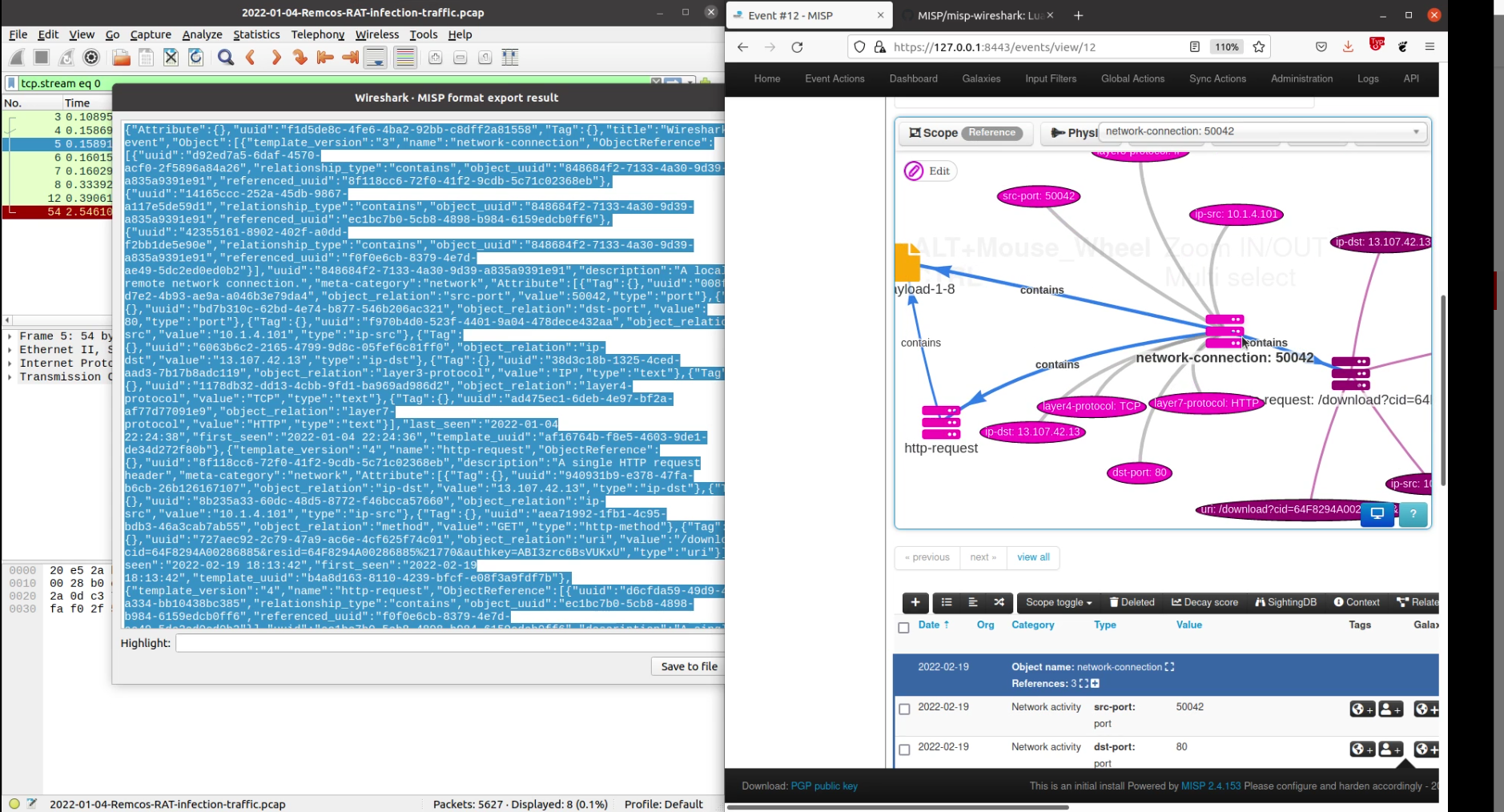
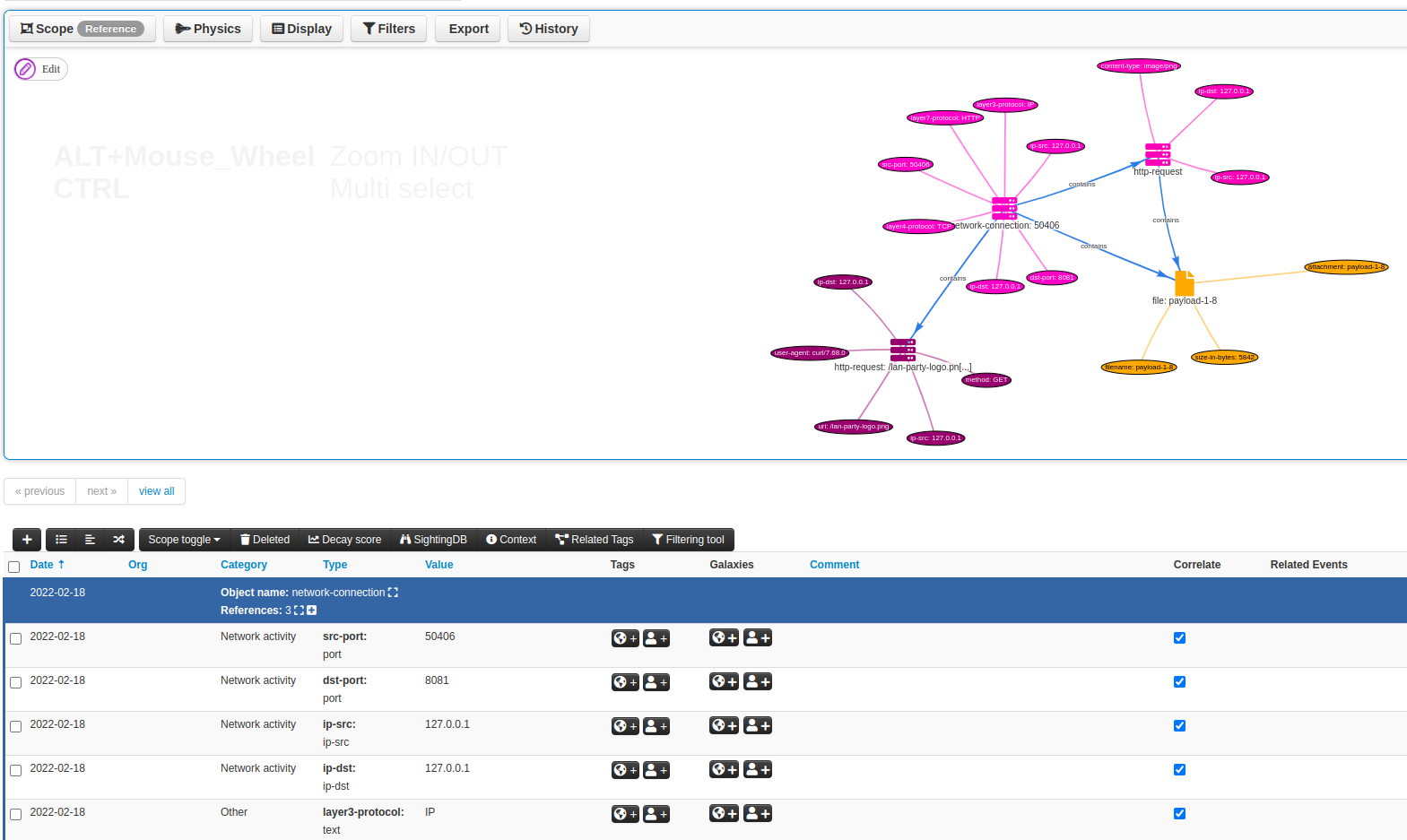
misp-wireshark is a Lua plugin intended to help analysts extract data from Wireshark and convert it into the MISP Core format
Tools located in Wireshark's top bar and click on MISP: Export to MISP format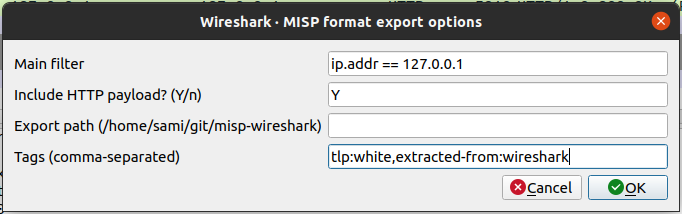
Main filter: Fill this field to filter the exported data. Essentially, it will just be a copy/paste from the global filter in the interface. (This cannot be done automatically because of this)Include HTTP payload: Should the payloads sent via HTTP be included as a file in the outputExport path: The location where the exported file should be saved when clicking on Save to fileTags: Optional tags can be attached to some MISP attributes.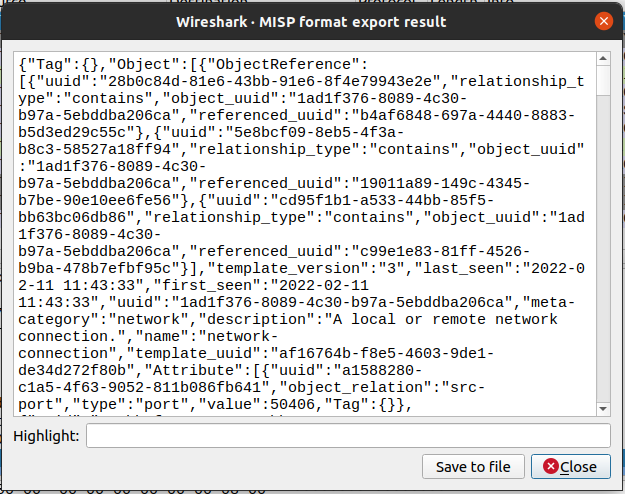
Command-line options are the same parameters as in the user interface:
filters: The filter expression to be appliedinclude_payload: Should potentials payload be also exported. Accept y or nexport_path: The folder under which the json should be saved. If not supplied, default to stdouttags: Optional tags to be attached to some MISP attributesExample
tshark \
    -r ~/Downloads/capture.cap \
    -X lua_script:/home/john/.local/lib/wireshark/plugins/misp-wireshark/misp-wireshark.lua \
    -X lua_script1:filters="ip.addr == 127.0.0.1" \
    -X lua_script1:include_payload=n \
    -X lua_script1:tags="tlp1,tlp2" \
    frame.number == 0
Note: As we did not supply an export path, the result is printed on stdout. However, to avoid mixing both the plugin output and tshark output, we provide a filter to tshark that will filter out every packets. However, this filter is not used by the plugin. Only the filter provided via -X lua_script1:filters is used.
Based on the example above, frame.number == 0 is only used to prevent the output of tshark while ip.addr == 127.0.0.1 is actually used by the plugin
On linux, clone the repository in wireshark's plugin location folder
mkdir -p ~/.local/lib/wireshark/plugins
cd ~/.local/lib/wireshark/plugins
git clone https://github.com/MISP/misp-wireshark
cd misp-wireshark/
git submodule update --init --recursive
git pull
git submodule update
community-id⚠️ In order for this plugin to use community-id, wireshark must be at version 3.3.1 or higher.
By default, community-id is disabled. To enable it, you have to perform these steps:
Analyze/Enabled Protocols...CommunityID in the listnetwork-connection from tcphttp-request from tcp.http, including HTTP payloadsdns-record from udp.dns