 magicsword-io/lolrmm
Curated catalog of Remote Monitoring and Management tools abused by threat actors, with YAML profiles, Sigma detection rules, and API access for threat hunting and prevention.


Welcome to LOLRMM (Living Off the Land Remote Monitoring and Management), a community-driven project that provides a curated list of Remote Monitoring and Management (RMM) and remote access tools that could potentially be abused by threat actors. Our mission is to assist security professionals in staying informed about these tools and their potential for misuse, providing the community a catalog which can be used for threat hunting, detection and prevention policy creations.
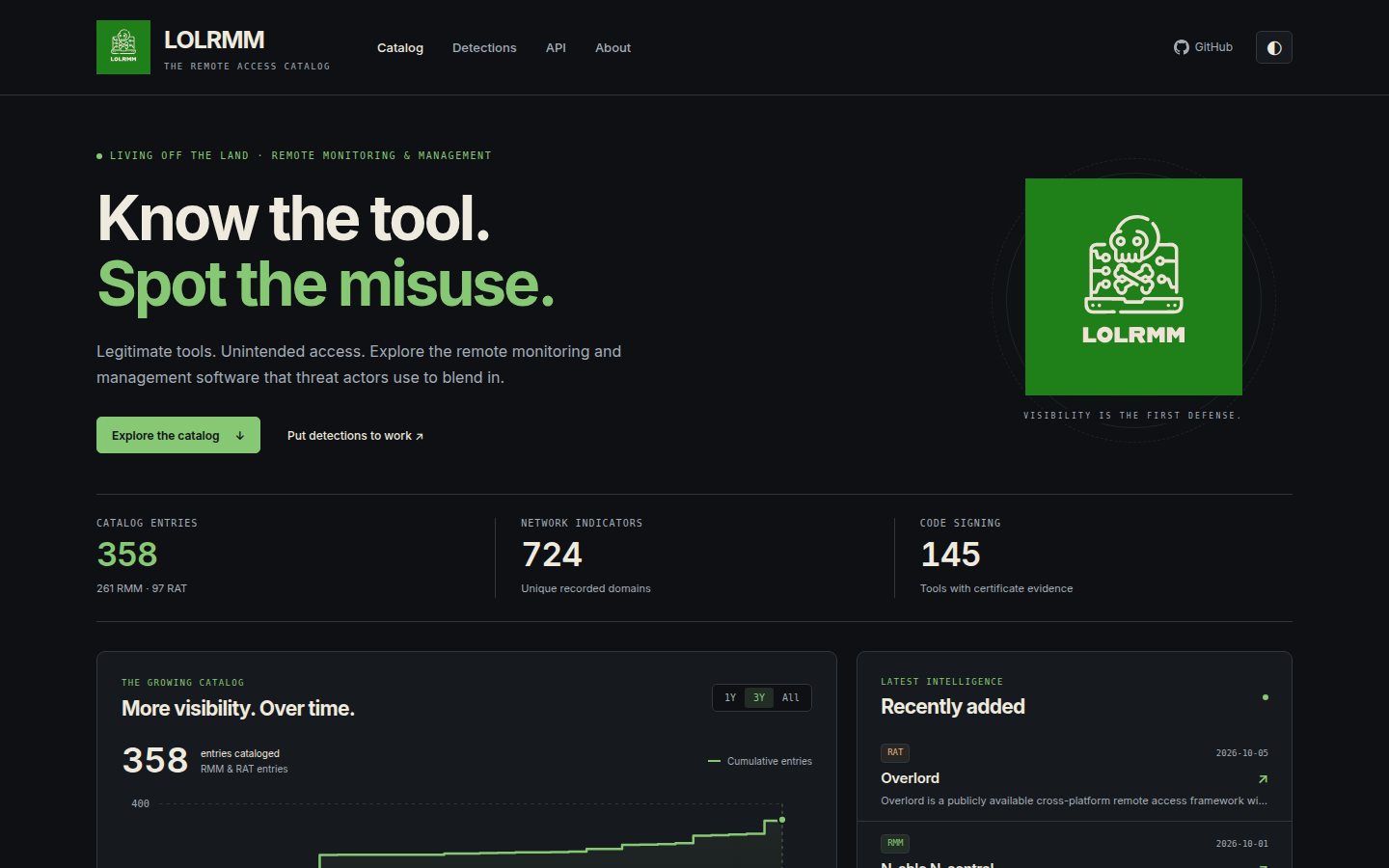
detections/ with process and DNS indicators automatically derived from catalog entriesTo begin working with LOLRMM:
Fetch the complete catalog in JSON or CSV format (no API key required):
# Full catalog JSON with all tool details
curl https://lolrmm.io/api/rmm_tools.json

# CSV export for spreadsheet review
curl https://lolrmm.io/api/rmm_tools.csv

# Network domains for hunting
curl https://lolrmm.io/api/rmm_domains.csv

# Individual tool record
curl https://lolrmm.io/api/tools/anydesk.json
See lolrmm.io/api/ for the complete API documentation and additional feeds.
Please use the GitHub issue tracker to submit bugs or request features.
Stay engaged with the LOLRMM community by regularly checking for updates and contributing to the project. Your involvement will help ensure the project remains up-to-date and even more valuable to others.
If you'd like to contribute, please follow these steps:
For more detailed instructions, please refer to the CONTRIBUTING.md file (if available). To create a new YAML file for an RMM tool, use the provided YAML templates in the yaml directory.
LOLRMM provides Sigma detection rules to help you effectively detect potential threats related to RMM tools. To explore these rules in detail, navigate to the detections/sigma/ directory.
Happy hunting! 🕵️♂️
The website now uses Astro. From the repository root:
python3 -m venv .venv
source .venv/bin/activate
pip install pyyaml
cd website
npm ci
npm run dev
Visit http://localhost:4321. The dev/build commands regenerate data and detection
exports from /yaml automatically. To build and verify the static website:
npm run check
npm run build
npx playwright install chromium
npm test
Output is written to website/dist/. See website/README.md
for data routes, chart methodology, analytics configuration, and deployment details.
Join us in our quest to create a safer and more secure digital environment for organizations everywhere. With LOLRMM by your side, you'll be well-equipped to understand and address the potential risks associated with RMM tools in the ever-evolving cyber landscape.
The GitHub workflow files in the .github/workflows directory automate various tasks and processes for continuous integration, continuous delivery, and other project maintenance activities.
These workflow files leverage GitHub Actions to execute predefined steps based on specific triggers such as code pushes, pull requests, or scheduled intervals.
The generated-data workflow uses a repository-scoped GitHub App to open or refresh
automation/generated-data PRs. Set the repository variable
GENERATED_DATA_APP_CLIENT_ID and the Actions secret
GENERATED_DATA_APP_PRIVATE_KEY for that app. Its installation needs Contents and
Pull requests write permissions for this repository.
The app token lets generated-data PRs start CI automatically. Those PRs still go
through normal review and branch protections. Pages builds fresh catalog data
independently when changes reach main.