 khoinp1012/kprotect
Kernel-level security engine using eBPF-LSM to enforce file access policies based on process lineage, protecting sensitive data from supply-chain attacks with minimal overhead.

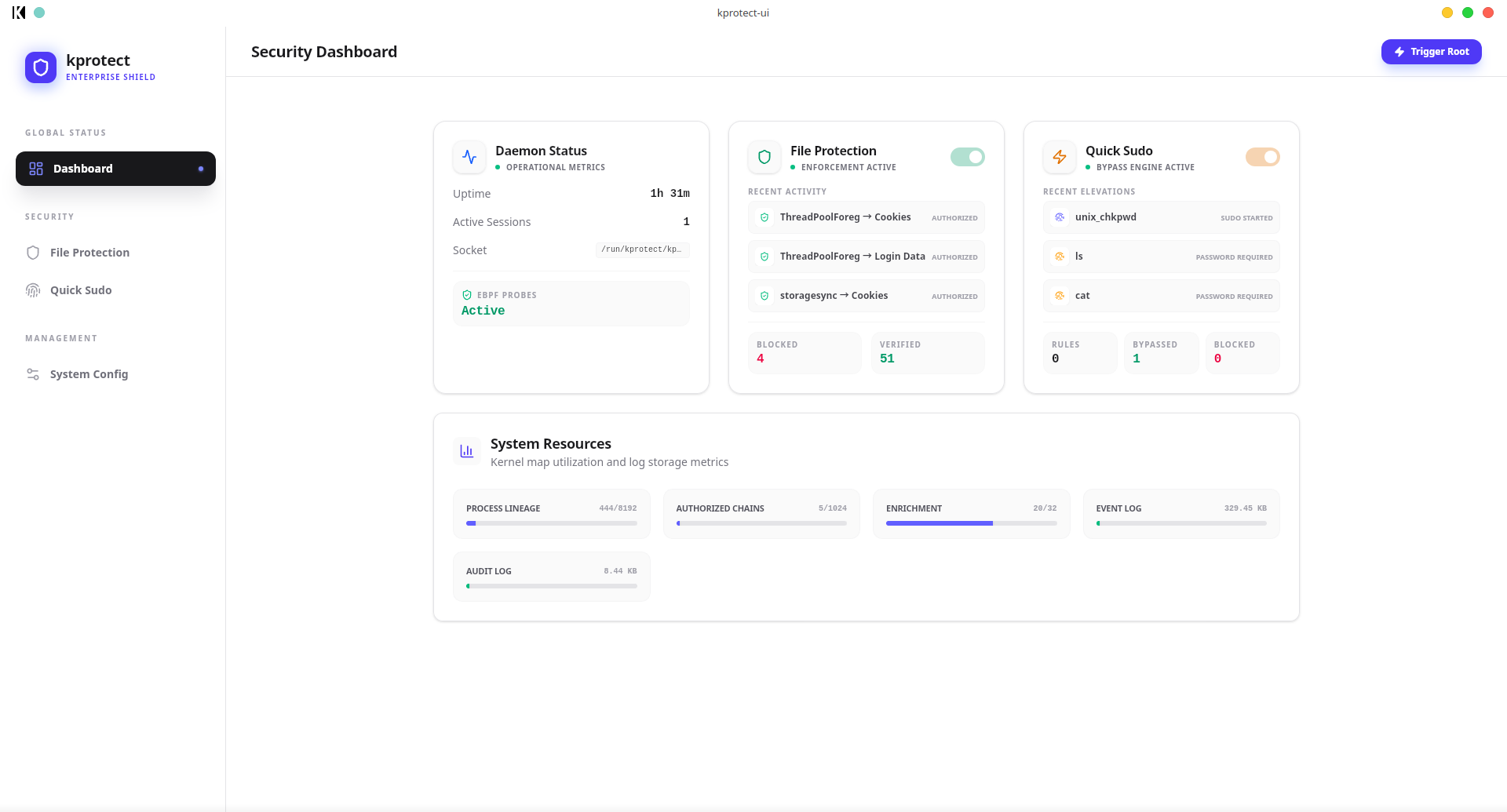
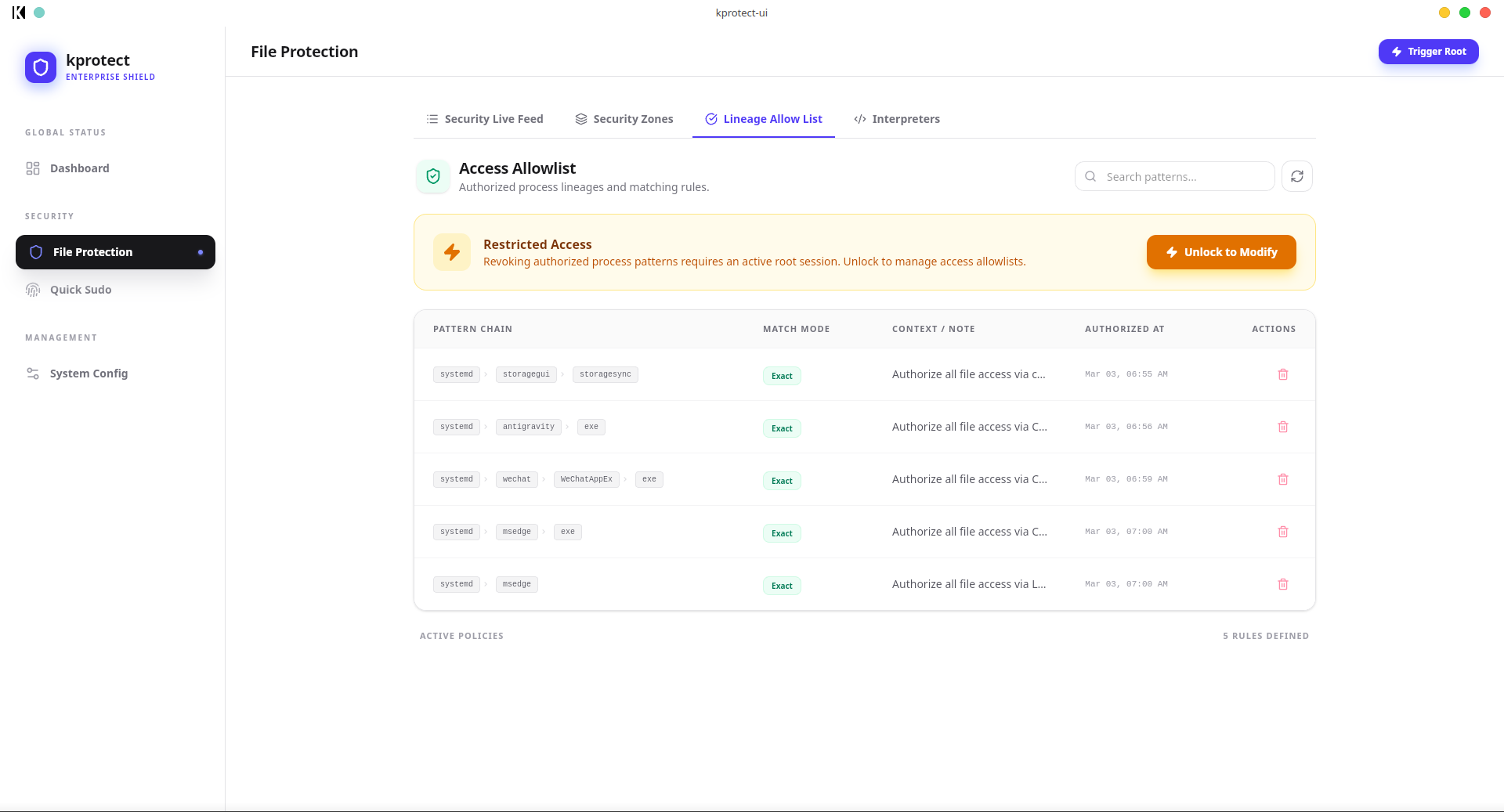
kprotect is a kernel-level security engine designed to protect your sensitive data from supply-chain attacks (like malicious Python or Node.js libraries). It stands as an independent security layer for the most sensitive files.
*.env, home/user/.ssh/*).VS Code → Terminal → cat (Authorized chain)VS Code → Terminal → python script.py → cat (Unauthorized chain blocked)kprotect is built around modern systems programming concepts:
/etc/machine-id).python exploit.py vs python tool.py).Rather than validating individual files, kprotect validates the execution pathway:
~/.ssh/id_rsa, .env files, browser cookies) are designated as protected paths.bprm_committed_creds, file_open) for near-zero overhead and bypass-resistant protection.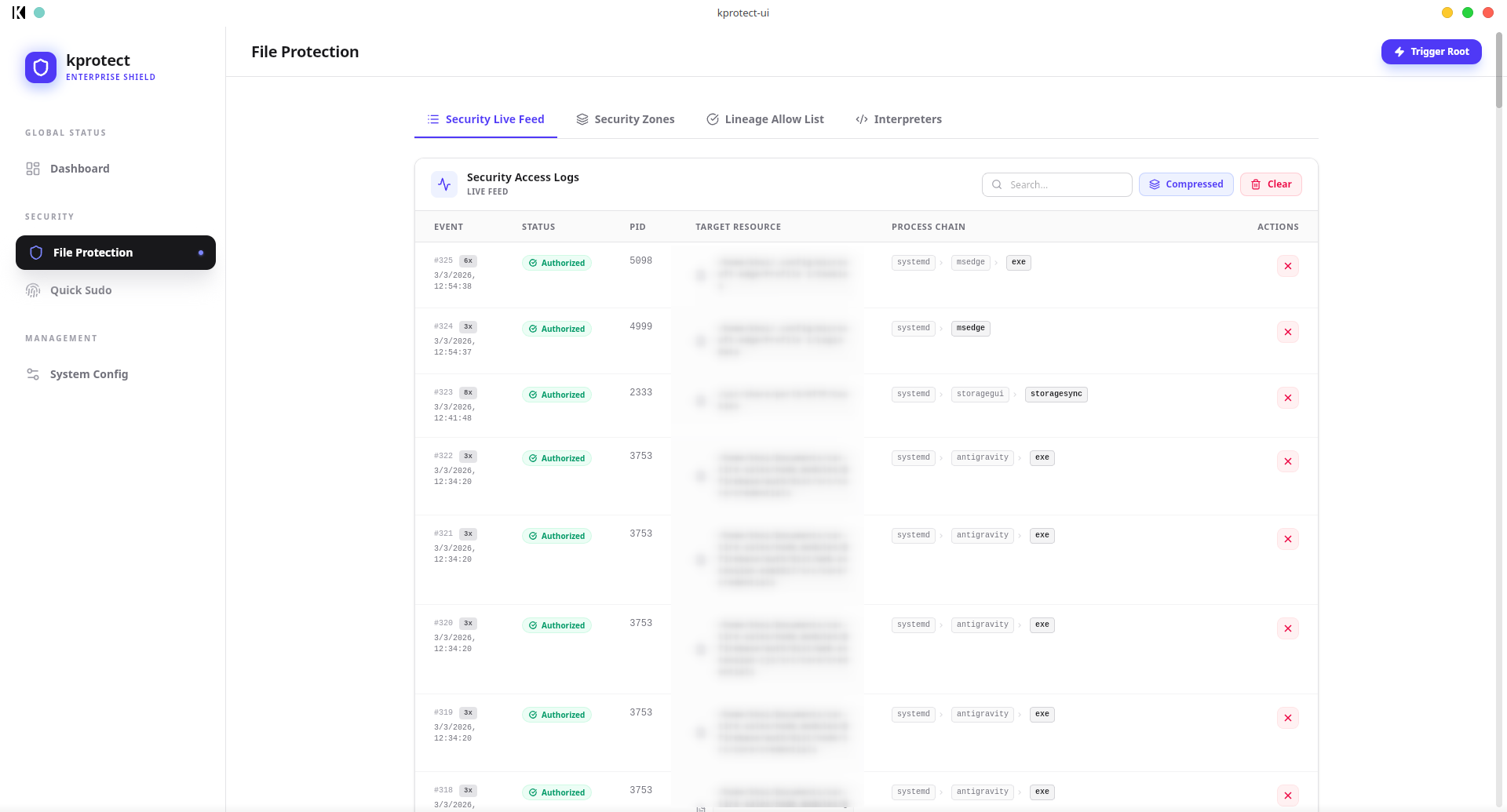
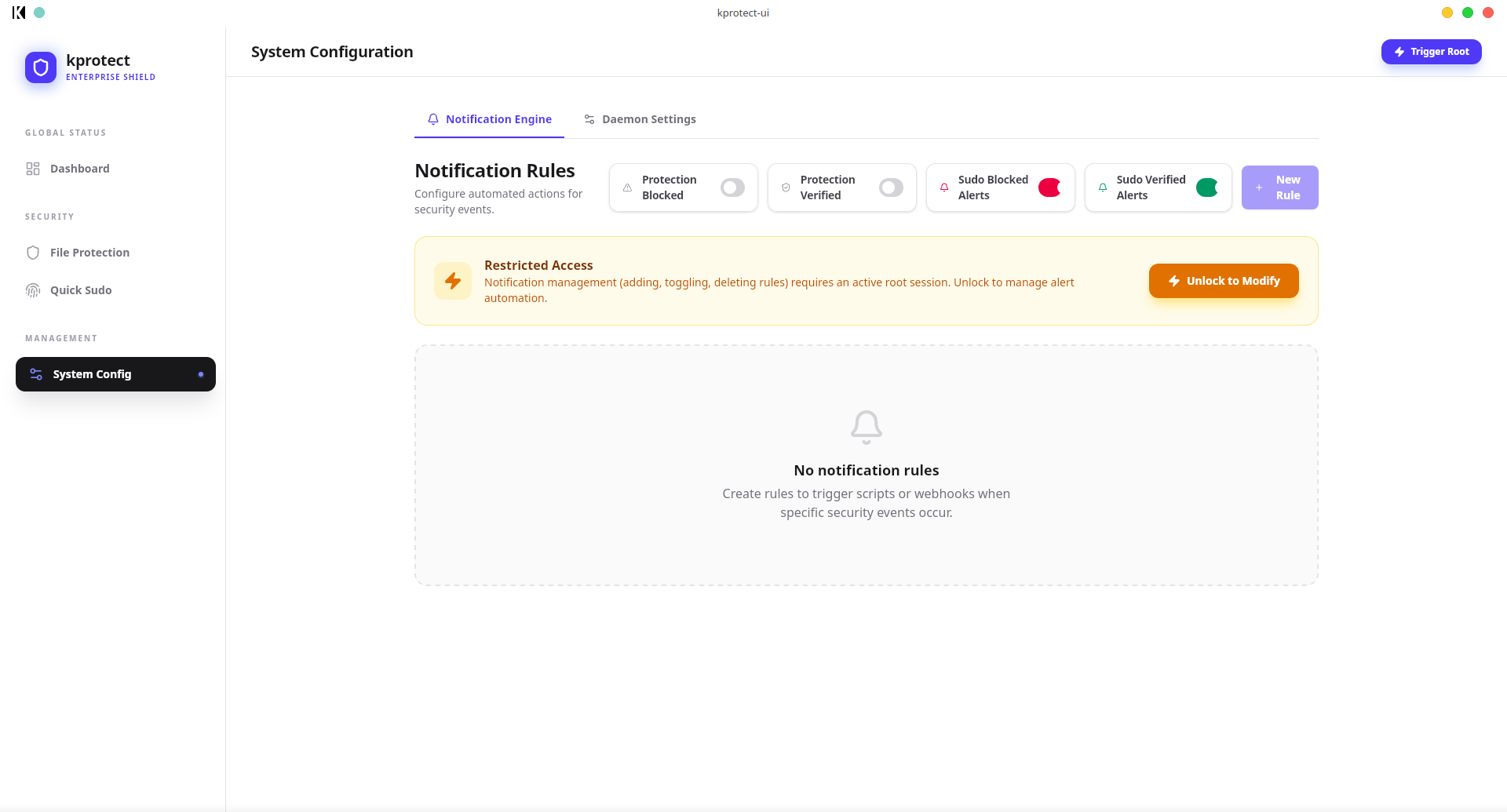
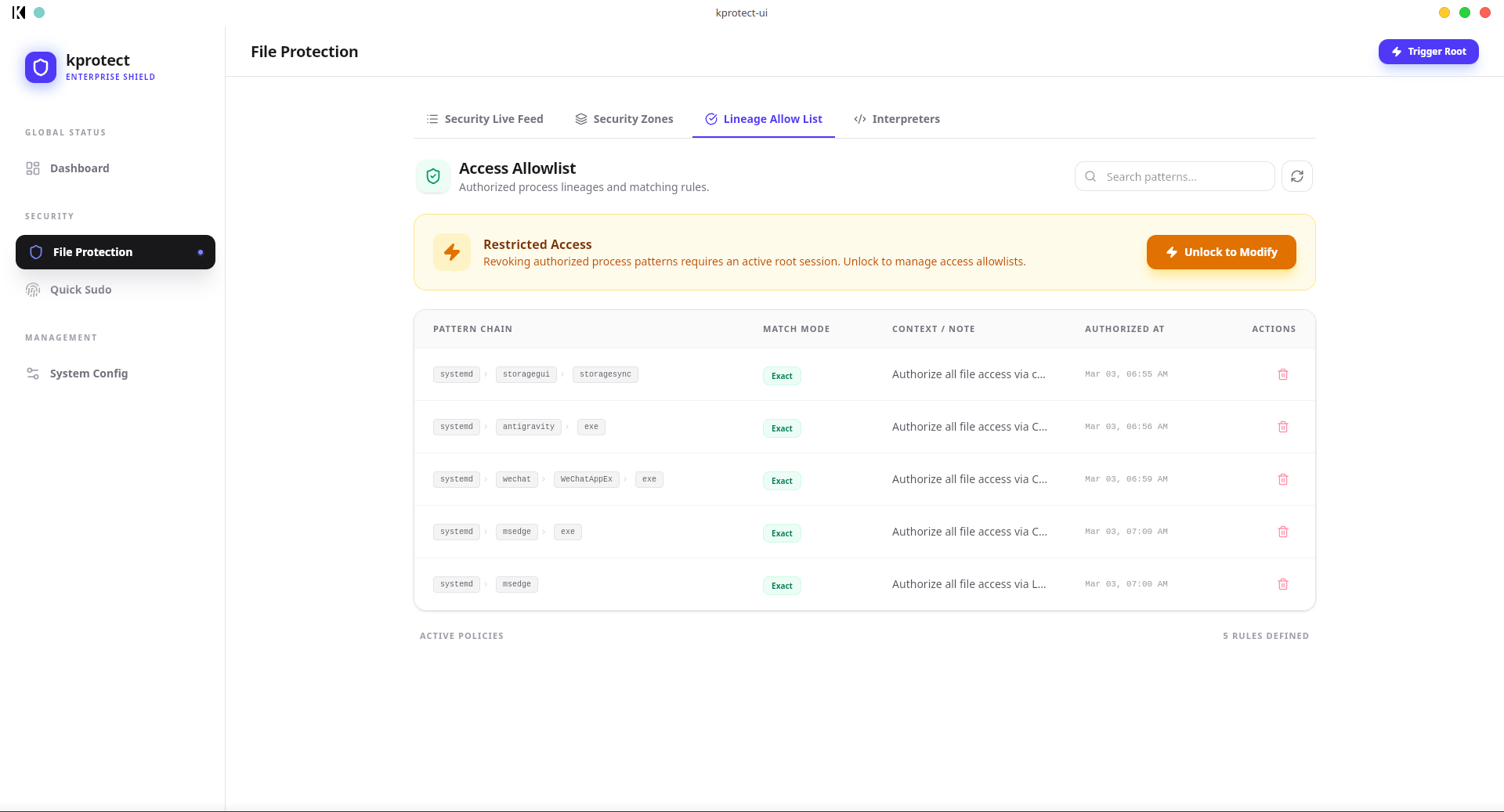
python safe_script.py and python malicious_script.py.VS Code → Terminal → deploy.sh) to automatically bypass sudo password prompts securely without using broad NOPASSWD rules in /etc/sudoers.graph TD
subgraph Kernel Space
LSM[BPF LSM Hooks]
Maps[eBPF Maps: Signatures, Auth, Zones]
end
subgraph Userspace
Daemon[kprotect-daemon]
CLI[kprotect-cli]
GUI[kprotect-gui]
end
LSM -->|Perf Events| Daemon
Daemon -->|Update Maps| Maps
CLI -->|Unix Socket| Daemon
GUI -->|Unix Socket| Daemon
kprotect consists of two main components that should be installed in order:
lsm=lockdown,yama,apparmor,bpf includes bpf. You can check this with cat /sys/kernel/security/lsm.Install the daemon first to enable kernel-level protection:
# Install the core debian package
sudo apt install ./target/kprotect_0.2.0-beta-1_amd64.deb
The installer will automatically set up the systemd service.
Install the GUI for a visual management experience:
# Install the GUI package
sudo apt install ./kprotect-ui/src-tauri/target/release/bundle/deb/kprotect-ui_0.2.0-beta_amd64.deb
Please RESTART your computer after the first installation.
kprotect needs to track process lineage from the moment the system boots. Processes started before the daemon was installed will be marked as "No Chain" and cannot be accurately authorized.
If you are building the project yourself, use the included helper scripts:
# Build the Core (Daemon & CLI)
./scripts/build_deb.sh

# Build the Desktop GUI
./scripts/build_gui.sh
While the GUI is recommended, you can manage everything via kprotect-cli:
# Check system and eBPF map capacity
sudo kprotect-cli status

# View live security events
sudo kprotect-cli events --stream

# Authorize a bash-to-cat chain
sudo kprotect-cli authorize add "/usr/bin/bash,/usr/bin/cat" --mode Suffix --description "Dev tools"

# Protect a sensitive file
sudo kprotect-cli zone add red "/home/user/.ssh/id_rsa"
kprotect-ebpf: The "brain" in the kernel. High-performance C-like Rust code using aya.kprotect-daemon: The central hub. Manages eBPF lifetime, encryption, and state.kprotect-cli: Light-weight interaction tool.kprotect-ui: Desktop UI built with Tauri + React + Vite + TailwindCSS.kprotect-common: Shared data structures and protocol definitions.If you find kprotect useful and want to support its development, consider buying me a coffee! Your support helps me dedicate more time to improving kprotect, adding new features, and maintaining the project.

Every contribution, no matter how small, is deeply appreciated and motivates me to keep building better security tools for the Linux community. Thank you! 🙏
This project is licensed under the GNU Affero General Public License v3.0 (AGPL-3.0). See the LICENSE file for details.
Developed by khoinp1012
