 karib0u/kernagent
Headless AI agent for deterministic reverse engineering.

     _                                            _
    | | _____ _ __ _ __   __ _  __ _  ___ _ __ | |_
    | |/ / _ \ '__| '_ \ / _` |/ _` |/ _ \ '_ \| __|
    |   <  __/ |  | | | | (_| | (_| |  __/ | | | |_
    |_|\_\___|_|  |_| |_|\__,_|\__, |\___|_| |_|\__|
                                |___/




Turn binaries into conversations — deterministic, auditable, offline-capable.
kernagent converts a binary into a portable static snapshot and lets an LLM (or your scripts) answer questions with evidence.
No live IDE • No GUI automation • No hallucinations
Offline-capable: run fully local using an OpenAI-compatible endpoint (e.g., Ollama, LM Studio); no internet required.
/v1/chat/completions LLM endpoint (OpenAI, Gemini, Ollama, LM Studio, your gateway)/v1/chat/completions gateway like Ollama or LM Studio)Pick the flow that matches your tooling. All options mount ~/.config/kernagent/config.env so you configure credentials once.
install.sh wrapper (Linux / macOS / WSL2)bash <(curl -fsSL https://raw.githubusercontent.com/Karib0u/kernagent/main/install.sh)
If the one-liner is blocked:
curl -fsSL https://raw.githubusercontent.com/Karib0u/kernagent/main/install.sh -o install.sh
bash install.sh
Or clone first:
git clone https://github.com/Karib0u/kernagent.git
cd kernagent
bash install.sh
The install script does the following (fully auditable in scripts/):
ghcr.io/karib0u/kernagent:latest image from GitHub Container Registry (no build step)/usr/local/bin/:
kernagent — main CLI wrapper (auto-mounts binaries and config)kernagent-config — interactive config editorkernagent-update — update to latest/tagged versionkernagent-uninstall — remove all installed files~/.config/kernagent/.versionAll scripts are plain shell code you can review in scripts/ before running. No sudo required unless /usr/local/bin is not writable.
To install a specific version of the wrapper and image, point the bootstrapper at a tagged script and pass the tag:
KERNAGENT_INSTALL_URL="https://raw.githubusercontent.com/Karib0u/kernagent/vX.Y.Z/scripts/install.sh" \
  bash <(curl -fsSL https://raw.githubusercontent.com/Karib0u/kernagent/main/install.sh) --tag vX.Y.Z
You can also pin to an exact commit by replacing vX.Y.Z with a commit SHA in the raw URL.
git clone https://github.com/Karib0u/kernagent.git
cd kernagent
mkdir -p ~/.config/kernagent
cp config.env.example ~/.config/kernagent/config.env

# Pull pre-built image (recommended)
docker compose pull

# Or build locally for development
docker compose build

docker compose run --rm kernagent --help
Analyze binaries by mounting their directory under /data:
docker compose run --rm \
  -v /absolute/path/to/binaries:/data \
  kernagent summary /data/sample.exe
On Windows (PowerShell + Docker Desktop), use Windows-style absolute paths like C:\malware:/data.
Pull pre-built image (recommended):
mkdir -p ~/.config/kernagent
curl -fsSL https://raw.githubusercontent.com/Karib0u/kernagent/main/config.env.example \
  -o ~/.config/kernagent/config.env

docker pull ghcr.io/karib0u/kernagent:latest
docker run --rm \
  -v /absolute/path/to/binaries:/data \
  -v ~/.config/kernagent/config.env:/config/config.env:ro \
  ghcr.io/karib0u/kernagent:latest summary /data/sample.exe
Or build locally:
git clone https://github.com/Karib0u/kernagent.git
cd kernagent
docker build -t kernagent:local .
docker run --rm \
  -v /absolute/path/to/binaries:/data \
  -v ~/.config/kernagent/config.env:/config/config.env:ro \
  kernagent:local summary /data/sample.exe
Option 1 (wrapper):
kernagent --help
kernagent --version
Run directly:
kernagent summary /path/to/binary.exe
kernagent ask /path/to/binary.exe "What does this binary do?"
kernagent oneshot /path/to/binary.exe
Options 2 or 3 (Docker Compose / raw Docker):
Verify by running help:
# Docker Compose
docker compose run --rm kernagent --help

# Raw Docker
docker run --rm ghcr.io/karib0u/kernagent:latest --help
Option 1 (wrapper):
kernagent-uninstall
Options 2 or 3 (Docker Compose / raw Docker):
Just delete the clone and remove the images:
docker image rm ghcr.io/karib0u/kernagent:latest
# or
docker image rm kernagent:local
Option 1 (wrapper):
kernagent-update          # switch to latest
kernagent-update --check  # check only
kernagent-update --tag vX.Y.Z  # pin to specific version
Options 2 or 3 (Docker Compose / raw Docker):
Re-run docker compose pull or docker pull ghcr.io/karib0u/kernagent:latest.
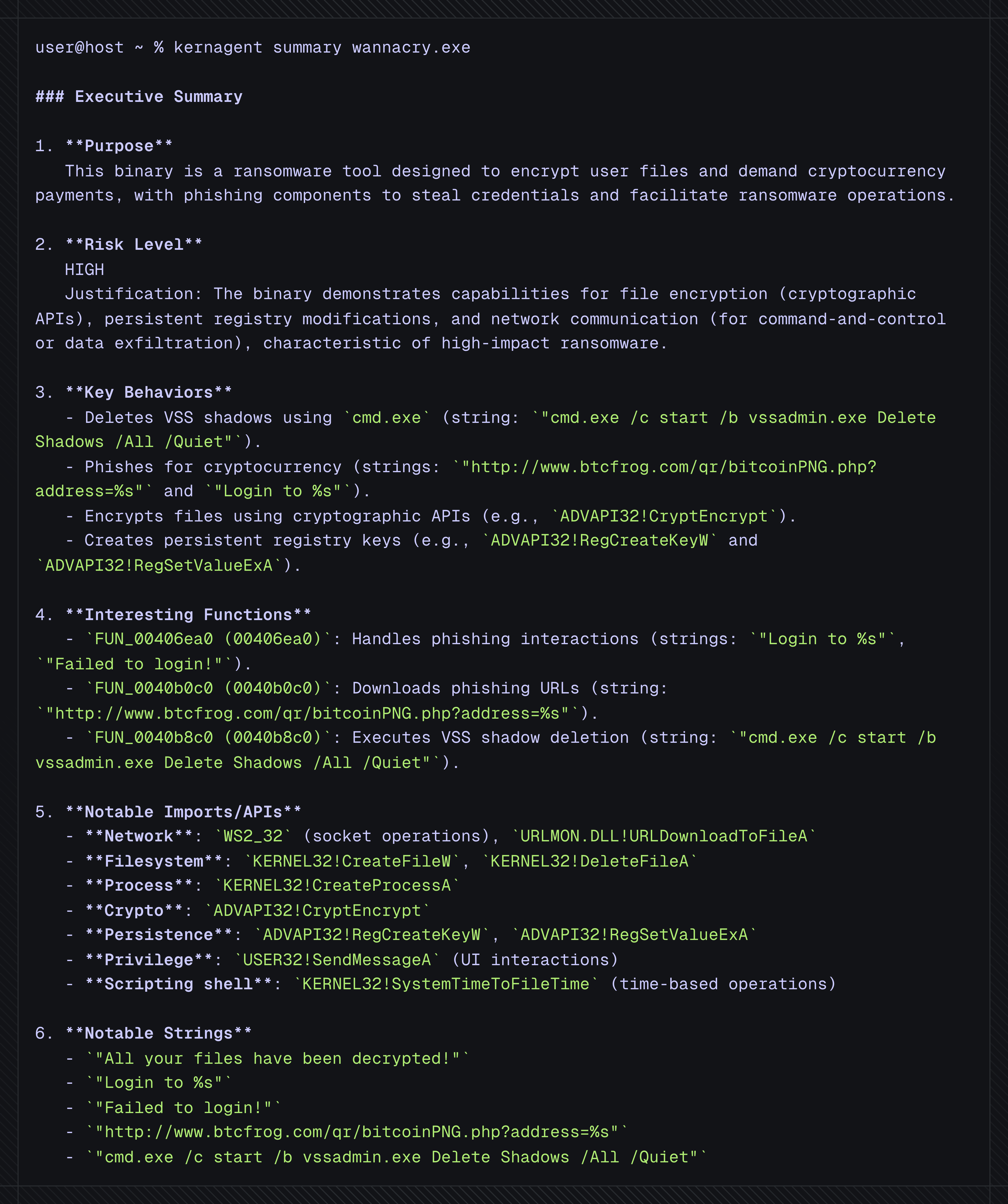
Summary — executive overview with cited artifacts
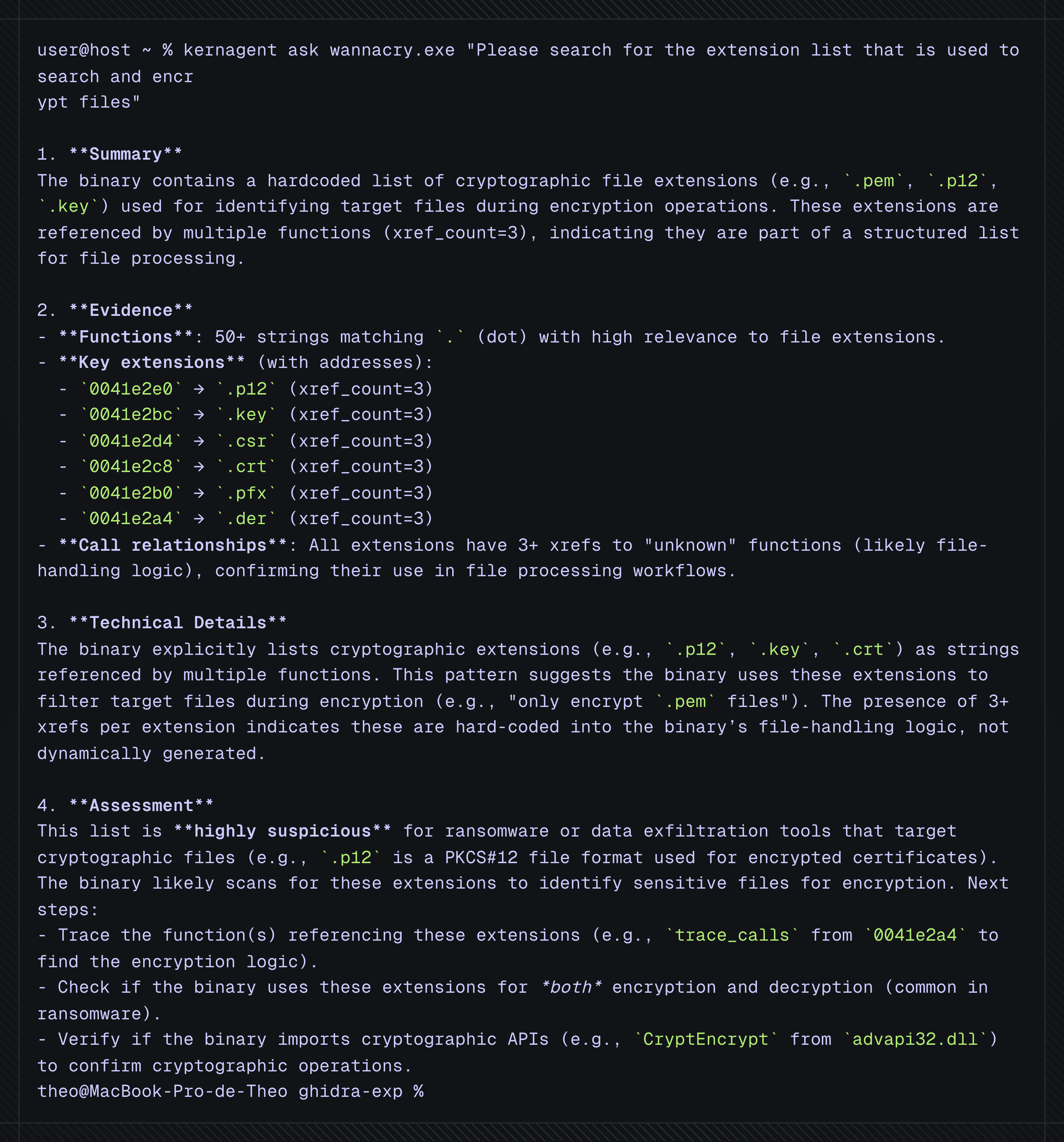
Ask — focused Q&A with xrefs/decompilation slices
First run — if no
<name>_archive/snapshot exists,kernagentbuilds it automatically before answering
summaryExecutive overview: purpose, capabilities, key functions/imports/strings, with addresses to verify
kernagent summary /path/to/binary
# raw JSON (for automation)
kernagent summary /path/to/binary --json
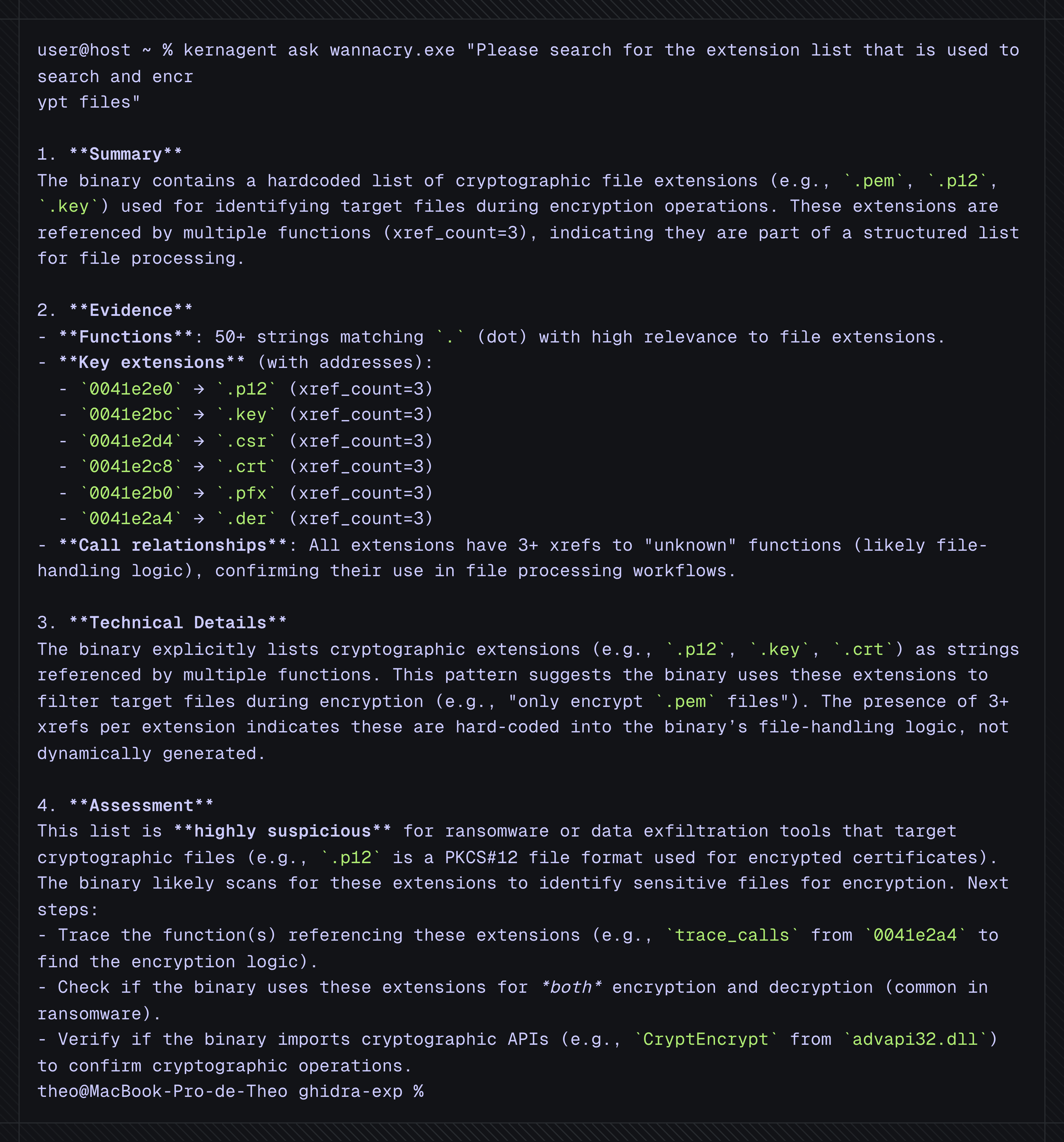
askInteractive Q&A over the snapshot using safe tools (search functions/strings/imports, follow call graph, read decompilation, resolve xrefs)
kernagent ask /path/to/binary "Show suspected C2 logic and evidence."
oneshotDeterministic triage report for CI/bulk analysis. Classification:
MALICIOUS | GRAYWARE | BENIGN | UNKNOWN
kernagent oneshot /path/to/binary
# raw JSON (for automation)
kernagent oneshot /path/to/binary --json
Global overrides (any command):
# verbosity and per-run model/API overrides
kernagent -v --model gpt-4o \
  --base-url https://api.openai.com/v1 \
  --api-key sk-... \
  summary /path/to/binary
