"Reverse engineering analysis of RedLine Stealer, a .NET-based info-stealer that uses C2 domains (198.46.86.63, tempuri.org), Windows Defender bypass, and 7200 KB payload extraction."

Network analysis reveals that RedLine Stealer establishes a connection to the remote IP address 198.46.86.63. This IP is likely the malware's Command & Control (C2) server, used for data exfiltration and command delivery.
198.46.86.63 Network monitor view showing RedLine Stealer connecting to
 198.46.86.63.
Process Hacker reveals a large PAGE_READWRITE memory block (7200 KB) within the RedLine Stealer process. This region is marked as Private and contains the malware's payload, likely including stolen data, configuration, and executable code.
Private (not mapped from a file)PAGE_READWRITE (read/write, not executable)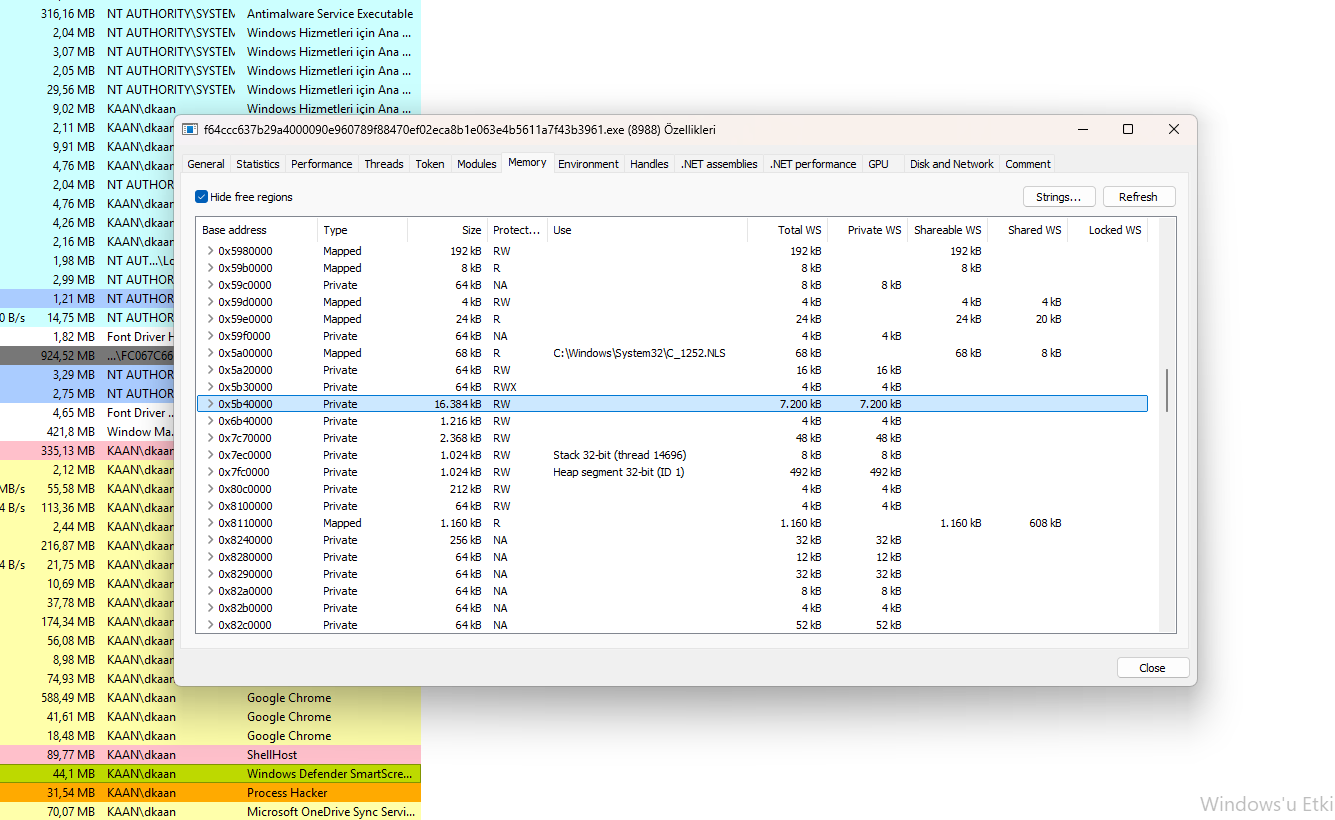 Process Hacker view showing the 7200 KB
 PAGE_READWRITE memory block containing the payload.
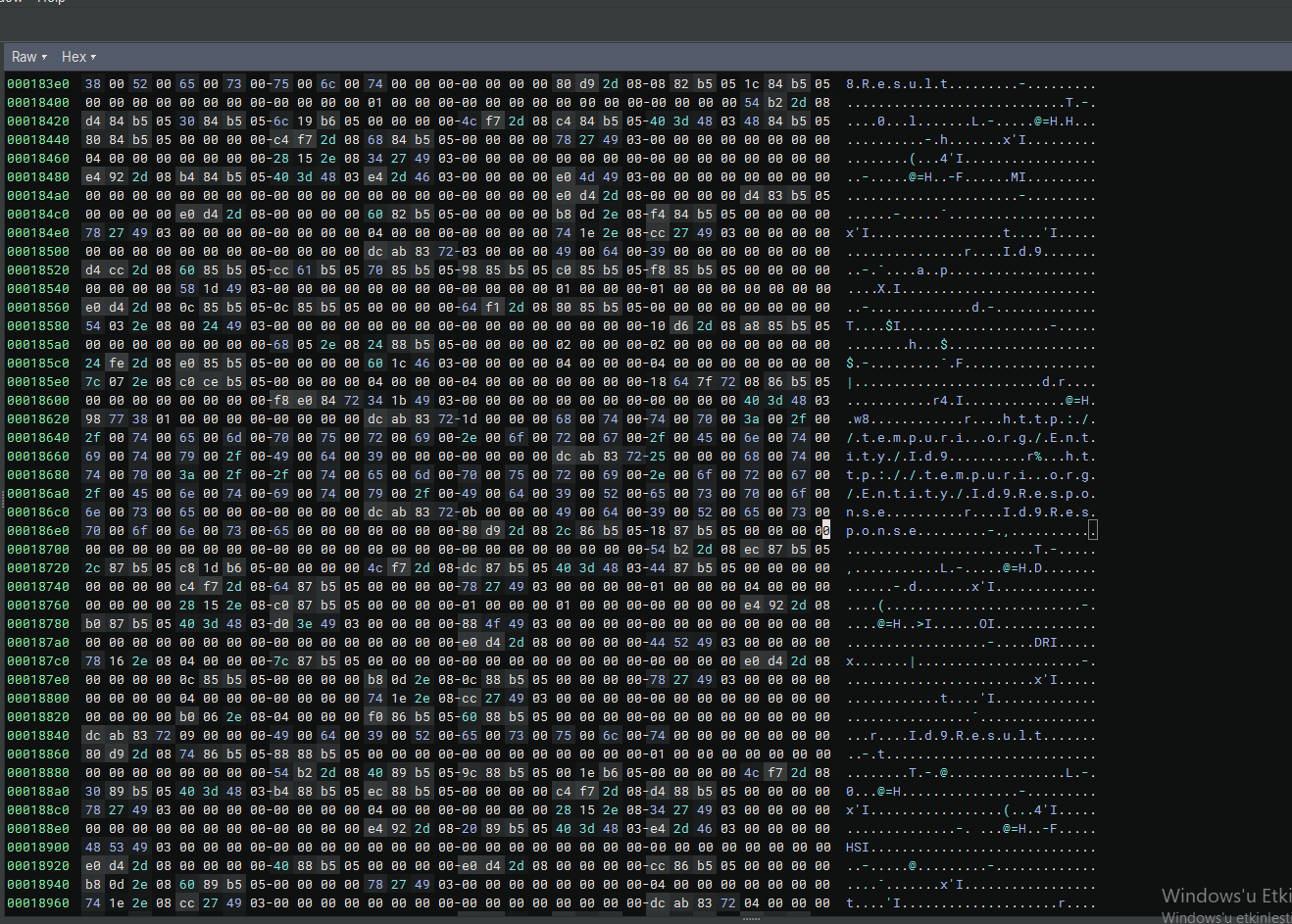
Binary Ninja analysis reveals a second C2 server: tempuri.org. This likely serves as a backup or alternative C2 address in case the primary server (198.46.86.63) is unavailable.
tempuri.org – Backup C2 server.Entity/Id9.Result – Endpoint for sending stolen data.Id9.Response – Endpoint for receiving C2 commands or acknowledgments.Entity/Id9.Result is likely used to send stolen credentials, cookies, and crypto wallets.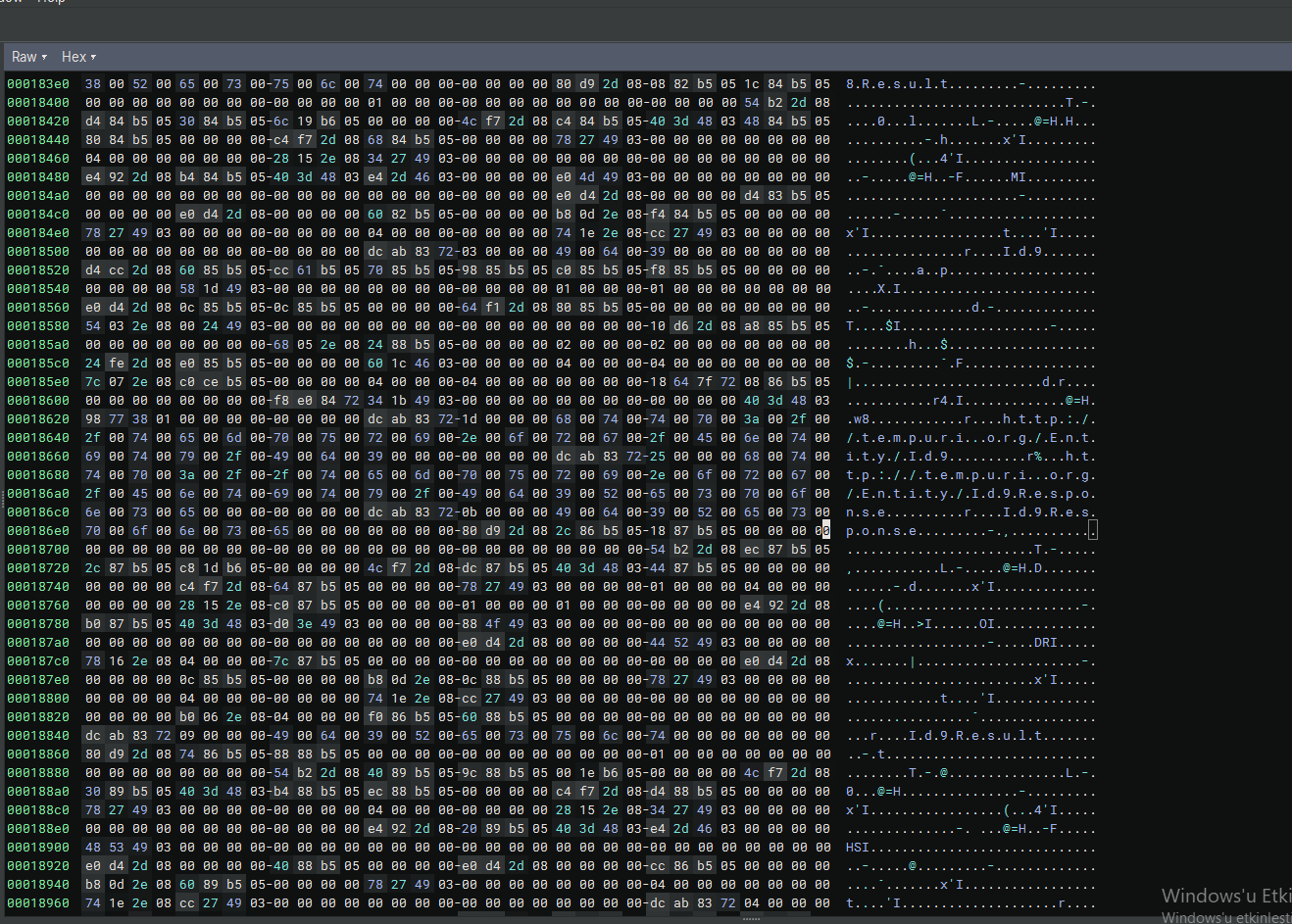 Binary Ninja view showing
 tempuri.org as a backup C2 server with Entity/Id9.Result endpoint.
Binary Ninja analysis reveals that RedLine Stealer collects system configuration settings and uses them for persistence and evasion.
PSModulePath – PowerShell module path for command execution.HideExclusionsFromLocalAdmins – Hides Windows Defender exclusions.RemoteEncryptionProtectionMaxBlockTime – Controls encryption protection timing.LastMapsDisableHeartbeatReportTime – Heartbeat reporting for C2 communication.LastSetupErrorHeartbeatReportTime – Error reporting to C2.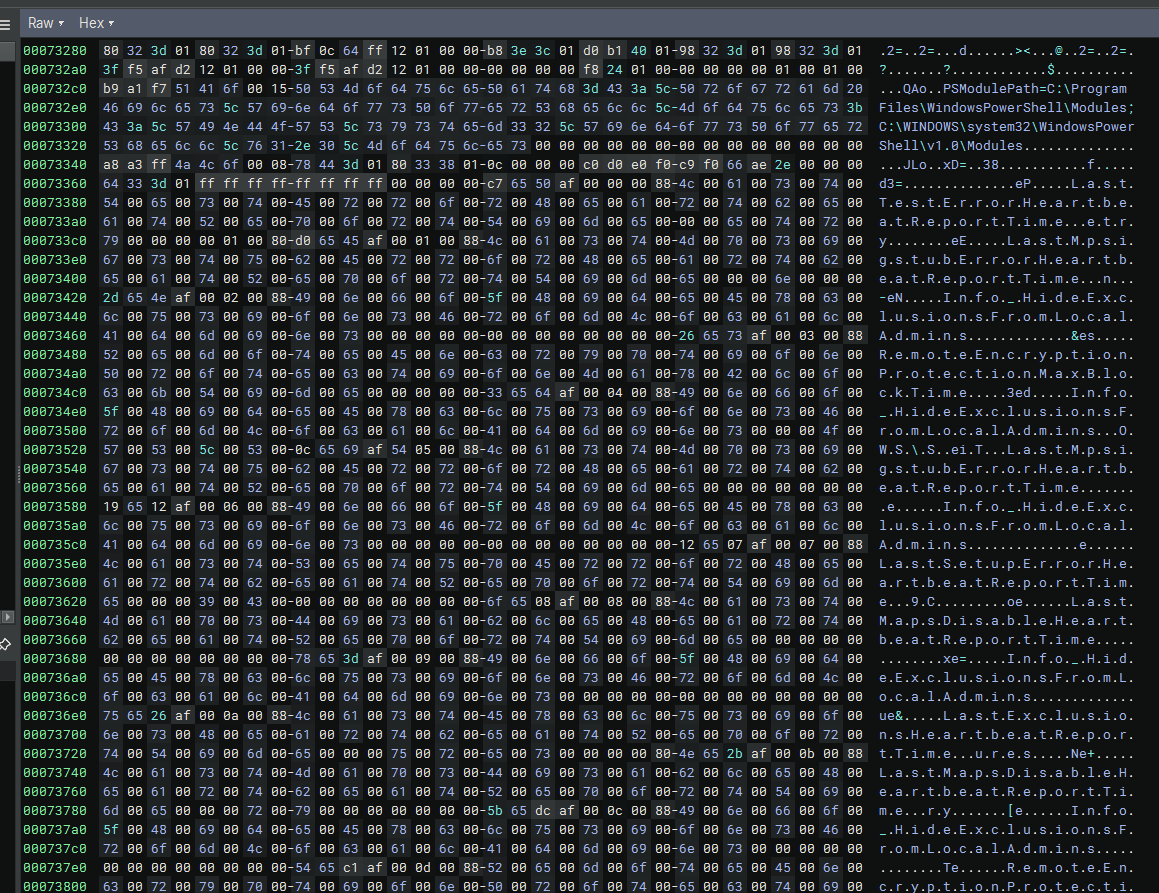 Binary Ninja view showing PowerShell path, Windows Defender settings, and heartbeat reports.
Binary Ninja analysis reveals that RedLine Stealer manipulates multiple Windows Defender Exploit Guard settings to disable protection features and add exclusions.
Windows Defender Exploit Guard\Network Protection – Disables network-based protection (e.g., blocking malicious IPs/domains).ASR\ASROnlyExclusions – Adds exclusions to Attack Surface Reduction (ASR) rules, preventing Defender from blocking specific files or processes.Controlled Folder Access – Modifies protected folder access, potentially bypassing ransomware protection.Windows Defender Exploit Guard\Controlled Folder Access\Allowed Applications – Adds the malware to the allowed applications list, allowing it to modify protected folders.Windows Defender Exploit Guard\Network Protection\Blocked URLs – Removes or modifies blocked URLs to allow C2 communication.Windows Defender Exploit Guard\ASR\Rules – Disables specific ASR rules that might detect the malware's behavior.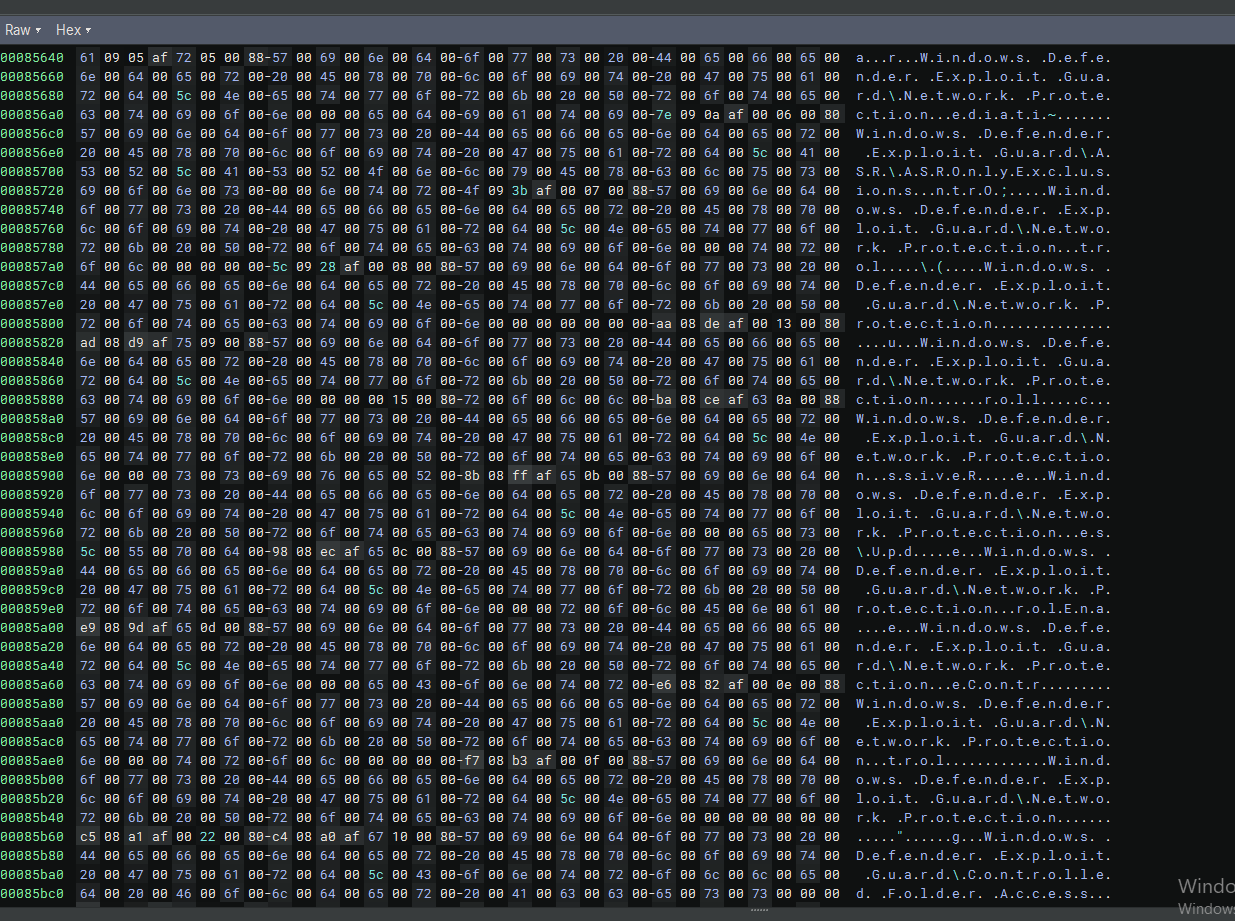 Binary Ninja view showing multiple Windows Defender Exploit Guard strings.
This analysis uncovered RedLine Stealer, a .NET-based info-stealer that combines advanced evasion techniques, multiple C2 servers, and comprehensive data theft capabilities.
198.46.86.63 and backup at tempuri.org.PAGE_READWRITE memory block contains the main payload.198.46.86.63 and tempuri.org.PAGE_READWRITE memory blocks larger than 5 MB in suspicious processes.System.Configuration) in unusual processes.The analyzed RedLine Stealer sample is available on MalwareBazaar for those who wish to conduct their own analysis:
🔗 RedLine Stealer Sample on MalwareBazaar
Tools Used: Binary Ninja, Process Hacker, Network Monitor

