Hacking, PenTest, and Cybersecurity Tools for Your Security Arsenal!
Live-Forensicator — Cross-platform incident response and live forensics toolkit with built-in detection, structured analysis, and report generation — designed for fast, actionable security investigations. | Kitploit
Cross-platform incident response and live forensics toolkit with built-in detection, structured analysis, and report generation — designed for fast, actionable security investigations.
Cross-platform Incident Response & Live Forensics Toolkit
Windows (PowerShell) | Linux (Bash) | macOS (Shell)
Built for fast, structured, and actionable forensic investigations.
🤔 About
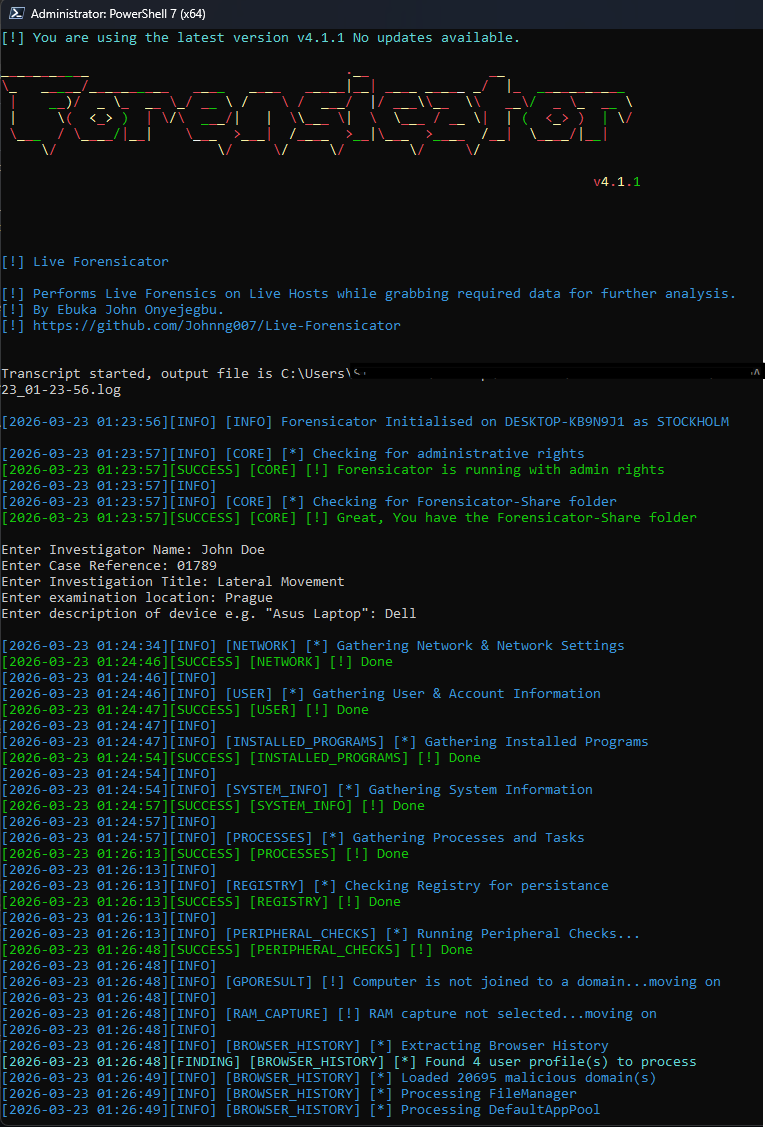
Forensicator is a cross-platform incident response and live forensics toolkit.
It is designed to help forensic investigators and incident responders rapidly collect, analyze, and interpret system artifacts during live investigations.
Forensicator:
Collects system and user activity data
Detects anomalous behavior and suspicious indicators
Highlights potential compromise or misconfiguration
Generates structured, investigation-ready HTML reports
⚙️ Platform Support
🖳 Windows (PowerShell)
Advanced Event Log analysis
Detection of suspicious activity via known Event IDs
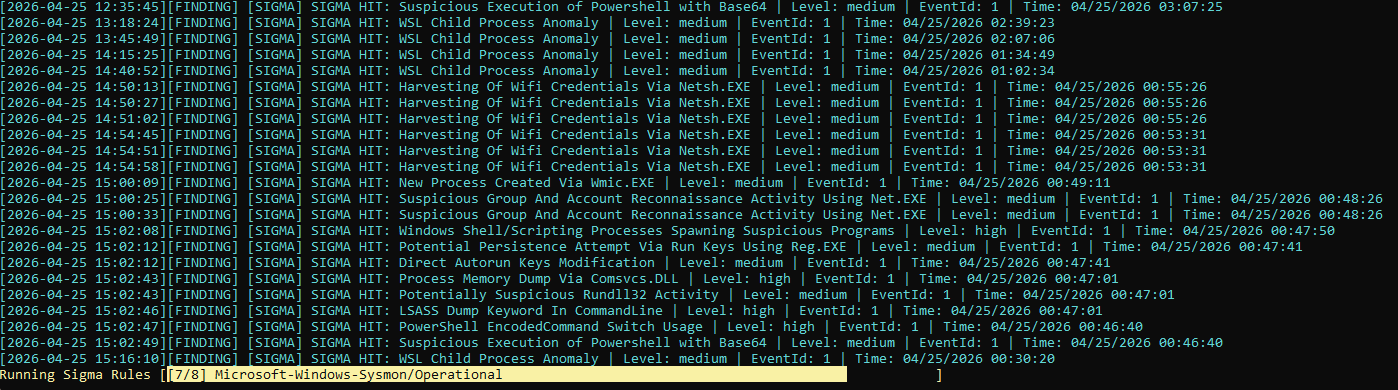
Sigma rule engine (1,400+ community rules) evaluated against Security/Sysmon Event Logs
Malware hash matching (e.g., abuse.ch feeds)
Browser history analysis with IOC matching
Optional artifact encryption (AES)
Detection Insight - a summary of the detection, why it matters, the detection logic, what to look for, and its MITRE mapping
Investigation archive + structured JSON output for Forensicator Enterprise
Forensicator AI — optional, per-finding AI verdicts from a local (Ollama) or commercial LLM, shown in the report's tooltip
⚠️ Note: macOS restricts real process-creation telemetry to its Endpoint Security Framework, which a plain script cannot access — so Sigma coverage is narrower here than on Windows/Linux. See the macOS README for specifics.
🐧 Linux (Bash)
Cross-distro compatible Bash scripts, no non-native dependencies
Detection engine covering reverse shells, timestomping, PATH hijacking, deleted-binary execution, package integrity, and more
Sigma rule engine sourced from real SigmaHQ community rules, evaluated against auditd and journald where available
Malware hash matching and malicious URL matching, with auto-updating abuse.ch/URLhaus feeds
LUKS disk-encryption status and credential-file tampering timeline
Optional artifact encryption (AES)
Structured JSON output for Forensicator Enterprise
⚠️ Note: Linux scripts are designed to avoid non-native utilities (e.g., net-tools) for maximum compatibility. Sigma coverage depends on whether auditd is already configured on the target box — see the Linux README.
🔍 Key Features
Cross-platform forensic artifact collection
Detection of suspicious activity and anomalies on every platform
Event Log analysis (Windows)
Sigma rule integration on all three platforms — coverage and data source vary by OS; see each platform's section below and its own README
Malware hash and IOC matching, with auto-updating threat-intel feeds
Structured HTML reporting (with dashboards)
Optional artifact encryption (Windows, Linux, and macOS)
Detection Insight with Mitre Mapping
Forensicator AI — optional, per-finding AI verdicts from a local (Ollama) or commercial LLM (Windows now; other platforms planned)
📊 Output
Forensicator generates:
Clean, structured HTML report
Indexed findings for easy navigation
Extracted artifacts stored locally
Detection insight into each finding.
Suspicious activity statistics with Sigma Rules.
This enables fast transition from data collection → investigation → decision-making.
⚠️ Important Notes
Run scripts with elevated/privileged permissions for best results
Activity may trigger IDS/IPS alerts — this is expected behavior
External threat intelligence (hashes, IOCs) may be updated during execution
Configuration can be customized via config.json
🔐 Artifact Integrity & Encryption
Forensicator supports optional encryption of collected artifacts using AES.
This is useful when:
Evidence must be transported securely
Chain-of-custody concerns exist
Legal integrity of artifacts must be preserved
⚠️ Available on Windows, Linux, and macOS
⚠️ Not backward compatible prior to v4.1.1
🤖 Forensicator AI
Off by default. When enabled, each finding is sent to a local or commercial LLM as it's collected, and gets a real, plain-language verdict shown right in the report's tooltip.
Quick setup (local LLM via Ollama), currently Windows:
# 1. Install Ollama (https://ollama.com) and pull a model
ollama pull mistral:7b-instruct
// 2. Enable it in config.json
"ai": {
  "enabled": true,
  "provider": "ollama",
  "base_url": "http://localhost:11434",
  "model": "mistral:7b-instruct"
}
Prefer a commercial API instead (OpenAI, Anthropic, Azure OpenAI, or any OpenAI-compatible endpoint)? Set provider accordingly and add your api_key.

 johnng007/live-forensicator