




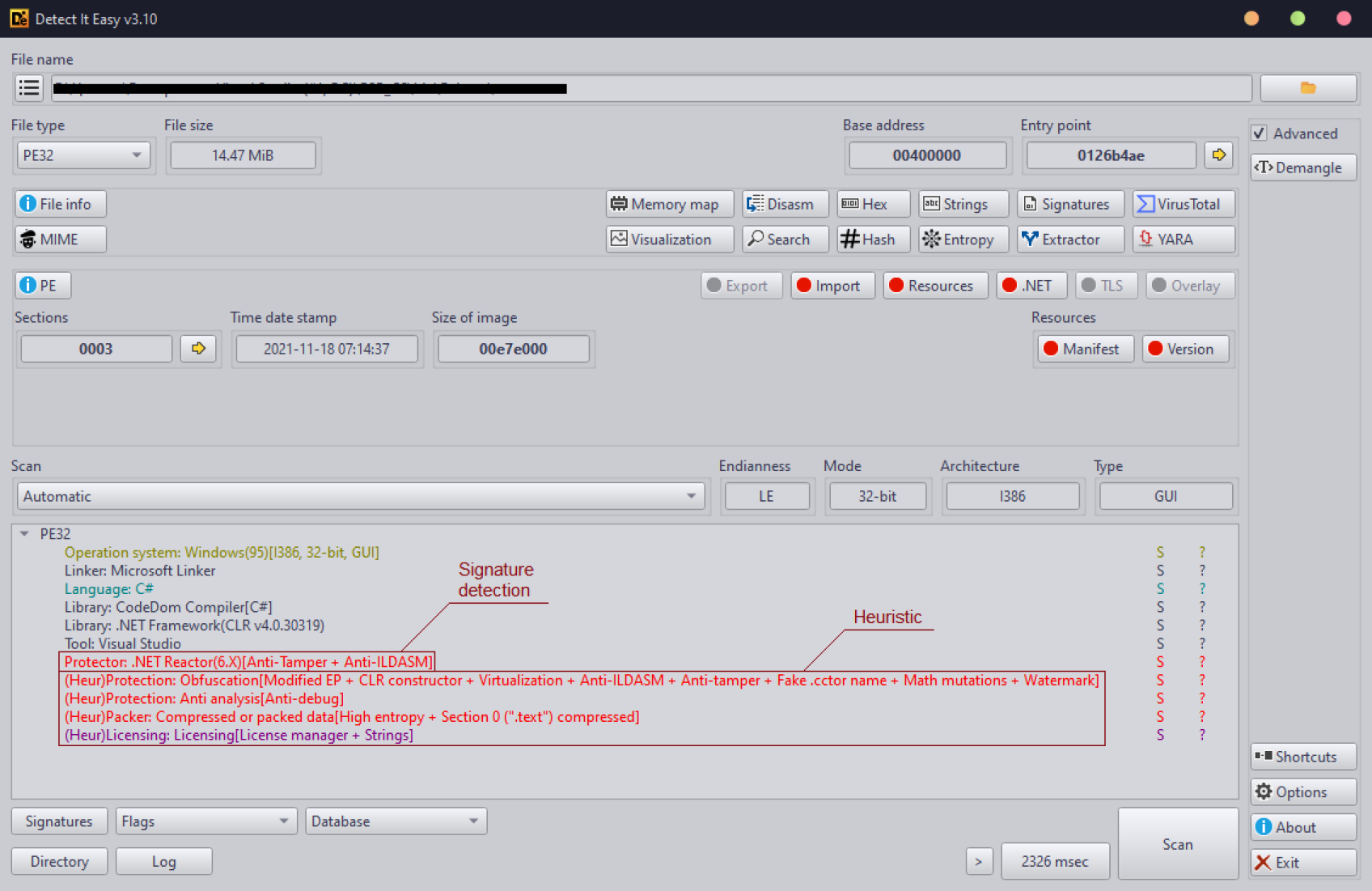
Detect It Easy (DiE) is a powerful tool for file type identification, popular among malware analysts, cybersecurity experts, and reverse engineers worldwide. Supporting both signature-based and heuristic analysis, DiE enables efficient file inspections across a broad range of platforms, including Windows, Linux, and MacOS. Its adaptable, script-driven detection architecture makes it one of the most versatile tools in the field, with a comprehensive list of supported OS images.
🚀 Getting started
💡 Why use Detect It Easy?
Detect It Easy’s flexible signature system and scripting capabilities make it an essential tool for malware analysis and digital forensics. With traditional static analyzers often limited in scope and prone to false positives, DiE’s customizable design enables precise integration of new detection logic, ensuring reliable results across diverse file types.
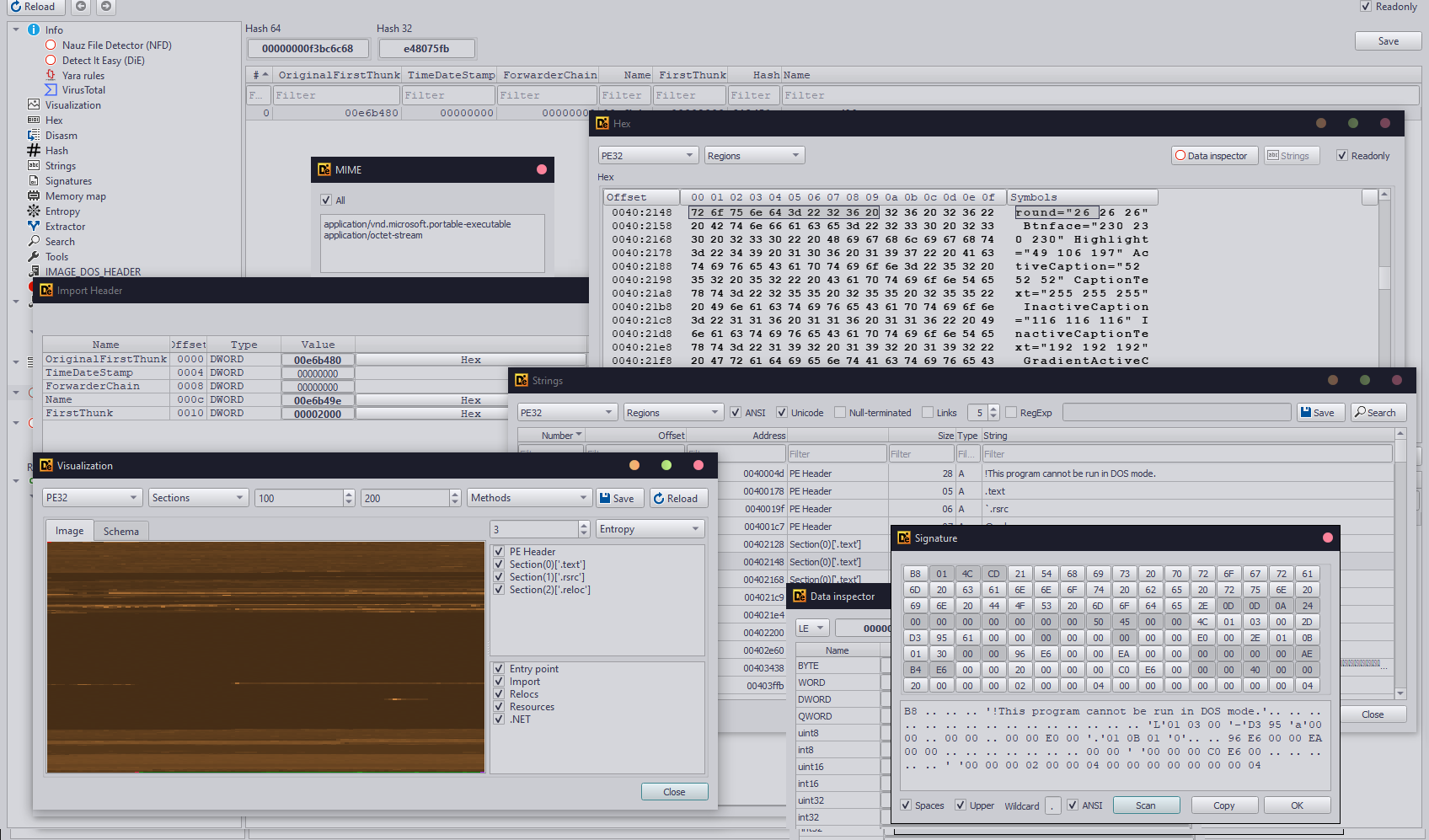
Key advantages:
- Flexible Signature Management: Easily create, modify, and optimize detection scripts (rules).
- Cross-Platform Support: Runs on Windows, Linux, and MacOS.
- Minimal False Positives: Combined signature and heuristic analysis ensures high detection accuracy.
📄 Supported file types
Detect It Easy supports a wide range of executable and archive types, including:
- PE (Portable Executable format for Windows)
- ELF (Executable and Linkable Format for Linux)
- APK (Android Application Package)
- IPA (iOS Application Package)
- JAR (Java Archive)
- ZIP (Compressed archives)
- ISO9660 (Optical media format)
- DEX (Dalvik Executable for Android)
- MS-DOS (MS-DOS executable files)
- COM (Simple executable format for DOS)
- LE/LX (Linear Executable for OS/2)
- MACH (Mach-O files for MacOS)
- NPM (JavaScript packages)
- Amiga (Executable format for Amiga computers)
- Binary (Other unclassified files)
And that's not all... The list is expanding as the tool is updated
Unknown formats undergo heuristic analysis, providing identification for both known and unrecognized files.
🔑 Key features
- Flexible Signature Management: Define or modify detection rules.
- Scripted Detection: Use a JavaScript-like scripting language (DiE-JS ES5 runtime) for custom detection algorithms.
- Cross-Platform Compatibility: Available for Windows, Linux, and MacOS.
- Reduced False Positives: Combines signature and heuristic scanning for accuracy.
📥 Installation
📦 Install via package managers
-
Windows:
-
Linux:
- Parrot OS: Package name
detect-it-easy
- Arch Linux: AUR package detect-it-easy-git
- openSUSE: OBS
- REMnux: Malware analysis distribution

[!NOTE]
Use Detect It Easy bot via Telegram to quickly check files: @detectiteasy_bot
⚙️ Build from source
See the BUILD.md for detailed instructions.
🐳 Docker installation
Run DiE in a Docker container:
git clone --recursive https://github.com/horsicq/Detect-It-Easy
cd Detect-It-Easy/
docker build . -t horsicq:diec
🖥️ Usage
Detect It Easy offers three versions:
- die - Graphical interface.
- diec - Command-line version for batch processing.
- diel - Lightweight GUI version. (scanner only)
For detailed usage, refer to the RUN.md.
🔎 Example use cases
- 🦠 Malware Analysis: Identify file types, packers, or protections. Heuristic engine detects multiple malware and file virus families.
- 🛡 Security Audits: Determine executable potential security risks.
- 🔎 Software Forensics: Inspect software components and validate compliance.
👋 Hello! / Привет! Welcome to the Detect It Easy community!
Have questions, ideas, or just want to chat? Here's where to find us:
- GitHub Discussions: Start a conversation in Discussions
- GitHub Issues: Report bugs or request features via Issues
🏆 Special thanks
🤝 Thanks to all contributors



 horsicq/detect-it-easy