
Skip to content
KitploitKITPLOIT
ToolsBlog
Submit
ToolsBlog
Submit

Hacking, PenTest, and Cybersecurity Tools for Your Security Arsenal!

Kitploit is a directory of hacking, cybersecurity, and pentesting tools. Discover the latest project updates to find vulnerabilities, analyze systems, automate testing, and strengthen your security.

··Feeds·Contact·Privacy·© 2026 Kitploit

Tool Directory

Categories

View all categories
Loading categories
odin — Centralized IoC scanner that deploys Loki across endpoints, collects detection results, and parses logs into CSV for incident response and forensic analysis. | Kitploit
Tools/GitHubGitHub/hamza-megahed/odin
Defensive ToolsIndicator of Compromise (IOC) ManagementForensicsThreat IntelligenceIncident Response
GitHubhamza-megahed/odin

odin

Centralized IoC scanner that deploys Loki across endpoints, collects detection results, and parses logs into CSV for incident response and forensic analysis.

View Repository
2014 years agoReviewed by Kitploit

Most Popular

View all →

Discover the most used tools by our community.

Explore all tools

Browse our collection of tools

View all tools →
Share

Odin

Odin is a central IoC scanner based on Loki

Table of Contents

  • General Info
  • Requirements
  • Fetching
  • Deploying Loki
  • Collecting
  • Parsing

General Info

This application Loki latest version and download it on all machines using a powershell script and run it then this app receives the respose from all machines and parse the feed in CSV form.

Requirements

  1. Python +3.5
  2. PyQT5
  3. psutil
  4. pyparsing
  5. zipfile

Fetch

Odin download and extract the latest version on Loki and start HTTP server to deliver the executable (Loki) to all machines.
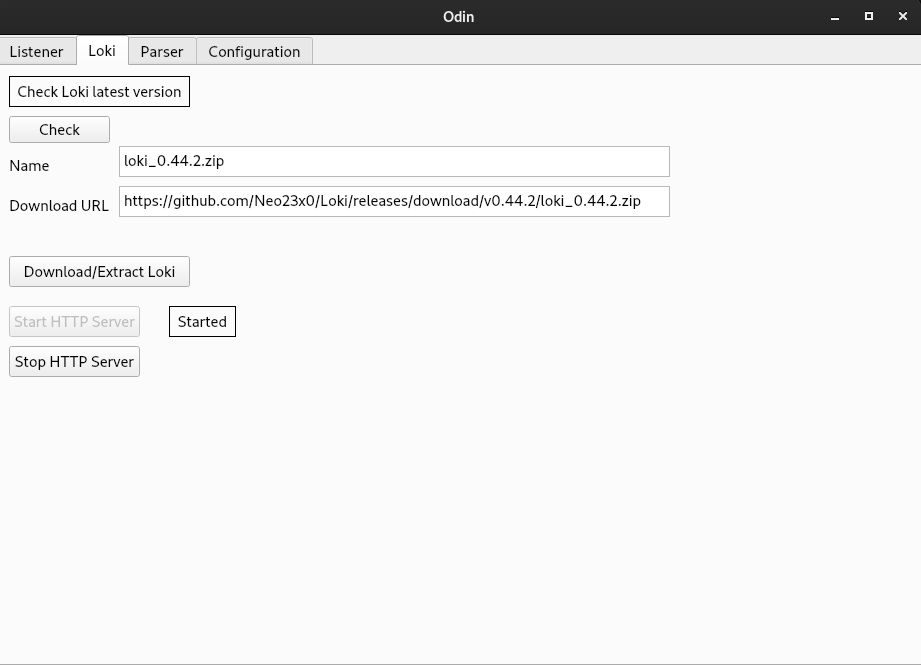
image

Deploy Loki

This step has ti be done manually using powershell script on a DC machine or suing domain admin account which the script deliver loki to all machines and start updating. The script is in Configurations tab and you can modiy the scipt as needed.
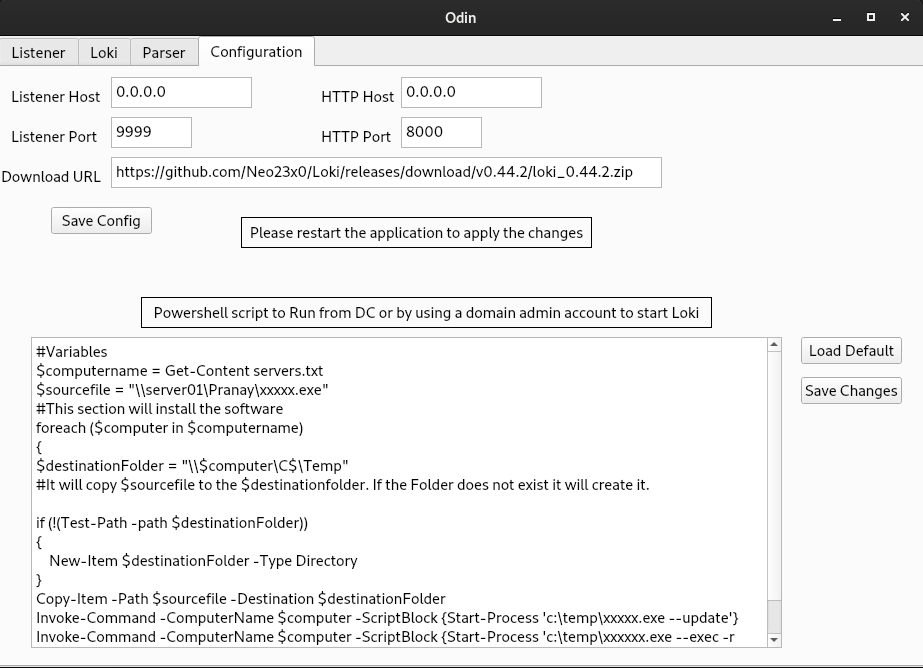
image

Collecting

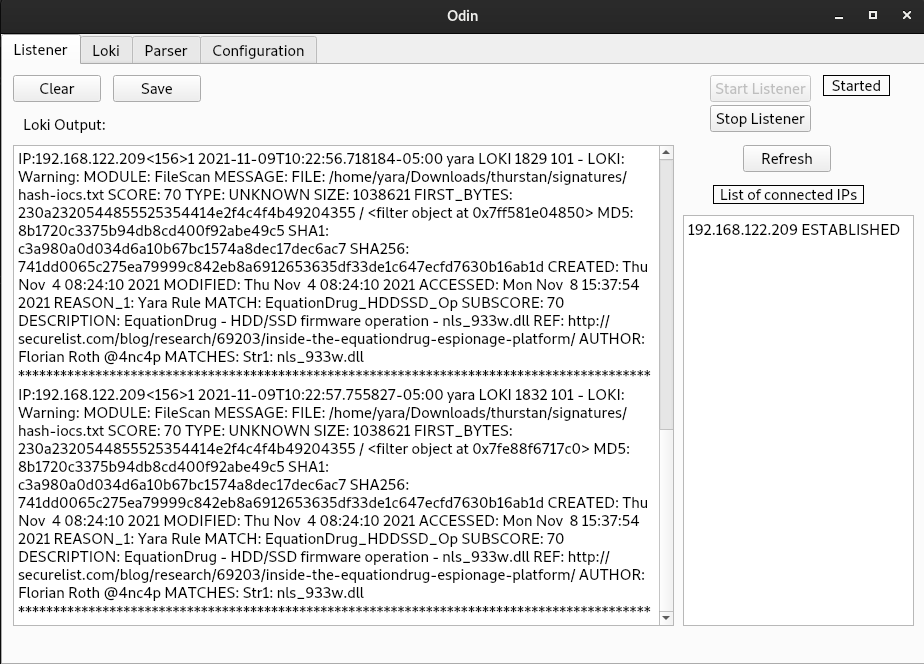
Start the listener then from the powershell script start Loki to search for IoCs and results will be sent from Loki to Odin
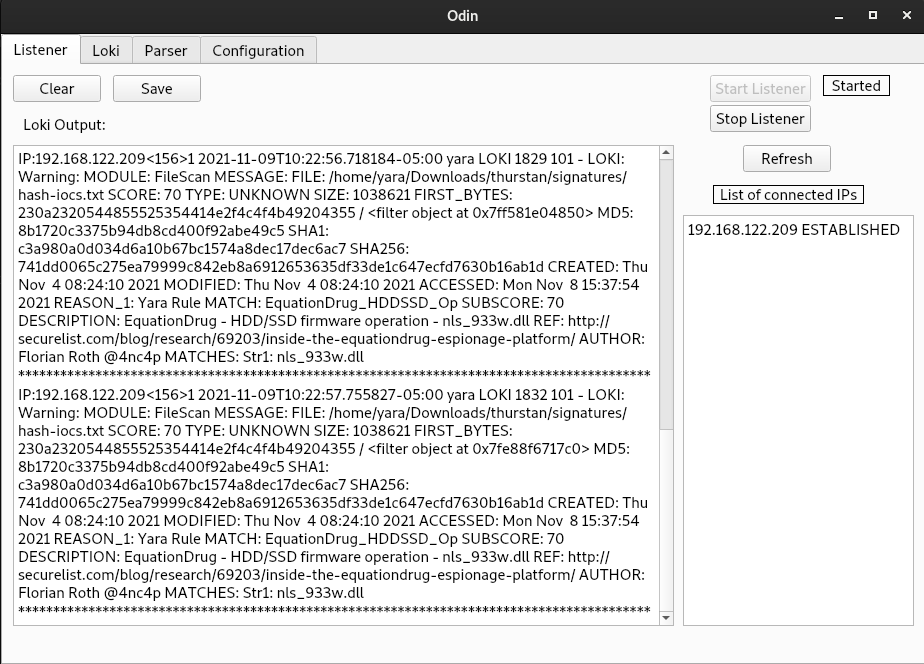
image

Parsing

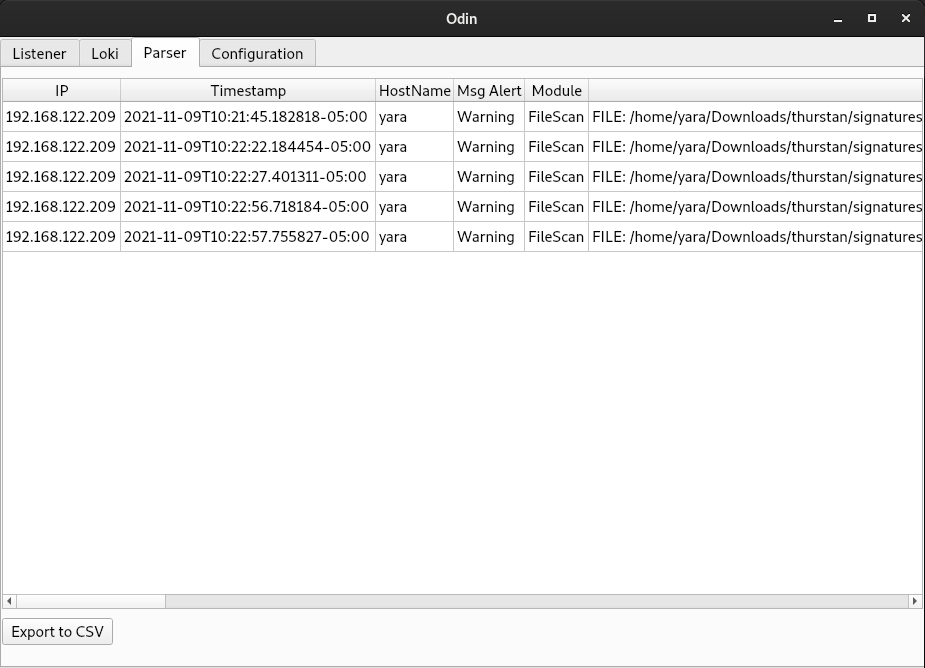
Collected logs will be parsed and can be exported as CSV file to be handled with something else like ELK.
image

Download Tool