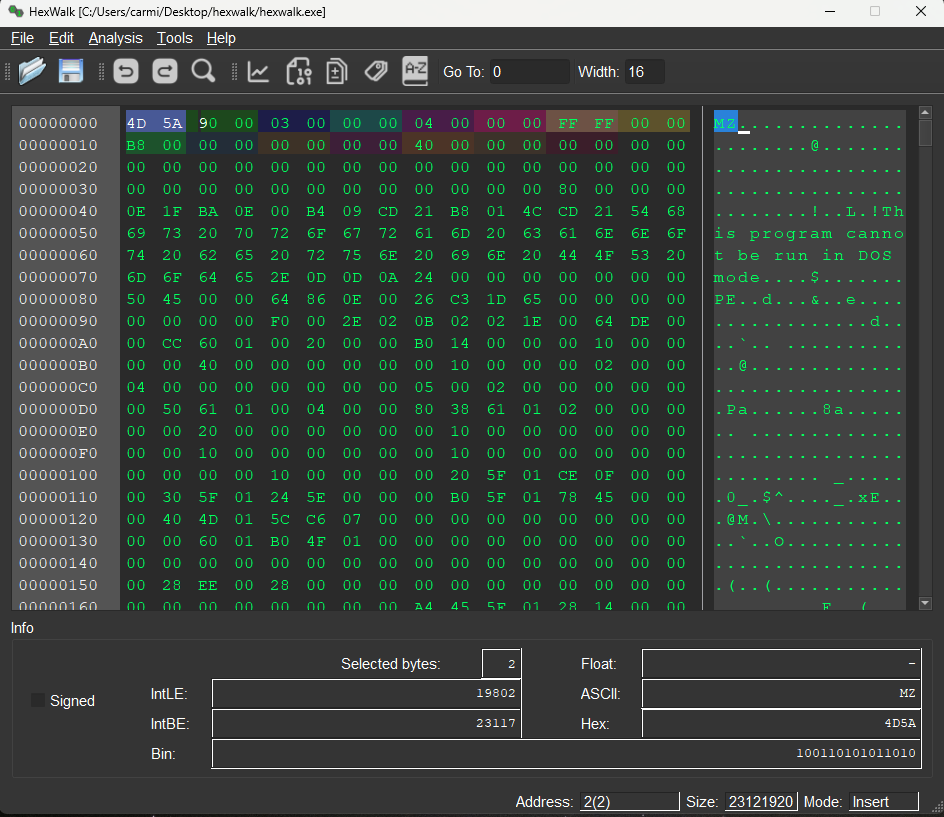
Hex Viewer/Editor/Analyzer compatible with Linux/Windows/MacOS

HexWalk is an Hex editor, viewer, analyzer.
Built on qhexedit2, Capstone and Qt, with a built-in signature scanner, HexDig, inspired by binwalk.
It is cross platform and has plenty of features:
Main page
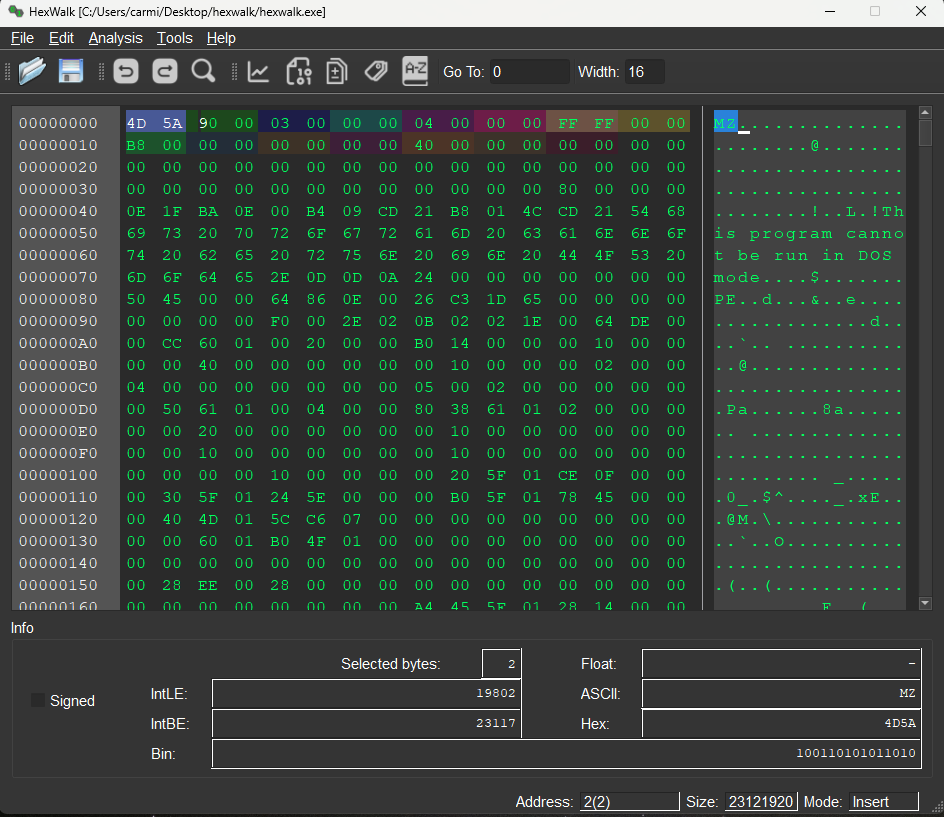
Byte Map
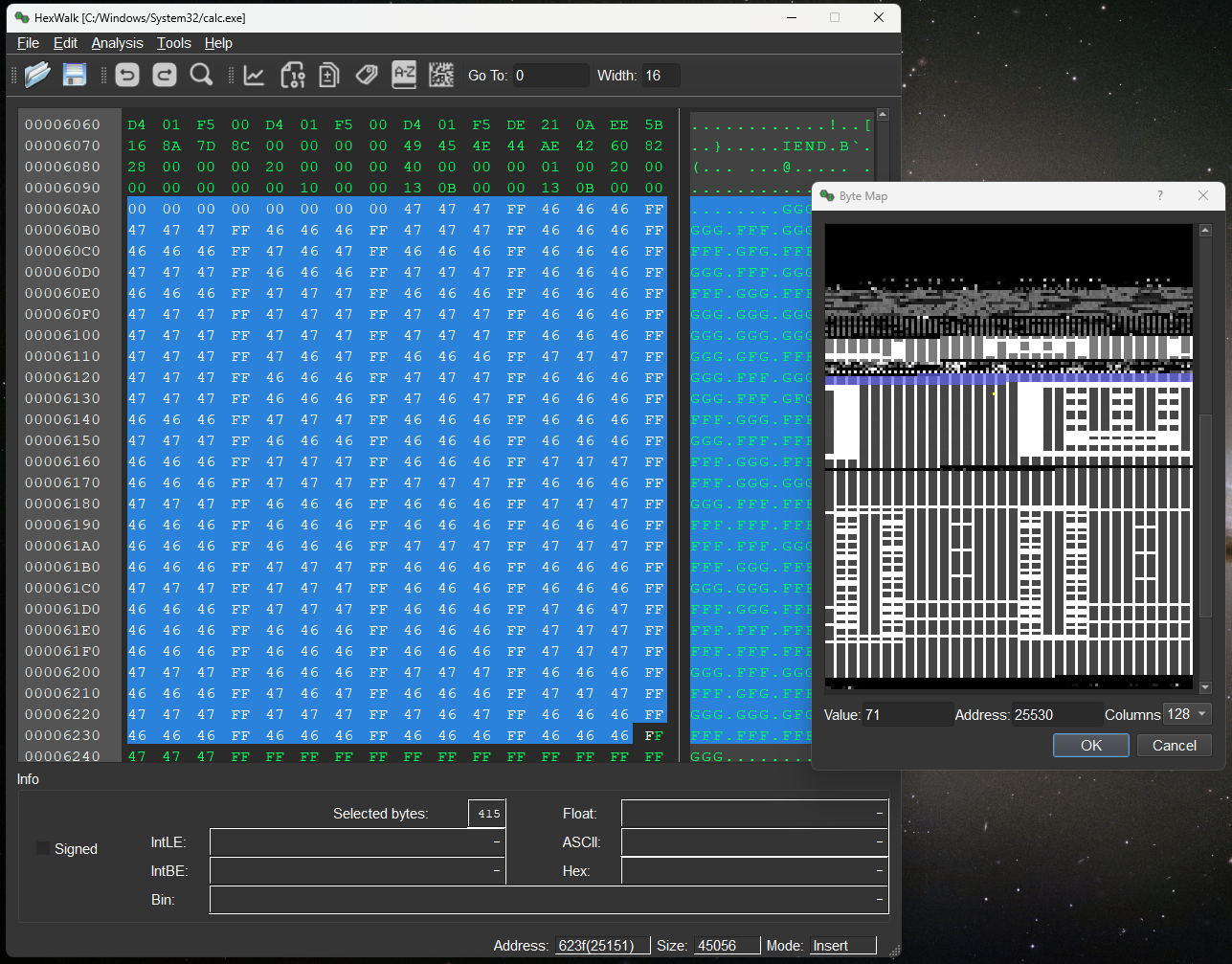
Advanced Search
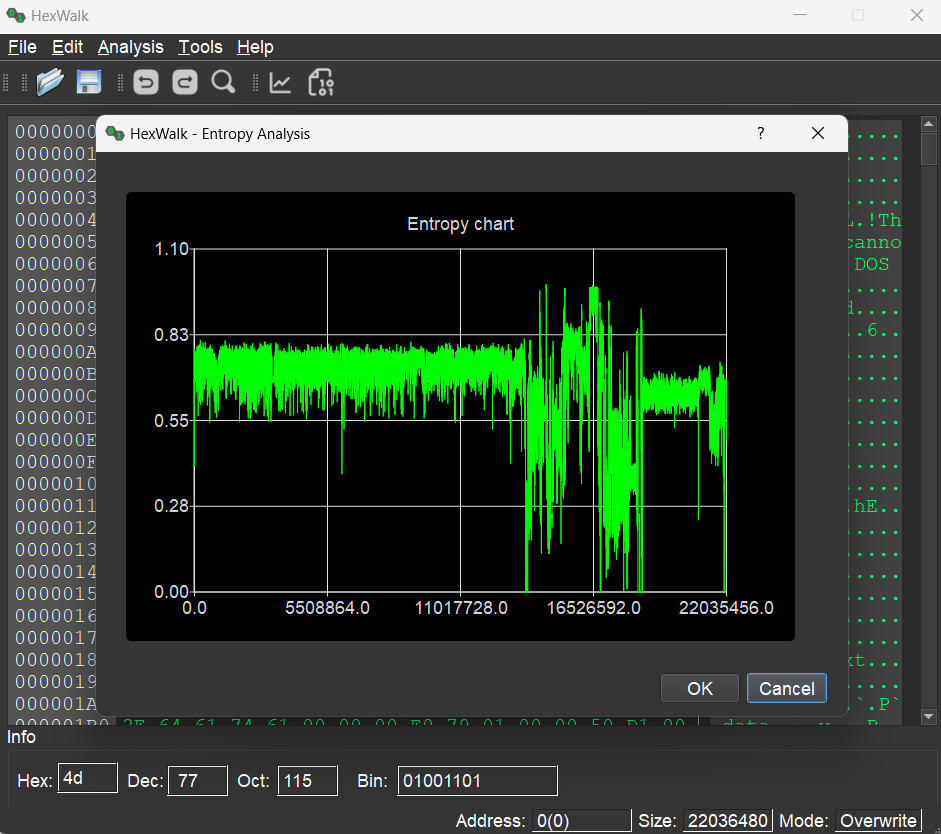
Entropy Calculator
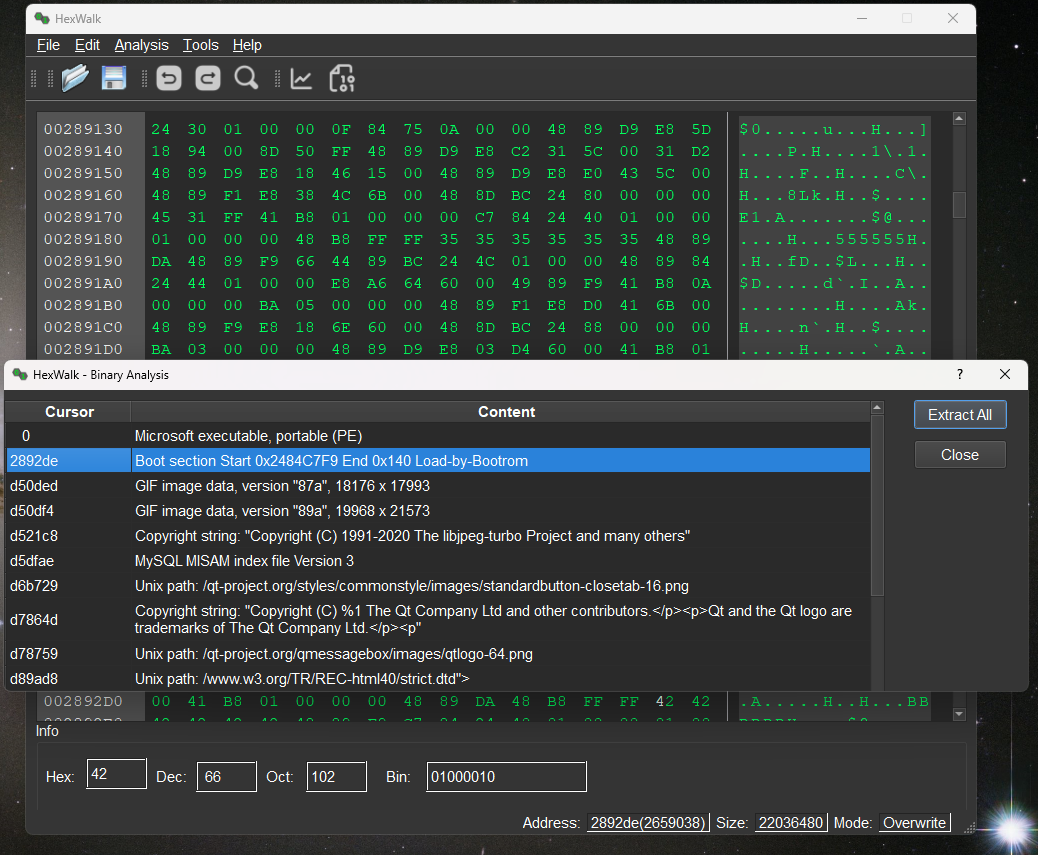
Binary Analyzer
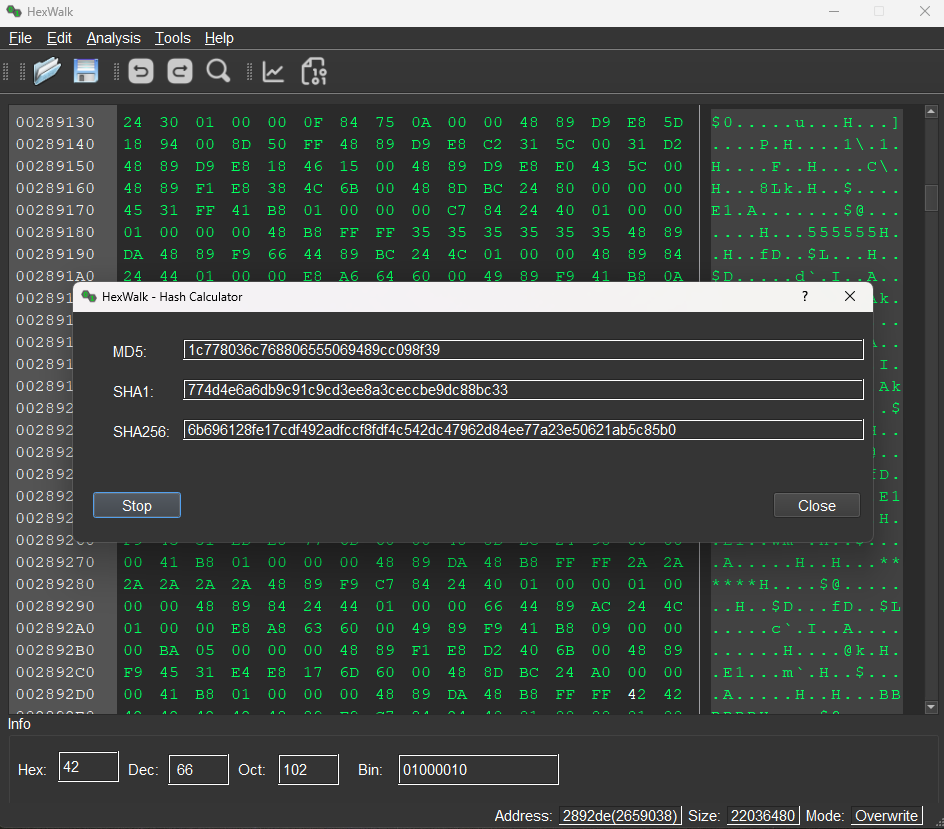
Hash Calculator
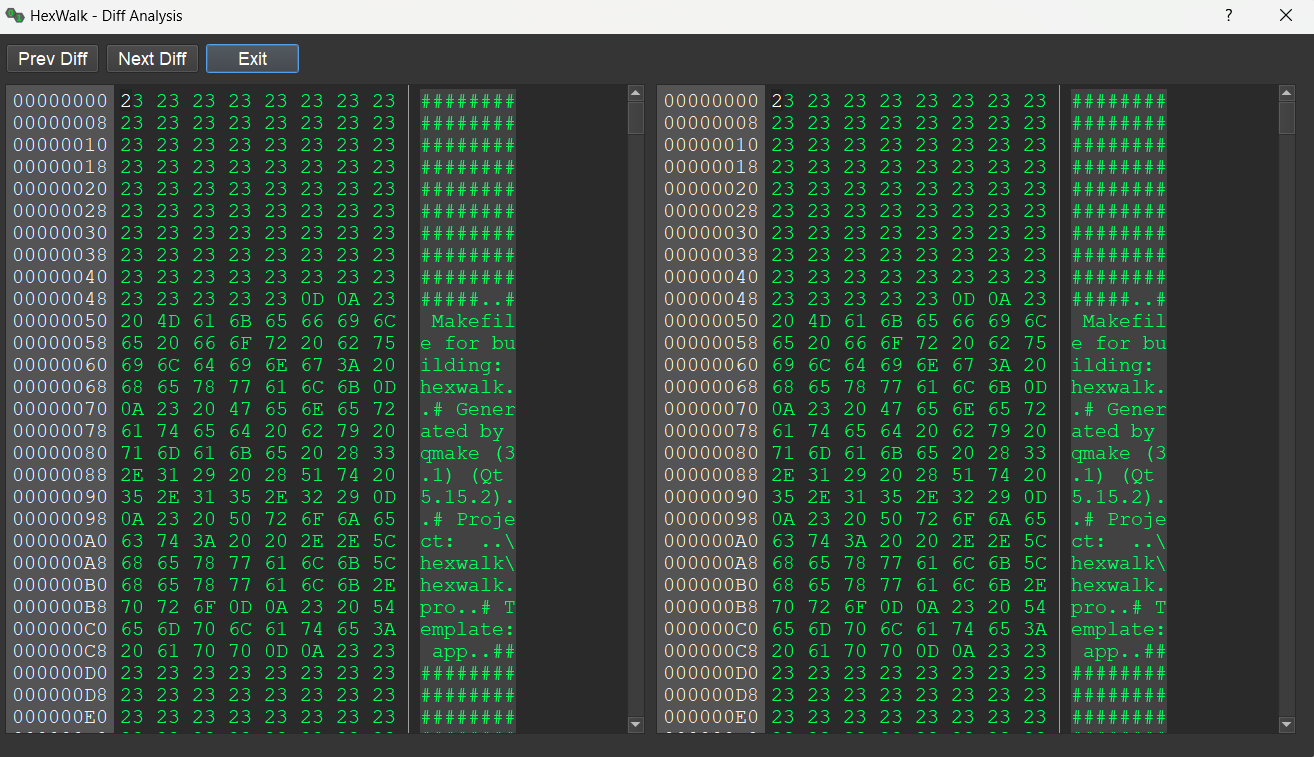
Diff Analysis
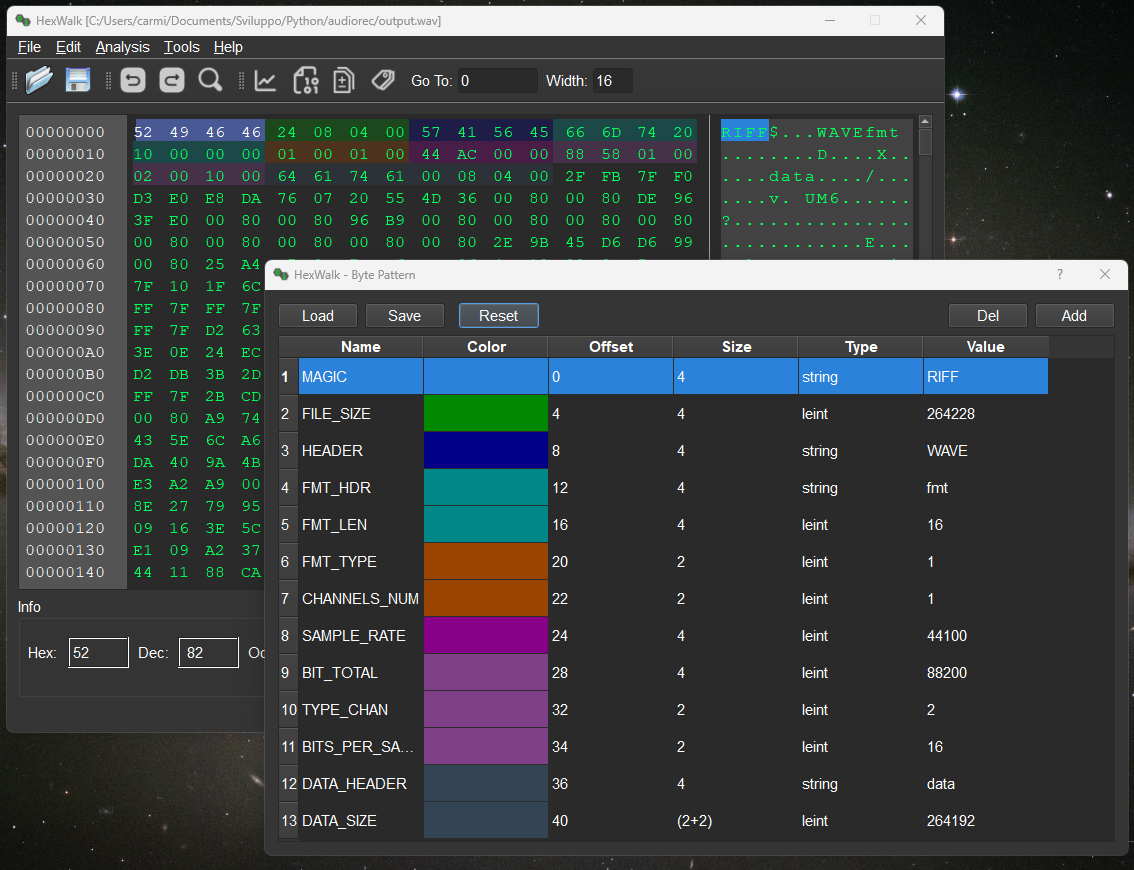
Binary Patterns for header parsing
HexWalk release executables are self-contained, you can use as-is.
The binary analyzer can be backed by either of two engines, selectable in Options → Analyzer:
7z
tool when extracting archives (ZIP, 7Z, TAR, GZIP, …). On Linux install
it with your package manager (sudo apt install 7zip, or
p7zip-full on legacy systems). The Windows installer bundles it; the
macOS build ships it inside the application bundle.sudo apt install binwalk on Linux,
brew install binwalk on macOS, or from the upstream repository.For more details about the usage go to the Wiki:
https://github.com/gcarmix/hexwalk/wiki
HexWalk on Windows is released in different flavours:
The fastest way to install it is through winget:
winget install hexwalk
On MacOS you can easily download the .dmg file available in the release page and drag the app in the Applications folder as usual
The project is now available on backports for Bookworm, just enable the backports repos by adding this line to /etc/apt/sources.list:
deb http://deb.debian.org/debian bookworm-backports main
and then type in:
sudo apt update

sudo apt install hexwalk
The project is also available on launchpad https://launchpad.net/hexwalk to install on Ubuntu you can simply do:
sudo add-apt-repository ppa:carmix/ppa

sudo apt update

sudo apt install hexwalk
For other Linux distributions there's the AppImage file available in the release page. Just download, give execution permissions and you are ready to go.
The AppImage needs libfuse2 (or libfuse2t64 on Ubuntu 24.04+) on the
target machine to mount itself.
HexWalk uses CMake and requires Qt 6 (Core, Gui, Widgets, Charts).
cmake -B build -DCMAKE_BUILD_TYPE=Release
cmake --build build -j
Helper scripts at the repo root:
linux_build.sh — one-shot Linux buildbuild-appimage.sh — produce a self-contained HexWalk-*.AppImage (uses linuxdeploy + the Qt plugin; downloads them on first run)build-deb.sh — produce a Debian source / binary package using the overlay under deb-packaging/hexwalk-2.0.0/debian/The hexdig CLI is also built as part of the project — see
hexdig/README.md for standalone usage.
Thanks to these projects:
Binwalk - https://github.com/ReFirmLabs/binwalk (inspiration for the embedded HexDig scanner)
QHexEdit2 - https://github.com/Simsys/qhexedit2
Qt
Capstone - https://www.capstone-engine.org