 gathin23/cleanyourtv
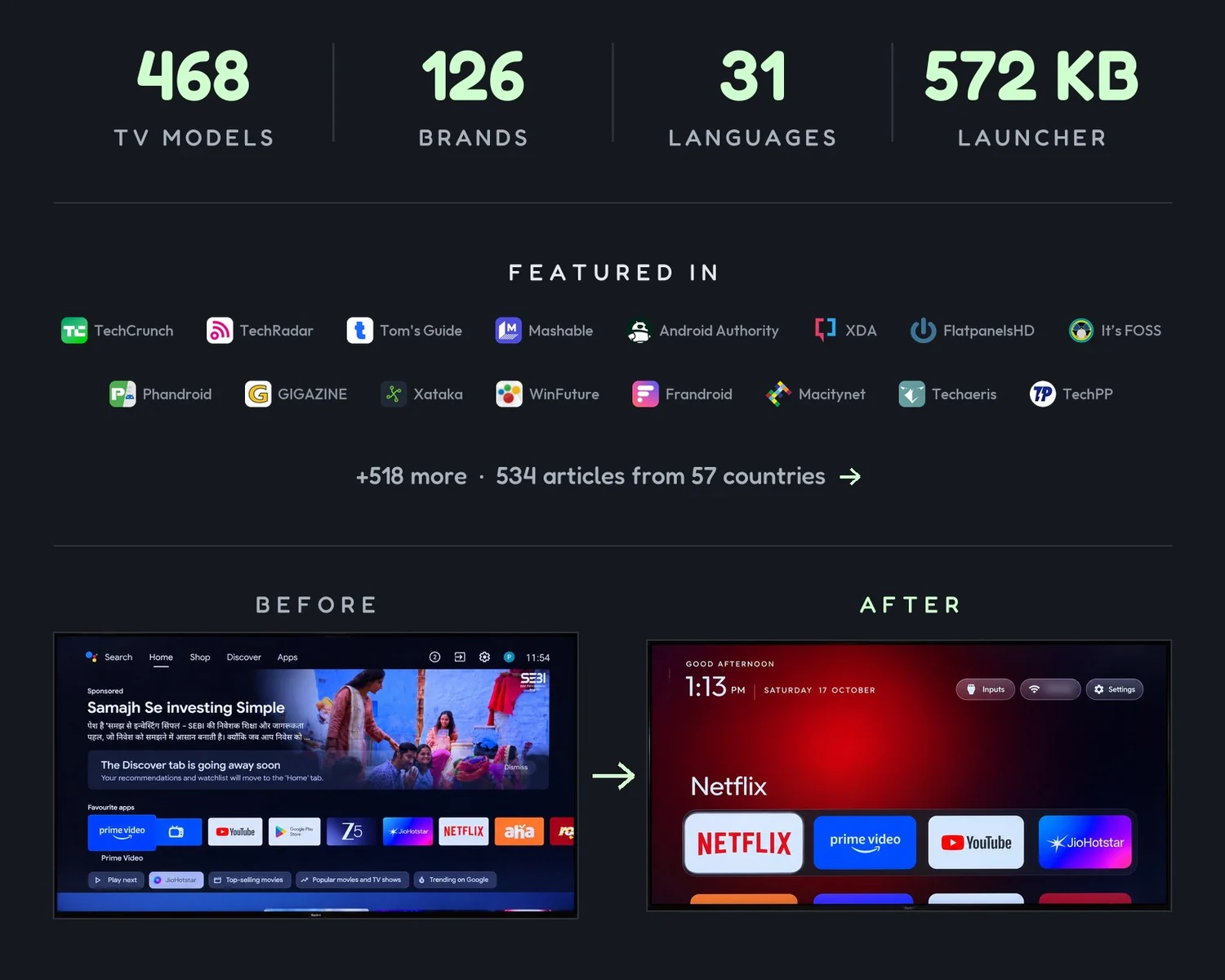
Debloat any Android or Google TV over Wi-Fi and get an Apple TV-style home.


Read in: עברית · 简体中文 · 正體中文 · Tiếng Việt · 日本語 · Italiano · Português · Nederlands · Deutsch · Українська · Türkçe · Oʻzbekcha · Français · Español



| You have | Go to |
|---|---|
| An Android TV or Google TV | Quick start: a coding assistant does the work in about fifteen minutes. |
| A Samsung, LG, Roku, Vizio or Hisense VIDAA TV | cleanyour.tv/not-android: CleanYourTV can't run there, but you can turn off the tracking with your remote. |
| A phone or laptop, no coding agent | One of the community apps for Android phones, Mac and Windows, made by independent developers. |
| Want to see it first | What you get: screenshots of the new home screen. |
Official links: cleanyour.tv and this repo. Other domains using the name, such as cleanyourtv.com, are not run by this project (#1004). CleanYourTV publishes no app in any app store, and clean-your-tv.net is not ours either.
How it works · Quick start · What you get · Supported TVs · Doing it by hand · The launcher · Restoring · Firmware updates · Questions · Contributing
Android TVs have the same debug bridge as Android phones. Switch on USB debugging in the TV's developer options, allow your computer once, and the rest is standard Android tooling:
| Step | What happens |
|---|---|
| Back up | The list of installed packages and settings. |
| Disable | The manufacturer's telemetry, ad services, content rows and preloaded junk, with pm disable-user. Nothing is uninstalled, so a restore script can undo every step. |
| Install | A small native launcher, made the default home screen. |
No root, no cable, nothing uninstalled, and a one-line restore if you change your mind.
The bloat differs by brand, so the prompt has your coding assistant discover it on your TV and ask before touching anything you might use.
| You have | Do this |
|---|---|
| A computer | Use the prompt with a coding assistant: the three steps below. |
| A computer, no coding assistant | Run the three steps yourself: the commands are in Doing it by hand. |
| A phone or laptop, no coding assistant | Pick one of the community apps: free, open-source apps built on these TV lists by independent developers. |
The three steps below are written for a coding assistant: the computer needs to be on the same Wi-Fi as the TV, with a shell on it, plus Python 3, a JDK from 17 through 22, and Android SDK platform 34 with build-tools 34 (the assistant builds the launcher there). Without an assistant, Doing it by hand is the same job, run by you, and it has the install commands.
Any of these work: Claude Code (on 0G Private Computer or an Anthropic plan), Codex, Gemini CLI, Antigravity CLI or DeepSeek Harness.
