 fortra/cve-2023-28252
Technical analysis and proof-of-concept exploit for CVE-2023-28252, a Windows Common Log File System (CLFS) driver privilege escalation vulnerability used in Nokoyawa ransomware attacks.

Since February 2022 was reported a new ransomware that appears to be
using a Windows 0-day vulnerability, according to the research conducted
by Trend Micro.
More information about this ransomware can be found at this
link.
According to analysis by Kaspersky, the Nokoyawa ransomware group has
used other exploits targeting the Common Log File System (CLFS) driver
since June 2022, with similar but distinct characteristics, all linked
to a single exploit developer.
In April 2023 when Microsoft released the patch, the
CVE-2023-28252
as assigned.
Previously, in 2022 a similar bug in the same component was researched
by us, and documented in this
blogpost
To face the analysis, it’s necessary to know the .blf file format, that is handled by the vulnerable Common Log File System driver called CLFS.sys and that is in driver’s folder within system32.
More information about this filetype can be found in the links below:
https://github.com/ionescu007/clfs-docs/blob/main/README.md
https://www.coresecurity.com/core-labs/articles/understanding-cve-2022-37969-windows-clfs-lpe
This analysis is made for Windows 11 21H2, clfs.sys version 10.0.22000.1574 although it also works on Windows 10 21H2, Windows 10 22H2, Windows 11 22H2 and Windows server 2022.
In previous Windows versions, it’s necessary to adjust some values, otherwise we would produce a BSOD.
Microsoft Patch Tuesday april de 2023.
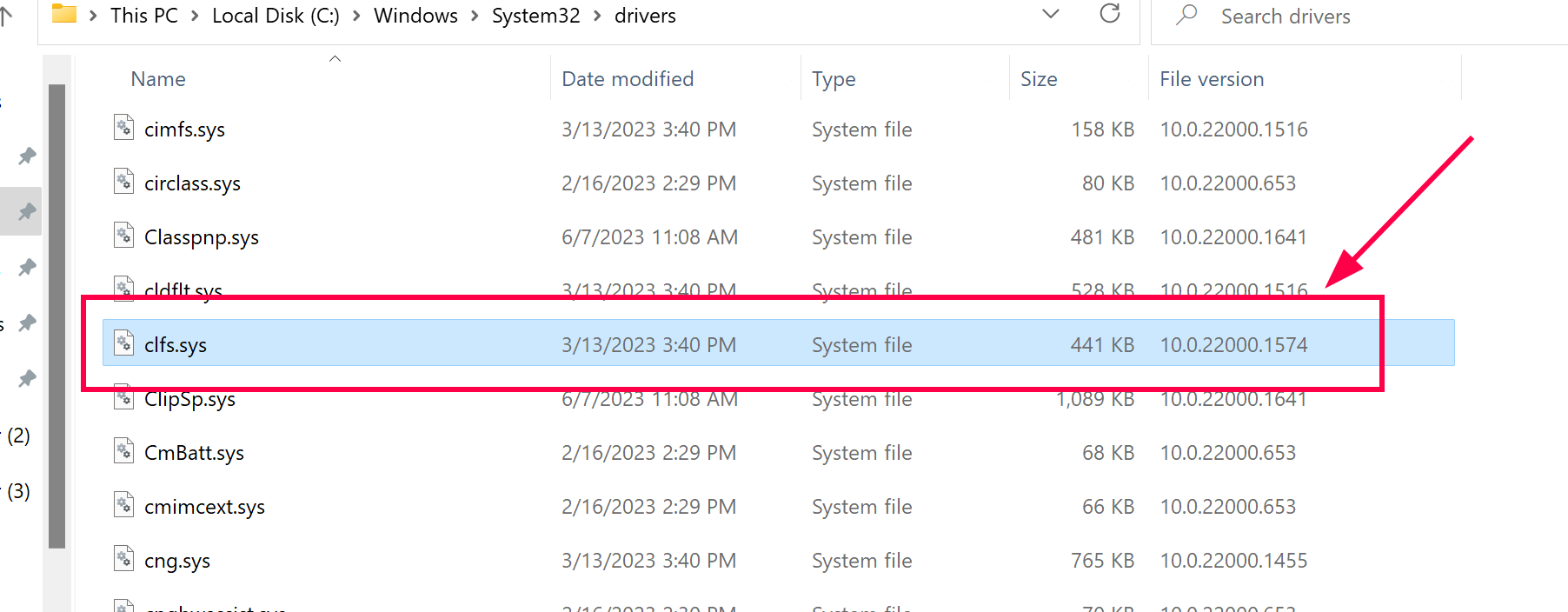 You can check the driver version
as shown
You can check the driver version
as shown
When the vulnerability was published, in April 2023 I started with Esteban Kazimirow to perform the reversing of the CLFS.sys driver, although in this case, just analyzing the patch was very difficult to deduce where the bug was and how to trigger it, since the exploitation is very complex.
Later, a blogpost came out whose author, from a sample of a malware, showed some parts of the code decompiled by HexRays and some information that guided where the exploitation had to be faced.
Obviously the provided info was not complete, but without this help it would have been unlikely to have come to build the PoC and later a functional exploit.
To make it easier to understand, we will first explain how to build the PoC and then we will do the vulnerability analysis.
This blogpost contains two sections:
Building the PoC:
1-Get the kernel addresses we need for exploitation
2-Preparing the Path to create the .blf files:
3-Create the "trigger blf" file using the CreateLogFile() function
4-Crafting the “trigger blf” file
5-Getting the kernel address of the BASE BLOCK of trigger blf
6-Calling AddLogContainer with the handle of trigger blf
7-Preparing the spray blf files
8-Preparing the memory to perform the spray
9-Triggering the bug
Debugging:
1-Checking the memory spray
2-Looking at the RecordOffset[12] of trigger blf
3-Looking at the iFlushBlock value in spray blf file
4-Why does it read from BLOCK 1 SHADOW instead of BLOCK 0 CONTROL ?
5-Why the checksum is equal to zero in blf spray files ?
6-Ending the exploitation.
7-The real patch
I’ll create a function named InitEnvironment to obtain some necessary Kernel addresses.
Get the EPROCESS address of my process and store it in the g_EProcessAddress variable, then the EPROCESS address of the SYSTEM process, and store it in system_EPROCESS, then the EHTREAD address of the main thread of my process, and I store it in g_EThreadAddress and finally the address of the PREVIOUS MODE that in this version of the PoC will not be used.
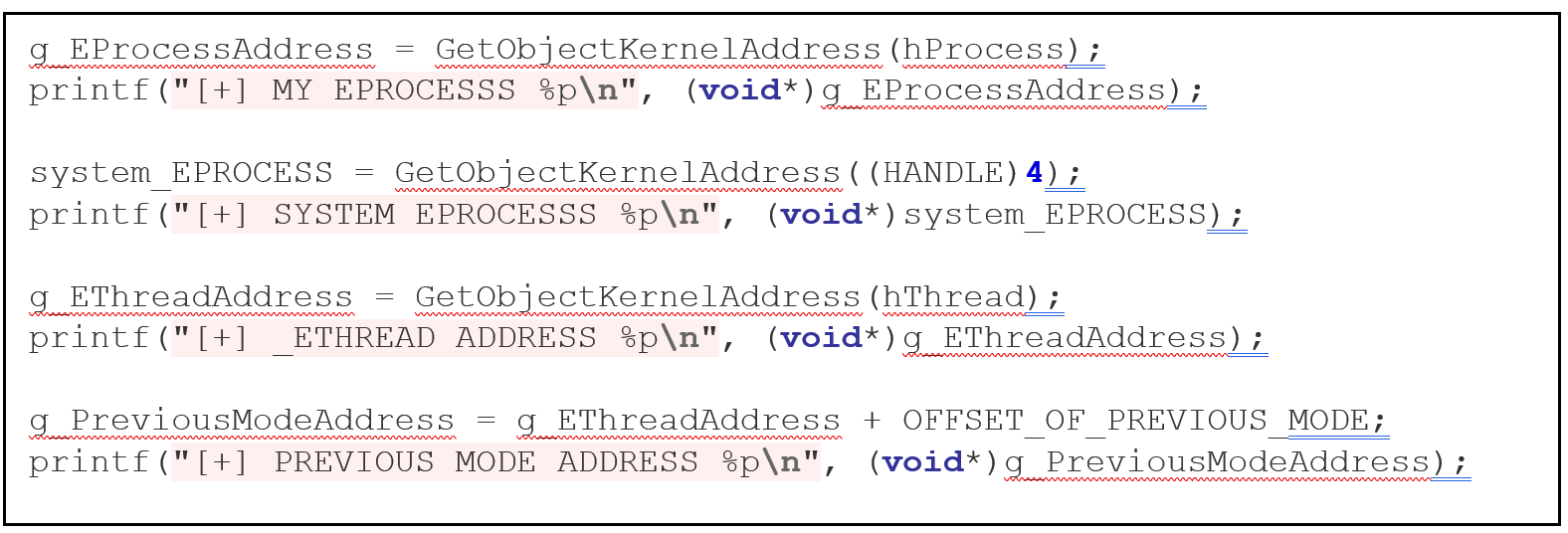
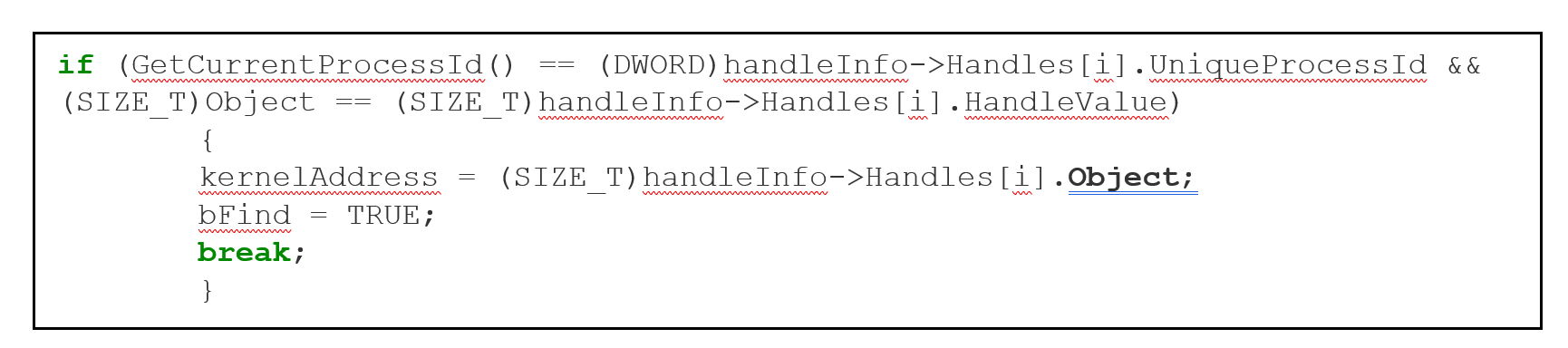
This method is well known, the GetObjectKernelAddress function, calls NtQuerySystemInformation twice with the first argument SystemExtendedHandleInformation, the first call is passed with an incorrect size and returns error, but also returns the correct size that is used in the second call and obtains the information of all the handles, then going through in a loop the information of each handle and in the field Object of the correct handleinfo gets the address searched in kernel.
I also need the kernel addresses of the following functions exported by CLFS.sys:
• ClfsEarlierLsn
• ClfsMgmtDeregisterManagedClient
And the exported functions from NTOSKRNL.exe
• RtlClearBit/PoFxProcessorNotification
• SeSetAccessStateGenericMapping
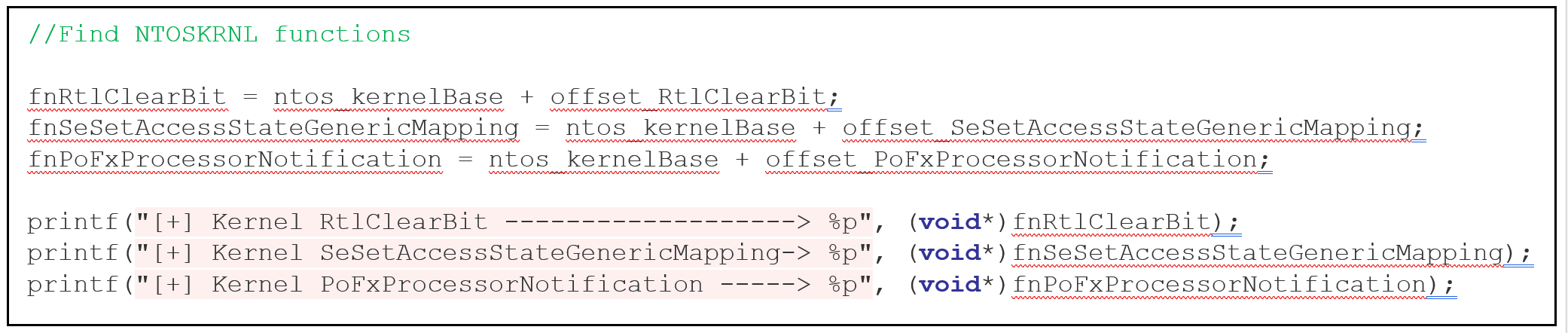
To get these addresses uses a similar method that is used to get the kernel base of both modules, by calling NtQuerySystemInformation twice, but in this case the first argument will be *SYSTEM_INFORMATION_CLASS (*in the PoC we use the FindKernelModulesBase function for this purpose).
 Then it loads CLFS.sys
and NTOSKRNL.exe as normal modules in user mode by calling to
LoadLibrary, obtains the addresses in user mode with
GetProcAddress and then subtracts the imagebase from each one, which
obtains the offset of the function and finally adds each offset to the
corresponding kernel bases and thereby obtains the kernel addresses of
all the necessary functions.
Then it loads CLFS.sys
and NTOSKRNL.exe as normal modules in user mode by calling to
LoadLibrary, obtains the addresses in user mode with
GetProcAddress and then subtracts the imagebase from each one, which
obtains the offset of the function and finally adds each offset to the
corresponding kernel bases and thereby obtains the kernel addresses of
all the necessary functions.
I create a function called createInitialTriggerBlfFile which will generate and write a .blf file.
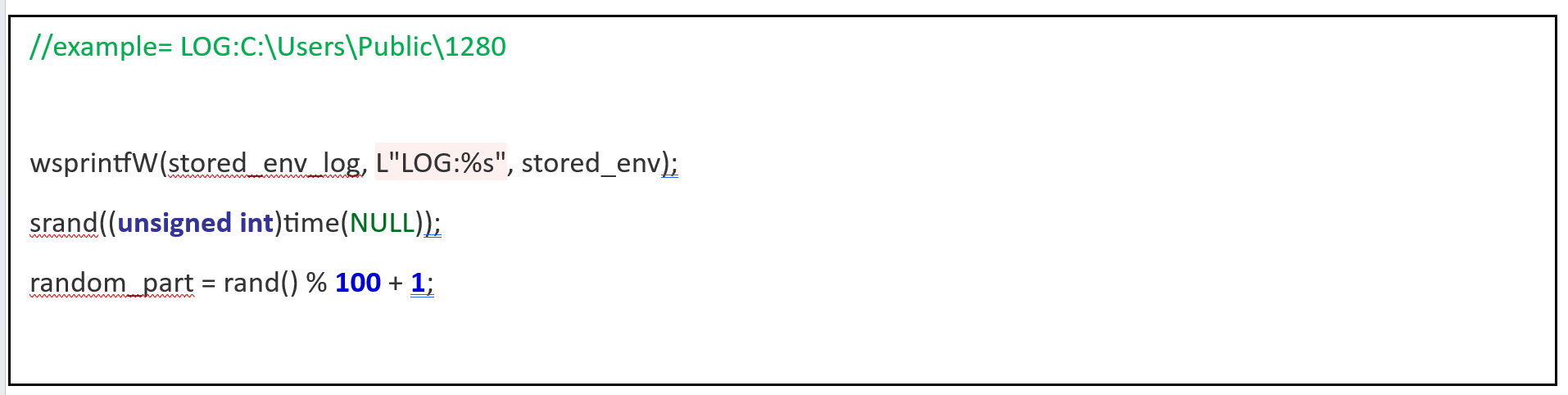
The path that is used as an argument in the CreateLogFile is different from a normal path, for example to open the file 1280.blf located in the C:\Users\Public folder, we must set the path LOG:C:\Users\Public\1280. This will be saved in the stored_name_CreateLog variable.
I do this by using wsprintfW() since stored_env stores the path C:\Users\Public, previously obtained from the environment variables. To this string I will prepend the string LOG: and a random name at the end, without the .blf extension.